

Nearly every monitor, TV, and capture card sold today has at least one HDMI port, but not all of them support the same resolution or refresh rate. Knowing what is an HDMI port and which version it carries explains why two cables that look identical can behave very differently.
- HDMI carries both video and audio over one cable, replacing the separate cables used before it.
- Three connector sizes exist: Type A (standard), Type C (Mini), and Type D (Micro), all carrying the same signal.
- HDMI 2.1 is the first version built for 4K at 120Hz, while older 1.4 ports top out at 4K30.
- Port size and version number are separate specs; a full-size port can still be an older, lower-bandwidth version.
What an HDMI Port Actually Is
HDMI stands for High-Definition Multimedia Interface. It carries uncompressed digital video and audio over a single cable, which is why it replaced the older combination of a video cable plus a separate audio cable. The full-size connector most people picture is called Type A, found on TVs, monitors, and desktop graphics cards.

Image: HDMI connector types compared. Credit: C0nanPayne via Wikimedia Commons, CC0 (Public Domain).
Why the Version Number Matters More Than the Shape
Two Type A ports can look identical and still behave differently, because the version number controls bandwidth, not the connector shape. According to Cable Matters, HDMI 1.4 carries about 10.2 Gbps, HDMI 2.0 about 18 Gbps, and HDMI 2.1 up to about 48 Gbps.
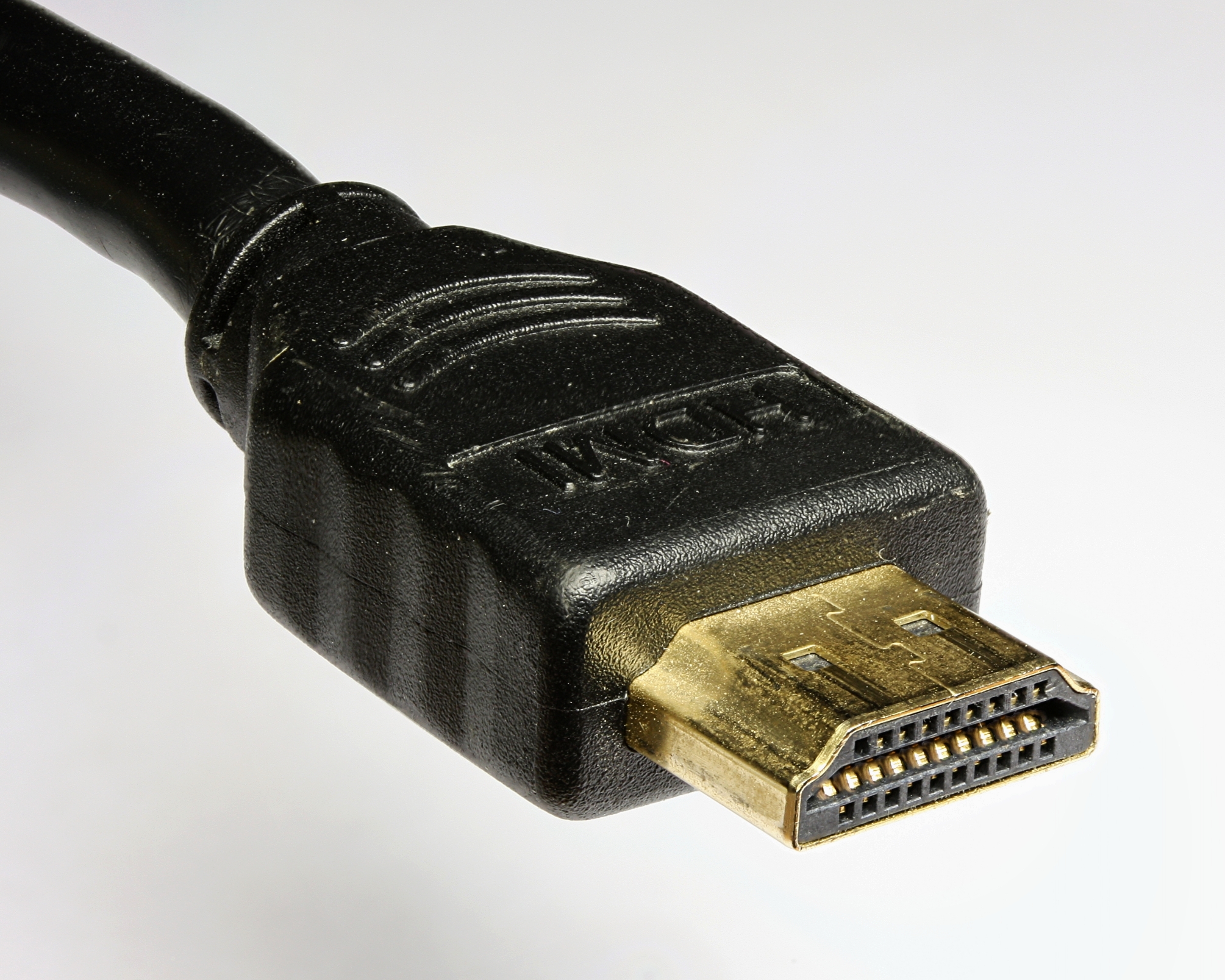
Image: A standard HDMI Type A male connector. Credit: D-Kuru via Wikimedia Commons, CC BY-SA 3.0 AT.
| Version | Bandwidth | Max Practical Output |
|---|---|---|
| HDMI 1.4 | ~10.2 Gbps | 4K at 24-30Hz |
| HDMI 2.0 | ~18 Gbps | 4K at 60Hz |
| HDMI 2.1 | ~48 Gbps | 4K at 120Hz, 8K at 60Hz |
Heads Up: a cable rated for an older HDMI version caps the connection at that version’s bandwidth even if both ends support something newer. The weakest link decides the result.
FAQs
1. Is a smaller HDMI port worse than a full-size one?
No. Mini and Micro HDMI carry the exact same signal as standard Type A; they exist only because some devices are too thin for a full-size connector.
2. Can I tell the HDMI version just by looking at the port?
No. The shape stays the same across versions 1.4 through 2.1. The version only shows up in the device’s spec sheet, never on the port itself.
3. Do I need a special cable for HDMI 2.1 features?
Yes. Ultra High Speed HDMI cables are built for 2.1-level bandwidth; an older cable still connects physically but bottlenecks the signal to its own rated speed.
This article is for informational purposes; specs and compatibility may change, always check the manufacturer’s latest listing.


