


The best prebuilt gaming PCs for 1440p gaming balance GPU power with CPU support and enough memory to avoid bottlenecks. The systems below pair modern graphics cards like the RTX 5070 or RX 9070 XT with capable processors, so you can game at high settings without compromise. The STORMCRAFT Falcon and Alienware RTX 5060 Ti represent two strong entry points depending on your budget and performance goals.
Recommended by Us

STORMCRAFT Falcon RTX 5070 Gaming PC
- RTX 5070 GPU significantly outperforms the 5060 Ti for high-refresh 1440p and 4K gaming
- Ryzen 7 7800X3D is a top-tier CPU for both gaming and professional content work like 4K video editing and streaming
- 32GB DDR5 RAM and 1TB SSD provide ample capacity for gaming, multitasking, and content creation
- Includes keyboard, mouse, and modern connectivity (Wi-Fi 6E, Bluetooth 5.3, USB-C) so no additional purchases needed
- 3-year labor and 2-year parts warranty with free lifetime technical support offers strong buyer protection
- No user reviews available yet, so real-world durability and customer satisfaction cannot be verified
- 1TB SSD may fill quickly with modern AAA game installs and 4K video files; upgrade path not detailed in listing

Alienware RTX 5060 Ti Gaming Desktop
- Ecosystem lighting control via Alienware Command Center simplifies customization
- Intel Core Ultra 7 265F handles gaming and streaming simultaneously
- Onsite service support included for the first year reduces repair hassle
- Modern chassis design with striking stadium lighting effects
- Blackwell architecture GPU provides current-generation gaming capabilities
- RAM and storage capacity not specified in product listing
- RTX 5060 Ti is entry-level for the price point; demanding games may require settings adjustments
- No mention of upgrade paths or component accessibility in the available details

ZOTAC MEK Gaming PC Ryzen 7 RTX 5070 Ti
- No assembly needed - unbox and start gaming immediately
- High-end GPU and CPU pairing handles demanding games and creative workloads
- Fast DDR5 memory and NVMe storage reduce load times significantly
- Extensive connectivity including WiFi 6E, Bluetooth 5.3, and support for up to 4 displays
- Tempered glass case design with ARGB cooling fans for visual appeal
- No reviews available to verify real-world performance and reliability
- Return shipping after warranty service limited to U.S. addresses only
- Case size and weight (28.2 lbs) may require dedicated desk space

KOTIN Ryzen 7 9800X3D Gaming PC RX 9070
- High-end CPU and GPU combo handles 1440p and 4K gaming, streaming, and professional workloads
- Integrated 11.3-inch display provides at-a-glance system monitoring without extra peripherals
- DDR5 memory and NVMe storage ensure fast loading and smooth multitasking
- Plug-and-play setup with Windows 11 pre-installed saves time and configuration hassle
- WiFi 7 support provides cutting-edge wireless speed for gaming and downloads
- No user reviews yet available to confirm real-world performance or reliability
- Monitor and peripherals not included; connection must be made to GPU ports on lower back of case, not motherboard ports
- Upgrade path and internal component accessibility not detailed in listing

MSI Codex R2 RTX 5070 Gaming PC
- RTX 5070 delivers strong 1440p and 4K performance with modern ray tracing features
- 32GB DDR5 RAM provides plenty of headroom for gaming and content creation workloads
- Upgradeable design uses standard components, avoiding proprietary hardware lock-in
- Dedicated RGB CPU cooler and four-fan system keep thermals stable during extended play
- Wi-Fi 6E support future-proofs your wireless connectivity
- No dedicated power supply wattage listed, making it difficult to plan for future GPU upgrades
- Air cooling only; liquid cooling is not an option if you plan to push overclocking
- Zero verified customer reviews available yet, so real-world reliability data is limited
What 1440p Gaming Actually Needs
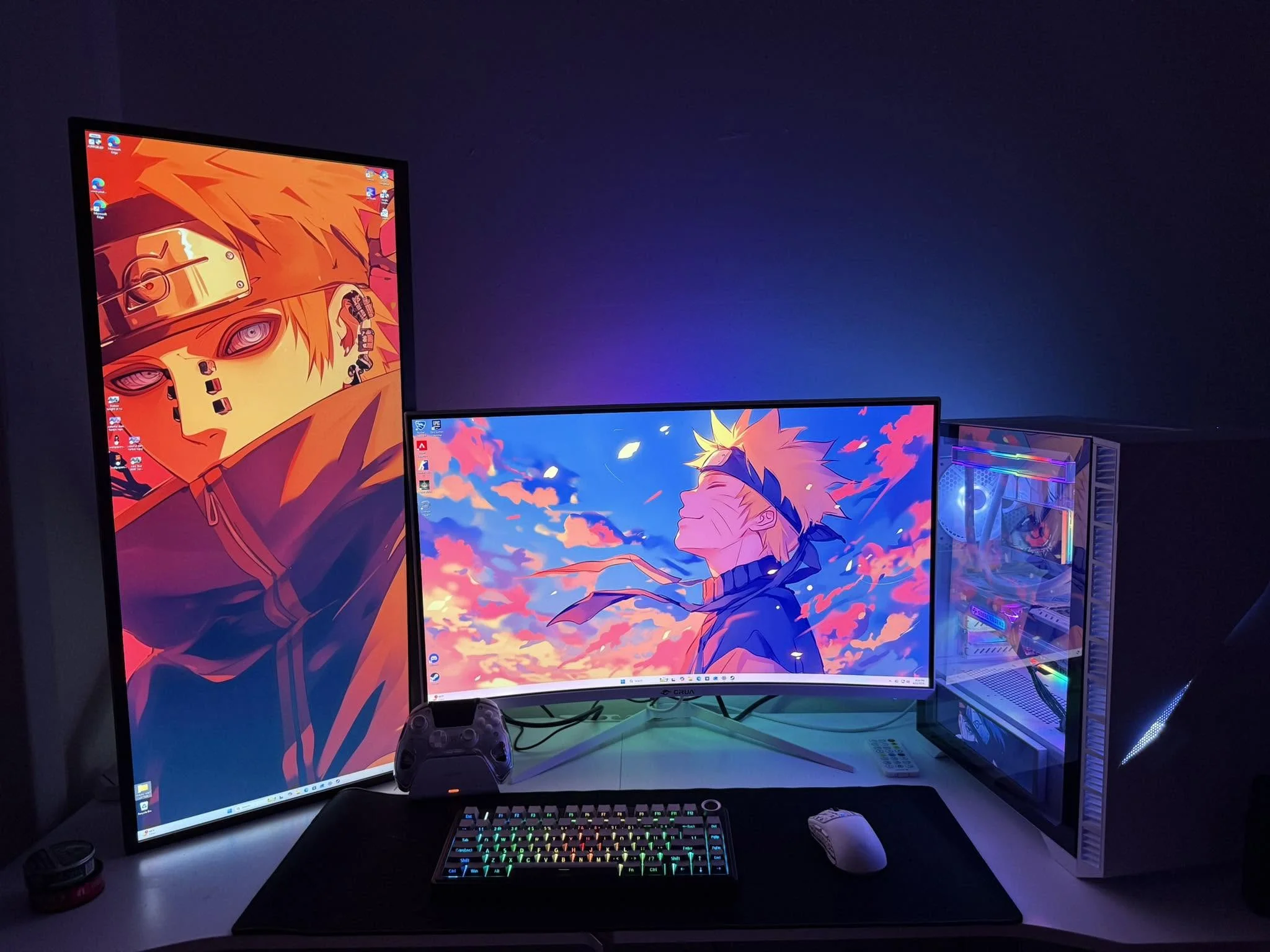
At 1440p resolution, your graphics card becomes the primary bottleneck. Unlike 1080p gaming where CPU choice matters more, a 1440p system lives or dies by its GPU. You need enough VRAM and core performance to handle modern games at high or ultra settings without constant frame rate dips. This is where cards like the RTX 5060 Ti, RTX 5070, and RTX 5070 Ti make the difference between playable and smooth. The CPU takes a supporting role, though a mid-range Ryzen 7 or Intel Core i7 still prevents unnecessary stuttering.
Memory and storage have shifted over the past couple of years. Thirty-two gigabytes of DDR5 RAM is now the sensible baseline for 1440p gaming, especially if you stream or run background applications. A 1TB NVMe SSD covers your OS and a solid game library without constant uninstalls. Older prebuilts that ship with 16GB are worth skipping unless the price is unusually low. Check the specifications carefully, because storage and memory upgrades later cost more than buying them upfront. For more details on GPU performance, see our nvidia GeForce RTX 5070 founders edition review.
GPU Tiers for 1440p
Here is how modern graphics cards stack up for 1440p gaming:
| GPU | VRAM | Where It Lands |
|---|---|---|
| RTX 5060 Ti | 8 to 16GB | Entry-level 1440p at high settings |
| RTX 5070 or RX 9070 | 12 to 16GB | 1440p at ultra settings |
| RTX 5070 Ti or RX 9070 XT | 16GB | 1440p at maximum settings plus 4K headroom |
Stepping up a tier makes sense if you plan to keep the PC for four or more years, play demanding new releases, or want to push 240Hz monitors at 1440p. Stepping down works if you play older titles, use DLSS, or are budget-conscious. The RTX 5060 Ti handles most AAA games comfortably, while the RTX 5070 removes any doubt. The RTX 5070 Ti is overkill for pure 1440p but gives you room to upgrade your monitor to 4K later. For a closer look at the entry-level option, check our nvidia GeForce RTX 5060 ti review.
How to Choose a 1440p Prebuilt
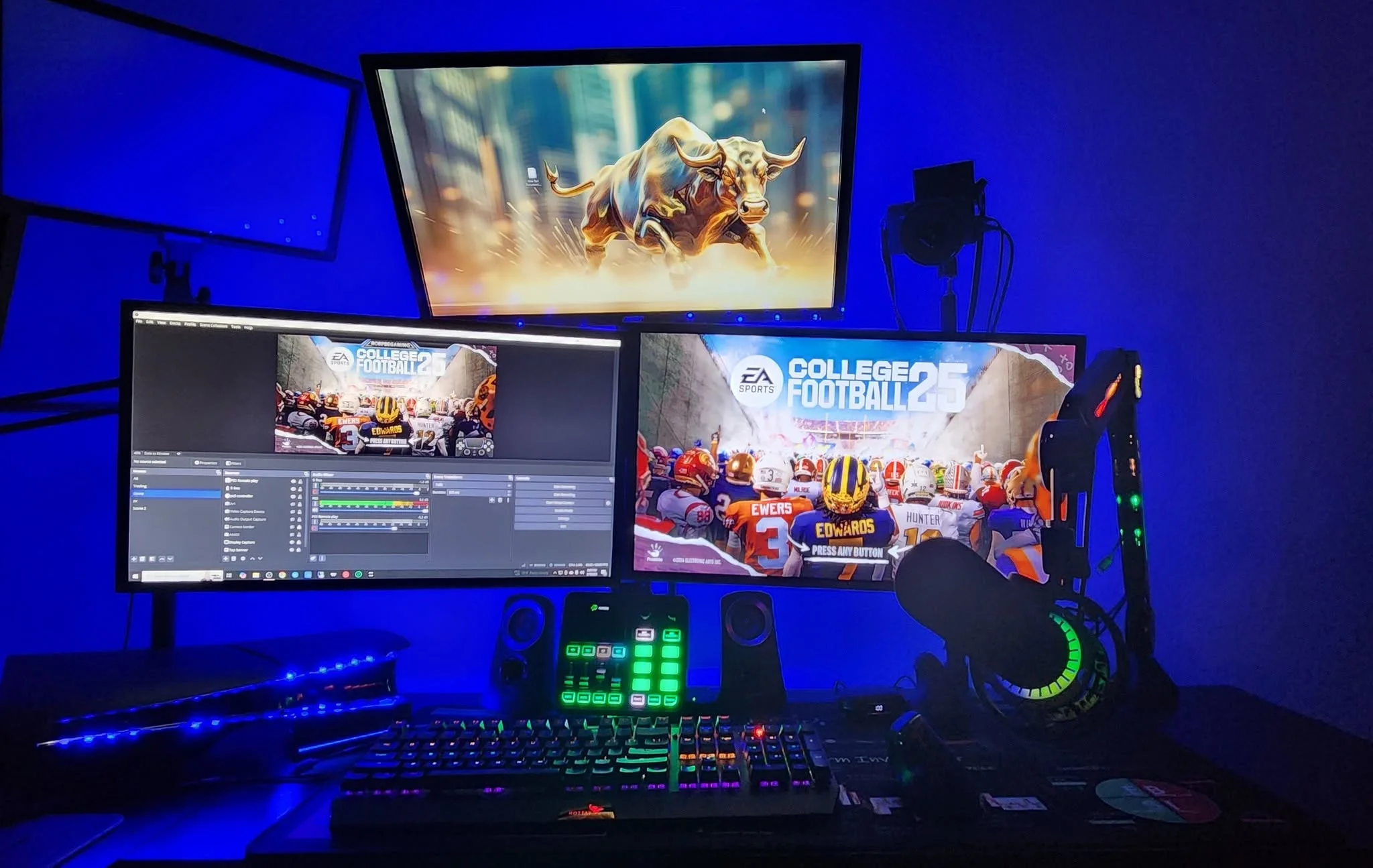
Picking the right system involves more than just GPU and CPU specs. Look at the whole package: cooling, power delivery, memory, and future upgrade paths.
CPU Pairing
A Ryzen 7 or Intel Core i7 or Core Ultra 7 is the safe choice for these graphics cards. At 1440p, the CPU does less heavy lifting than it does at 1080p, so you do not need the absolute fastest processor. A mid-range Ryzen 7 like the 7800X3D or 9700X pairs well with an RTX 5070, and an Intel Core i5 can work if you are buying an entry-level RTX 5060 Ti system.
The key is avoiding older or budget CPUs that might cause frame rate stutters. Newer architectures like Ryzen 9000 series and Intel Core Ultra also bring better power efficiency, which helps your PSU and cooling system run quieter. Check the listing to confirm you are getting a current-generation or recent-previous-generation processor, not a clearance part from three years ago.
Memory and Storage
Thirty-two gigabytes of DDR5 RAM is the standard you should expect. This covers gaming, streaming, video editing, and heavy multitasking without slowdowns. A 1TB NVMe SSD with PCIe 4.0 or 5.0 speed is the sweet spot for boot times and game loading. Some older listings still ship 16GB RAM, and that is worth avoiding unless the price is significantly lower and you plan to upgrade immediately.
Storage expansion matters too. Check whether the motherboard has extra M.2 slots so you can add another drive later without replacing the first one. DDR5 memory is also more affordable now than it was two years ago, so buying 32GB upfront is smarter than starting with 16GB and upgrading later. See our best prebuilt gaming PC guide for more on memory trends.
Cooling and Case Design
A mid-tower or full-tower case with good airflow keeps temperatures stable during long gaming sessions. Look for listings that mention a 360mm all-in-one liquid cooler or a high-quality air cooler with multiple fans. Liquid cooling is quieter and more efficient for high-end CPUs, while good air cooling is simpler and just as effective for mid-range chips.
Case design matters for cable management and dust control. Tempered glass panels let you see your build, and removable filters make cleaning easier. Check whether the listing specifies the case model and cooling solution. Some prebuilts use generic cases with poor airflow, which can cause thermal throttling under sustained load. A well-designed case with good fans is worth the extra cost.
Power Supply and Upgrade Headroom
A 750W to 850W Gold-rated power supply is the sensible floor for 1440p gaming systems. This gives you enough power for the GPU and CPU under load, plus headroom to add storage or upgrade components later. Check that the listing explicitly states the PSU wattage and efficiency rating. Skimping on the power supply is a false economy that can shorten component lifespan and cause stability issues.
Gold efficiency means the unit wastes less power as heat, which keeps your system quieter and cooler. Some listings ship Bronze or Standard units to cut costs, and those are worth avoiding. A quality PSU is one of the few components you do not want to cheap out on, because it powers everything else in the system.
Who Should Buy Which System
- Best overall: The STORMCRAFT Falcon combines the RTX 5070 with a Ryzen 7 7800X3D and 360mm liquid cooling, hitting the sweet spot for 1440p performance and streaming.
- Best value entry into 1440p: The Alienware Gaming Desktop with RTX 5060 Ti and Intel Core Ultra 7 delivers smooth 1440p gaming at a lower price point.
- Best performance headroom: The ZOTAC MEK Gaming PC pairs the RTX 5070 Ti with a Ryzen 7 9700X, giving you room to upgrade to 4K or push 240Hz monitors.
- Best AMD pick: The KOTIN Gaming PC features the RX 9070 XT 16GB and Ryzen 7 9800X3D, a full AMD stack with an integrated display for system monitoring.
Final Thoughts
The best prebuilt gaming PC for 1440p gaming balances a capable GPU, a modern CPU, and solid cooling without overspending on features you do not need. The STORMCRAFT Falcon delivers the most balanced performance across gaming, streaming, and content creation. If you want to start 1440p gaming on a tighter budget, the Alienware RTX 5060 Ti is a reliable entry point that still handles modern games at high settings.
More Options to Consider
- The KOTIN Prebuilt Gaming PC, Ryzen 5 9600X is a more compact option with an RTX 5060 8GB, aimed at budget-conscious players who want to move up from 1080p to 1440p gaming.
- The Prebuilt Gaming PC, RTX 3060 Ti 8GB is an older-generation alternative that still handles 1440p gaming well with DLSS enabled, suited for players who prioritize cost over the latest hardware.
- The Skytech Gaming PC Desktop, Ryzen 7 9850X3D is a high-end option with an RTX 5080 and 2TB storage, built for players who also want to tackle 4K gaming and professional content creation.
FAQs
1. What GPU do I need for 1440p gaming?
An RTX 5060 Ti is the entry point, delivering high-settings 1440p gaming in most modern titles. An RTX 5070 or RX 9070 is the sweet spot for ultra-settings 1440p without compromise. An RTX 5070 Ti or RX 9070 XT gives you maximum settings plus headroom for future upgrades or 4K gaming. Your choice depends on your budget, how long you plan to keep the PC, and whether you want to push high refresh rates.
2. Is 32GB of RAM necessary for 1440p gaming?
Thirty-two gigabytes is now the sensible standard for any new gaming PC, not just for 1440p. Modern games and background applications benefit from the extra headroom, and the cost difference between 16GB and 32GB DDR5 is small. If you stream, edit video, or run multiple applications while gaming, 32GB is essential. Buying 16GB and upgrading later costs more than buying 32GB upfront.
3. Can a 1440p gaming PC also handle 4K?
A system built for 1440p can play games at 4K, but frame rates will drop significantly unless you use DLSS or lower settings. An RTX 5070 Ti or RX 9070 XT can manage 4K gaming at lower or upscaled settings with DLSS enabled. A mid-range RTX 5070 can handle 4K in less demanding games or with DLSS, but you will need to compromise on settings. If 4K is your primary target, consider a higher-tier GPU from the start.
4. Should I choose an NVIDIA RTX or AMD Radeon GPU for 1440p?
Both NVIDIA and AMD offer excellent 1440p options. NVIDIA RTX cards have broader game support and more mature driver optimization, while AMD Radeon cards offer competitive performance at similar price points. DLSS 4 on NVIDIA cards and FSR on AMD cards both improve frame rates through AI upscaling. Your choice depends on which games you play, your monitor, and whether you prefer NVIDIA or AMD software ecosystems. See our AMD radeon RX 9070 review for more on the latest AMD option.
5. How much should I expect to spend for solid 1440p performance?
A reliable 1440p gaming PC starts in the mid-range price bracket for entry-level systems with an RTX 5060 Ti. Mid-range systems with an RTX 5070 or RX 9070 sit a step above that. High-end systems with an RTX 5070 Ti or RX 9070 XT cost more still. Your actual spend depends on CPU choice, cooling type, storage, and included peripherals. Check our best gaming monitor in 2026 guide to budget for a matching display.
