

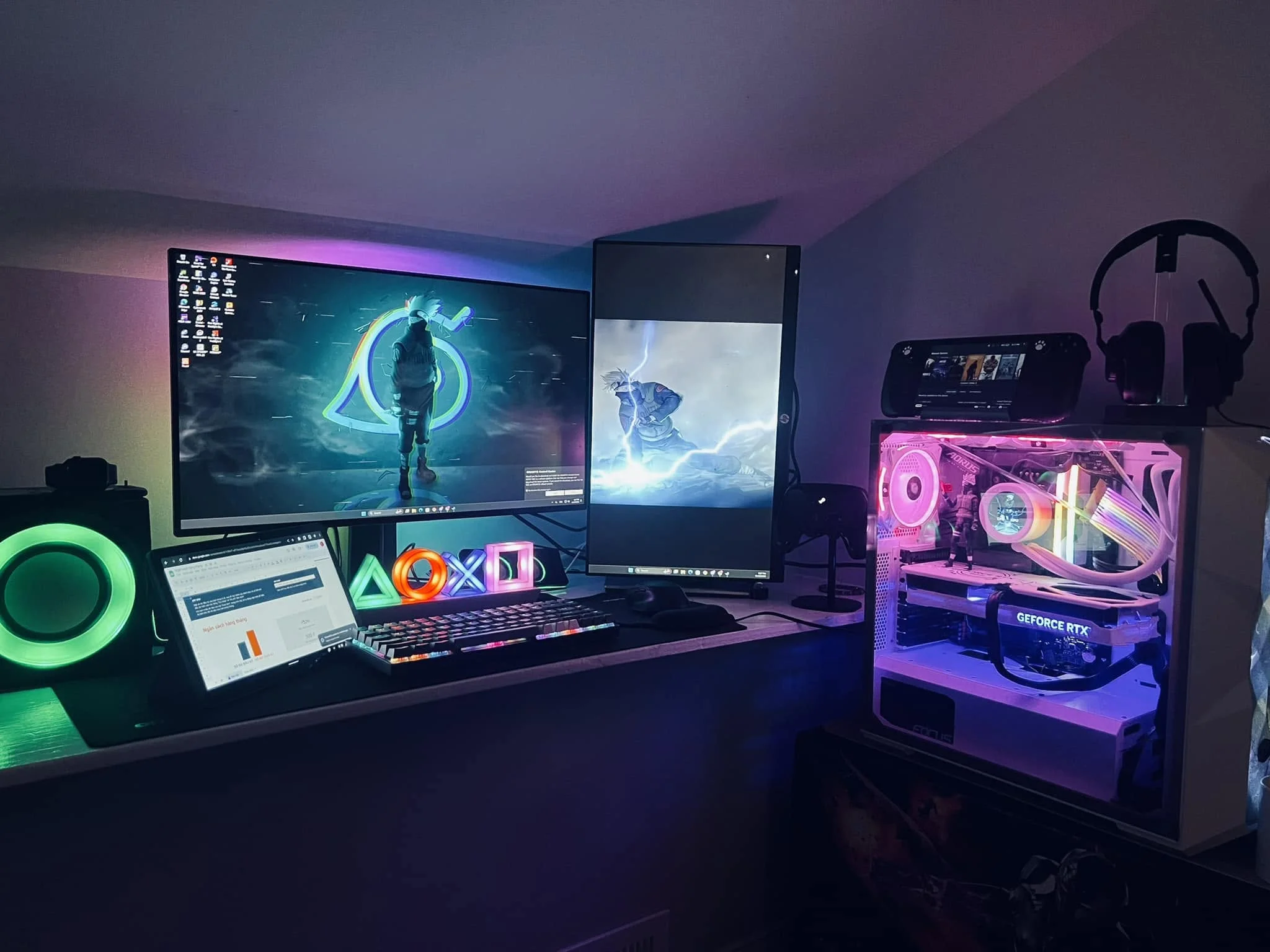
The Ryzen 7 9800X3D is the headline processor here, and one system builds around it. Among the best prebuilt gaming PCs under $2000, that is the KOTIN RTX 5070 with 32GB of DDR5, while the Skytech RX 9070 XT is the Radeon alternative on a 7800X3D.
Recommended by Us

KOTIN Ryzen 7 7800X3D Gaming PC RTX 5060
- High-cache CPU and modern GPU combo handles 1440p and esports titles without compromise
- Ample DDR5 memory and fast SSD eliminate storage and RAM bottlenecks for gaming and content creation
- Fully assembled and stress-tested in California, no DIY required
- Smart display and synced lighting provide both function and aesthetic appeal
- Includes WiFi and Bluetooth to avoid extra hardware purchases
- No dedicated storage expansion details provided; only one SSD listed with no mention of additional drive bays
- 4.1/5 rating with zero reviews, so real user feedback and reliability data are not yet available
- RTX 5060 Ti specs for VRAM and typical performance targets not explicitly stated beyond the 8GB

ZOTAC MEK Ryzen 7 RTX 5060 Ti Gaming PC
- 16GB graphics card supports memory-intensive visual workloads and high-resolution textures.
- Strong eight-core, 16-thread Ryzen 7 processor.
- Generous 32GB DDR5-6000MHz memory configuration.
- Built-in display shows live system information and ambient temperature.
- Supports up to four displays through HDMI 2.1b and DisplayPort 2.1b connections.
- A single 1TB SSD may require expansion for users with large application or media libraries.
- The listing does not identify the motherboard model or available expansion slots.
- At 24.6 pounds, the desktop may be cumbersome to move frequently.

Skytech Azure i7 RTX 5070 Gaming PC
- Strong RTX 5070 configuration for detailed 1440p gaming.
- High-performance Intel Core i7 processor with up to 5.3GHz Turbo Boost.
- Generous 32GB RAM and fast 1TB Gen4 NVMe storage.
- 360mm AIO liquid cooler with ARGB fans.
- Keyboard, mouse, Wi-Fi, and Bluetooth are included.
- Uses DDR4-3200 memory rather than newer DDR5.
- Wi-Fi 5 is older than Wi-Fi 6 and Wi-Fi 7 standards.
- Graphics card brand and additional display ports may vary.

KOTIN Ryzen 7 9800X3D RTX 5070 Gaming PC
- High-end Ryzen 7 9800X3D processor with gaming-focused 3D V-Cache technology
- RTX 5070 12G graphics with modern ray tracing and DLSS 4 features
- Fast 32GB DDR5 6000MHz memory
- Useful integrated system-monitoring display
- 360mm liquid cooling and an 850W 80 PLUS Gold power supply
- A 1TB SSD may require expansion for users with especially large game or media libraries.
- At 30 pounds, the desktop may be cumbersome to move frequently.
- The listing does not identify the specific motherboard or SSD model.

Skytech King 95 RX 9070 XT Gaming PC
- High-end RX 9070 XT graphics card with 16GB GDDR6
- Gaming-focused Ryzen 7 7800X3D processor
- Generous 32GB DDR5-5600 RAM configuration
- Fast Gen4 NVMe M.2 storage
- Keyboard and mouse included
- 1TB storage may fill quickly with a large modern game library
- Graphics card brand may vary between units
- The listing promises only one HDMI and one DisplayPort connection, with additional outputs varying
What a Gaming PC Around $2000 Can Do
A gaming PC in this bracket usually provides a mainstream dedicated graphics card such as the RTX 5060 Ti, RTX 5070, or RX 9070 XT. These GPUs are aimed primarily at smooth 1080p and 1440p gaming with high visual settings, although results vary by title and graphics option. Some configurations can also make 4K practical when settings are adjusted or upscaling is enabled. Our guide to gaming PC budgets explains how spending priorities change between performance tiers.
You should also expect a modern multi-core processor, enough memory for gaming and background applications, and an NVMe SSD that keeps startup and loading times short. This tier works well for gaming, streaming, everyday productivity, and some content creation. It does not guarantee maximum settings at 4K with demanding ray tracing, nor does it replace a specialized workstation for heavy professional rendering. The best configuration puts enough of the budget into graphics without neglecting cooling, power delivery, memory capacity, or storage.
What to Expect at This Price
These systems follow several common hardware patterns.
| Component | What You Get |
|---|---|
| CPU | A modern multi-core processor, often an AMD Ryzen 7 or Intel Core i7 model suited to gaming, streaming, and general productivity. |
| GPU | Dedicated graphics such as the RTX 5060 Ti, RTX 5070, or RX 9070 XT, with 1080p and 1440p as the main targets. |
| RAM | Usually 32GB of DDR4 or DDR5 memory, providing room for current games, background applications, and multitasking. |
| Storage | A 1TB NVMe SSD is common, offering quick startup and game loading while leaving some room for a growing library. |
The same graphics card can appear beside different processors, memory generations, cooling systems, and power supplies. Compare the entire specification rather than choosing from the GPU name alone. Memory generation can also affect platform features and upgrade choices. Our DDR4 versus DDR5 comparison covers the practical differences.
How to Choose a Prebuilt at This Budget
Start with the parts that affect your games, then check the supporting hardware and upgrade path.
Start With the Graphics Card
The graphics card has the largest effect on resolution, detail settings, ray tracing, and visual smoothness in most games. An RTX 5060 Ti is a sensible match for 1080p or 1440p, depending on settings and the game. The RTX 5070 and RX 9070 XT offer a higher graphics tier for demanding 1440p play and more ambitious 4K use. NVIDIA and AMD also provide different upscaling, frame-generation, and ray-tracing features, so software preferences may influence your decision.
Begin with the resolution and refresh rate of the monitor you already own or plan to buy. A premium GPU may provide little visible benefit when paired with a basic display, while a high-resolution or high-refresh monitor can expose the limitations of a weaker card. Consider the games and settings you prefer rather than assuming the most expensive option is automatically right. Our CPU and GPU overview explains how the two components divide gaming workloads.
Worth knowing: A stronger graphics card only pays off when your monitor’s resolution and refresh rate can use the added performance. Choose the GPU for the screen you own or genuinely plan to purchase.
Balance the CPU and RAM
A well-balanced prebuilt avoids pairing one premium component with supporting hardware that cannot keep pace. The CPU matters for high-refresh gaming, simulation workloads, streaming, and tasks running behind the game. Gaming-focused processors with large caches can be particularly useful, while CPUs with more cores may provide broader productivity performance. Compare the processor’s exact model rather than relying on labels such as Ryzen 7 or Core i7, because products within one family can differ substantially.
For memory, 16GB is the practical floor for a new gaming system, but 32GB gives better headroom for modern games, browsers, voice chat, streaming tools, and creative applications. Check whether the listing specifies DDR4 or DDR5 and whether the memory is arranged for dual-channel operation. Capacity usually matters more than decorative lighting. Also confirm how many memory slots remain available if you expect to expand the system for heavier editing, virtual machines, or other demanding work later.
Storage, Power and Cooling
An NVMe SSD helps Windows and applications feel responsive, but capacity still deserves attention. A 1TB drive can fill quickly when several large games and media files are stored together. Check whether the motherboard has another M.2 slot or whether the case can hold additional drives. Expansion information is not always included, so consult the product page, manufacturer documentation, or support team before assuming that adding storage will be straightforward.
The power supply and cooling system affect stability, noise, and long-term use. Look for the listed wattage and efficiency rating, but remember that build quality also matters. Do not assume a power supply specification when the listing omits it. Air cooling and liquid cooling can both work well when correctly sized for the processor and case airflow. Check the number and placement of fans, radiator size when stated, warranty coverage, and access to dust filters before buying.
Condition and Upgrades
Confirm that the listing describes a new, complete system and read the seller’s condition notes carefully. Check the return window, warranty terms, and who provides technical support. Some brands cover the complete computer, while individual parts may have separate terms. Also inspect photographs and dimensions so you know whether the case fits your desk. A large glass enclosure may offer useful working space, but it can be inconvenient in a compact room or narrow furniture opening.
Upgrade potential depends on the motherboard, power supply, case clearance, cooling layout, and use of standard components. Look for accessible memory slots, additional storage connections, and enough physical room for a future graphics card. A proprietary case or cable layout can make upgrades harder, even if the current specification looks appealing. Before changing parts, check whether doing so affects warranty coverage. Our gaming PC lifespan article discusses maintenance and sensible upgrade timing.
Who Should Buy Which System
- Best overall: Skytech RTX 5070 combines an RTX 5070, 32GB RAM, 1TB SSD, and 360mm AIO.
- Best for the strongest-GPU shopper: KOTIN RTX 5060 TI suits buyers prioritizing a gaming-focused CPU and NVIDIA features.
- Best value: ZOTAC RTX 5060 TI includes an RTX 5060 Ti 16GB, DDR5 memory, and 850W Gold PSU.
- Best alternative brand: KOTIN RTX 5070 offers an RTX 5070, WiFi 7, and built-in system display.
- Best runner-up: Skytech RX 9070 XT pairs the gaming-focused CPU with an RX 9070 XT 16GB.
Final Thoughts
The Skytech RTX 5070 is the strongest all-around choice for buyers wanting balanced 1440p performance, a capable processor, and substantial cooling. It fits a broad range of gaming and productivity needs.
The Skytech RX 9070 XT is the more graphics-focused alternative. Whichever system you choose, verify the complete component list, warranty, connectivity, dimensions, and upgrade access before ordering.
More Options to Consider
- STORMCRAFT RX 9070 XT combines the Ryzen 7 7800X3D with RX 9070 XT 16GB graphics, DDR5 memory, Wi-Fi 6E, and USB-C. It suits buyers who want AMD graphics and broader wireless connectivity.
- HOENGAGER RX 9060 XT uses an RX 9060 XT 16GB, Ryzen 7 7800X3D, 240mm liquid cooler, and white case. It is an alternative for buyers who value generous graphics memory and a bright RGB design.
- STORMCRAFT RX 9070 pairs an RX 9070 16GB with DDR5-6000 memory and a Gen4 NVMe SSD. It suits gamers who prefer tower air cooling and an AM5 platform.
FAQs
1. Can you get a good gaming PC for under $2000?
Yes. This budget can provide a capable dedicated graphics card, a modern multi-core processor, 32GB of memory, and NVMe storage in many configurations. It is particularly well suited to 1080p and 1440p gaming, with some systems also supporting practical 4K use when settings are adjusted. Compare the complete parts list, because cooling, power supplies, connectivity, and warranties can vary even when two computers use the same GPU.
2. Is a prebuilt gaming PC around $2000 worth it?
A prebuilt can be worthwhile if you want one complete system, Windows included, and support from a single computer brand. It also avoids component installation and initial cable routing. The tradeoff is that you may have less control over secondary parts such as the motherboard, memory kit, power supply, and fans. Read the specification carefully and compare it with the cost, convenience, warranty, and upgrade flexibility you personally value.
3. Which graphics card is best around $2000?
There is no single best GPU for every buyer. The RTX 5060 Ti is generally suited to 1080p and 1440p, while the RTX 5070 and RX 9070 XT occupy a higher performance class for more demanding settings and displays. NVIDIA may appeal to buyers interested in its ray-tracing, frame-generation, and creative software support, while AMD options can provide generous graphics memory. Match the card to your monitor and preferred applications.
4. How much RAM does a gaming PC at this budget need?
16GB is the minimum capacity worth considering for a current gaming computer, but 32GB is the better target in this bracket. The extra capacity leaves room for browsers, communication software, streaming tools, and other background applications. It can also help with content creation and heavy multitasking. Check whether the system uses DDR4 or DDR5, how many modules are included, and whether open memory slots remain for later expansion.
5. Can I upgrade a prebuilt gaming PC later?
Many prebuilts can be upgraded, but compatibility depends on the motherboard, case dimensions, power supply, cooling, and component layout. Storage and memory are often the simplest upgrades, while a graphics card change may require more power and physical clearance. Confirm that standard connections and components are used before ordering. Our prebuilt PC bottleneck article explains how mismatched parts can limit the benefit of an upgrade.









