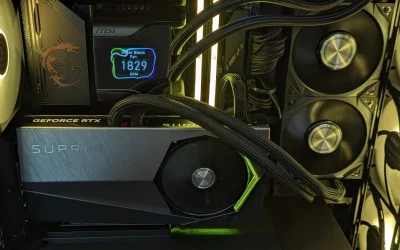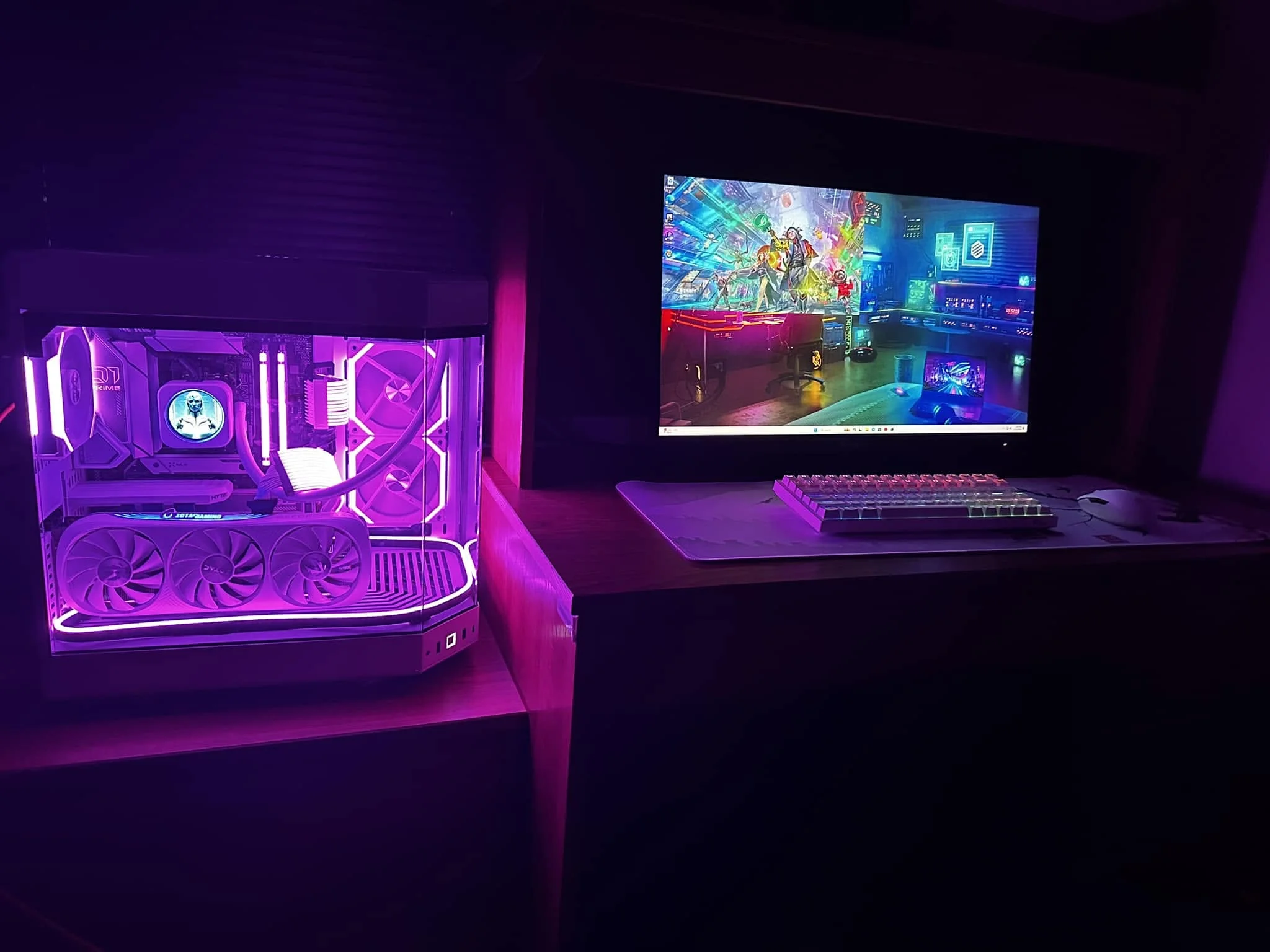
An RX 590 is only a modest step up from an RX 580 on paper, yet that gap is what separates the best prebuilt gaming PCs under $550. The ZER-LON RX 590 has the stronger graphics, and the Qehi RX 580 is the better all-round buy.
Recommended by Us

Qehi Gaming PC with Core i7 and RX 580
- Dedicated RX580 8GB graphics are appropriate for casual 1080p gaming and esports use.
- 16GB RAM and a 512GB SSD cover common gaming, school, home, and office workloads.
- Built-in Wi-Fi 6 avoids the immediate need for a separate wireless adapter.
- Six RGB fans and a tempered-glass side panel create a distinctive desktop setup.
- The listing indicates support for future memory and storage expansion.
- The Core i7 7700 and RX580 are older-generation components compared with current gaming hardware.
- The listing does not specify the operating system, power supply wattage, or available external ports.
- A 512GB SSD may require expansion for users with large game or media libraries.

ZER-LON Core i7 RX 590 Gaming Desktop
- Dedicated RX 590 graphics with 8GB GDDR5 VRAM
- Built-in Wi-Fi and extensive USB connectivity
- Three monitor connection standards are supported
- Useful gaming peripherals and RGB fans are included
- Custom air-cooling system with optimized airflow
- Processor generation and exact Core i7 model are not identified
- RAM capacity and type are not listed
- Storage capacity and drive type are not specified

STGAubron Core i5 RX 590 Gaming PC
- Dedicated Radeon RX 590 graphics with 8G listed
- Generous 1TB SSD capacity
- Wi-Fi 6 and Bluetooth 5.0 are included
- Comes with an RGB keyboard and mouse
- Three RGB fans add lighting and airflow
- The specific Core i5 generation and model are not listed
- RAM type, speed, and upgrade configuration are not specified
- The listing does not identify the SSD interface or power supply

LXZ Ryzen 5 4500 RX 560 Gaming PC
- Dedicated 4GB graphics card rather than processor-integrated graphics
- Six CPU cores and 12 threads for multitasking
- Dual-channel 16GB DDR4 memory
- Fast NVMe storage and multi-screen support
- Built-in wired network connection
- RX 560 is aimed more at esports and lighter 1080p gaming than demanding new games at high settings
- 512GB of storage may fill quickly with a large game library
- Wi-Fi, Bluetooth, and the specific operating system are not listed

STGAubron Core i7 RX 580 Gaming PC
- Dedicated Radeon RX 580 graphics with 8G listed
- 16GB DDR4 memory is practical for gaming and general multitasking
- Includes Wi-Fi 6, Bluetooth 5.2, HDMI, and DisplayPort
- RGB keyboard and mouse are included
- Windows 11 Home 64-bit comes installed
- The 512GB SSD may become restrictive with a larger game or media library
- The exact 8th-generation Core i7 model is not specified
- Power supply details and internal expansion options are not listed
What a Gaming PC Around $550 Can Do
Gaming desktops in this bracket generally combine older Intel Core i5, Core i7, or Xeon E5 processors with entry-level dedicated graphics. The RX 560, RX 580, and RX 590 are common examples. These parts remain useful for esports titles, older releases, indie games, and general home computing. At 1080p, sensible low or medium settings can produce a comfortable experience, depending on the game. If you are unsure how the components affect performance, our guide to gaming PC specs explains the basics.
Expect compromises with demanding modern releases. New graphical features, high-resolution textures, and complex open worlds can push these older GPUs beyond their intended range. Lowering resolution, texture quality, shadows, and effects may help, but these systems are not designed for consistently high settings in recent demanding games. Their better uses are affordable PC gaming, schoolwork, browsing, media playback, and light content creation. A dedicated GPU still gives them a major advantage over similarly priced office desktops that rely only on integrated graphics.
Heads up: Systems in this price range are mostly older or refurbished hardware, so check the seller’s return window and warranty terms before buying.
What to Expect at This Price
The typical specification is functional for entry-level gaming, but it relies heavily on previous-generation components.
| Component | What You Get |
|---|---|
| CPU | Older quad-core Intel Core i5, Core i7 or Xeon E5 |
| GPU | Entry-level RX 560, RX 580 or RX 590 class |
| RAM | Usually 16GB DDR4 |
| Storage | 256GB to 512GB SSD |
These are older systems, so condition, case design, connectivity, and included accessories can vary between listings. Read the current product page carefully rather than assuming every configuration is identical. Our prebuilt PC warranty guide can help you identify what support details matter before ordering.
How to Choose a Budget Prebuilt
Focus on gaming performance, condition, upgrade limits, and the complete package rather than processor branding alone.
Check the Graphics Card
A dedicated graphics card matters far more than CPU generation for gaming at this level. The GPU handles most of the work involved in rendering game environments, lighting, effects, and character models. An RX 580 or RX 590 is generally a more useful starting point than integrated graphics, even when the integrated-only computer has a newer processor. Make sure the listing clearly names a dedicated GPU and states its video memory instead of using vague phrases such as gaming graphics.
Integrated-only systems should not be treated as gaming PCs when comparing these options. They may handle browsing, video playback, and basic desktop software, but gaming performance is much more restricted. Among these systems, the RX 590 models prioritize graphics performance, while RX 580 configurations provide a balanced entry point. The RX 560 sits lower in the range, so the LXZ system makes more sense when its Ryzen processor matters for mixed gaming and productivity use.
Older Parts and Condition
Many affordable prebuilts use components from earlier hardware generations, and some listings may represent refurbished or repurposed stock. That is not automatically a problem, but condition should be stated clearly. Check whether the computer is described as new, renewed, refurbished, or used. Look for information about cosmetic wear, replacement parts, and included accessories. Product photos may represent the case design without showing the exact internal component brands, so read the specification list as well.
The seller’s return window is particularly important because older parts have already spent more time in circulation. Confirm what happens if the system arrives damaged, behaves unexpectedly, or does not match the listed configuration. Warranty length and support terms also deserve attention. A clear return policy can be more valuable than a minor specification difference. For additional context, read whether a prebuilt is worth it for your needs.
Power Supply and Upgrades
Older office-style cases often use small power supplies that can restrict future GPU upgrades. A faster graphics card may require additional power connectors, greater wattage, or more physical clearance than the original case provides. Do not assume a standard desktop tower can accept any replacement GPU. If the listing does not identify the power supply, ask the seller about its rated output, available connectors, and physical format before planning an expensive graphics upgrade.
Memory and storage upgrades are usually less demanding, but compatibility still needs checking. Determine how many memory slots are available, which memory generation the motherboard accepts, and whether open drive connections remain. Some compact or proprietary systems use unusual connectors or mounting layouts. The Qehi listing specifically mentions reserved motherboard slots for future memory or storage expansion, but buyers should still confirm the exact configuration offered on the current product page before ordering parts.
Included Extras
Some listings bundle a monitor, keyboard, mouse, or mouse pad. Those extras can be worth more to a first-time buyer than a small increase in processor speed, especially when no peripherals are already available. However, accessories should not distract from the main hardware. Verify whether a monitor is actually included, since case photos sometimes show a complete desk setup for illustration. Check the listed contents and connection types so that the display and desktop will work together.
Several systems here include gaming keyboards and mice, including the listed STGAubron and ZER-LON configurations. Treat these as convenient starter accessories rather than the deciding factor. Graphics card class, storage capacity, processor, memory, return terms, and warranty support remain more important. A bundled keyboard can be replaced easily, while a weak or unsuitable graphics card is costly to correct. Choose the complete package only after confirming that the desktop itself meets your gaming requirements.
Who Should Buy Which System
- Best overall: Qehi Gaming PC Desktop,Core i7 7700 combines a Core i7 7700, RX 580 8GB, 16GB memory, and 512GB storage.
- Strongest GPU: ZER-LON Gaming PC Desktop Computer uses an RX 590 8GB GDDR5 and includes Wi-Fi plus several gaming accessories.
- Best for storage: STGAubron Gaming PC Desktop,Core I5,RX 590 8G,16G pairs RX 590 graphics with a 1TB SSD.
- Best for a Ryzen CPU: LXZ Gaming PC Desktop Ryzen 5 4500 has a six-core, 12-thread Ryzen 5 4500 and RX 560 4GB.
- Best for a newer Intel CPU: STGAubron Gaming PC Desktop,Corei7 8th Gen,RX 580 combines an 8th Gen Core i7 with RX 580 8G graphics.
Final Thoughts
The Qehi RX 580 offers the best overall balance for entry-level 1080p gaming, everyday computing, and storage. Its Core i7 7700, RX 580 8GB, and 16GB memory form a practical budget configuration.
Choose the ZER-LON RX 590 if graphics performance is the priority. Whichever system you select, confirm its current condition, warranty, return policy, and exact included parts.
More Options to Consider
- Core i5 GTX 960 Build uses an 8th Gen Core I5 and GTX 960 4G GDDR5. It suits shoppers who prefer an Intel and NVIDIA configuration for esports and lighter gaming.
- Tisukisu Core i7 RX 580 combines RX 580 8G graphics with a 256GB SSD and 1TB HDD. It suits buyers who want more total storage capacity.
- STGAubron Core i7 RX 580 is another Core i7 and RX 580 option with 16GB memory, a 512GB SSD, Wi-Fi 6, and bundled peripherals.
FAQs
1. Can you get a gaming PC for under $550?
Yes, but expectations should match the hardware. Systems in this bracket often use older processors and entry-level dedicated graphics cards rather than current mainstream components. They are most appropriate for esports, indie titles, older releases, and modern games played with reduced settings. Prioritize a clearly identified dedicated GPU, enough memory for everyday use, solid-state storage, and a seller offering understandable return and warranty terms.
2. Are cheap prebuilt gaming PCs with older parts worth buying?
They can be worthwhile for a first gaming computer, a secondary system, or someone who mainly plays less demanding titles. Value depends on the computer’s condition, component details, warranty, and upgrade limitations. Older processors may still provide adequate everyday responsiveness, but they are less suitable for demanding new games or heavy creative workloads. Compare the complete configuration rather than judging the computer only by its Core i5, Core i7, or Ryzen label.
3. What games can a RX 580 or RX 590 run?
An RX 580 or RX 590 is aimed at entry-level 1080p gaming by current standards. These cards are generally better suited to esports, indie games, older releases, and less demanding modern titles. Recent graphically intensive games may require lower textures, effects, shadows, or resolution, and some may still perform poorly. Results also depend on the processor, memory configuration, drivers, cooling, and the specific requirements of each game.
4. Is it better to build a PC for this budget?
Building can provide more control over component quality, motherboard features, the power supply, and future upgrades. A prebuilt is simpler because it arrives as a complete system and may include Windows, Wi-Fi, and basic peripherals. At a limited budget, used parts can make a custom build more competitive, but they add purchasing and troubleshooting work. Our prebuilt vs custom PC comparison covers the practical trade-offs.
5. Can I upgrade a cheap prebuilt gaming PC later?
Sometimes, although compatibility varies considerably. Storage and memory are often the easiest upgrades, provided the motherboard has open slots and supports the new components. A graphics card upgrade may be limited by power supply wattage, missing power connectors, case clearance, airflow, or proprietary parts. Check the motherboard layout, power supply specifications, case dimensions, and available connections before buying an upgrade rather than assuming standard desktop components will fit.