

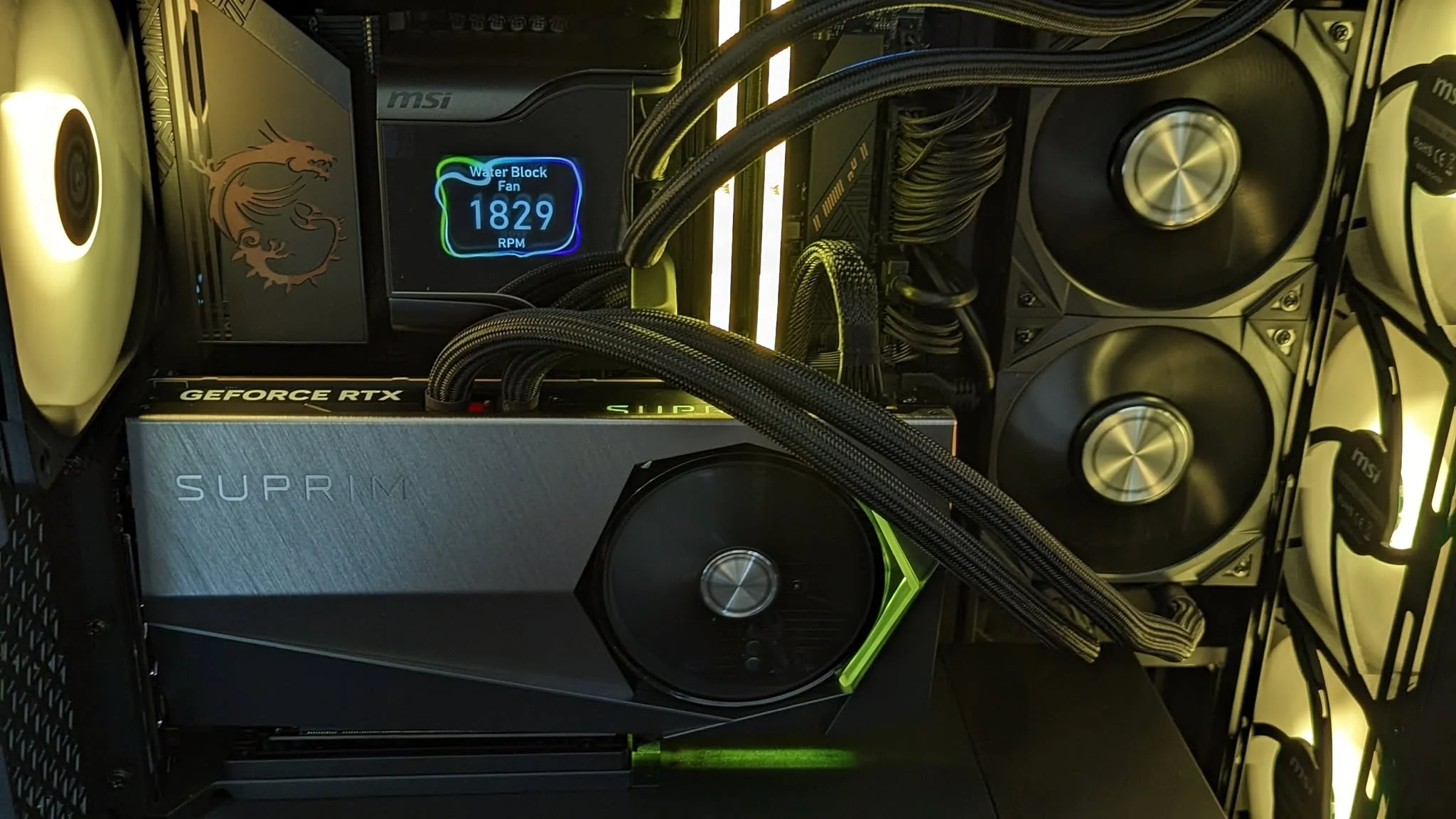
Nearly every system in this list pairs an RTX 5080 with a top-tier processor, so the choice comes down to the CPU and the seller. Among the best prebuilt gaming PCs under $5000, the HYPER CYBER Quantum is the Core Ultra 9 pick and the HYPER CYBER Ultra White is the Ryzen 7 7800X3D pick.
Recommended by Us

HYPER CYBER Phantom RTX 5070 Ti Gaming PC
- High-end RTX 5070 TI 16GB graphics configuration
- Fast Intel Core i9 14900K processor
- Generous 64GB DDR5 memory capacity
- Large 4TB NVMe SSD
- Wi-Fi and Windows 11 Home included
- Individual component brands may vary from the reference images
- The listing does not identify the power supply specifications or motherboard model
- At 35 pounds and 22 x 20 x 14 inches, the tower requires a substantial setup area

HYPER CYBER RTX 5080 Gaming PC
- High-end GeForce RTX 5080 graphics with ray tracing support
- Gaming-focused Ryzen 7 7800X3D processor with 3D V-Cache
- Generous 32GB DDR5 memory for multitasking and streaming
- Fast 1TB NVMe SSD
- Built-in Wi-Fi and Windows 11 Home included
- A 1TB drive may fill quickly with a large collection of modern applications and media.
- Individual component brands may vary from the reference images.
- Power supply specifications and port selection are not listed.

Velztorm Aciex RTX 5080 Gaming Desktop
- High-end GeForce RTX 5080 graphics with 16GB GDDR7
- Powerful 24-core Intel Core i9-13900K processor
- Large 64GB DDR5 memory capacity
- Spacious 4TB PCIe NVMe SSD
- Includes Wi-Fi 6, Bluetooth 5.2, and a 360mm AIO
- The premium hardware configuration may be more than casual users need.
- The listing does not identify the motherboard, SSD, RAM, or power supply manufacturers.
- Detailed case dimensions and expansion information are not provided.

HYPER CYBER Quantum RTX 5080 Gaming PC
- High-end GeForce RTX 5080 graphics
- Flagship-class Intel Core Ultra 9 285K processor
- Generous 32GB DDR5 memory
- Fast 1TB NVMe SSD storage
- Built-in Wi-Fi and pre-installed Windows 11 Home
- A 1TB drive may require expansion for a particularly large game or media library.
- The listing says component brands may vary, so every internal brand is not guaranteed.
- Power supply specifications and available expansion connections are not provided.

HP OMEN 45L RTX 5070 Gaming Desktop
- Strong Core Ultra 9 and RTX 5070 hardware combination
- Exceptional 192GB DDR5 memory capacity
- Spacious 4TB NVMe storage
- Liquid cooling with a separate OMEN Cryo Chamber
- Broad connectivity including Thunderbolt 4 and Wi-Fi 6E
- 192GB of RAM may be excessive for buyers focused mainly on gaming
- The listing does not specify the power supply wattage
- RTX 5070 graphics may be a less aggressive match than some higher-tier GPUs for such a heavily equipped configuration
What a Gaming PC Around $5000 Can Do
A gaming desktop in this budget range can pair a modern multi-core processor with dedicated graphics such as the GeForce RTX 5070, GeForce RTX 5070 TI 16GB, or GeForce RTX 5080. These components are aimed primarily at high-quality 1440p gaming and capable 4K play, depending on the title, visual settings, and monitor. They also provide useful resources for streaming, recording, creative applications, and demanding multitasking. Our overview of gaming PC specs explains how the main components affect everyday performance.
At this level, you should also expect DDR5 memory, NVMe storage, and cooling designed for sustained workloads. Ray tracing and high-detail settings are realistic goals, although the most demanding visual options may still require upscaling or reduced settings at 4K. No desktop makes every workload limitless, and maximum settings are not always the sensible target. Performance also depends on component balance, cooling, drivers, and the software being used rather than the graphics card alone.
Worth knowing: A stronger graphics card only pays off when your monitor’s resolution and refresh rate can use the extra performance. Choose the GPU for the screen you own or plan to purchase.
What to Expect at This Price
These systems emphasize powerful core hardware, but their supporting specifications differ substantially.
| Component | What You Get |
|---|---|
| CPU | A high-end multi-core processor such as an Intel Core i9, Intel Core Ultra 9, or AMD Ryzen processor suited to gaming, streaming, and heavier applications. |
| GPU | Dedicated graphics such as the GeForce RTX 5070, GeForce RTX 5070 TI 16GB, or GeForce RTX 5080, with 1440p and 4K gaming as the main targets. |
| RAM | DDR5 memory, commonly in generous capacities that support gaming, background applications, content creation, and demanding multitasking. |
| Storage | Fast NVMe SSD storage for responsive startup, short loading times, and space for a substantial game and application library. |
The same graphics card can appear alongside very different processors, memory capacities, SSD sizes, cooling systems, and power supplies. Compare the complete specification rather than treating the GPU name as the only measure of value. Our CPU and GPU comparison explains why the workload determines which component deserves priority.
How to Choose a Prebuilt at This Budget
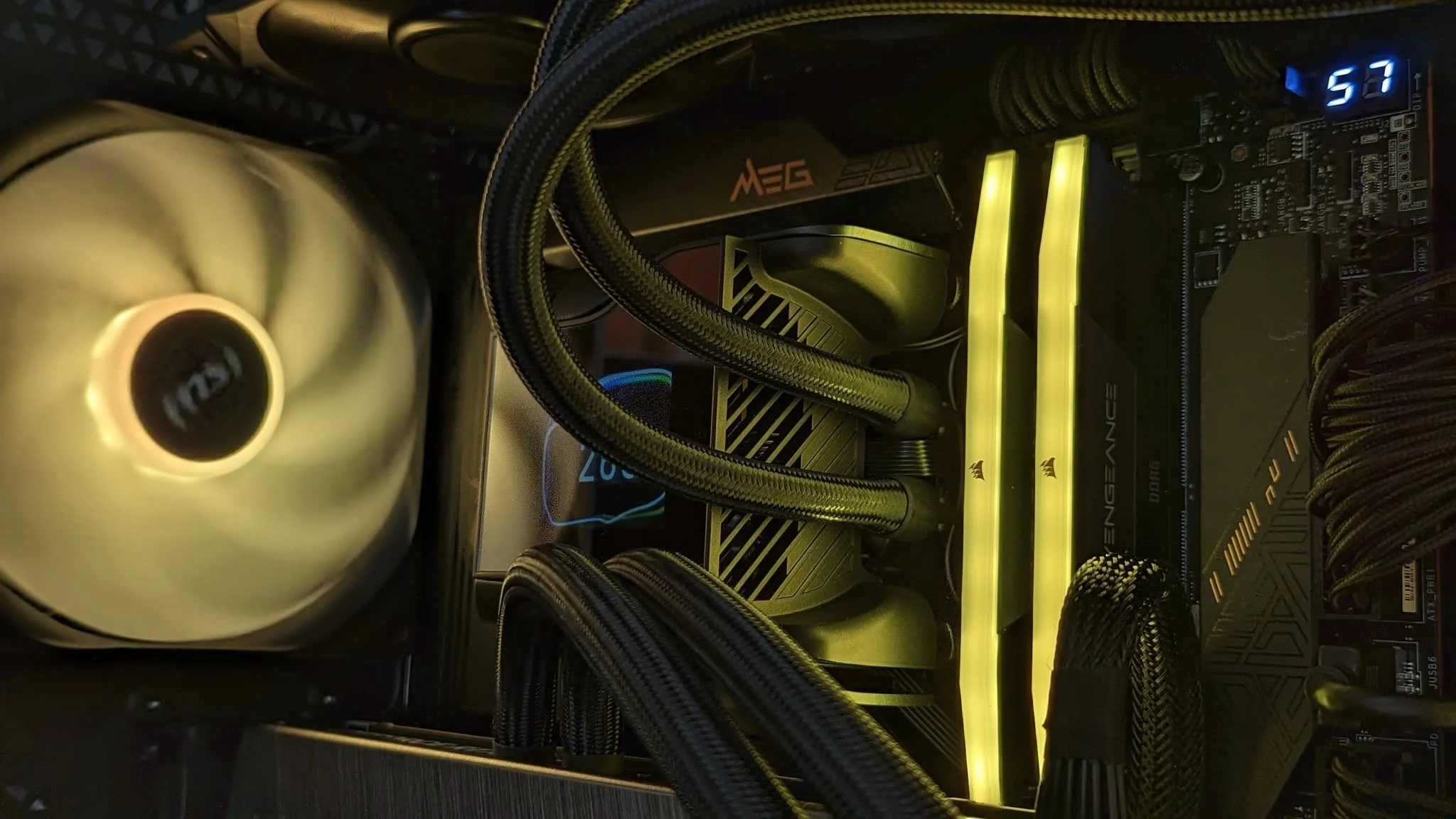
Start with your monitor and intended workloads, then check every supporting component before choosing a system.
Start With the Graphics Card
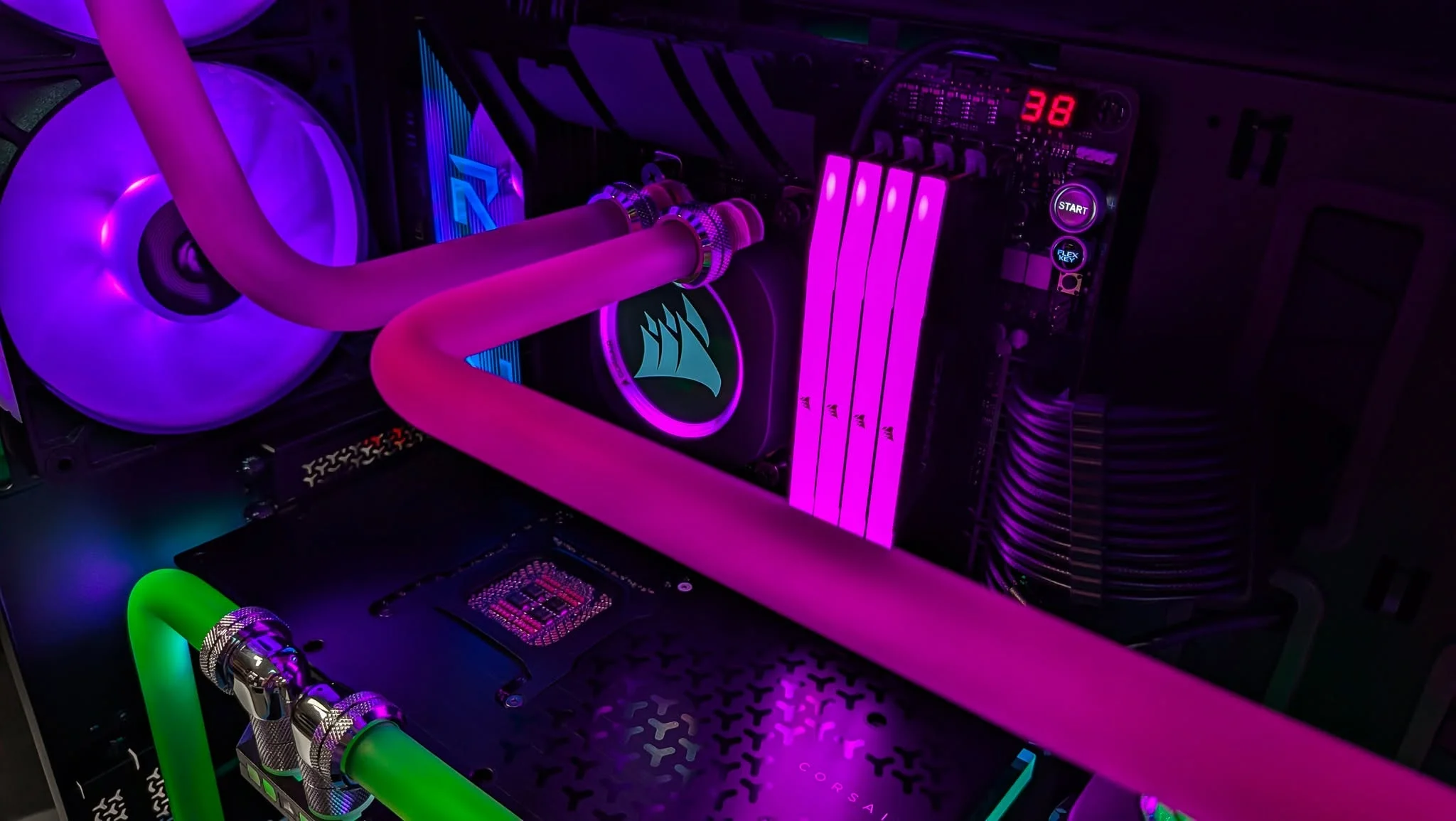
The graphics card has the greatest direct effect on visual settings, rendering quality, and high-resolution gaming. A GeForce RTX 5080 is positioned above the GeForce RTX 5070 and GeForce RTX 5070 TI 16GB within the same generation, but that does not automatically make every RTX 5080 desktop the right purchase. Consider the full computer, including memory, storage, cooling, power delivery, warranty, and processor, before deciding which configuration fits your needs.
Match the GPU to the resolution and refresh rate of your display. A high-end graphics card makes more sense for a demanding 4K monitor than for a basic lower-resolution screen with a modest refresh rate. If you plan to keep your current monitor, buying more graphics capability than it can display may offer limited immediate benefit. If a monitor upgrade is coming soon, account for its resolution and connection requirements when comparing desktops.
Balance the CPU and RAM
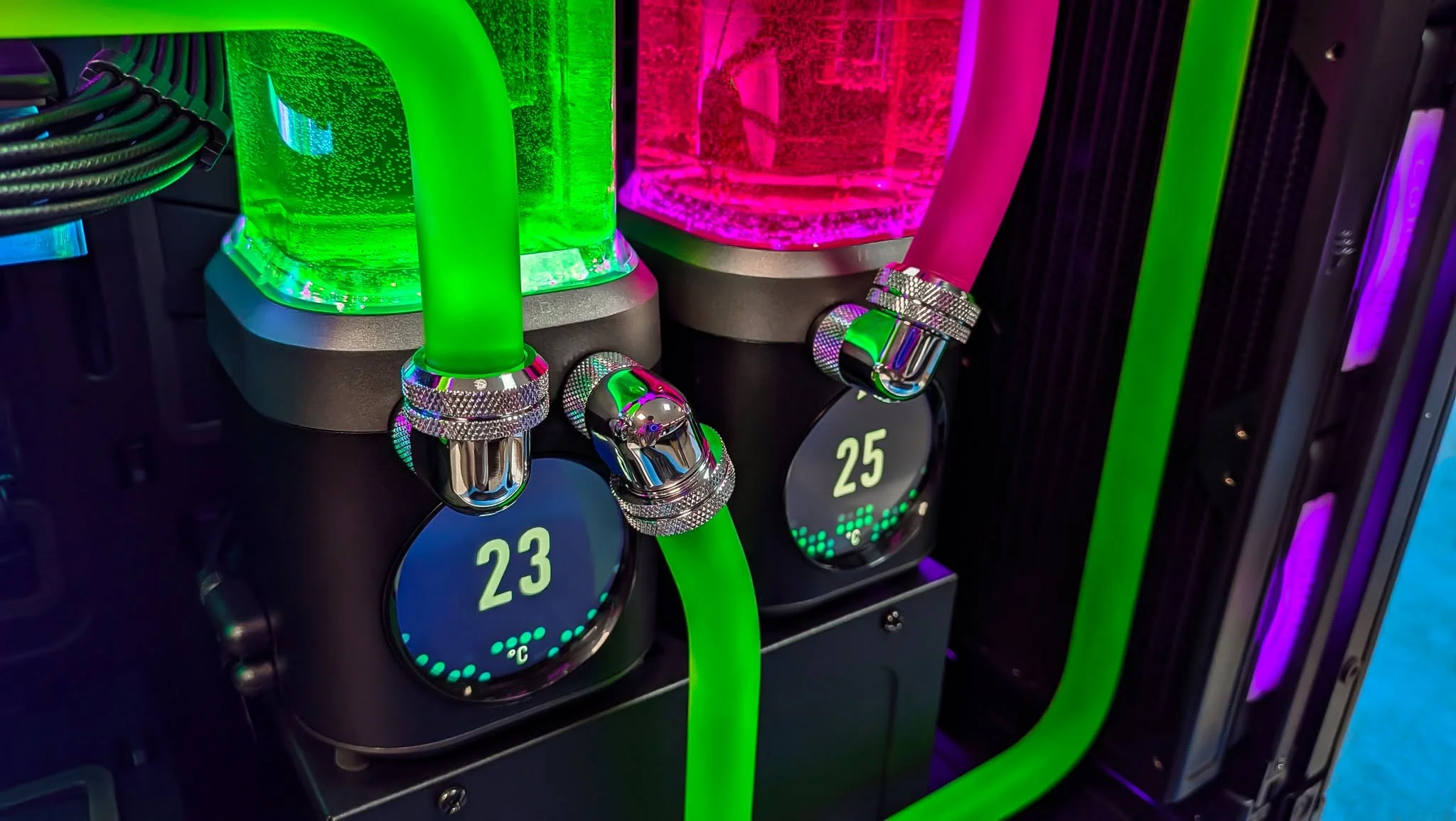
A balanced configuration avoids pairing one exceptional component with another part that regularly limits it. Modern multi-core processors are useful for gaming, streaming, productivity, and background tasks, but the ideal CPU depends on what you do beyond gaming. A machine intended for frequent rendering or heavy multitasking may benefit from a different balance than a computer used mainly for games. Check the exact processor model rather than relying on broad labels such as Core i9 or Ryzen.
For a modern gaming PC, 16GB of memory is a practical floor, while 32GB provides better headroom for demanding games, background software, streaming, and future applications. Capacities beyond that can benefit specialized creative and professional workloads, but they do not automatically improve gaming. Memory generation and capacity both matter, and all the systems in the main comparison list DDR5. Our gaming PC memory overview offers additional context.
Storage, Power and Cooling
An NVMe SSD keeps the operating system, applications, and game library responsive. Capacity still matters because large installations can fill a smaller drive quickly, especially when recordings and project files share the same storage. Compare the listed SSD capacity and consider whether the motherboard and case provide practical room for another drive. Do not assume every desktop supports the same number or type of storage upgrades unless the seller provides those details.
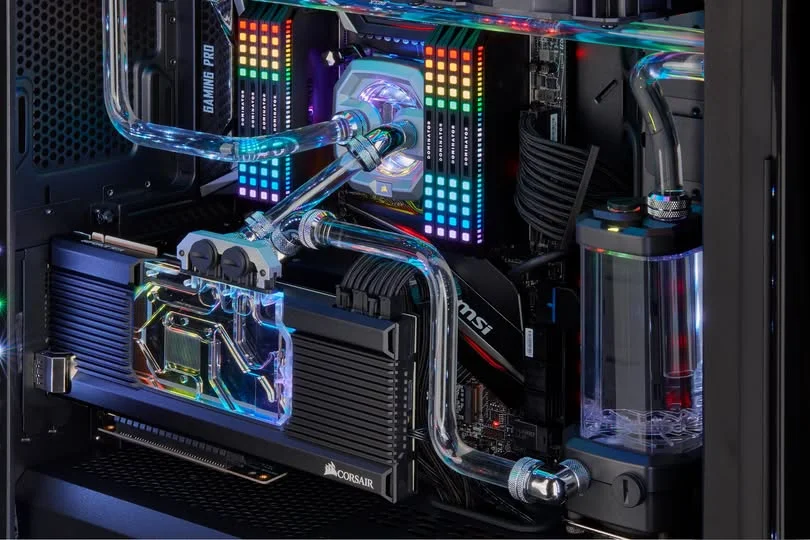
The power supply and cooling system affect stability, noise, and long-term operation. Look for a clearly stated wattage and efficiency rating where available, then consider whether the capacity is appropriate for the listed processor and graphics card. Several systems here specify liquid cooling, but implementation details can vary. Check what the listing actually states about the cooler, power supply, fan arrangement, and component brands rather than filling gaps from product photos.
Condition and Upgrades
Check whether the desktop is listed as new, professionally upgraded, or sold in another condition, and identify which company handles warranty service. Return windows and warranty terms can differ between the original manufacturer and a third-party seller. Some product listings also warn that component brands may vary. Read those notes carefully so you understand whether the pictured motherboard, graphics card, memory, or cooler is guaranteed to match the delivered configuration.
Upgrade potential depends on the motherboard, power supply, internal clearance, cooling layout, and use of standard components. Confirm that the case has room for the additions you expect to make and that available slots or connectors are documented. Proprietary cases, motherboards, or power connections can complicate later changes. Our article on proprietary PC parts covers the restrictions worth checking before purchase.
Who Should Buy Which System
- Best overall: Velztorm iCUE Aciex combines a GeForce RTX 5080, 64GB DDR5, 4TB SSD, and 1000W PSU.
- Best for the strongest GPU priority: HYPER CYBER Phantom suits buyers wanting GeForce RTX 5070 TI 16GB graphics and 4TB storage.
- Best value: HP OMEN 45L GT22 offers a GeForce RTX 5070, 192GB DDR5, 4TB SSD, and Windows 11 Pro.
- Best alternative brand: HYPER CYBER Ultra White pairs a Ryzen 7 7800X3D with GeForce RTX 5080 graphics.
- Best runner-up: HYPER CYBER Quantum combines a Core Ultra 9 285K, GeForce RTX 5080, and 32GB DDR5.
Final Thoughts
The Velztorm iCUE Aciex is the strongest all-around choice here for buyers who want an RTX 5080 system with generous memory and storage. Its listed power supply and liquid cooling also suit its high-end component mix.
The HYPER CYBER Ultra White is a compelling gaming-focused alternative, pairing the Ryzen 7 7800X3D with GeForce RTX 5080 graphics. Compare warranty coverage, exact component details, and seller terms before ordering.
More Options to Consider
- Velztorm iCUE Aciex 2 uses the same listed Intel Core i9-13900K, GeForce RTX 5080, 64GB DDR5, 4TB SSD, and 1000W PSU combination as the Windows 11 Pro table model, but it comes with Windows 11 Home. It suits buyers who do not need the Pro edition.
- APC Helios GX601 combines a 16-core AMD Ryzen 9-9950X3D, GeForce RTX 5080, 128GB DDR5, and 4TB NVMe SSD. Its large memory capacity makes it relevant to buyers who run demanding creative or productivity applications alongside games.
- NV5 Ultimate pairs an Intel Core Ultra 9 285K with GeForce RTX 5080 graphics, 32GB DDR5, and a 2TB NVMe SSD. It includes a 360mm AIO cooler, an 850W Gold PSU, and three-year parts and labor coverage from XOTICPC.
FAQs
1. Can you get a good gaming PC for under $5000?
Yes. This budget can provide a powerful dedicated graphics card, a modern multi-core processor, DDR5 memory, and fast NVMe storage. The resulting system should be well suited to high-quality 1440p gaming and capable 4K use when settings are chosen sensibly. However, specifications vary widely, so compare the complete parts list, warranty, seller terms, and upgrade options instead of judging a desktop only by its processor or graphics card.
2. Is a prebuilt gaming PC around $5000 worth it?
It can be worthwhile for someone who wants high-end components in a complete, ready-to-use system and values a single purchase over selecting and assembling individual parts. The value depends on component quality, warranty coverage, cooling, storage, and seller support. Buyers focused only on gaming may not need unusually large memory capacities. Consider whether the machine’s extra processor power, storage, or RAM will support work you actually perform.
3. Which graphics card is best around $5000?
Among the graphics cards represented here, the GeForce RTX 5080 occupies the highest tier and is the most suitable starting point for demanding 4K gaming or graphics-heavy creative work. The GeForce RTX 5070 TI 16GB and GeForce RTX 5070 can still make sense when paired with better storage, more memory, or features that matter to you. Choose according to your monitor and workloads, not the GPU name alone.
4. How much RAM does a gaming PC at this budget need?
For gaming, 16GB is a reasonable minimum, while 32GB gives useful breathing room for background programs, streaming, and demanding releases. A 64GB configuration can suit heavier multitasking and creative work. Larger capacities are aimed more toward specialized workflows and do not guarantee better gaming performance. Capacity should be considered alongside memory generation, speed, motherboard support, and whether the system leaves practical room for later expansion.
5. Can I upgrade a prebuilt gaming PC later?
Many prebuilts can be upgraded, but compatibility depends on the motherboard, case clearance, power supply, cooling layout, and component standards. Before buying, check for available memory slots, storage connectors, expansion slots, and physical room for larger parts. Manufacturer-specific cases or connectors may restrict changes. Our prebuilt PC bottleneck article explains why component balance should remain a priority when planning upgrades.









