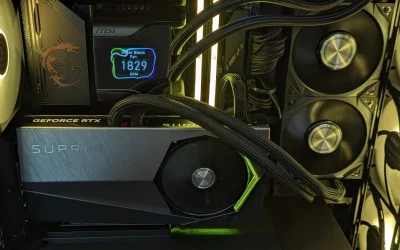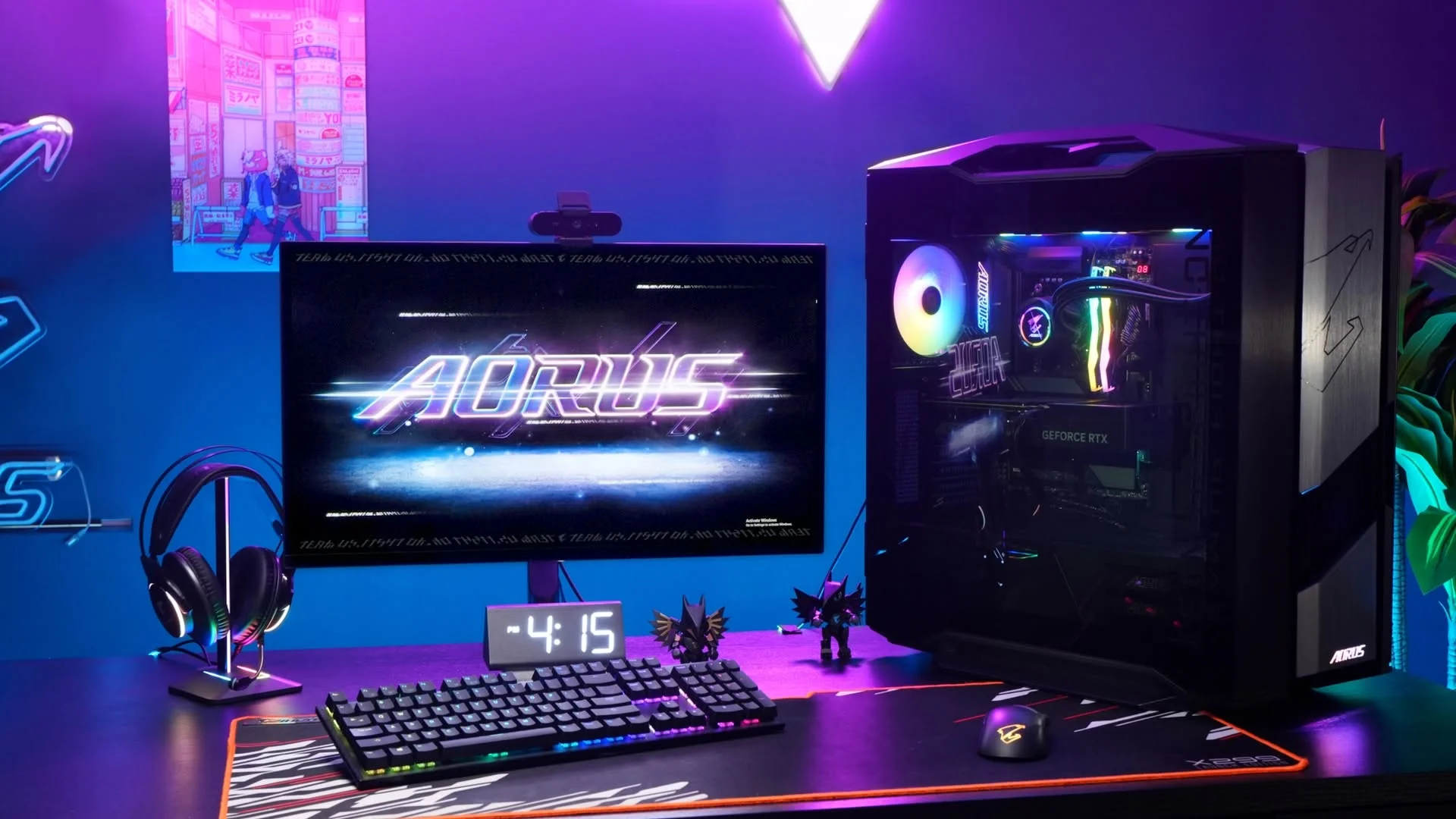
The surprise at this price is the RTX 3070: one system here pairs it with 32GB of RAM and a 1TB SSD. Among the best prebuilt gaming PCs under $800, the STGAubron RTX 3070 is the one to beat, and the Olialia RTX 3060 TI is the Ryzen 5 alternative.
Recommended by Us

Olialia RTX 3060 Ti Gaming PC
- RTX 3060 Ti is a capable choice for high-setting 1080p and 1440p gaming
- Six-core, 12-thread Ryzen 5 processor supports gaming and general multitasking
- Includes 16GB RAM and SSD storage
- Six adjustable RGB fans complement the panoramic glass design
- Multiple display outputs support multi-monitor configurations
- 512GB of storage can fill quickly with a larger game library
- Wi-Fi connectivity is not specified in the listing
- Power supply wattage and RAM speed are not listed
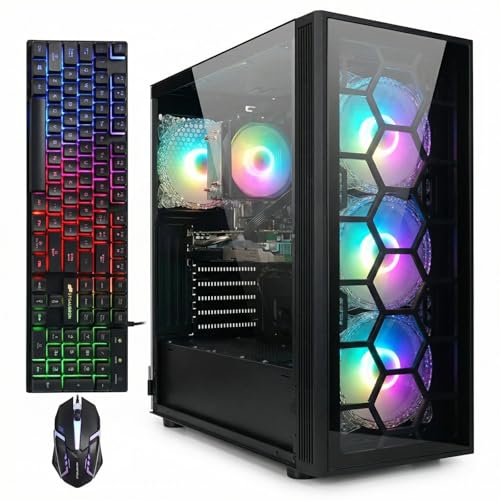
STGAubron RTX 3070 Gaming PC, Core i7
- RTX 3070 graphics with 8G of listed video memory
- Ample 32GB system memory for gaming and multitasking
- Useful 1TB SSD capacity
- Wi-Fi 6, Bluetooth 5.0, Ethernet, HDMI, and DisplayPort connectivity
- Includes an RGB keyboard and mouse
- The exact Intel Core i7 generation and model number are not specified
- The listing does not identify the RAM type or speed
- Power supply specifications and SSD interface are not provided

STGAubron Ryzen 5 RTX 3060 Gaming PC
- RTX 3060 includes 12G of video memory.
- 1TB SSD provides generous built-in storage.
- Wi-Fi 6 and Bluetooth 5.2 are included.
- Ships with an RGB keyboard and mouse.
- Windows 11 Home 64-bit is included.
- The listing does not identify the motherboard or power supply.
- RAM speed and memory configuration are not specified.
- The exact SSD interface and performance figures are not listed.
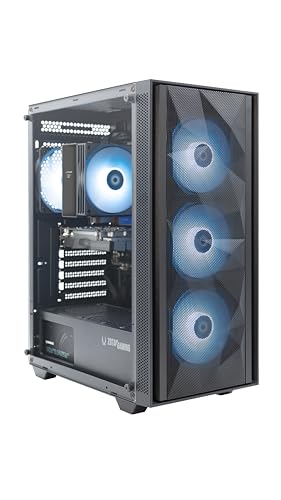
ZOTAC MEK RTX 3050 Gaming Desktop
- Capable entry-level graphics hardware for 1080p gaming
- Six-core Ryzen processor and 16GB of RAM support multitasking
- Strong selection of wireless, display, network, and USB connections
- Four included case fans plus a tower CPU air cooler
- Windows 11 Home comes pre-installed
- The 500GB SSD may be restrictive for a large application or media library
- RTX 3050 6GB graphics are entry-level rather than intended for demanding high-resolution gaming
- The AM4 processor platform and DDR4 memory are based on an older generation

Skytech Nebula RTX 3050 Gaming PC
- Capable entry-level RTX graphics configuration for 1080p gaming
- Useful combination of 16GB RAM and a 1TB NVMe SSD
- Front-mesh design and multiple ARGB fans support case airflow
- Includes Wi-Fi, Windows 11 Home, a keyboard, and a mouse
- HDMI and DisplayPort video outputs are listed
- RTX 3050 graphics are entry level and may require reduced settings in more demanding software
- Wi-Fi 5 is included rather than a newer Wi-Fi standard
- Graphics card brand and ports beyond one HDMI and one DisplayPort may vary
What a Gaming PC Around $800 Can Do
A gaming desktop in this budget can provide a solid experience when the processor, graphics card, memory, and storage are sensibly matched. These systems include dedicated graphics options such as the RTX 3060 TI, RTX 3070, and RTX 3060, along with modern multi-core processors. That combination is primarily suited to high-quality 1080p gaming. Some configurations also have enough graphics power for 1440p, although settings may need adjustment in more demanding titles. Our guide to gaming PC specs covers the wider hardware requirements.
This class of PC should also handle everyday multitasking, voice chat, web browsing, and light creative work without making the system feel sluggish. At least 16GB of memory and an NVMe SSD create a practical baseline for modern use, while larger drives reduce how often games must be removed. Consistently demanding 4K gaming, heavy ray tracing, and premium maximum-detail experiences remain outside the realistic target for this bracket. Buyers seeking those capabilities should expect to spend more or accept substantial compromises elsewhere in the build.
Worth knowing: A stronger graphics card only pays off when your monitor resolution and refresh rate can use its performance. Choose the GPU for the screen you own or plan to buy.
What to Expect at This Price
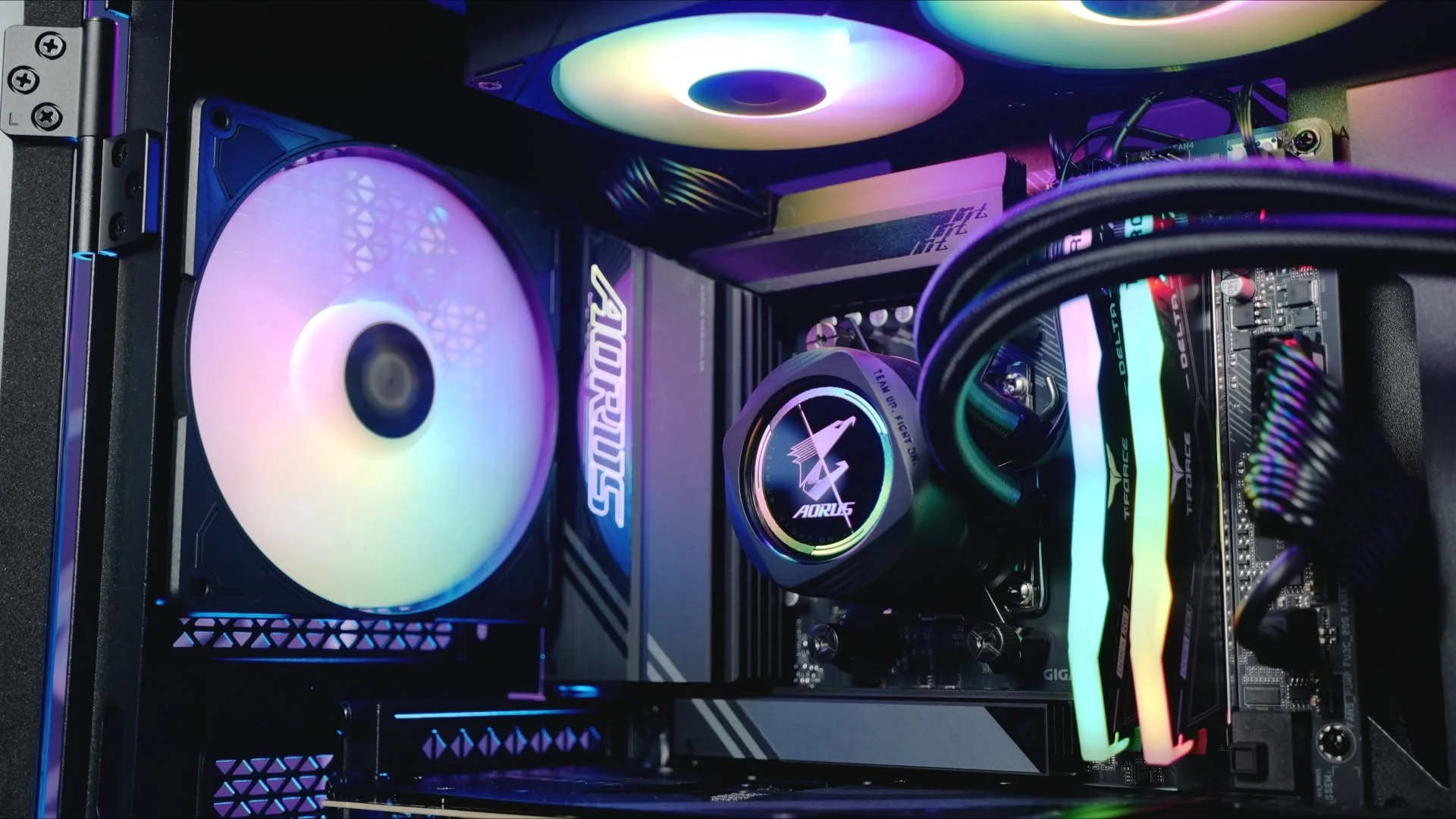
Most systems in this bracket focus spending on gaming performance while keeping the supporting specification practical.
| Component | What You Get |
|---|---|
| CPU | A modern six-core processor is common, although some listings use an older Intel Core i7 configuration. |
| GPU | Dedicated graphics may include the RTX 3060 TI, RTX 3070, RTX 3060, or a lower-tier RTX 3050. |
| RAM | 16GB is a common starting point, while selected systems include 32GB for additional multitasking headroom. |
| Storage | NVMe or solid-state storage is standard in these listings, commonly with enough capacity for Windows and a practical game library. |
The same graphics card can appear in systems with different processors, memory capacities, storage drives, cooling layouts, and power supplies. Compare the entire specification rather than treating the GPU as the only meaningful component. Our prebuilt comparison explains how complete systems differ from choosing every part yourself.
How to Choose a Prebuilt at This Budget
Start with the performance you need, then check whether the rest of the system supports it without obvious compromises.
Start With the Graphics Card
The graphics card has the largest influence on gaming resolution, image quality, and visual features. An RTX 3060 TI or RTX 3070 is generally more attractive for demanding 1080p play and entry-level 1440p use than an RTX 3050. The RTX 3060 remains a balanced middle option. However, the fastest GPU on a product page is not automatically the right choice if its performance exceeds what your current display can present.
Check your monitor resolution and refresh rate before choosing. A standard 1080p screen does not necessarily justify sacrificing memory, storage, or support for the highest graphics tier available. A 1440p monitor places more pressure on the GPU and makes a stronger card more worthwhile. Also consider whether you value NVIDIA features such as DLSS and ray tracing, but remember that enabling demanding visual effects can require lower settings for a consistently smooth experience.
Balance the CPU and RAM
A prebuilt should not combine one headline component with weak supporting hardware. The AMD Ryzen 5 5500 found in several systems here provides six cores and twelve threads, making it a practical partner for mainstream gaming and daily multitasking. Processor performance still matters in CPU-heavy games, background applications, and high-refresh gaming. Check the exact processor rather than assuming that an Intel Core i7 label alone identifies its generation, architecture, or current performance level.
Treat 16GB of system memory as the sensible floor for a current gaming desktop. It leaves room for a game, Windows, communication software, and browser tabs without placing excessive pressure on storage. A 32GB configuration provides extra headroom for heavier multitasking, content creation, or keeping the system longer. Memory capacity is not a substitute for graphics performance, though, so weigh additional RAM against the GPU tier and your actual workload.
Storage, Power and Cooling
An NVMe SSD makes Windows, applications, and game loading feel more responsive than a mechanical hard drive. Capacity matters because modern installations can consume substantial space, and a smaller drive may require frequent cleanup. Several systems listed here provide a 1TB SSD, while others use roughly half that capacity. Check whether the product page identifies the drive type and size, particularly if you expect to keep a large library installed simultaneously.
The power supply and cooling system affect stability, noise, and long-term reliability, but listings do not always provide equal detail. Look for a stated wattage and efficiency rating rather than assuming the power supply is suitable from the GPU alone. Review the number and placement of case fans, ventilation, CPU cooler, and dust filters when those details are supplied. If a specification is missing, ask the seller instead of filling the gap with assumptions.
Condition and Upgrades
Verify the listed condition before ordering, especially when unusually strong hardware appears within a restricted budget. Read the return terms, warranty coverage, and service process so you know who handles faults. Some listings here state a one-year parts and labor warranty or complete-system warranty, while support arrangements differ by seller and manufacturer. Our prebuilt PC warranty overview explains the terms worth checking before purchase.
Upgrade potential also deserves attention. Check motherboard expansion, memory slots, storage connections, case clearance, cooling capacity, and power supply headroom before planning future changes. A standard-looking tower does not guarantee that every component uses standard connectors or dimensions. Confirm what the listing states and consult the manufacturer when details are unclear. A system with practical upgrade access can remain useful longer, but buying for current needs is safer than relying on an uncertain future upgrade.
Who Should Buy Which System
- Best overall: STGAubron RTX 3060 pairs an RTX 3060 12G with 16GB memory and a 1TB SSD.
- Best for the strongest GPU: Olialia RTX 3060 TI suits buyers prioritizing graphics power and includes 16GB RAM.
- Best value: STGAubron RTX 3070 combines RTX 3070 graphics, 32GB memory, and a 1TB SSD.
- Best alternative brand: ZOTAC RTX 3050 offers RTX 3050 graphics, Wi-Fi 6E, and a compact case.
- Best runner-up: Skytech RTX 3050 includes 16GB RAM, a 1TB SSD, and front mesh ventilation.
Final Thoughts
The STGAubron RTX 3060 is the most balanced choice, combining capable graphics with practical memory and storage. Buyers focused more heavily on graphics performance should consider the Olialia RTX 3060 TI. Whichever system you choose, confirm the complete specification, warranty, condition, and return policy before ordering.
More Options to Consider
- HELLOLAND RX 6500 XT combines a white case, Radeon RX 6500 XT graphics, 16GB RAM, and a 1TB PCIe NVMe SSD. It suits buyers who value storage and a white RGB design.
- CyberpowerPC RX 6500 XT uses Radeon RX 6500 XT graphics with 8GB DDR4 and a 500GB PCIe 4.0 NVMe SSD. It is an alternative from a recognized prebuilt brand.
- NINGMEI GTX 1660 includes GeForce GTX 1660 Super graphics, 16GB RAM, and a 1TB Gen4 NVMe M.2 SSD. It suits buyers who do not need RTX features.
FAQs
1. Can you get a good gaming PC for under $800?
Yes, especially when your main target is 1080p gaming at sensible settings. A carefully selected system can provide dedicated graphics, a six-core processor, 16GB of memory, and SSD storage. Some listings may offer a stronger graphics card while compromising elsewhere, so compare the complete configuration. Display resolution, preferred visual settings, warranty coverage, and storage needs should all influence what counts as a good purchase for you.
2. Is a prebuilt gaming PC around $800 worth it?
A prebuilt can be worthwhile if you want one complete machine with Windows, assembled hardware, and a single point of support. It also removes the need to select compatible parts and build the computer yourself. Value depends on component balance, seller support, condition, and warranty terms rather than the graphics card alone. Our article on prebuilt PC value examines the broader advantages and tradeoffs.
3. Which graphics card is best around $800?
Among the listed options, the RTX 3070 is the highest graphics tier, followed by the RTX 3060 TI and RTX 3060. That does not make the system containing the highest-tier GPU the automatic winner. You should also compare processor details, memory, storage, power supply information, warranty, and condition. Match the card to your monitor, since a stronger GPU offers less practical benefit when the screen cannot display its additional performance.
4. How much RAM does a gaming PC at this budget need?
For a current gaming desktop, 16GB is a sensible minimum and should support typical gaming alongside ordinary background applications. A system with 32GB provides more breathing room for heavier multitasking, creative software, streaming tools, or a large number of browser tabs. Extra memory does not compensate for an underpowered graphics card. Check whether the motherboard permits an easy memory upgrade if the system starts with a lower capacity.
5. Can I upgrade a prebuilt gaming PC later?
Many prebuilts can be upgraded, but the available options depend on the case, motherboard, power supply, cooling, and component connections. Memory and storage are often the simplest areas to expand, while a graphics card upgrade may require more power and physical clearance. Never assume a tower uses fully standard components based only on its appearance. Confirm dimensions, connectors, open slots, warranty implications, and power requirements before buying replacement hardware.