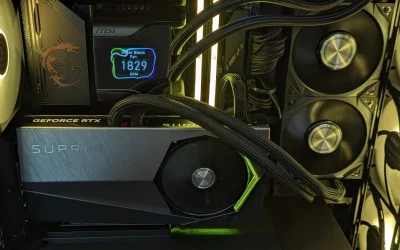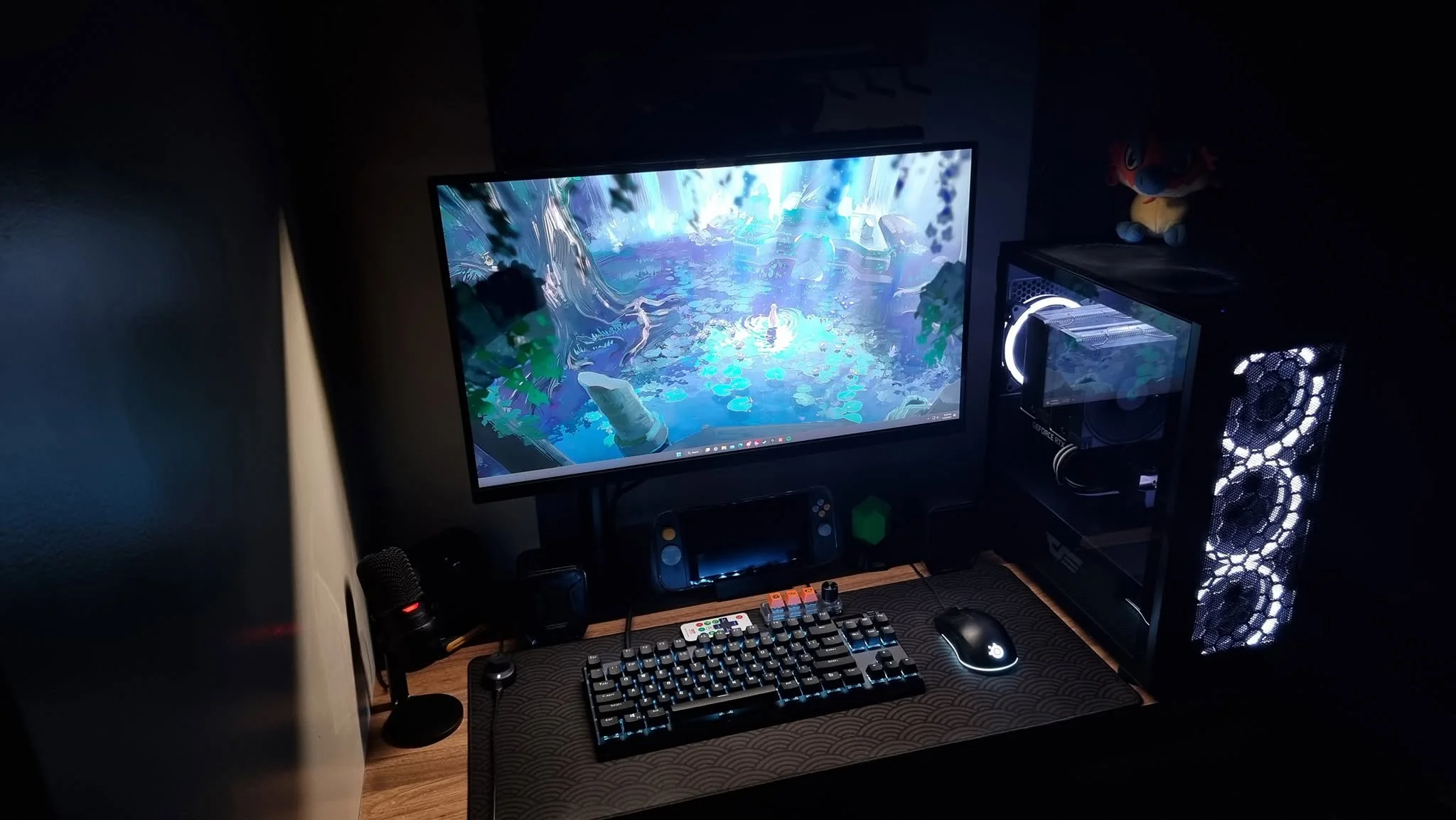
Around $650 the RTX 3050 is the graphics card to look for, and two of these systems use it. Among the best prebuilt gaming PCs under $650, the WIWB RTX 3050 is the easiest recommendation, and the Evounic RTX 2070 is worth a look if you want a 12-core processor.
Recommended by Us

WIWB RTX 3050 Ryzen 7 Gaming PC
- RTX 3050 includes 8GB of dedicated GDDR6 VRAM
- Eight-core, 16-thread processor supports demanding multitasking
- Dual-channel 16GB DDR4 3200MHz memory
- Fast NVMe M.2 storage
- WiFi 6 connectivity is included
- 512GB of storage may fill quickly with a large game or media library
- The AM4 platform and DDR4 memory are from an older hardware generation
- Power supply, cooling configuration, port selection, and operating system are not specified

WIWB RTX 3050 Ryzen 7 Gaming PC
- RTX 3050 includes 8GB of dedicated GDDR6 video memory.
- Ryzen 7 processor offers eight cores and 16 threads.
- RAM is installed in a dual-channel 16GB configuration.
- NVMe M.2 storage is faster and more responsive than a traditional hard drive.
- Built-in Wi-Fi 6 supports modern wireless networking.
- The 512GB SSD may be restrictive for users with a large collection of modern games or media files.
- The listing does not specify the operating system, power supply, cooling hardware, or available ports.
- The AM4 processor and DDR4 memory use an older platform than current-generation desktop hardware.

HELLOLAND King White Gaming PC Ryzen 5
- Entry-level discrete GPU suitable for 1080p gaming at moderate to high settings
- Plug-and-play setup with genuine Windows 11 and all drivers pre-installed
- Customizable RGB lighting with dedicated software control
- Fast NVMe storage and 3200MHz RAM for responsive performance
- Includes WiFi and Bluetooth connectivity out of the box
- RX 6500 XT is an entry-level GPU, so demanding AAA titles require lowered settings for higher framerates
- 4GB VRAM may limit performance at higher resolutions or with ultra textures
- PSU wattage and case cooling specifications not detailed in the listing

Evounic RTX 2070 12-Core Gaming PC
- RTX 2070 8GB graphics are well matched to 1080p gaming.
- 32GB of DDR4 RAM supports substantial multitasking.
- Both fast SSD storage and higher-capacity hard-drive storage are included.
- Liquid CPU cooling, WiFi 6 and Bluetooth 5.4 add useful features.
- RGB keyboard and mouse are included.
- The exact Xeon processor model is not identified.
- The listing does not specify the power supply or available ports.
- The 512GB SSD may fill quickly with a large software library, although a 1TB hard drive is included.

LXZ Ryzen 5 4500 RX 560 Gaming PC
- Dedicated 4GB graphics card rather than processor-integrated graphics
- Six CPU cores and 12 threads for multitasking
- Dual-channel 16GB DDR4 memory
- Fast NVMe storage and multi-screen support
- Built-in wired network connection
- RX 560 is aimed more at esports and lighter 1080p gaming than demanding new games at high settings
- 512GB of storage may fill quickly with a large game library
- Wi-Fi, Bluetooth, and the specific operating system are not listed
What a Gaming PC Around $650 Can Do
A gaming desktop in this bracket can provide a solid entry point for 1080p gaming. These systems combine dedicated graphics such as the GeForce RTX 3050, Radeon RX 6500 XT, or GeForce RTX 2070 with multi-core processors, 16GB or more of memory, and SSD storage. That combination is suitable for competitive titles, everyday games, schoolwork, streaming media, and general productivity. Medium or high graphics settings may be practical, but results depend on the game and exact hardware pairing.
This tier is not intended for uncompromised 4K gaming, maximum ray tracing, or consistently demanding settings in every new release. A sensible target is 1080p with settings adjusted to balance image quality and responsiveness. Upscaling support can help compatible graphics cards in demanding titles, although it does not replace stronger hardware. If you are deciding whether this bracket matches your expectations, our PC spending guide covers broader budget considerations.
Worth knowing: A stronger graphics card only pays off when your monitor resolution and refresh rate can use the extra performance. Choose the GPU for the screen you own or plan to buy.
What to Expect at This Price
Most systems in this category focus their budget on practical gaming components.
| Component | What You Get |
|---|---|
| CPU | A multi-core AMD Ryzen, Intel Core, or Xeon processor suited to gaming, everyday multitasking, and general desktop work. |
| GPU | Dedicated graphics such as the GeForce RTX 3050, Radeon RX 6500 XT, or GeForce RTX 2070, generally aimed at sensible 1080p settings. |
| RAM | Typically 16GB of DDR4 memory, with selected configurations offering 32GB for heavier multitasking. |
| Storage | Usually a 512GB or 1TB SSD, sometimes paired with a separate hard drive for additional file and game storage. |
The same graphics card can appear alongside different processors, memory capacities, storage drives, and power supplies. Compare the complete specification rather than choosing by GPU name alone. Our prebuilt comparison explains how complete systems differ from selecting every component yourself.
How to Choose a Prebuilt at This Budget
Focus on the parts that affect daily performance, reliability, and upgrade flexibility.
Start With the Graphics Card
The graphics card has the largest influence on gaming performance, so begin by matching it to your monitor. The GeForce RTX 3050 and Radeon RX 6500 XT are primarily practical 1080p options, while the older GeForce RTX 2070 remains an interesting alternative. Card names do not tell the whole story, however. Video memory capacity, processor pairing, cooling, and the games you play can all influence the experience, so read the full listing before making a decision.
A high-refresh 1080p monitor benefits from stronger graphics performance in lighter competitive games, while a standard-refresh display places less pressure on the GPU. Higher resolutions substantially increase the graphics workload. Avoid paying for performance your current screen cannot show, but also consider whether a monitor upgrade is likely soon. If ray tracing matters, keep expectations measured at this level because those effects can be demanding even on graphics cards that support them.
Balance the CPU and RAM
A gaming PC works best when its processor and graphics card are reasonably balanced. A strong GPU can be held back by an older or slower CPU in processor-heavy workloads, while an expensive processor cannot compensate for weak graphics hardware. Modern six-core processors are appealing at this level, although core count alone does not establish gaming performance. Processor generation, architecture, clock behavior, and the software being used also matter, making the complete platform more useful than one headline specification.
Consider 16GB of memory the practical floor for a current gaming system that also runs launchers, browser tabs, voice chat, and background software. A 32GB configuration provides more headroom for content creation, heavier multitasking, and memory-intensive applications, but it should not come at the expense of a suitable GPU. Check whether the memory uses one module or a dual-channel arrangement when the listing provides that detail, and confirm whether spare slots are available before planning an upgrade.
Storage, Power and Cooling
An NVMe SSD keeps startup, application launches, and game loading responsive. A 512GB drive is workable for Windows and a smaller library, but space can disappear quickly once several large titles are added. A 1TB SSD provides more breathing room. Some systems supplement an SSD with a hard drive, which can be useful for media and archived files even though it is slower than solid-state storage for frequently used software.
Power delivery and cooling affect stability, noise, and long-term reliability, yet budget listings do not always provide detailed information about them. Look for the power supply brand, wattage, efficiency rating, and available graphics connectors when those details are stated. Also check the number of case fans and the type of CPU cooler. Do not assume an unspecified power supply or cooler meets a particular standard. Ask the seller for clarification if a component could affect a planned upgrade.
Condition and Upgrades
Check whether the computer is listed as new, renewed, refurbished, or used rather than making assumptions from its appearance. Read the return window, warranty terms, and support details before ordering. Coverage can vary considerably between sellers and manufacturers, especially when a system combines current graphics hardware with an older processor platform. Our warranty overview explains the terms worth checking and why parts and labor coverage should be considered separately.
Upgrade room matters if you want to keep the system for several years. Confirm that the case can accommodate a longer graphics card, that the power supply has adequate capacity and connectors, and that the motherboard offers usable memory and storage expansion. Proprietary cases, boards, or power connectors can make later changes harder, though no such limitation should be assumed without documentation. Our upgrade guide covers the common restrictions to investigate.
Who Should Buy Which System
- Best overall: HELLOLAND King White Prebuilt Gaming PC pairs a Ryzen 5 5500, Radeon RX 6500 XT, 16GB RAM, and 1TB SSD.
- Best for the strongest GPU: WIWB Gaming PC Desktop Computer includes a GeForce RTX 3050 8GB and an eight-core Ryzen 7 4700LE.
- Best value: LXZ Gaming PC Desktop Ryzen 5 4500 suits entry-level players with Radeon RX 560 graphics and 16GB RAM.
- Best alternative brand: WIWB Gaming PC Desktop Computer combines a Ryzen 7 4700LE, GeForce RTX 3050 8GB, and Wi-Fi 6.
- Best runner-up: Evounic Gaming PC Desktop Computer 12-Core RTX offers GeForce RTX 2070 graphics, 32GB RAM, and two storage drives.
Final Thoughts
The HELLOLAND King offers the most balanced overall specification, combining practical 1080p graphics with a six-core processor and roomy SSD. Choose the WIWB RTX 3050 when an 8GB GeForce GPU and additional processor cores matter more than storage capacity or case styling.
Whichever system you prefer, verify the complete listing, warranty, condition, power supply information, and upgrade access before ordering.
More Options to Consider
- Core i7 RTX 3050 Build includes GeForce RTX 3050 8GB graphics, 16GB memory, built-in Wi-Fi, and bundled peripherals. It suits buyers who want a ready-made accessory package.
- STGAubron 8th Gen RTX 3050 pairs an eighth-generation Core i7 with a GeForce RTX 3050 6GB. Wi-Fi 6 and Bluetooth 5.2 make it suitable for wireless setups.
- STGAubron R5 5500 RTX 3050 combines a Ryzen 5 5500, GeForce RTX 3050 6GB, 16GB RAM, and 1TB SSD. It is a useful alternative for buyers prioritizing storage.
FAQs
1. Can you get a good gaming PC for under $650?
Yes, provided your expectations fit the hardware tier and current listings. A well-balanced system can deliver enjoyable 1080p gaming with a dedicated graphics card, a capable multi-core processor, 16GB of memory, and SSD storage. You may need to adjust graphics settings in demanding releases. Carefully compare the full specification because storage capacity, processor age, connectivity, and graphics memory can vary even when two computers appear similar.
2. Is a prebuilt gaming PC around $650 worth it?
A prebuilt can be worthwhile if you value convenience, a ready-to-use operating system, and support from one seller or system builder. It may also remove the time required to select compatible parts and assemble the computer. The trade-off is that component details can be less transparent, particularly for the motherboard, cooler, and power supply. Check the warranty, return policy, listed condition, and upgrade restrictions before deciding whether the convenience justifies the compromise.
3. Which graphics card is best around $650?
The right graphics card depends on the available configuration, monitor, and games rather than one model name alone. A GeForce RTX 3050 8GB offers a larger memory buffer than its 6GB version, while the Radeon RX 6500 XT is positioned as a practical 1080p option. A GeForce RTX 2070 can also be attractive, but it is from an older generation. Compare the processor, memory, cooling, condition, and warranty alongside the GPU.
4. How much RAM does a gaming PC at this budget need?
For a current gaming PC, 16GB is a sensible minimum. It provides room for a game, Windows, communication software, launchers, and some browser tabs without making memory the obvious weak point. A system with 32GB offers more flexibility for streaming, content creation, large projects, and heavy multitasking. Memory capacity is not a substitute for a capable graphics card, so prioritize a balanced configuration instead of choosing the largest RAM figure automatically.
5. Can I upgrade a prebuilt gaming PC later?
Many prebuilt gaming PCs can be upgraded, but compatibility should be confirmed before purchase. Case dimensions, motherboard slots, power supply capacity, graphics connectors, memory support, and cooler clearance can limit your options. Standardized components generally make changes easier, while proprietary designs may narrow the available choices. Check the seller’s documentation and warranty terms because replacing parts yourself could affect coverage, even when the physical upgrade is technically possible.