

Best Soundbars Without a Subwoofer
Save space without settling for weak TV audio. These compact soundbars bring clearer dialogue and fuller sound to smaller rooms.
We independently review everything we recommend. When you buy through our links, we may earn a commission. Learn more ›

1921 articles published
Save space without settling for weak TV audio. These compact soundbars bring clearer dialogue and fuller sound to smaller rooms.

Get deeper bass, clearer dialogue, and a better movie experience without filling your room with separate components.
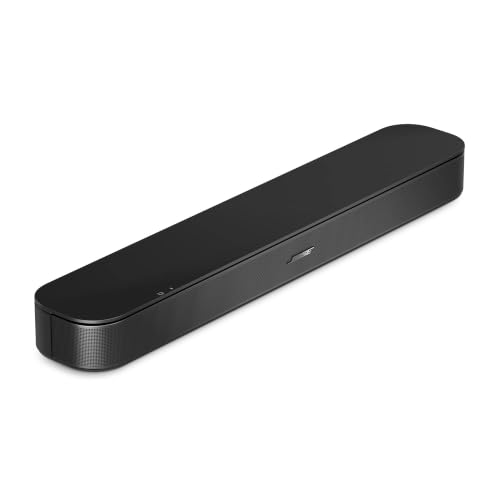
Improve dialogue, bass, and movie sound from your Xiaomi TV with a soundbar that matches your room, connections, and viewing habits.

Improve Xbox Series S game audio with a soundbar that delivers clearer dialogue, fuller bass, and a wider sense of action.

Clear dialogue, stronger bass, and simpler TV audio are within reach. These Yamaha soundbars suit movies, music, gaming, and smaller rooms.

Add fuller bass and clearer dialogue to your TV setup with a Yamaha soundbar and subwoofer combination that suits your room.

Clean up your TV setup with a Yamaha soundbar that adds bass without requiring a separate subwoofer cabinet.
Improve dialogue, movie effects, and everyday TV audio with soundbars that suit compact setups, immersive viewing, and Bluetooth streaming.

Upgrade thin TV audio with a 120W soundbar that suits movies, gaming, music, and everyday dialogue.

Compare 150W soundbars for TV rooms, desktop setups, vehicles, and outdoor entertainment, with a focus on connectivity and weather resistance.