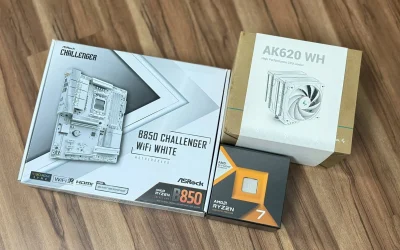
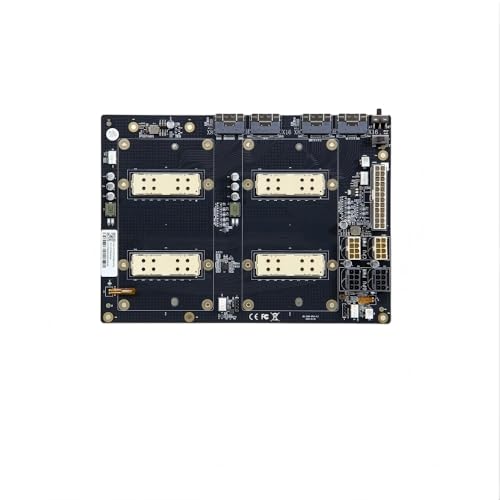
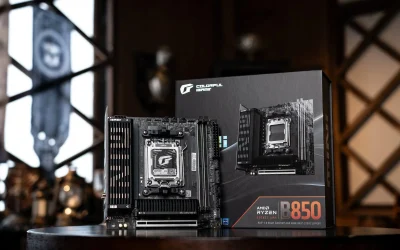
A motherboard has almost no direct effect on frame rates. Two boards with the same CPU and GPU will perform nearly identically in games. Where the motherboard actually matters is indirect: enabling faster RAM speeds, providing stable power delivery for the CPU, and supporting features like more PCIe lanes or better cooling headers.
- Raw FPS differences between motherboards are typically negligible.
- The motherboard’s real impact is indirect, through RAM speed and power delivery.
- A weak VRM can limit how far a CPU can be pushed under sustained load.
- Chipset tier affects features and expansion, not core gaming performance.
Why the Motherboard Barely Affects FPS Directly
The CPU and GPU do almost all the actual work of rendering a game. The motherboard’s job is to connect and support those components, not to process anything itself. Independent testing from outlets like GamersNexus consistently shows negligible frame rate differences between budget and premium boards using the same CPU and GPU.
Where It Actually Matters
RAM speed support
A board with better XMP support or a higher validated memory speed lets your RAM run faster, which does measurably affect gaming performance, especially on CPUs sensitive to RAM speed.
Power delivery (VRM quality)
A motherboard’s voltage regulator module, covered in detail by TechPowerUp’s motherboard reviews, supplies clean, stable power to the CPU. A weak VRM on a budget board can cause a high-end CPU to throttle under sustained heavy load, especially if overclocked, even though it won’t affect light gaming loads.
PCIe lane allocation
Higher-tier boards sometimes offer better PCIe slot configurations, mattering more for multi-drive or multi-card setups than for a typical single-GPU gaming build.
Stability and longevity
A well-built board with quality components is simply less likely to cause random issues, like unexpected restarts, over years of use.
Check Your Own Setup
Confirm your motherboard model with a tool such as CPU-Z before assuming its chipset tier is the bottleneck.
When a Cheap Motherboard Becomes a Real Problem
The main risk is pairing a very high-end, power-hungry CPU with a bargain motherboard that has a weak VRM, which can cause thermal throttling or instability under sustained full load, such as heavy rendering or extended gaming sessions. For typical gaming, this rarely becomes a practical issue.
Bottom line: spend your budget on the CPU and GPU first for gaming performance. Choose a motherboard that reliably supports your parts and offers the features you actually need, rather than chasing a premium board for FPS gains that won’t materialize.
Frequently Asked Questions
Does a more expensive motherboard mean better FPS?
No, not directly. Frame rates depend almost entirely on the CPU and GPU, with the motherboard playing only an indirect supporting role.
Can a bad motherboard bottleneck a good CPU?
Rarely for gaming specifically, though a weak VRM can cause a high-end CPU to throttle under sustained heavy load, particularly with an overclock.
Does chipset tier matter for gaming?
Not directly for frame rates. It mainly affects features like overclocking support and connectivity, not raw gaming performance.
Should I spend more on my motherboard for gaming?
Only enough to ensure reliable power delivery and the features you need. Extra budget generally goes further on the CPU or GPU for actual performance gains.