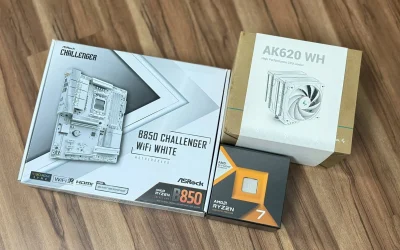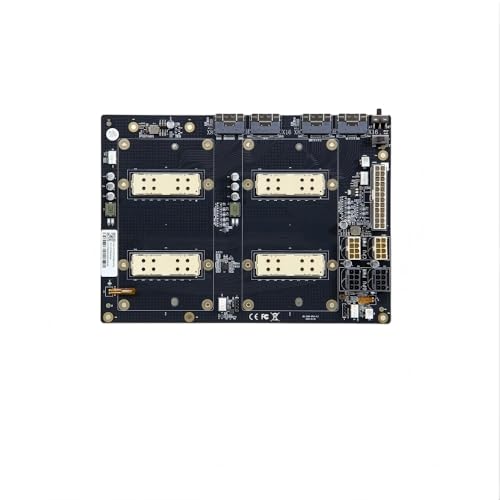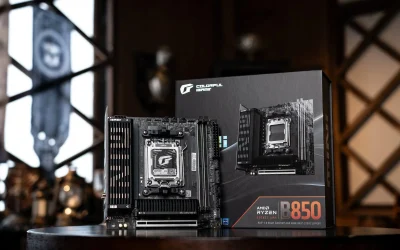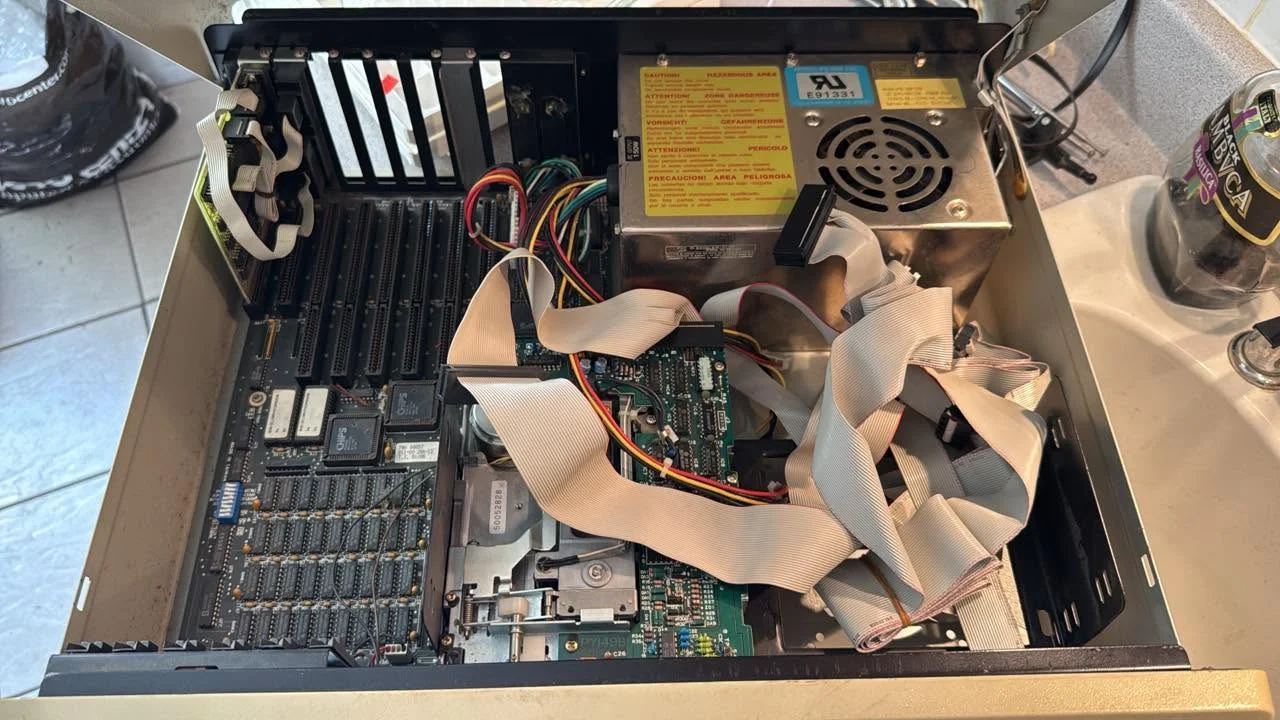
A motherboard’s chipset is a small set of controllers that manage communication between the CPU and the rest of the system, including USB ports, storage connections, and expansion slots. Different chipset tiers, such as Intel’s Z-series or AMD’s X-series, unlock features like overclocking or extra PCIe lanes, even on boards using the same CPU socket.
- The chipset manages communication between the CPU and other components.
- Higher chipset tiers unlock features like overclocking and more PCIe lanes.
- The chipset does not determine which CPU generation the socket supports.
- Check your exact chipset before buying, since features vary between tiers.
What the Chipset Actually Controls
While the CPU handles the heavy processing, the chipset manages traffic to and from USB ports, SATA and M.2 storage, additional PCIe lanes, and other onboard features. Think of it as the traffic controller sitting between the CPU and everything plugged into the board.
Why Chipset Tiers Exist
Motherboard makers offer several chipset tiers per CPU generation, priced and featured differently. On Intel platforms, as Intel’s own documentation explains, a Z-series chipset typically unlocks CPU overclocking, while a B-series or H-series board does not. On AMD platforms, AMD’s chipset lineup splits X and B series features similarly, though AMD generally allows overclocking more broadly across tiers than Intel does.
How to Check Your Chipset
- Open System Information or check the box your motherboard came in.
- Look at the motherboard’s exact model name, which usually includes the chipset, such as a board named with “B650” or “Z790” directly in its title.
- Use CPU-Z, which lists the chipset directly on its Mainboard tab.
Chipset Drivers
Beyond the physical chipset, you also need chipset drivers installed in Windows so the operating system communicates with it correctly. See how to update CPU chipset drivers for the installation steps from Intel or AMD.
Does the Chipset Limit CPU Compatibility?
Indirectly. The socket determines physical CPU compatibility, but the chipset and BIOS together determine which specific CPU generations within that socket are actually supported. See CPU compatible with motherboard for the full compatibility picture.
Note: a higher chipset tier doesn’t make a CPU run any faster on its own. Its main benefits are extra features and connectivity, not raw performance.
On the CPU/RAM/GPU side: how to update CPU chipset drivers.
Frequently Asked Questions
Does the chipset affect gaming performance?
Not directly. The chipset manages connectivity and features rather than raw processing power, so its effect on frame rates is minimal.
Can I upgrade my motherboard’s chipset?
No. The chipset is a fixed component soldered to the board, so changing it means buying a different motherboard entirely.
Do I need to install chipset drivers?
Yes, for full stability and feature support. Chipset drivers help Windows communicate correctly with USB, storage, and power management features.
What’s the difference between chipset tiers?
Higher tiers typically unlock overclocking, more PCIe lanes, and additional connectivity, while lower tiers offer a more basic, often cheaper feature set.