A new desk arrives, or a PC needs to fit under a TV stand instead of a desk, and suddenly case dimensions matter a lot more than they did when just picking parts based on looks. So how big is a PC case, really? The answer changes a lot depending on whether it is a mini-ITX cube or a full tower built for water cooling.
- Case size is generally grouped into mini-ITX, micro-ATX (mini tower), mid tower, and full tower.
- Mid towers typically run 17 to 21 inches tall and 7 to 9 inches wide.
- Full towers usually exceed 22 inches tall, built for extra drives, fans, and radiators.
- “Mid tower” and “full tower” are marketing terms, not fixed standards, so exact dimensions vary by brand.
Case Size Categories at a Glance

Case dimensions map loosely to motherboard form factor, though the same motherboard can often fit in multiple case sizes.
- Mini-ITX cases: Built around 6.7 x 6.7 inch motherboards, these vary the most in shape, from small cubes to slim horizontal designs, generally under 15 inches in any dimension.
- Micro-ATX / mini tower cases: Roughly 12 to 16 inches tall, built for 9.6 x 9.6 inch motherboards, often used for compact but still upgradeable builds.
- Mid tower cases: The most common category, typically 17 to 21 inches tall and 7 to 9 inches wide, fitting standard ATX motherboards.
- Full tower cases: Usually 22 inches or taller, built for extra drive bays, larger radiators, and sometimes E-ATX motherboards.
As Wikipedia’s overview of computer case standards notes, these size labels are industry conventions rather than strict engineering specifications, which is why two “mid tower” cases from different brands can differ by a couple of inches in every direction.
Why Case Size Labels Are Not Standardized
Unlike motherboard form factors, which follow strict published dimensions, case size categories like “mid tower” or “full tower” are marketing terms. A brand can label a 19-inch case a mid tower while a competitor calls a similar height case a compact mid tower. This means dimensions listed on a specific product page always matter more than the size category name alone.
Tip: Never buy or plan around a case based on its category name alone. Always check the exact height, width, and depth listed on the product page in inches or millimeters before assuming it will fit a desk, cabinet, or shelf.
What Affects a Case’s Actual Footprint
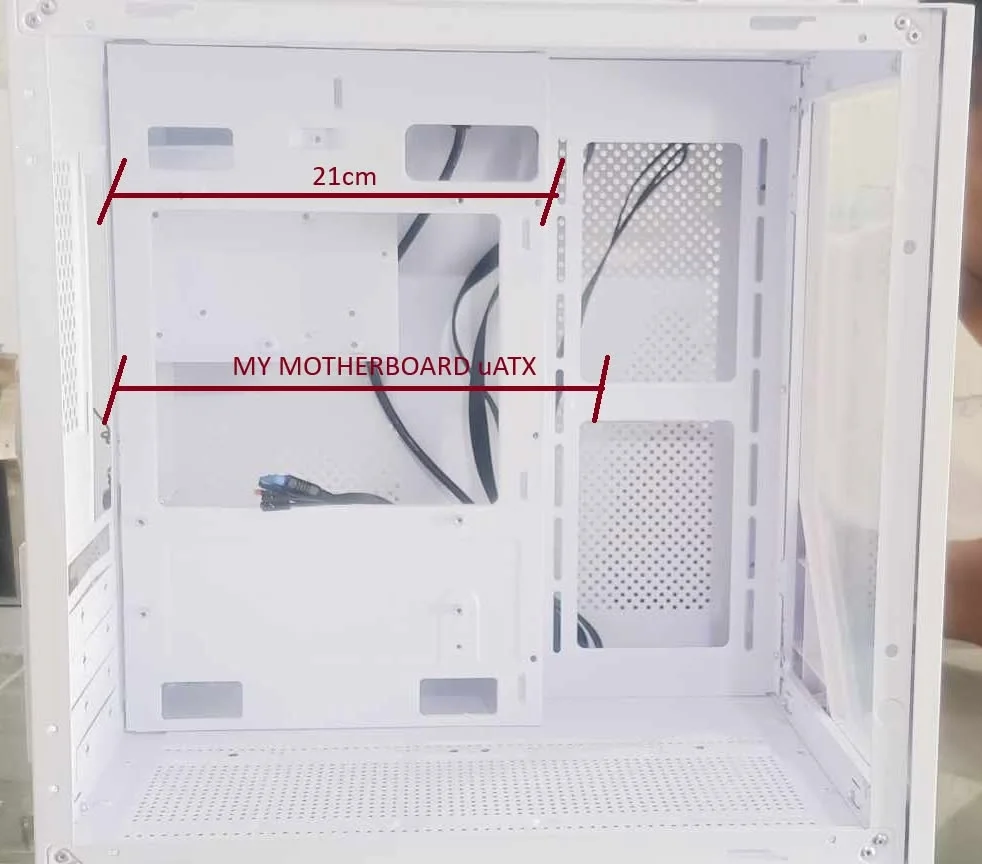
Beyond height and width, a few other dimensions matter for real-world fit:
- Depth: Often overlooked, but matters for desks against a wall or enclosed cabinets. Deep cases with room for long graphics cards and thick radiators can run 18 to 20 inches deep.
- Front panel clearance: Cases with front-mounted radiators or extra intake fans need a few inches of breathing room in front for airflow.
- Cable management space: Cases with more room behind the motherboard tray for cables tend to be a bit wider overall.
Matching Case Size to Motherboard and Components
Case size should be chosen based on what needs to fit inside, not just outside dimensions. A short checklist before buying:
- Confirm motherboard form factor support (ATX, mATX, Mini-ITX, or E-ATX) on the case spec sheet.
- Check maximum GPU length supported, especially for larger modern graphics cards that can exceed 12 inches.
- Check CPU cooler height clearance if using a large air cooler.
- Check radiator support if planning liquid cooling, since front and top radiator space varies a lot by case.
1. What size is a standard mid tower PC case?
Most mid tower cases fall between 17 and 21 inches tall and 7 to 9 inches wide, though exact numbers vary by brand and model.
2. Is a full tower case too big for a desk?
It can be for smaller desks. Full towers often exceed 22 inches tall and can be quite deep, so measuring available desk space before buying is worth doing, especially for under-desk placement.
3. Do smaller cases fit fewer components?
Generally yes, smaller cases support smaller motherboards and often limit GPU length, cooler height, and radiator size compared to mid or full towers, though high-quality small form factor cases can still fit surprisingly powerful builds.
4. How do I find the exact dimensions of a specific case?
Check the manufacturer’s product page specifications tab, which lists exact height, width, and depth in both inches and millimeters, rather than relying on the size category name.
The Bottom Line
PC case size ranges from compact mini-ITX builds under 15 inches to full towers over 22 inches tall, but the category name is only a rough guide. Checking the exact listed dimensions is the only reliable way to know if a case will actually fit the intended space.
This article reflects general PC building guidance based on publicly available manufacturer information at the time of writing; always check exact dimensions on the specific case’s product page before purchasing.