

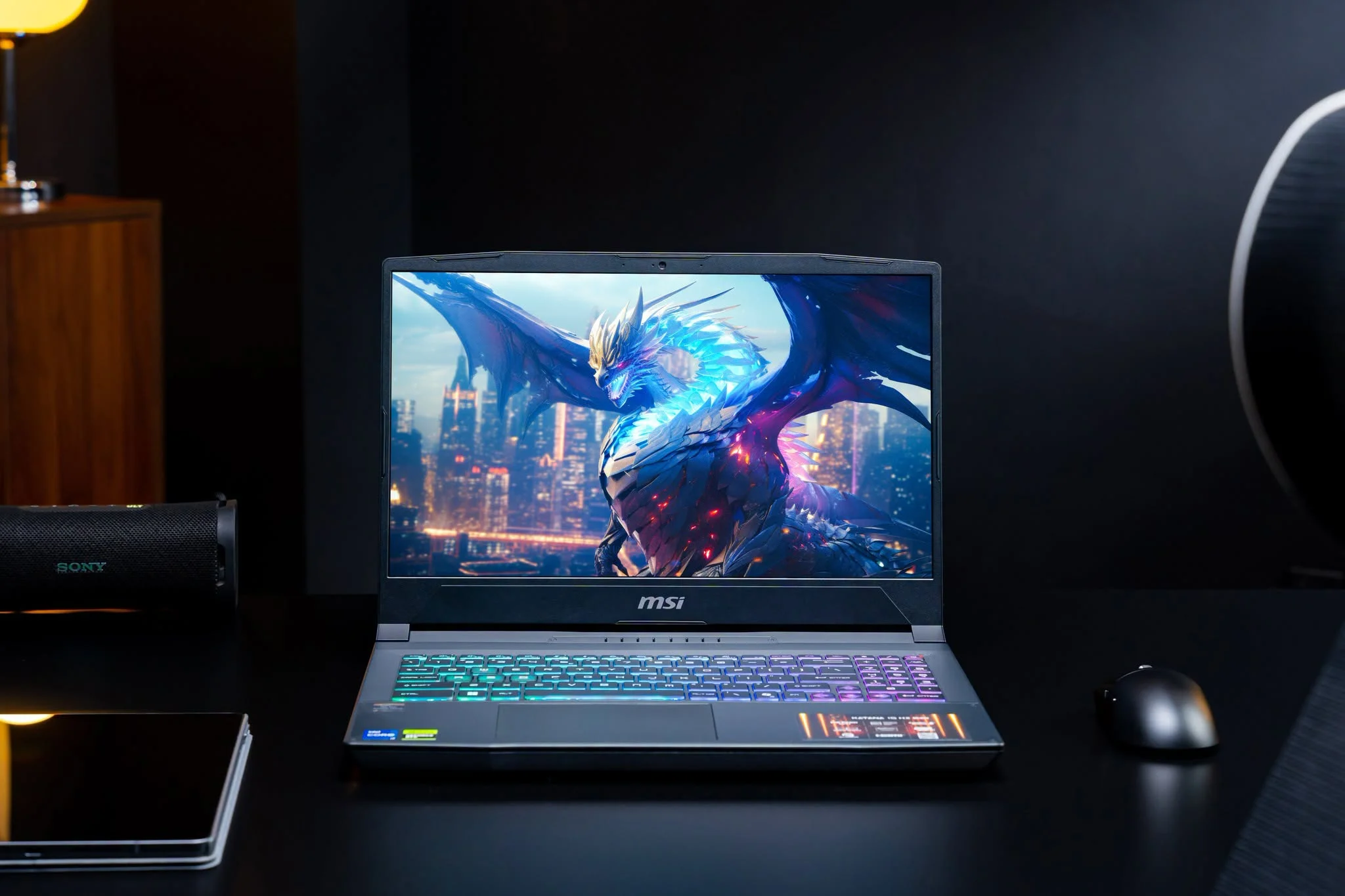
The Best entry level gaming laptops keep the basics balanced instead of chasing premium specifications. The ASUS GTX 1650 TI is our strongest all-around starter choice, while the MECHREVO RTX 4050 offers a more powerful graphics tier for buyers with extra room in their budget.
Recommended by Us

MECHREVO Dragon 15K RTX 4050 Gaming Laptop
- RTX 4050 supports DLSS 3 and accelerated ray tracing.
- High-refresh 165Hz FHD display with 100% sRGB coverage.
- DDR5 5600MHz dual-channel memory technology.
- RAM and SSD expansion options are listed up to 64GB and 4TB.
- Control Center provides fan, performance-profile, and RGB customization.
- Installed RAM and SSD capacities are not specified in the provided listing.
- The display is FHD rather than a higher-resolution QHD panel.
- Battery capacity, runtime, ports, and wireless specifications are not listed.

HP Victus 15 RTX 4050 Gaming Laptop
- RTX 4050 6GB graphics are well matched to the laptop's 1080p resolution.
- 144Hz IPS anti-glare display supports smoother gameplay.
- Good port selection includes USB-C, HDMI 2.1, RJ-45 Ethernet, and three USB-A connections.
- 16GB RAM and a 512GB NVMe SSD provide a practical starting configuration.
- Wi-Fi 6, Bluetooth 5.3, and a backlit keyboard are included.
- The 512GB SSD can fill quickly when storing several large games.
- The display covers only 62.5% sRGB, which is limited for color-sensitive creative work.
- The built-in camera is limited to 720p HD.

ASUS TUF FX506LI GTX 1650 Ti Gaming Laptop
- Dedicated NVIDIA GeForce GTX 1650 Ti graphics
- Full HD 15.6-inch display
- Quad-core Intel Core i5 processor
- Fast PCIe SSD storage
- The 256GB SSD may fill quickly with a large game library.
- 8GB of RAM is a basic capacity for modern gaming and heavy multitasking.
- At 6 pounds and 1.1 inches thick, it is less portable than slimmer laptops.

HP Victus 15.6 Gaming Laptop GTX 1650
- Dedicated NVIDIA GeForce GTX 1650 graphics
- Capable Intel Core i5-12450H processor
- Useful 512GB SSD capacity
- Full-size 15.6-inch laptop format
- 8GB of memory may limit demanding games and heavier multitasking
- Display resolution and refresh rate are not specified
- Cooling, connectivity, ports, and keyboard lighting details are not listed
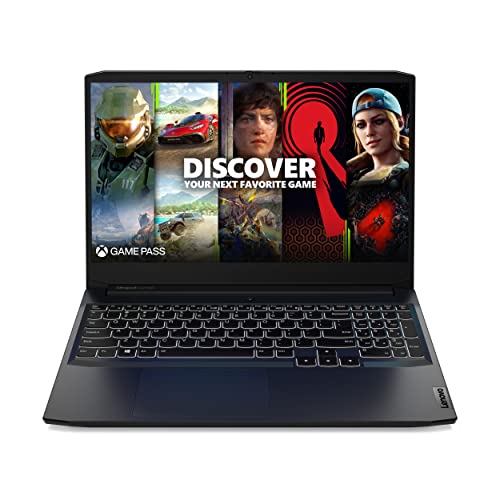
Lenovo IdeaPad Gaming 3 GTX 1650
- 120Hz FHD IPS display offers smoother motion than a standard 60Hz panel
- Six-core Ryzen 5 5600H processor supports gaming and general productivity
- Dedicated GTX 1650 graphics are appropriate for entry-level gaming
- Includes Wi-Fi 6, Ethernet, USB-C, and HDMI connectivity
- Backlit keyboard and webcam privacy shutter are useful practical extras
- 8GB of RAM may feel restrictive during heavier multitasking
- 256GB of storage can fill quickly with large applications and game libraries
- At 6.9 pounds, it is relatively heavy for frequent travel
Understanding Entry-Level Hardware
Buyers researching the best entry level gaming laptops should expect compromises, but those compromises do not have to ruin the experience. The aim is to secure dedicated graphics, a capable mobile processor, and enough memory for everyday gaming while avoiding expensive extras that make little difference to a beginner.
Keeping costs down usually means accepting a modest GPU, limited storage, or less memory out of the box. A balanced machine is generally more useful than one with a headline component paired with obvious limitations. Consider what you play, how much multitasking you do, and whether upgrades are practical.
Entry-level laptops also perform best when connected to wall power because their processors and graphics chips need more energy under load. Battery operation is better suited to lighter tasks. Our guide to plugged-in gaming explains why portable gaming performance and battery operation are different priorities.
Five Rules for Choosing
Start with the GPU because it has the largest direct influence on gaming visuals. A GTX 1650-class option can suit modest settings and lighter workloads, while an RTX 4050 offers a newer, stronger tier. Do not pay for more graphics power unless your games or creative work will use it.
Treat eight gigabytes of RAM as a basic starting point rather than an ideal long-term target. It can handle straightforward use, but background applications and newer software increase memory pressure. Sixteen gigabytes provides more breathing room for gaming, voice chat, browsers, recording tools, and general multitasking.
Choose storage according to the size of your actual library. A smaller SSD keeps the initial cost down but fills quickly once Windows, applications, and several large games are present. A larger SSD is more convenient, while an upgradeable design can let you postpone that expense.
Match the display to the hardware rather than selecting the highest refresh rate automatically. A fast screen improves motion clarity when the GPU can produce suitably smooth output, but resolution, panel quality, brightness, and color coverage also affect everyday use. Higher specifications are not equally valuable to every buyer.
Allow room for practical ownership costs, including accessories, storage expansion, and memory upgrades. Sale timing can change which hardware tier represents sensible value. Our overview of gaming laptop sales can help if you are able to wait rather than settling for a weaker configuration.
Worth knowing: Match the laptop to entry-level needs instead of chasing the largest number on the specification sheet. A balanced CPU, GPU, memory allocation, and SSD will usually be easier to live with than one standout component surrounded by compromises.
How These Models Compare
The ASUS GTX 1650 TI combines an Intel Core i5-10300H, NVIDIA GeForce GTX 1650 Ti, 8GB DDR4, and a 256GB SSD. The Lenovo GTX 1650 instead uses the six-core AMD Ryzen 5 5600H with NVIDIA GeForce GTX 1650 graphics, 8GB 3200 MHz DDR4, and a 256GB M.2 PCIe SSD. Lenovo also specifies a 120Hz Full HD IPS display.
The HP GTX 1650 has an Intel Core i5-12450H, NVIDIA GeForce GTX 1650, 8GB memory, and a more spacious 512GB SSD. The HP RTX 4050 moves up to an Intel Core i5-13420H, NVIDIA GeForce RTX 4050 6GB GDDR6, 16GB DDR4 3200 MHz, a 512GB SSD, and a 144Hz Full HD IPS display.
The MECHREVO RTX 4050 pairs an AMD Ryzen 7 processor with NVIDIA GeForce RTX 4050 graphics, DDR5 5600MHz dual-channel RAM, PCIe 4.0 storage, and a 165Hz Full HD display with 100% sRGB coverage. It is also the only table model whose supplied details describe cooling: dual fans, four vents, and three heat pipes. For this category, the GPU difference matters most because the RTX 4050 models offer the strongest graphics tier, although memory and storage still affect day-to-day convenience.
Priorities for Different Beginners
Casual Gaming at Home
If the laptop will spend most of its life on a desk, prioritize a dedicated GPU, a comfortable display, and useful ports over thinness. A wired Ethernet connection can also be useful where Wi-Fi is inconsistent. Battery endurance becomes less important when an outlet is always nearby.
A modest GPU can be sensible for lighter games or reduced visual settings, especially when cost control is the main goal. Remember that a gaming laptop is portable rather than fully untethered. The processor and graphics hardware can draw substantial power when both are working hard.
School and Gaming Together
A student should look beyond gaming specifications. Memory affects browser-heavy research and multitasking, while SSD capacity determines how comfortably coursework and a game library coexist. Weight, charger size, webcam features, and battery behavior may also matter when the computer travels between rooms or classes.
Gaming notebooks rarely prioritize unplugged endurance as strongly as general-purpose ultraportables. Our explanation of gaming laptop battery life covers the trade-offs before you depend on one for a full day away from an outlet.
Gaming and Creative Projects
For gaming alongside video work, prioritize a stronger GPU, adequate RAM, and enough SSD space for project files. Display color coverage is worth checking because a high refresh rate alone does not describe color performance. More processor cores and threads can also help with demanding multitasking and content workflows.
You do not necessarily need the most expensive configuration to begin learning creative software. A balanced entry-level model can handle introductory work, with expectations adjusted for export time and project complexity. Our overview of gaming laptop editing provides more context for mixed-use buyers.
Benefits and Practical Compromises
Upsides
- Dedicated graphics provide a clearer gaming focus than the integrated graphics found in many basic everyday laptops.
- Full HD displays place a manageable graphics workload on entry-level hardware while remaining sharp enough for typical laptop screen sizes.
- High-refresh displays are available in this category, giving compatible games and everyday motion a smoother appearance.
- Many gaming configurations combine useful desktop-style connections with a portable design, reducing dependence on extra adapters at home.
Trade-offs
- Lower-cost configurations may include only basic RAM and SSD capacity, so storage management or later upgrades can become necessary.
- Gaming hardware consumes more power and produces more heat than ordinary office hardware, particularly during sustained processor and GPU use.
- A fast display does not guarantee premium brightness, color coverage, resolution, or panel technology, so buyers should read the complete specification.
The most sensible entry-level purchase is the one whose compromises fit your routine. Someone with a small game library may accept limited storage, while a heavy multitasker benefits more from extra RAM. Long-term care matters too. Our guide to long-term performance explains how heat, maintenance, and changing software demands can shape ownership.
Match a Laptop to You
- Best overall: ASUS GTX 1650 TI pairs an Intel Core i5-10300H with NVIDIA GeForce GTX 1650 Ti graphics.
- Strongest GPU: MECHREVO RTX 4050 combines NVIDIA GeForce RTX 4050 graphics with a 165Hz display.
- Best value: Lenovo GTX 1650 offers AMD Ryzen 5 5600H power and a 120Hz IPS display.
- Alternative brand: HP RTX 4050 includes NVIDIA GeForce RTX 4050 graphics, 16GB DDR4, and a 512GB SSD.
- Runner-up: HP GTX 1650 balances an Intel Core i5-12450H, NVIDIA GeForce GTX 1650, and 512GB SSD.
Our Entry-Level Verdict
The ASUS GTX 1650 TI is the balanced starting point, combining dedicated NVIDIA GeForce GTX 1650 Ti graphics with an Intel Core i5-10300H. Buyers who want the strongest graphics option should consider the MECHREVO RTX 4050, whose NVIDIA GeForce RTX 4050 and faster display create a more capable foundation.
Other Configurations Worth Comparing
| Product | What Is Different | Suits Whom |
|---|---|---|
| Delca RTX 3050 | This customized Victus uses an NVIDIA GeForce RTX 3050 6GB and offers several memory and storage configurations. The reseller reseals it to perform those upgrades. | It suits buyers who want to select more RAM or storage at purchase while retaining a 144Hz Full HD IPS display. |
| HP i5-13420H RTX 4050 | This configuration combines an Intel Core i5-13420H, NVIDIA GeForce RTX 4050, 16GB RAM, and a 512GB SSD. It also lists an SD media card reader and included USB-C hub. | It suits buyers seeking an RTX 4050 Victus configuration with useful connectivity for accessories and removable media. |
| Lenovo RTX 4050 | The Lenovo LOQ pairs an AMD Ryzen 5 7235HS with NVIDIA GeForce RTX 4050 graphics. Its 144Hz Full HD IPS display lists 300-nit brightness and G-SYNC. | It suits buyers who prefer Lenovo and want RTX 4050 graphics with a variable-refresh display. |
Entry-Level Laptop Questions
1. Is an entry-level gaming laptop suitable for a first PC?
Yes, provided its compromises match your expectations. Dedicated graphics make it more gaming-focused than a typical productivity notebook, while Windows also supports school, work, and everyday applications. Check memory, storage, display, and ports rather than assuming every model in the category offers the same experience.
2. Should a beginner choose GTX 1650 or RTX 4050 graphics?
A GTX 1650-class laptop can make sense when keeping the initial cost low matters most and you are comfortable adjusting visual settings. The RTX 4050 is the stronger and newer tier represented here, making it more attractive for demanding games, creative software, and buyers who want more performance headroom.
3. Is eight gigabytes of RAM enough to start gaming?
Eight gigabytes is a workable starting point for lighter use, but it leaves less room for browsers, voice chat, launchers, and other background software. Sixteen gigabytes is more comfortable for mixed use. Before purchasing, verify the included capacity and whether the specific configuration supports practical memory upgrades.
4. How much SSD space should a first gaming laptop have?
A smaller SSD can work if you keep only a limited selection of games available, but space disappears quickly after accounting for Windows and applications. A larger SSD is easier to manage. Also check whether storage can be expanded and whether doing so affects warranty coverage from the seller or manufacturer.
5. Where should a beginner purchase a gaming laptop?
Choose a retailer with clear configuration details, return terms, and warranty information. Marketplace listings can vary in memory and storage even when the base model name looks identical, so confirm exactly what is included. Our overview of gaming laptop retailers explains the main purchasing options.


