

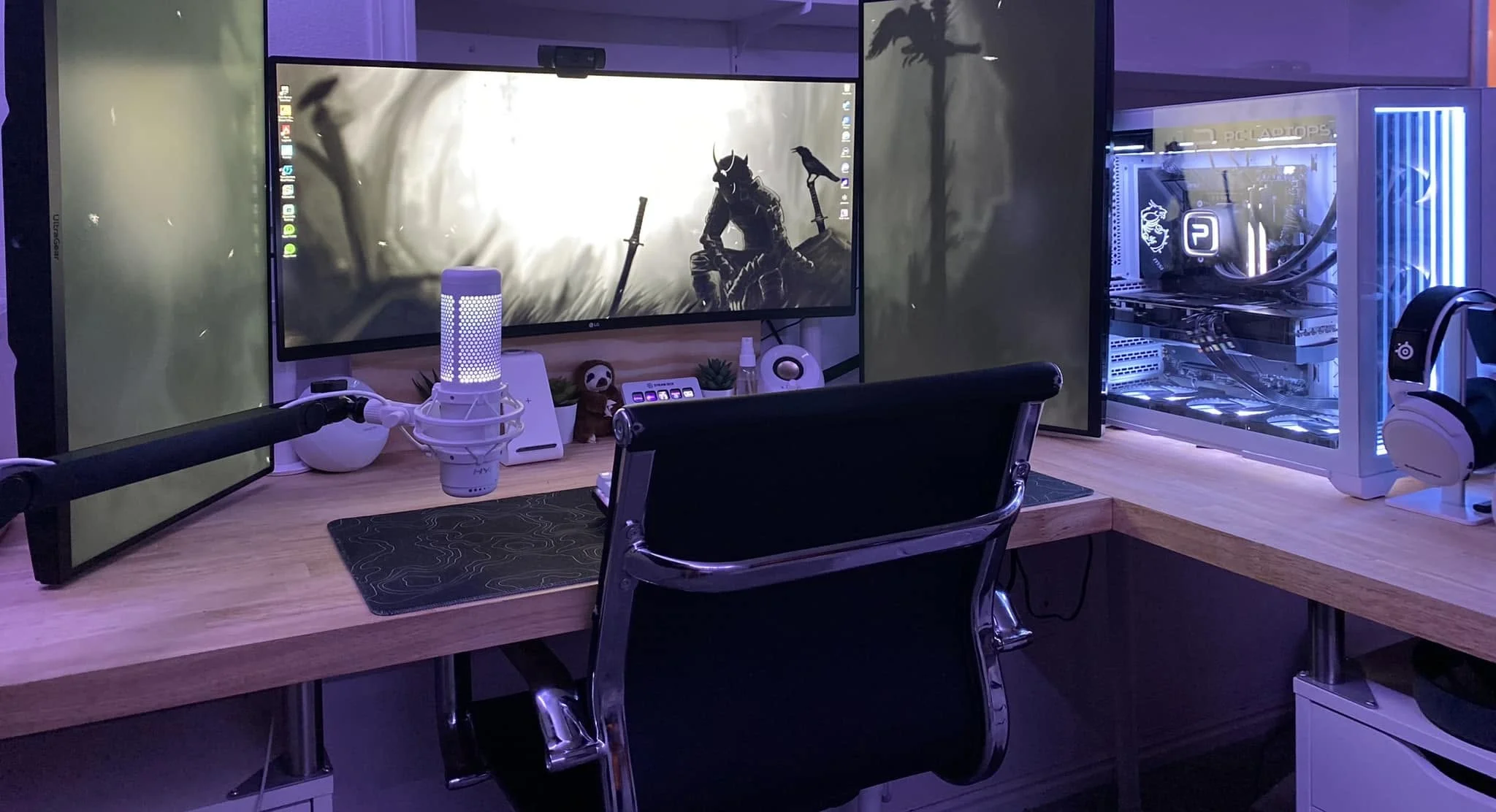
Content creation leans on CPU cores and RAM more than a pure gaming build does, so a balanced system pays off. Among the best prebuilt gaming PCs for content creation, the Skytech King 95 pairs AMD Ryzen 9 9900X3D with NVIDIA Geforce RTX 5070 Ti 16GB, and the HOENGAGER Panorama is the lower-cost pick.
Recommended by Us

Skytech King 95 Ryzen 9 RTX 5070 Ti
- High-tier RTX 5070 Ti graphics with 16GB of GDDR7
- Premium Ryzen 9 9900X3D processor
- Generous 32GB DDR5 memory and 2TB NVMe storage
- 360mm AIO liquid CPU cooling with ARGB fans
- Keyboard and mouse are included
- The listing specifies Wi-Fi 802.11ac rather than a newer Wi-Fi standard
- Graphics card brand and some available display ports may vary
- Power supply wattage and model are not specified

Acer Nitro 60 RTX 5070 Ti Gaming Desktop
- High-end Ryzen 9 processor and RTX 5070 Ti graphics
- Generous 32GB DDR5 memory and 2TB PCIe 4.0 storage
- Supports DLSS 4 and NVIDIA Studio features
- Wi-Fi 6 and Gigabit Ethernet are both included
- Customizable aRGB lighting offers 16.8 million colors
- The listing does not specify the graphics card's VRAM capacity.
- Power supply wattage and efficiency rating are not provided.
- The operating system is not identified in the supplied product data.

HELLOLAND Ryzen 7 RTX 5060 Ti Gaming PC
- RTX 5060 Ti 8G graphics are well positioned for high-detail 1080p gaming
- Ryzen 7 5700X provides eight CPU cores for gaming and creator workloads
- Generous 2TB combined SSD capacity
- Includes 240mm liquid cooling and controllable ARGB PWM fans
- Wi-Fi, Bluetooth, and Windows 11 are included
- 16GB of DDR4 may be modest for demanding multitasking or heavier content-creation projects
- The graphics card brand may vary
- The listing does not specify the motherboard, power supply, or memory speed

HOENGAGER Panorama Pink Ryzen 7 Gaming PC
- Strong configuration for high-refresh 1080p gaming
- Eight-core Ryzen processor supports gaming and productivity
- Generous 32GB memory capacity
- 240mm AIO cooling with seven customizable RGB fans
- Distinctive pink panoramic case and included mouse
- The GPU's 8GB of VRAM may become limiting in demanding 1440p workloads
- DDR4 memory and the AM4 platform are older than current-generation alternatives
- Power supply, motherboard, wireless connectivity, and port details are not specified

Alienware Aurora ACT1250 RTX 5070 Desktop
- RTX 5070 with 12GB GDDR7 supports high-end gaming and graphics-heavy creative work.
- Core Ultra 7-265F and 32GB DDR5 are well equipped for demanding multitasking.
- Modern Wi-Fi 7 and Bluetooth 5.4 connectivity are included.
- Generous display connectivity includes HDMI and three DisplayPort outputs.
- 1000W power supply is listed for the high-performance hardware configuration.
- A 1TB SSD may fill quickly when storing a large collection of modern games and media.
- At 33.9 pounds, the desktop may be inconvenient to move frequently.
- The listing does not specify the cooling configuration or RAM speed.
What Creative Work Demands
Content creation places several sustained demands on a computer. More CPU cores can shorten rendering, encoding, and export workloads, while strong per-core speed helps games remain responsive. Plenty of RAM matters when several applications, browser tabs, and large project files are open together. The GPU accelerates supported effects, rendering tasks, encoding, and games, so it should not be treated as an afterthought. Fast SSD storage keeps project loading, media transfers, and game launches moving quickly, while sufficient capacity reduces constant file management. A gaming PC can handle both roles well when these parts are balanced. Extra spending usually helps most when it increases CPU capability, GPU performance, memory capacity, or usable storage rather than cosmetic features alone. Our gaming PC advice provides broader component context.
Worth knowing: Creators often benefit from more CPU cores than a pure gaming build needs, especially when rendering or exporting while other applications remain open.
Who Should Look Elsewhere
Skip a powerful gaming and creation desktop if your work is limited to documents, basic photo adjustments, short social clips, and light browser-based tools. An affordable mainstream desktop or capable laptop can cover those tasks while using less desk space and power. You still need enough memory and SSD capacity, but paying for a high-end graphics card may offer little practical benefit. Our overview of gaming PC budgets can help set a sensible spending level.
A specialized workstation may be more appropriate if your income depends on extremely large renders, unusually heavy simulations, certified professional drivers, extensive expansion, or very large memory capacities. Buyers who need mobility should consider a creator-focused laptop instead. For everyone between those extremes, a balanced gaming desktop is often the practical middle ground: enough CPU cores for heavy workloads, sufficient RAM for several open applications, a strong GPU for rendering and games, and fast storage for media libraries.
Creator PC Selection Checklist
- Check CPU cores and speed. More cores help with rendering and other heavy workloads, while strong clock performance supports responsive gaming and everyday editing.
- Aim for enough RAM. A system with 32GB provides useful headroom for editing, streaming, browsers, and background applications running together.
- Choose a GPU for both jobs. A strong graphics card supports modern games and can accelerate compatible rendering, effects, encoding, and three-dimensional workflows.
- Prioritize fast, roomy storage. Games, source footage, caches, and completed projects consume capacity quickly, making an SSD with comfortable free space valuable.
- Confirm the parts are balanced. An expensive GPU cannot fully compensate for limited memory, cramped storage, or a processor poorly matched to your workload. Our PC bottleneck guide explains why component balance matters.
How the Main Systems Compare
The Panaroma Gaming PC Desktop -AMD Ryzen 7 5700X combines an AMD Ryzen 7 5700X eight-core processor with a Geforce RTX 5060 Ti 8G and 16GB DDR4 memory. It also includes a 1TB PCIe SSD plus a 1TB SATA SSD, giving games and creative files separate pools of solid-state capacity. A 240mm water-cooling system and ARGB PWM fans handle cooling. Its storage arrangement is appealing, although 16GB offers less multitasking headroom than the 32GB systems.
The HOENGAGER Panorama Prebuilt Gaming PC W/Mouse uses the same AMD Ryzen 7 5700X class of processor and an RTX 5060 Ti 8GB, but it raises memory to 32GB DDR4 and provides a 1TB NVMe SSD. It has a 240mm AIO and seven RGB fans. The Acer Nitro 60 N60-181-UR26 Gaming Desktop steps up to an AMD Ryzen 9 7900 with 12 cores, an NVIDIA GeForce RTX 5070 Ti, 32GB DDR5, and a 2TB PCIe 4.0 SSD. Its CPU cooler uses high-airflow blades and U-shape copper heat pipes.
The Skytech Gaming King 95 Gaming PC, Ryzen 9 9900X3D pairs an AMD Ryzen 9 9900X3D with an NVIDIA Geforce RTX 5070 Ti 16GB GDDR7, 32GB DDR5 RAM, a 2TB Gen4 NVMe M.2 SSD, and a 360mm AIO liquid CPU cooler. The Alienware Aurora ACT1250 AI Gaming Desktop Ultra 7 uses a 20-core Intel Core Ultra 7-265F, GeForce RTX 5070 12GB GDDR7, 32GB DDR5, and a 1TB PCIe NVMe SSD. It also lists a 1000W power supply. For this mixed workload, the most consequential difference is overall CPU, GPU, memory, and storage balance rather than any single specification. Our DDR memory comparison explains the memory generations.
Practical Rules for Creators
- Choose more CPU cores when long renders and exports take priority over maximizing gaming performance alone.
- Prefer 32GB of RAM when editing, streaming, and running background applications at the same time.
- Leave free SSD space for temporary files, project caches, game updates, and active media libraries.
- Match the GPU to both gaming resolution and the acceleration features supported by your creative applications.
Matching Systems to Buyers
| Reader | Pick | Why |
|---|---|---|
| Best overall balance | Panaroma RTX 5060 TI | Eight CPU cores, RTX 5060 Ti 8G graphics, and two SSDs create a versatile gaming and creation setup. |
| Strongest GPU choice | Skytech King 95 | Its RTX 5070 Ti has 16GB GDDR7, supported by 32GB DDR5 and a Ryzen 9 9900X3D. |
| Best value balance | HOENGAGER Panorama | It combines 32GB DDR4 with an RTX 5060 Ti 8GB, Ryzen 7 5700X, and NVMe storage. |
| Alternative major brand | Acer Nitro | A Ryzen 9 7900, RTX 5070 Ti, 32GB DDR5, and 2TB SSD suit demanding mixed workloads. |
| Strong runner-up | Alienware Aurora | The 20-core processor, RTX 5070 12GB, and 32GB DDR5 support gaming, editing, rendering, and streaming. |
Ownership and Upgrade Questions
1. Can one gaming PC reliably handle creative work for years?
Yes, provided its processor, graphics card, memory, and storage match the projects you expect to create. A balanced machine will generally age better than one that concentrates most of its budget in a single component. Future demands vary, so accessible memory and storage upgrades can be valuable. Our guide to PC lifespan covers the broader ownership factors.
2. Is 16GB of RAM enough, or should creators choose 32GB?
16GB can handle gaming and lighter creative projects, but it provides less room for large files and several open applications. For regular editing, streaming, rendering, or heavy multitasking, 32GB is the more comfortable target. The actual requirement depends on project complexity, media resolution, background applications, and whether the selected desktop allows a straightforward memory upgrade later.
3. Should a limited budget go toward the CPU or GPU first?
The answer depends on the workload. Rendering, encoding, and other heavily threaded tasks can benefit substantially from more CPU cores, while GPU-accelerated effects, three-dimensional rendering, and high-resolution gaming favor a stronger graphics card. Avoid pushing either component so high that you must accept inadequate RAM or storage. Balanced performance is usually more useful than one headline specification.
4. Are cheaper prebuilt PCs a bad long-term investment?
Not automatically. A less expensive system can be sensible when its components fit your projects and its memory or storage can be expanded later. Check the listed processor, exact GPU, RAM capacity, SSD capacity, cooling information, connectivity, and warranty rather than judging the computer by appearance. Limited specifications become costly when they force an early replacement or immediate upgrades.
The Best Balanced Choices
The Panaroma RTX 5060 TI is the best overall fit for buyers who want capable gaming hardware, an eight-core processor, and generous combined SSD capacity. Its balanced configuration makes sense for creators who also play regularly.
Choose the Skytech King 95 when stronger graphics, 32GB DDR5, and a Ryzen 9 processor matter more. It is the more performance-focused option for demanding gaming and creative workloads.
Other Creator-Ready Alternatives
WIWB RTX 5070 combines a Core Ultra 7 265KF, GeForce RTX 5070 12GB GDDR7, 16GB DDR5, and a 1TB NVMe SSD. It suits buyers prioritizing GPU capability who are comfortable with less included memory than the 32GB alternatives.
Acer Nitro RTX 5060 offers an Intel 10-core Ultra 5 225F, GeForce RTX 5060 with 8GB GDDR7, 32GB DDR5, and a 1TB SSD. It is a balanced alternative for gaming, creative applications, and productivity with numerous peripherals.
ASUS ROG GM700 pairs an AMD Ryzen 7 9800X3D with an AMD Radeon RX 9070 XT PRIME OC, 32GB DDR5, and a 2TB PCIe Gen 4.0 SSD. It suits buyers seeking a high-end AMD CPU and GPU combination with substantial memory and storage.









