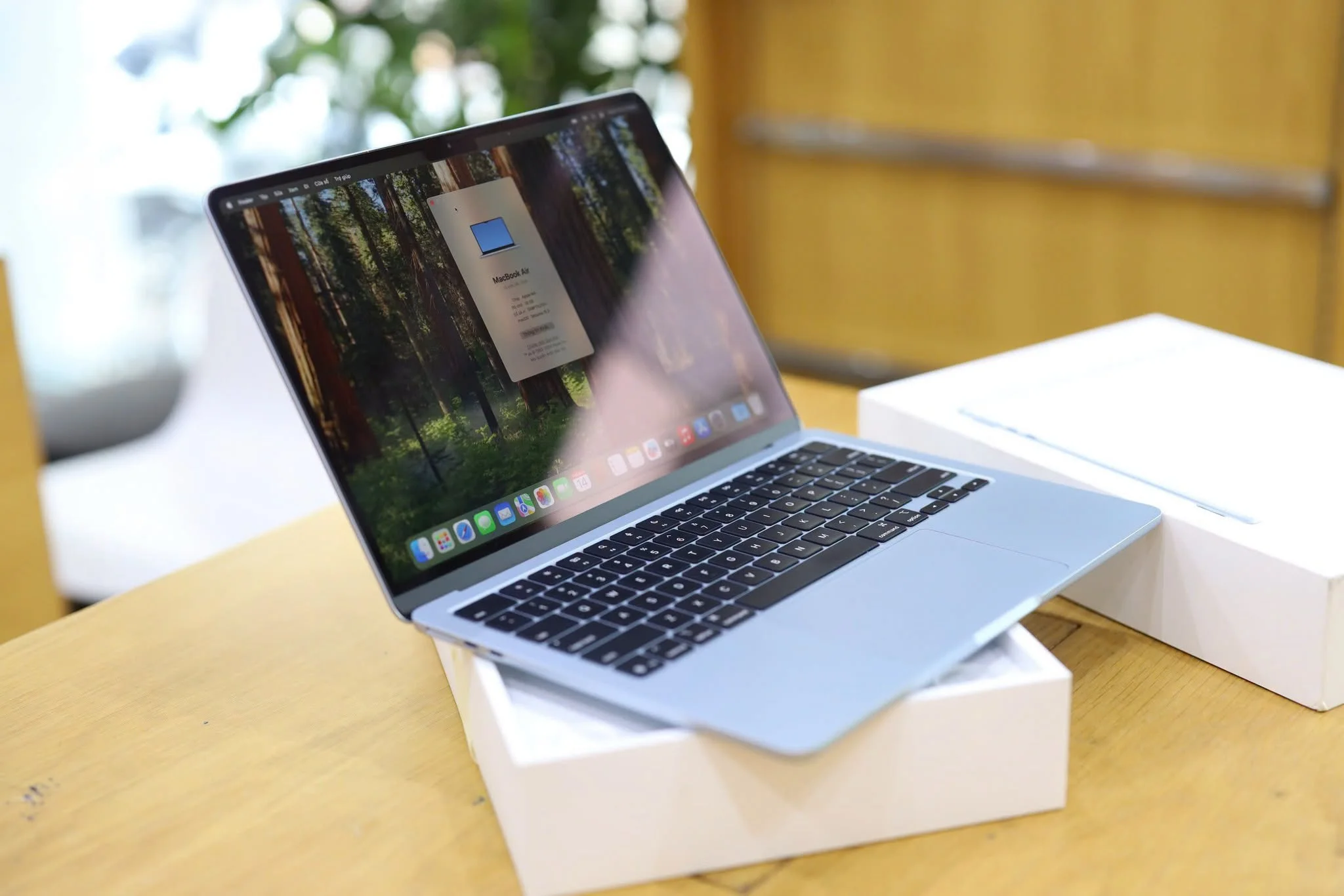
The MacBook Air has been the default recommendation for anyone who wants a thin, reliable everyday laptop without stepping up to Pro pricing. The M5 refresh keeps that formula intact while pushing the chip forward. This review covers what the M5 chip changes, how the display and battery hold up, and whether it’s worth buying over last year’s model.
Quick verdict: The MacBook Air 13 with the new M5 chip keeps the same 13.6-inch IPS display, 2.7 lb weight, and MagSafe charging that made the line popular. It adds a 10-core CPU, up to 10-core GPU, and a 16-core Neural Engine with hardware-accelerated ray tracing. Battery life is rated up to 18 hours for video playback. For anyone doing browsing, office work, and light creative tasks, this is still one of the easiest laptop recommendations to make.
At a Glance: MacBook Air 13 (M5) Specs
- Chip: Apple M5 (10-core CPU, up to 10-core GPU)
- Neural Engine: 16-core, with hardware-accelerated ray tracing
- RAM: 16GB unified memory (configurable to 24GB or 32GB)
- Storage: 512GB SSD (up to 1TB, 2TB, or 4TB)
- Display: 13.6″ IPS, 2560×1664, 500 nits, 1 billion colors
- Battery: Up to 18 hours video playback, up to 15 hours wireless web
- Weight: 2.7 lbs (1.23 kg)
- Ports: MagSafe 3, 2x Thunderbolt 4, 3.5mm headphone jack
- Colors: Sky Blue, Silver, Starlight, Midnight
(Apple’s official starting price wasn’t confirmed in the source used for this review. Check current pricing directly on Apple.com before buying.)
Who Is the MacBook Air 13 Actually For?
Most people reading a MacBook Air review right now fall into one of a few groups:
- Upgrading from an older MacBook Air or an aging Intel Mac
- Comparing it against a Windows ultrabook like the Dell XPS 13
- Buying a first Mac for school or general productivity work
This is built for everyday computing, not sustained heavy workloads. It has no active cooling fan, so long, demanding tasks like extended video exports will eventually hit thermal throttling. Anyone doing serious video editing or 3D work regularly should look at the MacBook Pro line instead.
Design and Build
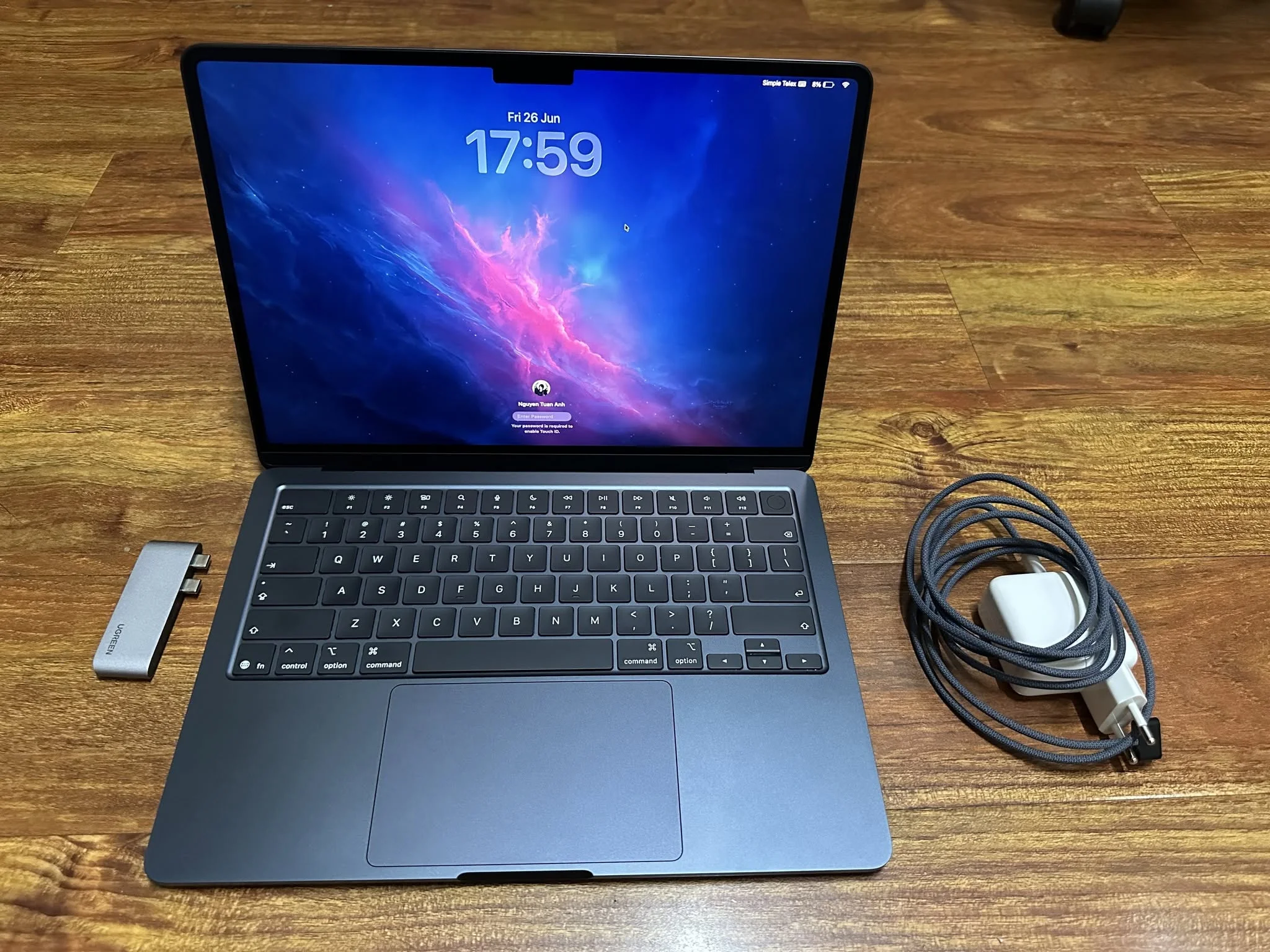
Apple hasn’t changed the external design much, and there wasn’t really a reason to. Standout points:
- 2.7 lb weight and thin profile, genuinely comfortable to carry daily
- Four color options, especially Sky Blue, give it more personality than past years
- MagSafe charging keeps Thunderbolt ports free for accessories instead of tied up charging the laptop
Display: Still Just IPS, and That’s Fine
The 13.6-inch IPS panel at 2560×1664 with 500 nits brightness isn’t the Mini-LED or OLED panel found in the Pro lineup, but that’s expected at this price tier. For everyday use, browsing, documents, and streaming, it’s sharp and color accurate enough that most buyers won’t feel like they’re missing anything, especially coming from an older laptop.
Performance: What the M5 Chip Changes
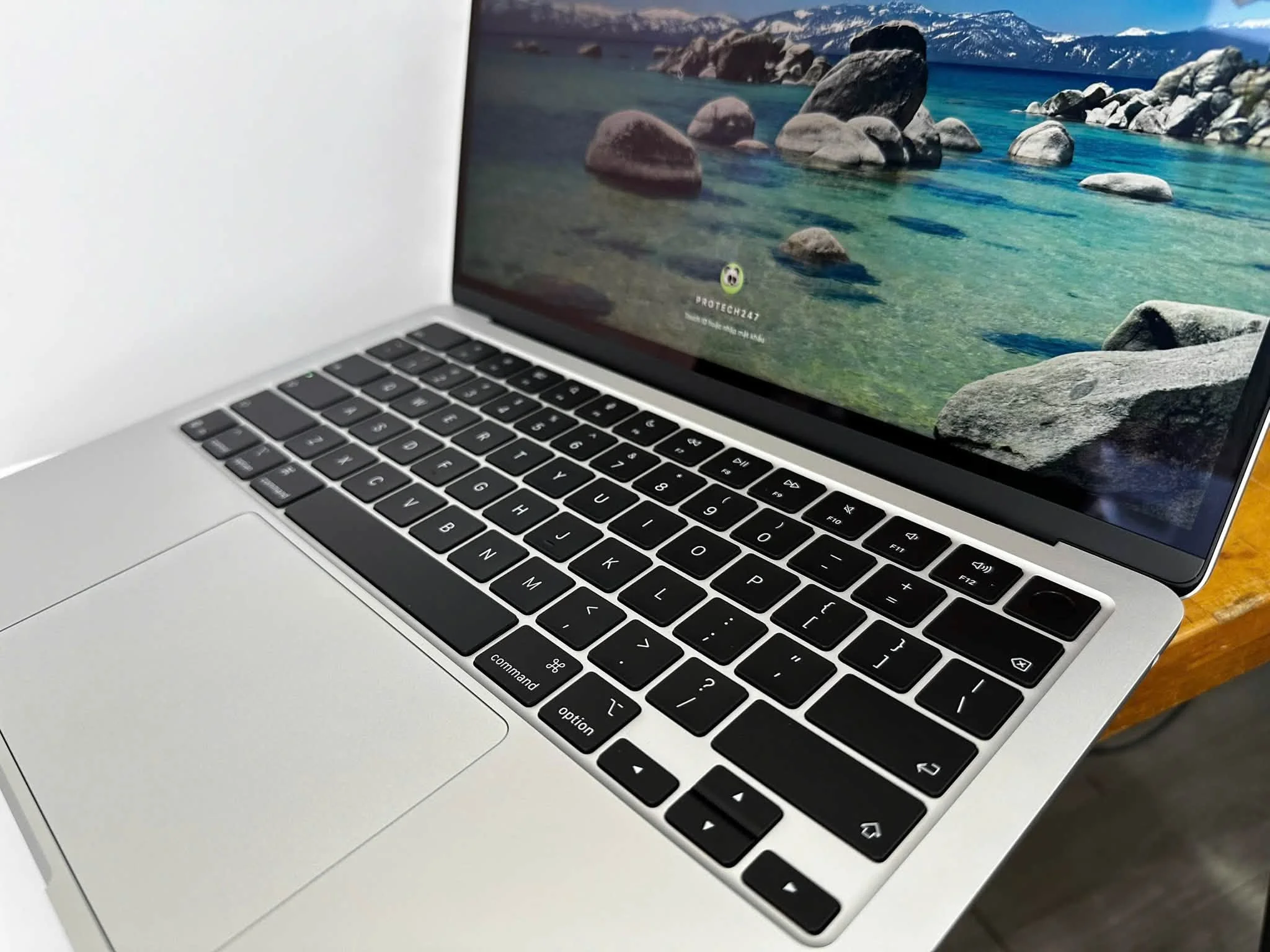
The headline spec is the new 10-core CPU paired with up to a 10-core GPU and a 16-core Neural Engine that now supports hardware-accelerated ray tracing on the GPU side. That ray tracing support is notable since it’s a feature more associated with gaming GPUs than efficiency-focused laptop chips.
In practical terms, expect:
- Smooth day-to-day multitasking across browser tabs, office apps, and streaming
- Capable light-to-medium photo and video editing, with heavier sustained exports being where the fanless design eventually shows its limits
- On-device AI and machine learning tasks benefiting from the upgraded Neural Engine
This review will be updated with hands-on benchmark comparisons against the previous M4 generation once a retail unit has been tested directly.
Battery Life
Apple rates the MacBook Air 13 M5 for up to 18 hours of video playback and up to 15 hours of wireless web browsing. Real-world mixed use, multiple browser tabs, background apps, video calls, will land lower than that. Apple Silicon Macs have consistently delivered strong real-world battery life relative to their advertised numbers compared to most Windows laptops in the same class. A full workday without needing a charger is a realistic expectation here.
Pros and Cons
What stands out
- M5 chip brings a real GPU and Neural Engine upgrade, including hardware-accelerated ray tracing
- Strong, class-leading battery life ratings
- Thin, light, and comfortable to carry daily at 2.7 lbs
- MagSafe charging keeps Thunderbolt ports free
- Four color options add some personality over past generations
What gives pause
- No active cooling, so sustained heavy workloads will eventually throttle
- Base 16GB RAM may feel tight for buyers who multitask heavily or plan to keep the machine for years
- Display is IPS, not the higher-end panel found on MacBook Pro models
MacBook Air 13 vs. the Competition
Against a Windows ultrabook like the Dell XPS 13, the MacBook Air generally wins on battery efficiency and build fit and finish, but loses out for anyone who needs Windows-specific software or the Copilot+ AI ecosystem. Against Apple’s own MacBook Pro line, the Air trades active cooling and a better display for a lighter, cheaper, fanless machine, which is the right trade for most non-professional buyers.
FAQ
1. Is the MacBook Air 13 M5 good for gaming?
It can handle lighter and some mid-range titles reasonably well thanks to the improved GPU and ray tracing support, but it’s not built as a gaming machine and lacks active cooling for sustained gaming sessions.
2. How much RAM do I need on a MacBook Air?
16GB is fine for most everyday use. Buyers who multitask heavily, run virtual machines, or plan to keep the laptop for many years should consider the 24GB or 32GB configuration.
3. Does the MacBook Air M5 have a fan?
No, it remains a fanless design, which is why sustained heavy workloads eventually cause thermal throttling.
4. Is the MacBook Air 13 or 15 better?
The 13-inch is lighter and more portable, while the 15-inch offers a larger display for the same chip and battery technology. It comes down to whether portability or screen real estate matters more.
Final Take
The MacBook Air 13 with M5 keeps doing what the line has always done well: a thin, reliable, all-day laptop for everyday computing. The chip upgrade, especially the GPU and Neural Engine improvements, makes this a worthwhile update for anyone still on an Intel Mac or an M1/M2 generation Air, while M3 or M4 owners likely won’t feel an urgent need to upgrade.
This review is based on manufacturer-published specifications as of publish date. It will be updated with hands-on testing data as it becomes available.