

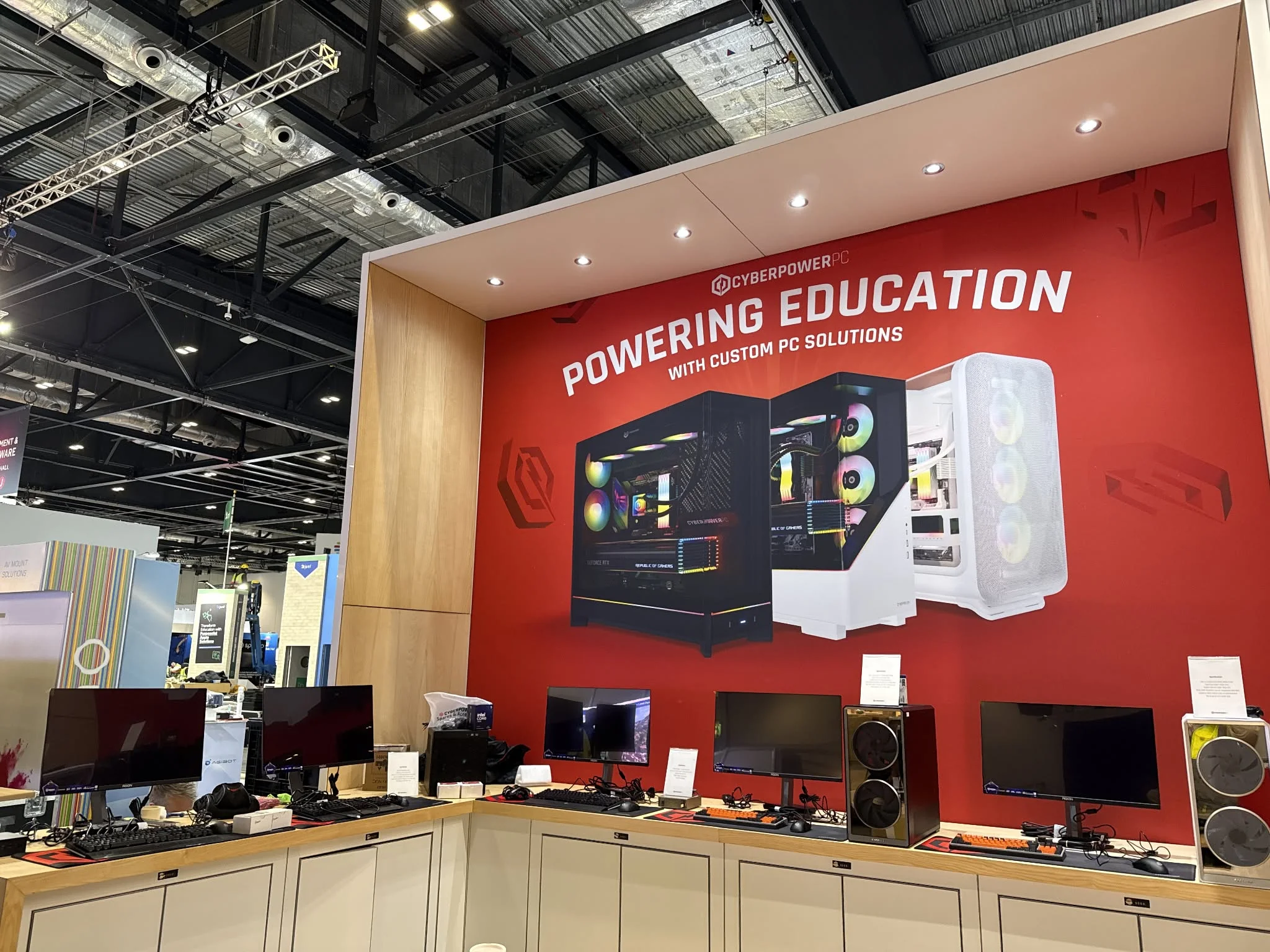
CyberPowerPC systems come in several ranges, so the model name matters less than the graphics card and CPU inside. Among the best CyberPowerPC prebuilt gaming PCs, the CyberpowerPC RTX 5070 TI pairs AMD Ryzen 9 9900X3D with NVIDIA GeForce RTX 5070 Ti 16GB, and the CyberpowerPC RTX 5060 TI is the lower-cost pick.
Recommended by Us

CyberPowerPC Gamer Supreme RTX 5070 Ti
- High-end Ryzen 9 9900X3D and RTX 5070 Ti configuration
- Generous 32GB DDR5 memory and 2TB PCIe 4.0 storage
- Liquid-cooled CPU with customizable RGB presentation
- Modern Wi-Fi 6, Bluetooth 5.3, and USB-C connectivity
- Keyboard and mouse are included
- Power supply wattage and model are not specified in the listing
- DDR5 memory speed is not provided
- The performance-focused hardware may be more than casual users need

CyberPowerPC RTX 5060 Ti Gaming PC
- Strong Intel Core Ultra 7 processor and RTX 5060 Ti graphics combination
- Fast PCIe 4.0 NVMe storage
- Liquid CPU cooling is included
- Broad wired and wireless connectivity
- Keyboard and mouse are supplied
- 16GB of RAM may feel limited for heavy multitasking or memory-intensive creative work.
- The 1TB drive can fill quickly when storing many large applications or games.
- The graphics card has 8GB of VRAM, which may limit demanding high-resolution settings in some workloads.

CyberPowerPC Ryzen 7 RTX 5070 Gaming PC
- Strong Ryzen 7 and RTX 5070 hardware combination
- Generous 32GB DDR5 memory and 2TB NVMe storage
- Two USB-C ports plus multiple USB-A connections
- Liquid CPU cooling and customizable RGB lighting
- Keyboard and mouse are included
- Power supply wattage and efficiency rating are not specified
- DDR5 memory speed is not listed
- Only one HDMI output is listed, although three DisplayPort outputs are available

CyberPowerPC Ryzen 7 9700X RTX 5070 PC
- High-end RTX 5070 graphics with 12GB of video memory
- Strong Ryzen 7 9700X and 32GB DDR5 configuration
- Spacious 2TB PCIe 4.0 NVMe SSD
- Liquid CPU cooling and customizable RGB lighting
- Extensive wired and wireless connectivity
- Power supply wattage and model are not specified in the listing
- Exact motherboard model, case dimensions, and memory speed are not provided
- A monitor is not listed among the included accessories

CyberPowerPC Ryzen 9 9900X RTX 5070 PC
- High-end Ryzen 9 processor and RTX 5070 graphics
- Generous 32GB DDR5 memory and 2TB NVMe storage
- Liquid CPU cooling and a tempered side panel
- Modern wireless connectivity and two USB-C 3.2 ports
- Keyboard and mouse are included
- Power supply wattage and model are not specified
- Case dimensions are not listed
- Wi-Fi 6 is included rather than a newer Wi-Fi standard
Understanding CyberPowerPC Desktops
CyberPowerPC Gamer Xtreme and Gamer Supreme desktops cover different performance levels rather than one fixed specification. Depending on the listing, you may find different processors, graphics cards, memory capacities, storage drives, and connectivity options. Start with the games and resolution you intend to use, then choose hardware that fits those needs instead of selecting by case design alone.
Warranty and support details also deserve attention because terms should be checked on the exact listing. These systems specify a one-year parts and labor warranty plus free lifetime technical support, but buyers should still read the current seller information and coverage conditions before ordering. Our warranty overview explains the basics.
Heads up: The same CyberPowerPC model name can appear with different processors and graphics cards, so compare the full specification before buying.
Comparing Models With Confidence
Which component should I compare first?
The graphics card usually has the greatest influence on gaming performance across these systems. Compare the exact GPU name and video memory before looking at cosmetic features or bundled accessories.
Does the processor still matter for gaming?
Yes. The CPU handles game logic, background tasks, and workloads outside gaming. A stronger processor can also make more sense for streaming, content creation, or heavy multitasking.
How should I compare two similarly named desktops?
Read every listed component rather than relying on the product family name. Check the CPU, GPU, memory, storage, chipset, connectivity, cooling, operating system, and included accessories.
Could custom parts affect later upgrades?
Some branded systems use proprietary components that can restrict replacements or case changes. Confirm motherboard dimensions, power connections, available expansion space, and power supply details when those specifications are available.
Where should I verify support coverage?
Use the exact product listing and current warranty documentation. Coverage duration, service procedures, exclusions, and responsibility for shipping can matter as much as the headline warranty period.
How can I judge overall value?
Compare the graphics card, processor, memory, and storage against similarly positioned systems. Our prebuilt PC costs article adds useful context. Avoid paying mainly for appearance when performance is the priority.
Practical CyberPowerPC Selection Rules
- Prioritize the graphics card when gaming performance matters more than productivity work or heavy multitasking.
- Choose enough memory and storage for current needs, while checking whether later expansion is practical.
- Read the complete specification because similar CyberPowerPC names can identify substantially different internal hardware.
- Confirm display outputs match your monitors, especially when planning a multi-monitor gaming or work setup.
- Review warranty coverage and support procedures before ordering rather than waiting until a hardware problem appears.
A Sensible Upgrade Order
- Start with storage when the main drive becomes crowded. An additional SSD can provide more room without changing the system’s core gaming hardware.
- Increase memory if demanding applications, heavy multitasking, or your normal workload exceeds the installed capacity. Match compatible memory specifications and consult the motherboard documentation first.
- Consider a graphics card replacement when visual settings or monitor demands outgrow the existing GPU. Check case clearance, power requirements, connectors, and cooling before purchasing anything.
- Leave major platform changes until the existing processor or motherboard meaningfully limits your workload. Our prebuilt upgrade guide covers the planning process.
CyberPowerPC Performance Tiers
| Tier | What You Get | Best For |
|---|---|---|
| Value | GeForce RTX 5060 Ti 8GB, 16GB DDR5, and a 1TB PCIe 4.0 NVMe SSD | Buyers prioritizing capable gaming hardware without stepping up to the higher GPU tier |
| Balanced | GeForce RTX 5070 12GB, 32GB DDR5, and up to a 2TB PCIe 4.0 NVMe SSD | Gaming, multitasking, and users who want more memory and storage |
| Performance | GeForce RTX 5070 Ti 16GB, 32GB DDR5, and a 2TB PCIe 4.0 NVMe SSD | Buyers seeking the strongest graphics configuration in the main comparison |
The balanced tier will suit many buyers because it combines a GeForce RTX 5070 12GB with generous memory and storage in several configurations. The right tier still depends on resolution, settings, and other workloads. Our gaming PC specs article explains how to match hardware with intended use.
Best Fit for Each Buyer
Best overall: CyberpowerPC RTX 5070 combines a GeForce RTX 5070 12GB, 32GB DDR5, and 2TB SSD.
Strongest GPU: CyberpowerPC RTX 5070 TI includes a GeForce RTX 5070 Ti 16GB and AMD Ryzen 9 9900X3D.
Best value: CyberpowerPC RTX 5060 TI pairs a GeForce RTX 5060 Ti 8GB with 16GB DDR5.
Alternative configuration: CyberpowerPC Ryzen 7 9700X RTX 5070 provides a GeForce RTX 5070 12GB, 32GB DDR5, and 2TB SSD.
Runner-up: CyberpowerPC Ryzen 9 9900X RTX 5070 offers a 12-core processor, GeForce RTX 5070 12GB, and 2TB SSD.
The Bottom Line
The CyberpowerPC RTX 5070 is the most balanced option, combining a GeForce RTX 5070 12GB with 32GB DDR5 and a 2TB SSD. Choose the CyberpowerPC RTX 5070 TI instead when the GeForce RTX 5070 Ti 16GB is the priority. Both include liquid CPU cooling, WiFi 6, Bluetooth 5.3, and the stated one-year parts and labor warranty.
Other CyberPowerPC Configurations
| Product | What Is Different | Suits Whom |
|---|---|---|
| CyberpowerPC Ryzen 7 9850X3D RTX 5070 | It combines an AMD Ryzen 7 9850X3D, GeForce RTX 5070 12GB, 32GB DDR5, and a 1TB PCIe 4.0 NVMe SSD. | It suits buyers who want the X3D processor configuration and can accept less storage than the 2TB alternatives. |
| CyberpowerPC Ryzen 9 9950X3D2 RTX 5070 | This configuration has a 16-core AMD Ryzen 9 9950X3D2, GeForce RTX 5070 12GB, 32GB DDR5, and 2TB SSD. | It suits users placing more emphasis on processor core count alongside GeForce RTX 5070 graphics. |
| CyberpowerPC Ryzen 9 9900X3D RTX 5070 | It pairs an AMD Ryzen 9 9900X3D with a GeForce RTX 5070 12GB, 32GB DDR5, and 2TB SSD. | It suits buyers who want a 12-core X3D processor without moving to the GeForce RTX 5070 Ti configuration. |
CyberPowerPC Ownership Questions
1. Is a CyberPowerPC desktop a reliable choice for gaming?
CyberPowerPC offers configurations built around current AMD and Intel processors, DDR5 memory, PCIe 4.0 NVMe storage, and NVIDIA graphics cards. Reliability cannot be determined from specifications alone, so inspect the system promptly after delivery and keep the packaging during the return period. Read recent seller feedback and warranty terms before ordering.
2. Which CyberPowerPC configuration offers the best overall balance?
The AMD Ryzen 7 8700F configuration is the strongest all-around option among these systems. It includes a GeForce RTX 5070 12GB, 32GB DDR5, and a 2TB PCIe 4.0 NVMe SSD, providing a practical mix of gaming hardware, memory capacity, and storage.
3. Can CyberPowerPC gaming desktops be upgraded later?
Many desktop components can potentially be replaced or expanded, but compatibility must be checked for the exact system. Before buying an upgrade, verify motherboard support, case clearance, power requirements, available connectors, and cooling needs. Do not assume that two systems sharing a product family use identical internal parts.
4. Does CyberPowerPC use proprietary components?
The supplied product data does not identify whether these particular systems use proprietary motherboards, cases, power connectors, or power supplies. Ask the seller for exact component details if long-term upgrades are important. Our proprietary parts guide explains what to inspect before committing to a prebuilt desktop.
5. Is the included CyberPowerPC warranty enough for long-term ownership?
The systems listed here state a one-year parts and labor warranty with free lifetime technical support. That does not necessarily mean every future repair or replacement is covered. Read the current warranty document for exclusions, claim procedures, shipping responsibilities, and whether opening or modifying the PC affects coverage.
6. Should I choose the RTX 5070 or RTX 5070 Ti configuration?
Choose a GeForce RTX 5070 12GB configuration when you want a balanced gaming system and several processor choices. The GeForce RTX 5070 Ti 16GB model is the stronger graphics option in this roundup and carries more video memory. Consider your monitor, preferred settings, other workloads, storage needs, and total system cost before deciding.









