


Listings under the ASUS ROG name vary a lot in price and hardware, so compare them on the parts, not the badge. Among the best ASUS ROG prebuilt gaming PCs, the iCarp RTX 5060 pairs Intel Core Ultra 7 265KF with NVIDIA GeForce RTX 5060 8GB, and the iCarp core Ultra 7 265KF RTX 5060 is the lower-cost pick.
Recommended by Us
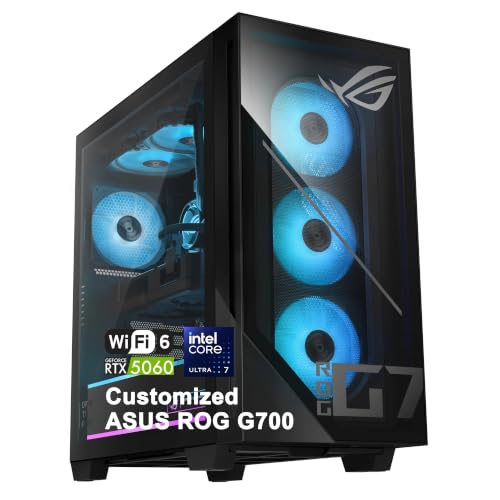
iCarp ROG G700 RTX 5060 Gaming Desktop
- Modern RTX 5060 GPU with 8GB GDDR7 memory
- High-core-count Intel Core Ultra 7 processor
- Multiple DDR5 RAM and SSD capacity options
- 240mm liquid cooling and a 600W 80+ Gold power supply
- Wi-Fi 6, 2.5Gbps Ethernet, and varied peripheral ports
- The listing covers multiple RAM and storage configurations, so the selected capacity needs careful verification.
- At 39.68 pounds, the tower may be cumbersome to move.
- Wi-Fi 6 is included, but a newer wireless standard is not listed.

iCarp ROG G700 RTX 5060 Gaming Desktop
- Strong Intel Core Ultra 7 processor with 20 cores
- RTX 5060 includes 8GB of newer GDDR7 graphics memory
- Multiple RAM and SSD capacity options
- Useful connectivity including USB-C, DisplayPort 1.4, Wi-Fi 6, and 2.5Gbps Ethernet
- 240mm liquid cooler and 600W 80+ Gold power supply are listed
- The exact RAM and SSD configuration must be confirmed before ordering
- Wi-Fi 6 is included rather than a newer Wi-Fi standard
- At 39.68 pounds, the tower may be cumbersome to move

ASUS ROG G700 RTX 5060 Gaming Desktop
- Strong CPU specification with 20 cores and up to 5.5GHz maximum turbo
- RTX 5060 supports ray tracing and DLSS 4
- Generous 32GB DDR5 memory configuration
- Fast 1TB NVMe storage
- Broad USB connectivity with front and rear Type-C ports
- The RTX 5060 has 8GB of video memory, which may be a consideration for especially demanding graphics settings
- A 1TB drive can fill quickly when storing a large library of modern applications and games
- At 39.68 pounds and 24 x 14 x 26 inches, the tower requires substantial desk or floor space

ASUS ROG GM700 Ryzen 7 9800X3D Desktop
- High-end AMD Ryzen 7 9800X3D processor
- Radeon RX 9070 XT PRIME OC graphics with ray tracing and AV1 encoding
- Generous 32GB DDR5 memory configuration
- Large 2TB PCIe 4 NVMe SSD
- Windows 11 Home included
- Cooling hardware is not identified in the listing.
- Power supply wattage and efficiency rating are not specified.
- Wi-Fi, Ethernet, and available ports are not detailed.

ASUS ROG Strix GA15DK RTX 3070 Desktop
- RTX 3070 graphics and Ryzen 7 5800X offer a strong gaming-focused configuration
- SSD and hard-drive combination provides both responsive storage and additional capacity
- Five listed GPU display outputs support versatile monitor arrangements
- Aura Sync lighting allows visual customization
- Flow Tech Ventilation is designed around improved internal cooling
- Wi-Fi 5 is older than newer Wi-Fi 6 and Wi-Fi 6E standards
- The 512GB SSD may fill quickly when storing large applications, making the slower 1TB hard drive important
- The listing does not specify the power supply wattage or detailed cooling hardware
Understanding ASUS ROG Desktops

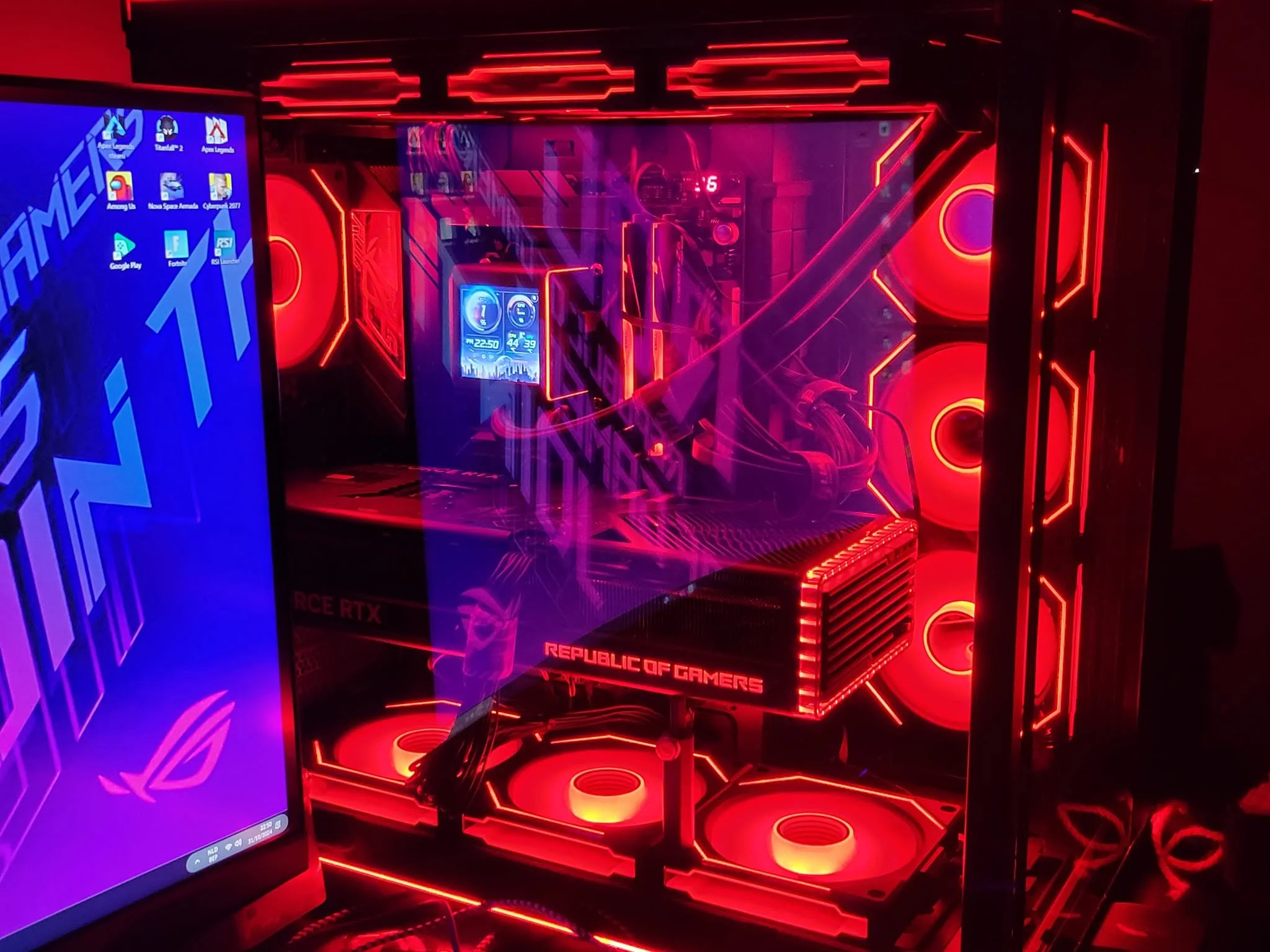
ASUS ROG gaming desktops cover several hardware generations and performance levels. Some configurations target mainstream gaming with an NVIDIA GeForce RTX 5060, while the more powerful GM700 pairs an AMD Ryzen 7 9800X3D processor with AMD Radeon RX 9070 XT PRIME OC graphics. Older ROG Strix systems can still be useful, but their memory standards, connectivity, and graphics hardware differ substantially.
Prices and specifications can vary even when listings use a similar ASUS ROG model name. Check the complete processor, graphics card, memory, storage, cooling, operating system, and seller information rather than relying on the chassis name alone. Warranty coverage also depends on the exact listing, particularly when a third-party seller upgrades the memory or storage. Our prebuilt PC costs overview adds useful context.
Heads up: The same ASUS ROG model name can appear with different processors and graphics cards, so compare the full specification before buying.
A Sensible Upgrade Order
- Start with memory if the system has a modest capacity for your workload. Moving beyond an entry-level memory configuration can improve multitasking, but confirm compatible memory type, capacity limits, available slots, and warranty conditions before opening the case.
- Add storage when your game library begins crowding the included drive. An additional compatible SSD is usually more useful than replacing a functioning primary drive, although buyers should verify the motherboard connections, physical space, and whether installation affects seller or manufacturer support.
- Consider the graphics card only after checking the power supply, case clearance, cooling, and processor balance. A faster GPU can improve gaming performance, but it may also require more power or create a mismatch with an older CPU. Our PC bottleneck guide explains this balance.
- Replace the processor last unless a specific workload clearly needs more CPU performance. Processor upgrades can involve socket compatibility, BIOS support, cooling limits, and power requirements, making them more complicated than adding memory or storage.
Listing Warning Signs
- A listing that emphasizes the ROG chassis but buries the processor and graphics card details makes meaningful performance comparisons unnecessarily difficult.
- Several memory or storage choices shown on one product page can cause confusion because the selected configuration may differ from the headline specifications.
- Third-party upgrades without clearly separated warranty terms deserve caution because the upgraded components and original components may have different coverage providers.
- An older graphics card paired with a premium-looking case may not suit demanding modern settings, regardless of the system’s ROG branding.
- Missing power supply or cooling information makes future graphics upgrades harder to evaluate because both can limit practical compatibility.
- A vague memory description can hide whether the system uses DDR4 or DDR5, which affects compatibility and later upgrade choices. Our memory comparison explains the distinction.
Useful ROG Shopping Rules

- Choose the graphics card around your monitor resolution and preferred settings before comparing cosmetic features or included accessories.
- Favor enough SSD capacity for your regular game library, since large installations can consume storage surprisingly quickly.
- Confirm whether memory and storage were changed by a reseller, then read the corresponding warranty language carefully.
- Treat included keyboards and mice as convenient extras rather than reasons to choose a weaker core configuration.
- Check front and rear ports against your monitor, headset, external drives, controller, and other everyday peripherals.
- Compare complete specifications because identical ROG family names do not guarantee identical processors, graphics cards, or cooling.
When ROG Is Not Ideal
Skip an ASUS ROG prebuilt if you want complete control over every motherboard feature, power supply model, fan, cable, and case dimension. A custom-built desktop is a better fit for buyers who enjoy component research and expect to replace major parts frequently. A less gaming-focused prebuilt may also make more sense for office work, basic browsing, or light media use.
Budget-focused players should not assume every older ROG desktop represents good value simply because it costs less than a current model. Older processors, DDR4 memory, Wi-Fi 5, and previous-generation graphics can still be useful, but they require realistic expectations. ASUS ROG gaming desktops vary widely by hardware and price level, and warranty or support terms must be checked on the exact listing. Our gaming PC specs guide can help narrow the target.
Matching Systems to Buyers
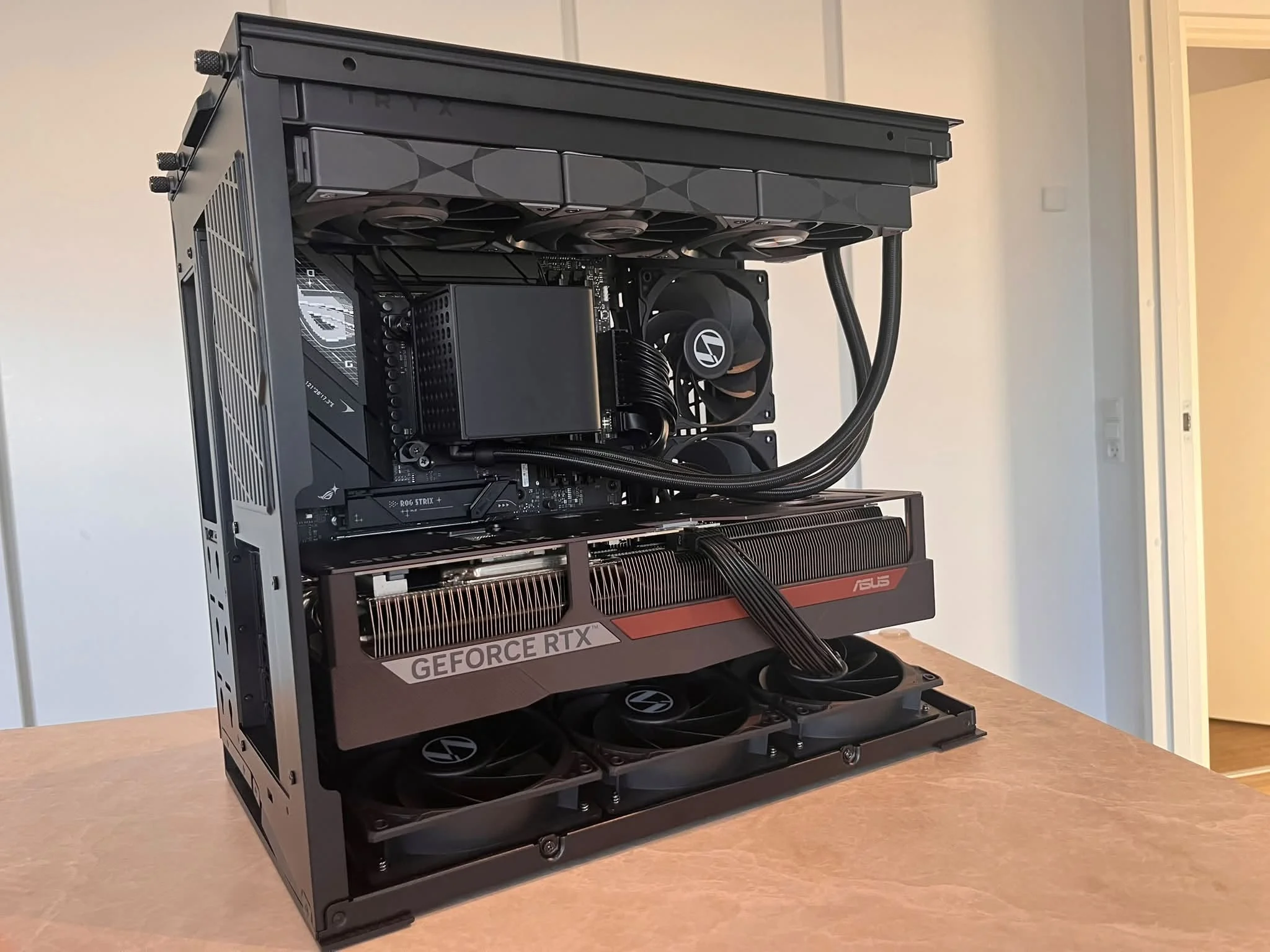
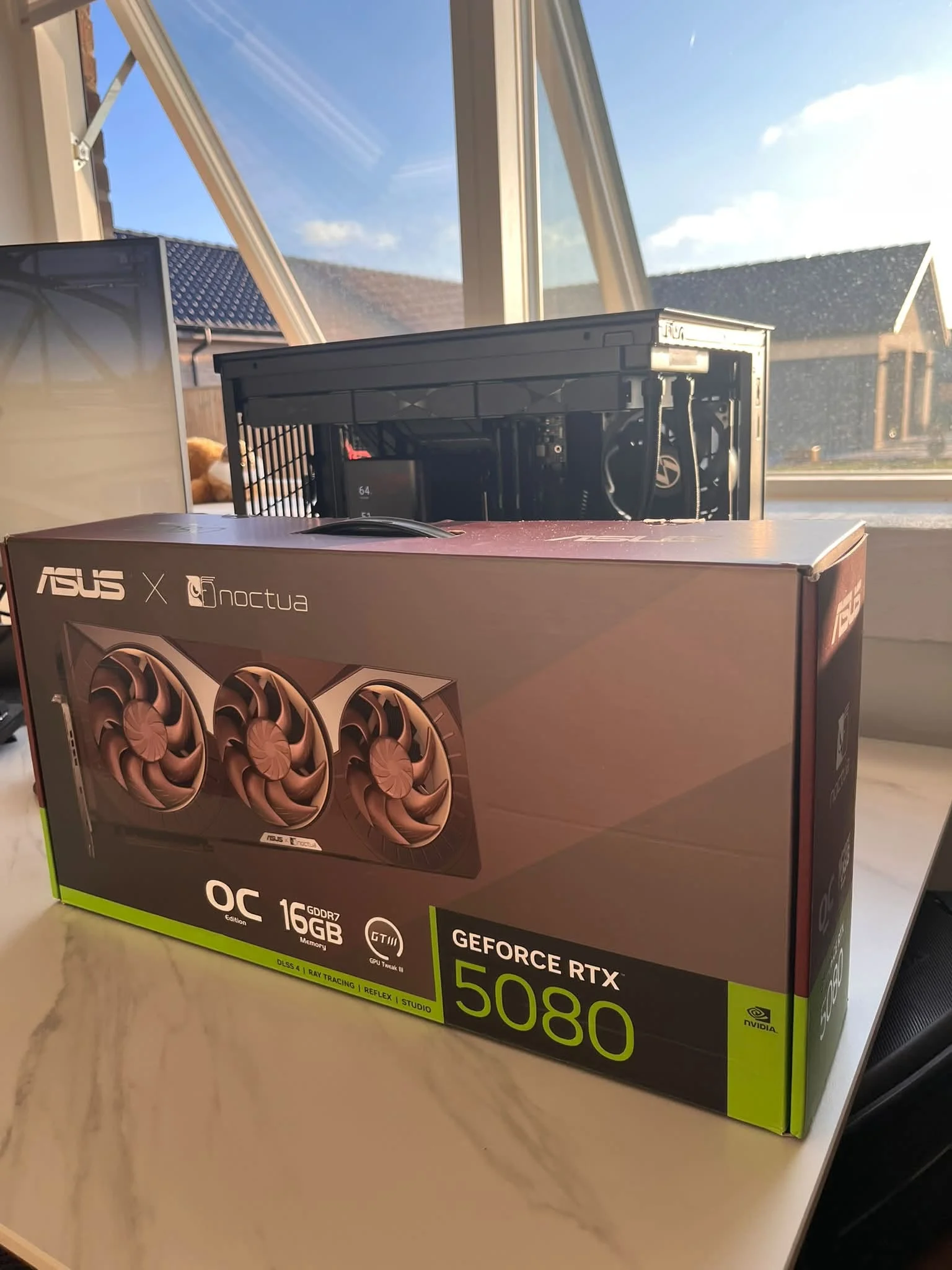
- Best overall: ASUS RTX 5060 combines an Intel Core Ultra 7 265KF, RTX 5060, and 32GB DDR5.
- Best for the strongest GPU: iCarp RTX 5060 provides RTX 5060 graphics, configurable memory and storage, and liquid cooling.
- Best value: iCarp core Ultra 7 265KF RTX 5060 suits buyers wanting an RTX 5060 configuration with a 240mm liquid cooler.
- Best alternative graphics option: ASUS ROG GM700 pairs AMD Ryzen 7 9800X3D and Radeon RX 9070 XT PRIME OC hardware.
- Best runner-up: ASUS Strix offers an AMD Ryzen 7-5800X, RTX 3070, and mixed SSD-HDD storage.
Other ROG Configurations
- Delca RTX 5060 is a reseller-customized G700 with liquid cooling and configurable DDR5 memory and SSD capacity. Delca covers upgraded memory and storage, while the manufacturer covers the remaining original components for the stated term.
- ASUS Strix GTX 1650 is an older option with an AMD Ryzen 5 3400G, GeForce GTX 1650, 8GB DDR4, and a 512GB PCIe SSD. It suits lighter gaming expectations and buyers prepared to consider an early memory upgrade.
The ROG Desktop Verdict
For most buyers, the ASUS RTX 5060 has the most balanced combination of current hardware, 32GB DDR5 memory, useful connectivity, and room for later upgrades. Buyers who prefer a reseller-customized configuration with liquid cooling should consider the iCarp core Ultra 7 265KF RTX 5060, while carefully reviewing its split warranty coverage before ordering.
ASUS ROG Buyer Questions
1. Are ASUS ROG gaming desktops worth the extra cost?
They can be worthwhile when the complete hardware configuration matches your needs. ROG styling, lighting, and included accessories should remain secondary to the processor, graphics card, memory, storage, cooling, and power supply. Compare those details against similarly equipped desktops rather than paying more for the ROG name alone.
2. Which ASUS ROG desktop offers the best value?
The ASUS ROG G700 with Intel Core Ultra 7 265KF and NVIDIA GeForce RTX 5060 is the strongest general recommendation among these systems. It includes 32GB DDR5 and a 1TB NVMe SSD, making it a balanced configuration for gaming and multitasking. Customized G700 listings may offer different storage or memory choices, but their seller-specific warranty terms require closer attention.
3. Can an ASUS ROG prebuilt be upgraded later?
Many desktop components may be replaceable or expandable, but compatibility depends on the exact configuration. Check available memory slots, storage connections, graphics card clearance, cooling, motherboard support, and power supply capacity before purchasing parts. Our gaming PC memory guide can help when planning the first upgrade.
4. Do customized ROG listings keep the ASUS warranty?
Do not assume one warranty covers the entire customized computer. The iCarp listings state that upgraded RAM and storage receive coverage from Cardinal Pro Electronics, while other original components retain the stated manufacturer coverage. The Delca listing similarly separates coverage for upgraded memory and storage from the remaining components, so read the exact terms before ordering.









