

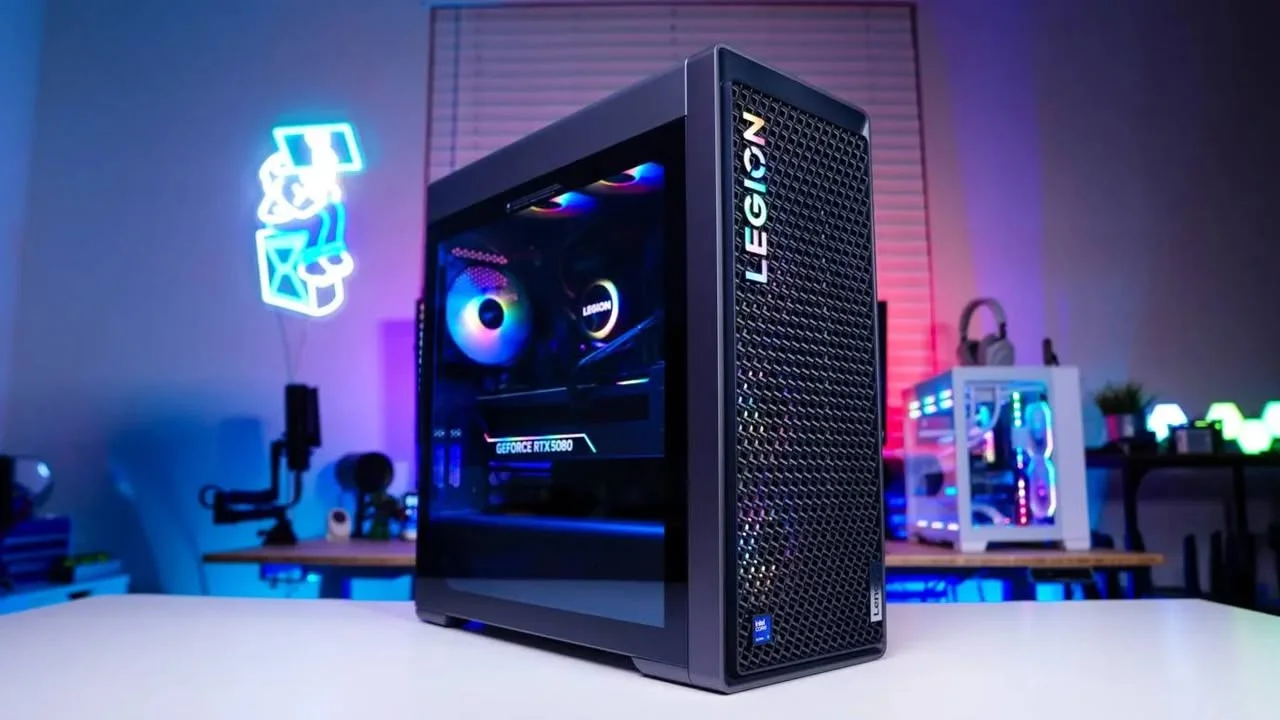
Listings under the Lenovo Legion name vary a lot in price and hardware, so compare them on the parts, not the badge. Among the best Lenovo Legion prebuilt gaming PCs, the Lenovo Legion pairs Ultra 9 275HX with GeForce RTX 5070 Ti 16 GB, and the Lenovo Legion T7 RTX 3050 is the lower-cost pick.
Recommended by Us

Lenovo Legion T5 RTX 5070 Ti Gaming PC
- Upper-tier GeForce RTX 5070 Ti graphics
- Generous 16 GB of dedicated graphics memory
- 24-core Ultra 9 275HX processor
- 32 GB of modern DDR5 memory
- Fast 1TB SSD storage
- Renewed condition may not appeal to buyers seeking a brand-new computer
- A 1TB drive can fill quickly with large applications and game libraries
- Cooling design, power supply, ports, and wireless connectivity are not specified

Lenovo Legion Tower 5i RTX 5060 Ti
- Strong upper-midrange RTX 5060 Ti graphics with DLSS 4 support
- High-capacity 32GB DDR5 memory configuration
- Useful combination of 1TB SSD and 2TB hard-drive storage
- Tool-free side panel provides convenient component access
- Broad video and peripheral connectivity, including four listed display outputs
- The graphics card has 8GB of VRAM, which may be a consideration for especially memory-intensive settings
- The listing does not specify the power supply wattage
- Wi-Fi and Bluetooth capabilities are not stated in the provided product data

Lenovo Legion T7 Gen 10 RTX 5080 Desktop
- High-end GeForce RTX 5080 graphics
- Flagship-class 24-core Intel Core Ultra 9 processor
- Generous 64GB DDR5 memory and 2TB SSD
- Extensive USB, Thunderbolt 4, Ethernet, audio, and display connectivity
- Fast Wi-Fi 6E wireless networking
- The 39.68-pound tower may be difficult to move frequently
- Power supply wattage and cooling configuration are not stated
- The original seal was opened for the RAM and SSD upgrades
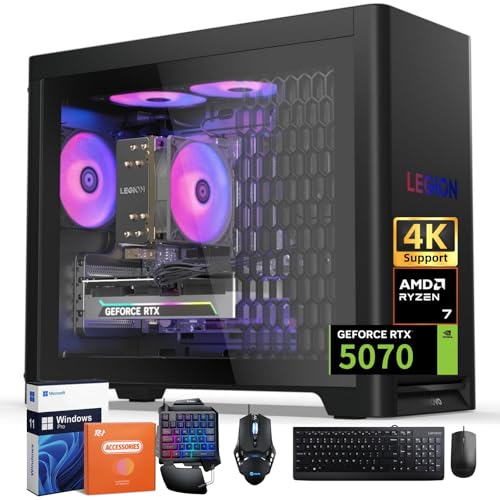
Lenovo Legion Tower 5 RTX 5070 Desktop
- High-performance RTX 5070 graphics with 12GB of GDDR7 VRAM
- Eight-core Ryzen 7 7700X processor with up to 5.4GHz boost
- Generous 32GB DDR5 memory configuration
- Modern Wi-Fi 6E, Bluetooth 5.3, USB-C, and USB-A connectivity
- Tool-free side panel and customizable ARGB lighting
- The 1TB SSD may require expansion for users with large game or media libraries
- Power supply wattage is not specified in the provided listing
- The 30L tower requires more desk or floor space than a compact gaming PC

Lenovo Legion T7 RTX 3050 Gaming Desktop
- Fast unlocked Intel Core Ultra 7 265K processor
- Generous 1+1TB PCIe M.2 SSD configuration
- Extensive USB, display, wired network, and wireless connectivity
- Windows 11 Home and wired peripherals are included
- RTX 3050 is an entry-level gaming GPU relative to the high-end processor
- The listed 1GB RAM capacity is unusually low and should be verified before purchase
- The claimed RTX 3050 32GB GDDR7 configuration should also be confirmed with the seller
Understanding the Legion Lineup

Lenovo Legion gaming desktops cover several hardware levels rather than one fixed configuration. Depending on the listing, you may find different Intel or AMD processors, NVIDIA graphics cards, memory capacities, storage drives, cooling systems, and Windows editions. That variety makes it possible to shop across different performance and budget categories, but the model name alone does not tell the full story. Warranty and support coverage should also be checked on the exact listing, especially when a third-party seller has upgraded the original memory or storage. Our gaming PC advice explains the broader choices.
- Prioritize the graphics card when gaming performance is your main concern.
- Check RAM, SSD capacity, ports, cooling, and operating system before ordering.
- Read the seller and manufacturer warranty details for the exact configuration.
Heads up: The same Lenovo Legion model name can appear with different processors and graphics cards, so compare the full specification before buying.
First-Day Setup and Checks
After the desktop arrives, inspect the case and included accessories before connecting it. Place the tower where its vents have room to breathe, connect the monitor to the dedicated graphics card output, and complete Windows setup. Once online, run Windows Update and install the available graphics driver. Lenovo systems with Legion Space or Legion Vantage can also use that included software for supported updates, monitoring, and configuration.
Confirm that Windows reports the processor, RAM, storage, and graphics card stated on the listing. Check Wi-Fi, Ethernet, audio, USB ports, display outputs, and included peripherals while the return period is still active. Lenovo Legion configurations vary considerably, so these basic checks help catch a listing or shipping mismatch early. Our bottleneck overview can help if performance seems unbalanced. Keep the order details and read the exact warranty and support terms before changing hardware.
When Legion Is Not Ideal
Skip a Legion prebuilt if you want complete control over every motherboard feature, power supply specification, cable choice, and case dimension. A custom build is usually a better fit for someone who enjoys selecting individual components and wants a precisely planned upgrade path. Our prebuilt cost breakdown explains why component-by-component comparisons are not always straightforward.
You should also consider another prebuilt line if none of the available Legion listings combines the graphics card, storage, cooling, and warranty arrangement you need. Hardware varies even within one Legion model family, and support may involve Lenovo, the marketplace seller, or both. Buyers who expect frequent major upgrades should verify internal compatibility before committing rather than assuming every standard component will fit.
Legion Myths Worth Correcting
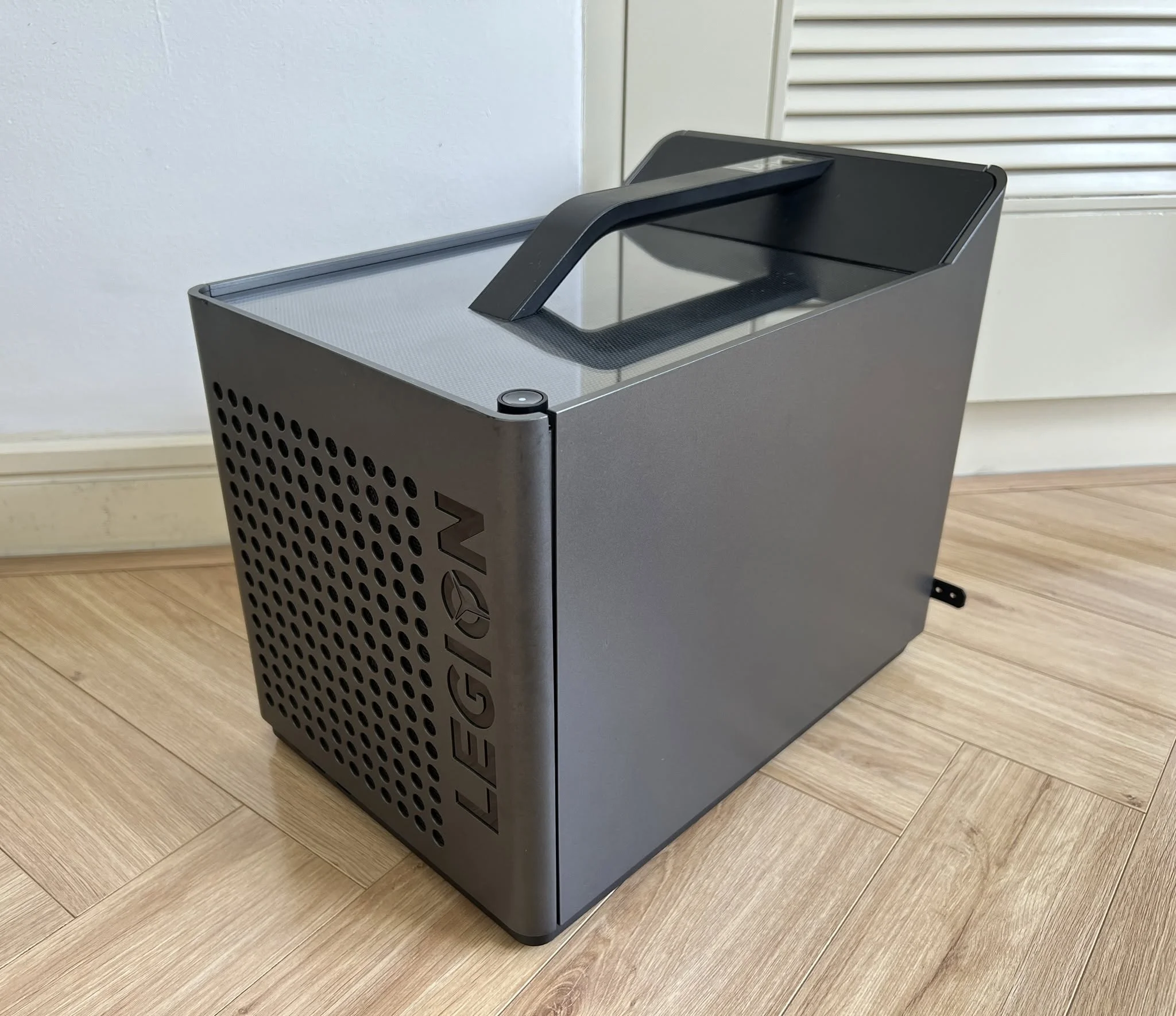
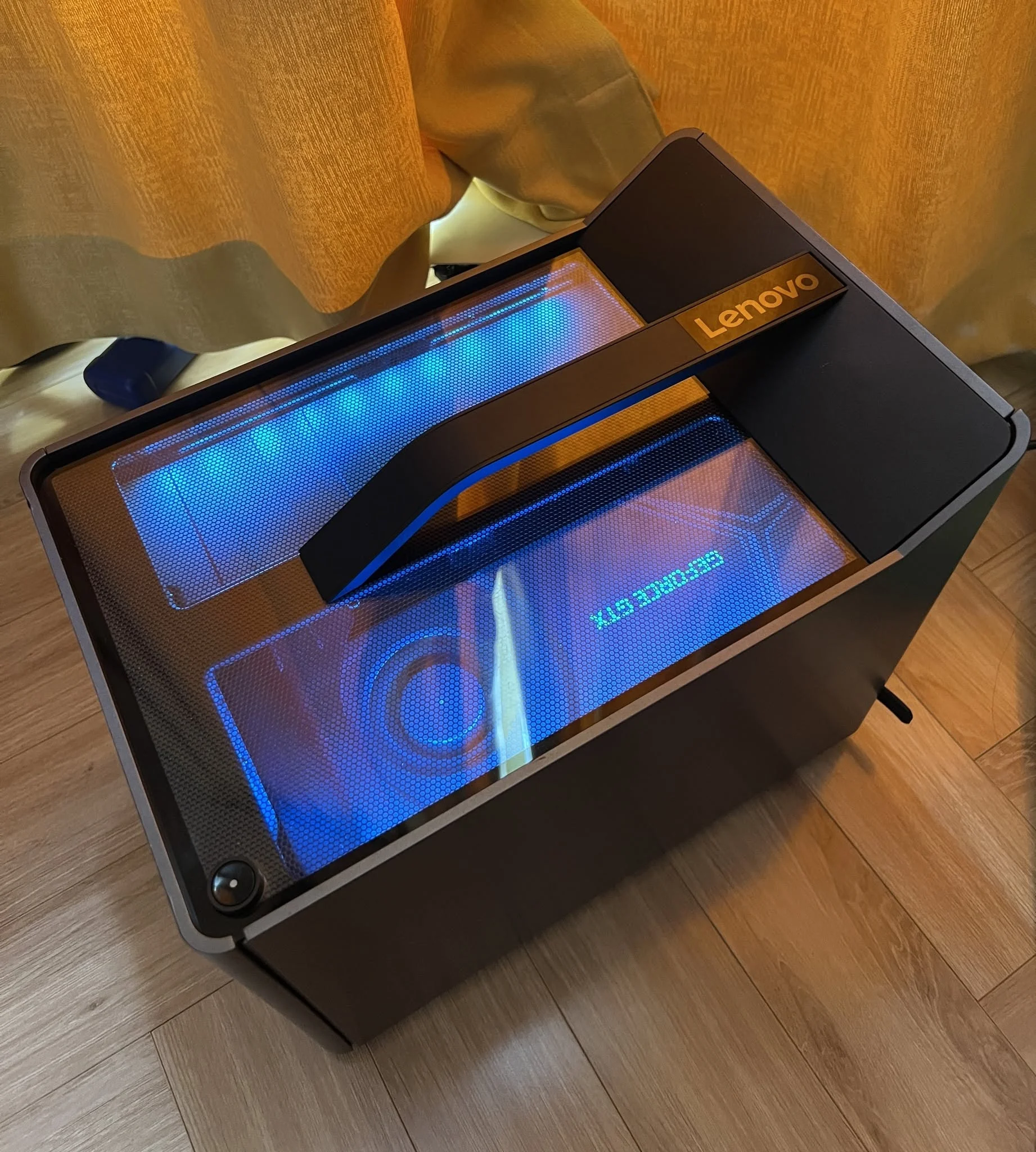
Every Legion Performs the Same
A Legion badge does not define gaming performance. These systems range from GeForce RTX 3050 graphics to a GeForce RTX 5080, with several options between them. The graphics card is generally the most influential component for visually demanding games, resolution, and quality settings. Compare the exact GPU before focusing on appearance or a familiar tower name.
The Processor Matters More Than Graphics
The processor still matters for simulation, high-refresh competitive play, streaming, creation, and general responsiveness, but a powerful CPU cannot substitute for a suitable graphics card. Balance both components around your actual workload. Our CPU and GPU comparison explains how their roles differ.
Every Internal Part Is Standard
Some branded desktops can use custom parts, layouts, connectors, or firmware that affect upgrades. The provided data does not identify every motherboard and power supply detail for these systems, so do not assume universal compatibility. Check Lenovo documentation and the exact seller listing before planning a motherboard, case, cooler, or power supply replacement.
All Legion Upgrades Are Difficult
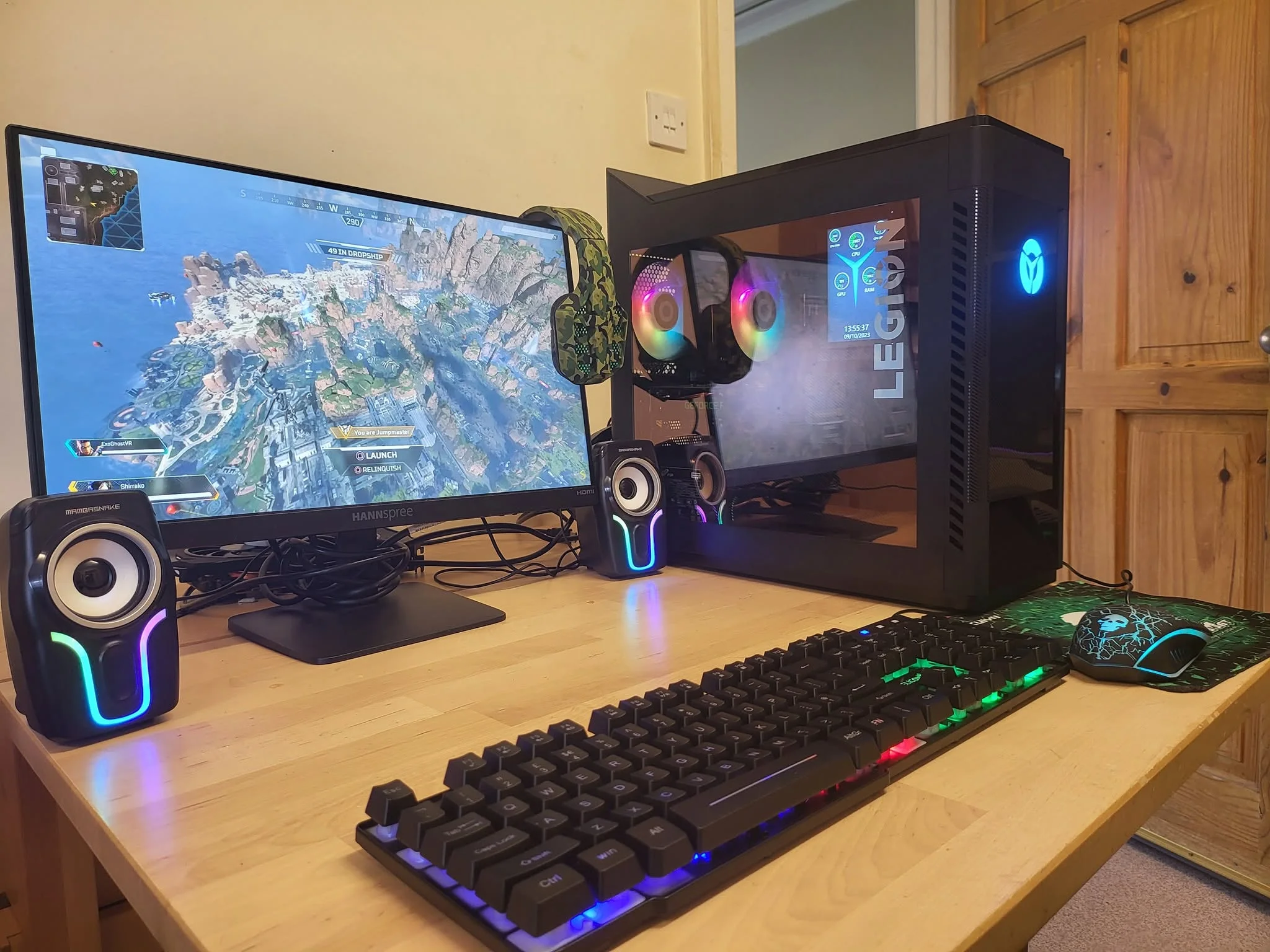
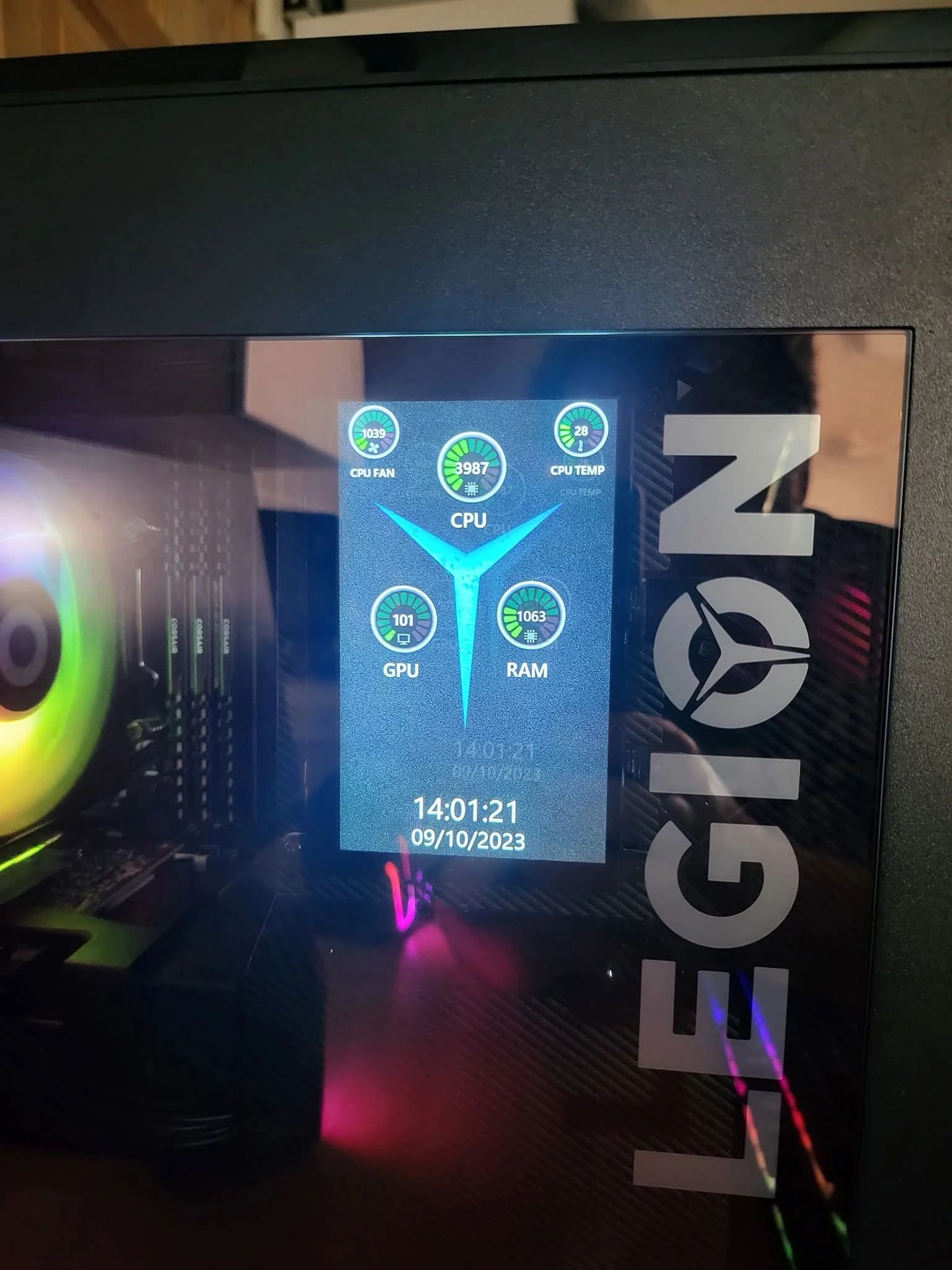
Upgrade access varies by configuration. The Lenovo Legion Tower 5i Gaming Desktop PC lists a tool-free glass side panel and access to memory, drives, and cooling hardware. The Lenovo Legion Tower 5 (2025) also specifies a tool-free side panel and a roomy 30L chassis. Those details are encouraging, but prospective upgrades still need compatible dimensions, connections, and power capacity.
Warranty Coverage Is Always Identical
Warranty terms can change with the seller and configuration. The PCONLINE Legion T7 listing specifically says its upgraded RAM and SSD receive a one-year warranty from PCOnline US, while remaining components retain the original one-year manufacturer warranty. That example should not be applied to every other system. Read the exact listing, seller information, and current warranty language before ordering.
A Higher Cost Always Means Better Value
Value depends on the hardware and services received, not just where a system sits in the range. Compare the GPU, CPU, RAM, storage, cooling, connectivity, Windows edition, included accessories, and warranty arrangement. A less expensive configuration can be sensible for lighter gaming, while a stronger graphics card may justify spending more for demanding visual settings.
Five Configurations Compared
The Lenovo Legion T5 30Iax10 PC Ultra 9 275HX GeForce pairs an Ultra 9 275HX with a GeForce RTX 5070 Ti 16 GB Dedicated, 32 GB DDR5, and a 1TB SSD. The Lenovo Legion T7 Gen 10 Gaming Tower Desktop moves to an Intel Core Ultra 9-285K Processor and GeForce RTX 5080, alongside 64GB DDR5 UDIMM memory and a 2TB PCIe M.2 SSD. Its listing also identifies the seller-installed memory and storage upgrades.
The Lenovo Legion Tower 5 (2025) combines an AMD Ryzen 7 7700X, NVIDIA RTX 5070 12GB GDDR7, 32GB DDR5 5600MT/s, and a 1TB SSD. Its listed Legion Coldfront setup uses 150W air cooling, while six customizable ARGB lights handle the visual side. The Lenovo Legion Tower 5i Gaming Desktop PC instead uses an Intel Core Ultra 7 265F and NVIDIA GeForce RTX 5060 Ti 8GB GDDR7, with 32 GB DDR5 RAM and a 1 TB PCIe SSD. Its listing specifies a 200W Legion Coldfront liquid cooling system.
The Lenovo Legion T7 RTX 3050 Intel Ultra 7 265K has an unlocked Intel Core Ultra 7 265K, but its listing contains unusual and internally inconsistent memory and graphics details, including references to RTX 3050 graphics, 32GB GDDR7, and 1GB RAM. Verify that configuration directly before purchase. Across these table products, the graphics card difference matters most because the range stretches from entry-level RTX branding to the much stronger GeForce RTX 5080 tier.
Matching Systems to Players
- Best overall: Lenovo Legion T7 with GeForce RTX 5080, Intel Core Ultra 9-285K, and 64GB DDR5.
- Strongest graphics focus: Lenovo Legion pairs GeForce RTX 5070 Ti graphics with 32 GB DDR5.
- Value option: Lenovo Legion T7 RTX 3050 suits buyers willing to verify its inconsistent listing details.
- Direct Lenovo alternative: Lenovo Legion Tower 5 includes RTX 5060 Ti graphics and listed liquid cooling.
- Runner-up: Lenovo Legion Tower 5 RTX 5070 combines NVIDIA RTX 5070 graphics, 32GB DDR5, and a Ryzen 7 7700X.
Legion Ownership Questions Answered
1. Are Lenovo Legion desktops good for long-term gaming?
They can be, provided you choose hardware that fits your games, monitor, and expected settings. The available Legion configurations cover a wide performance range, so the GPU, CPU, cooling, RAM, and storage matter more than the badge by itself. Long-term ownership also depends on maintenance, component compatibility, and the warranty attached to the exact listing.
2. Which Legion configuration offers the best value?
The best value depends on whether you prioritize a low initial cost or stronger hardware that will remain useful for longer. The PCONLINE RTX 3050 model occupies the value role here, but its listing includes inconsistent specifications that should be confirmed before ordering. Buyers seeking clearer, stronger listed graphics hardware may prefer an RTX 5060 Ti or RTX 5070 configuration instead.
3. Can a beginner upgrade a Lenovo Legion desktop?
Some configurations list tool-free side panels and convenient access to memory and storage, making basic upgrades more approachable. Compatibility still matters, including physical space, memory support, available storage connections, cooling clearance, and power requirements. Our gaming RAM guide can help you decide whether a memory upgrade is worthwhile.
4. Do Legion desktops use proprietary components?
Some branded PCs may use custom components, but the supplied listing data does not fully identify the motherboard, power supply, connectors, or case compatibility in every featured system. Check service manuals and configuration-specific documentation before planning major upgrades. Never assume that parts are standard solely because the desktop has a conventional tower shape.
5. How much storage should a Legion gaming PC have?
A 1TB SSD is a practical starting point for Windows, applications, and a modest game library, while a 2TB drive gives larger libraries more breathing room. Several featured systems include 1TB storage, and others list 2TB. Available expansion connections and drive bays should be checked before assuming that adding another SSD will be simple.
6. Should I buy from Lenovo or an upgraded reseller listing?
Either can work, but read who provides support for each component. A reseller may open the original system to change RAM or storage, which can split warranty responsibility between the reseller and manufacturer. Confirm the final configuration, return terms, and coverage in writing, especially when the product title differs from the manufacturer’s base specification.
Other Legion Towers Worth Seeing
Lenovo Legion RTX 5060 combines an Intel Core Ultra 7 265F, NVIDIA GeForce RTX 5060 8 GB GDDR7, 16 GB of memory, a 1 TB SSD, and Windows 11 Pro. It suits shoppers who need less memory initially and are comfortable checking future upgrade options.
Lenovo Legion RTX 4070 uses an AMD Ryzen 7 7700, NVIDIA GeForce RTX 4070 12GB GDDR6X, 32GB DDR5 RAM, and a 2TB WD_Black SSD. It is a useful alternative for buyers who prefer this previous graphics generation and generous included storage.
Lenovo Legion Tower 5 RTX 4070 SUPER steps up to an NVIDIA RTX 4070 Super 12GB GDDR6X while retaining the AMD Ryzen 7 7700, 32 GB RAM, and 2 TB SSD. Its tool-free tempered glass panel and expandable memory suit buyers considering later changes.
Choosing the Right Legion
The Lenovo Legion T7 is the strongest overall choice here for buyers who want the leading listed graphics card, substantial memory, and spacious storage. The Lenovo Legion is the better match when a GeForce RTX 5070 Ti configuration meets your needs. Whichever model you choose, verify the complete specification, seller involvement, upgrade compatibility, and warranty before ordering.









