

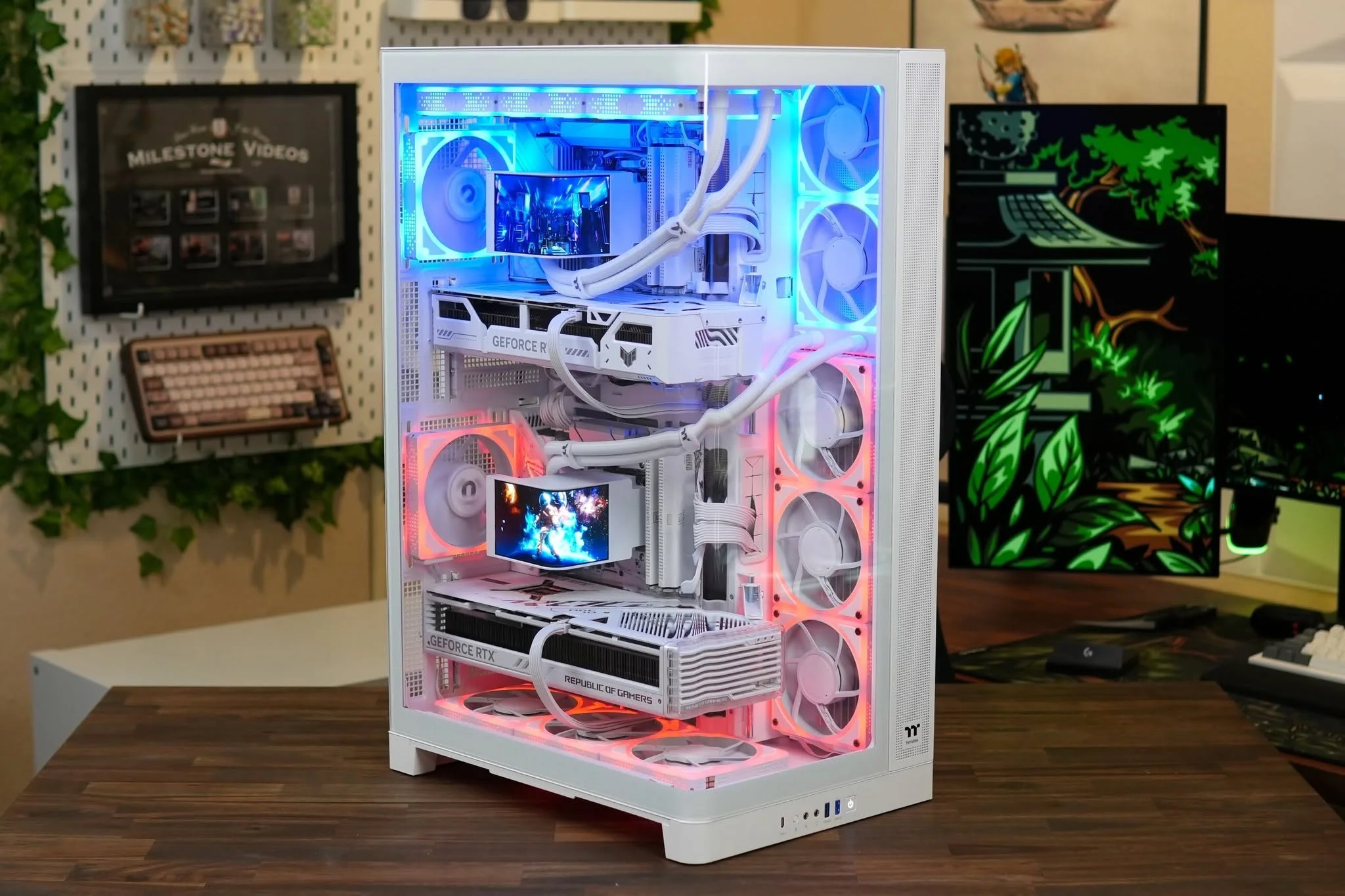
Listings under the Thermaltake name vary a lot in price and hardware, so compare them on the parts, not the badge. Among the best Thermaltake prebuilt gaming PCs, the Thermaltake LCGS pairs Intel Core Ultra 7 265KF with NVIDIA GeForce RTX 5070 Ti, and the Thermaltake LCGS RTX 5060 is the lower-cost pick.
Recommended by Us

Thermaltake LCGS Reactor RTX 5070 Ti
- High-end NVIDIA GeForce RTX 5070 Ti graphics
- Fast 32GB DDR5 6400MT/s RGB memory
- Spacious 2TB NVMe M.2 storage
- 240mm closed-loop liquid CPU cooling
- Wi-Fi and convenient front Type-C connectivity
- Power supply wattage and efficiency rating are not specified
- The listing does not state the graphics card's VRAM capacity
- At roughly 35.4 pounds, the desktop may be cumbersome to move

Thermaltake LCGS Reactor RTX 5070 Ti
- Upper-tier RTX 5070 Ti graphics card
- Fast 32GB DDR5 6400MT/s memory configuration
- Spacious 2TB NVMe M.2 storage
- 360mm closed-loop liquid cooling
- Useful front connectivity, including USB-C and two USB 3.0 ports
- Power supply wattage and model are not specified in the listing
- The Core i7-14700KF does not include integrated graphics
- Motherboard model and expansion details are not provided beyond the B760 chipset

Thermaltake LCGS Versa RTX 5060 Ti Gaming PC
- Strong CPU and GPU configuration for modern gaming
- Generous 32GB DDR5 memory and 2TB NVMe storage
- 240mm closed-loop liquid cooling is included
- Compact white design with RGB memory and a PSU cover
- The RTX 5060 Ti has 8G of graphics memory, which may be restrictive for some memory-heavy graphics settings
- Listed front connectivity includes only one USB 3.0 port alongside two USB 2.0 ports
- The listing does not specify the power supply wattage or detailed rear-port selection

Thermaltake View 8760S RTX 5060 PC
- Current-generation RTX 5060 graphics
- Fast 6000MT/s DDR5 memory
- Ryzen 7 processor and AMD B650 chipset
- 1TB NVMe M.2 storage
- Wi-Fi and Windows 11 included
- 16GB of RAM may be limiting for especially heavy multitasking or memory-intensive creative work.
- The listing does not specify the power supply wattage.
- A 1TB drive can fill quickly when maintaining a large game or media library.

Thermaltake Reactor 7897XS RX 9070 XT
- High-end Radeon RX 9070 XT graphics card
- Gaming-focused Ryzen 7 7800X3D processor
- Generous 32GB DDR5 memory and 2TB NVMe M.2 storage
- 240mm liquid cooler and airflow-oriented side panels
- Useful front connectivity, including USB Type-C
- Power supply wattage and model are not specified
- Graphics memory capacity is not stated
- The white panoramic chassis may not match every setup
Understanding Thermaltake LCGS Desktops
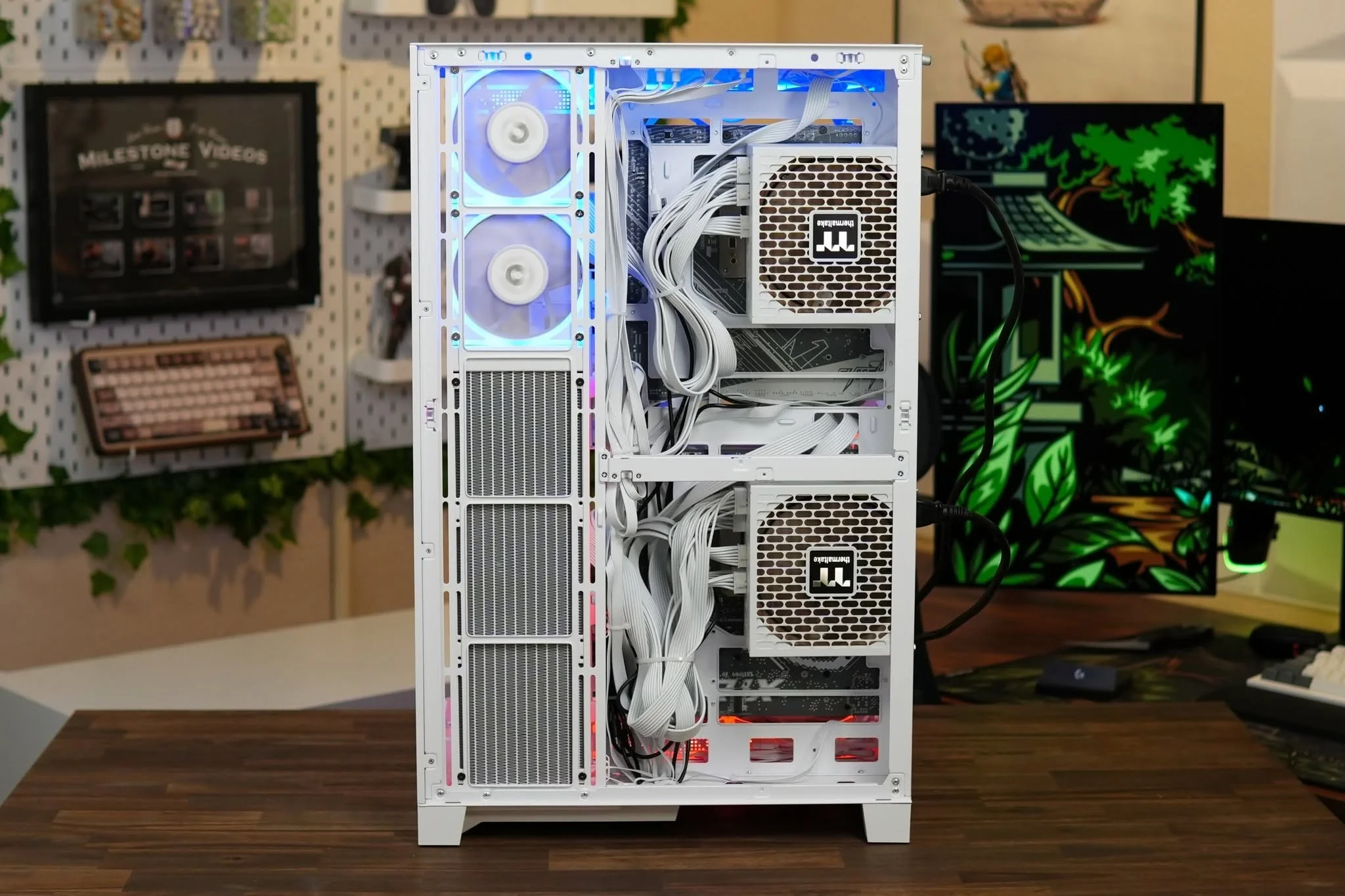
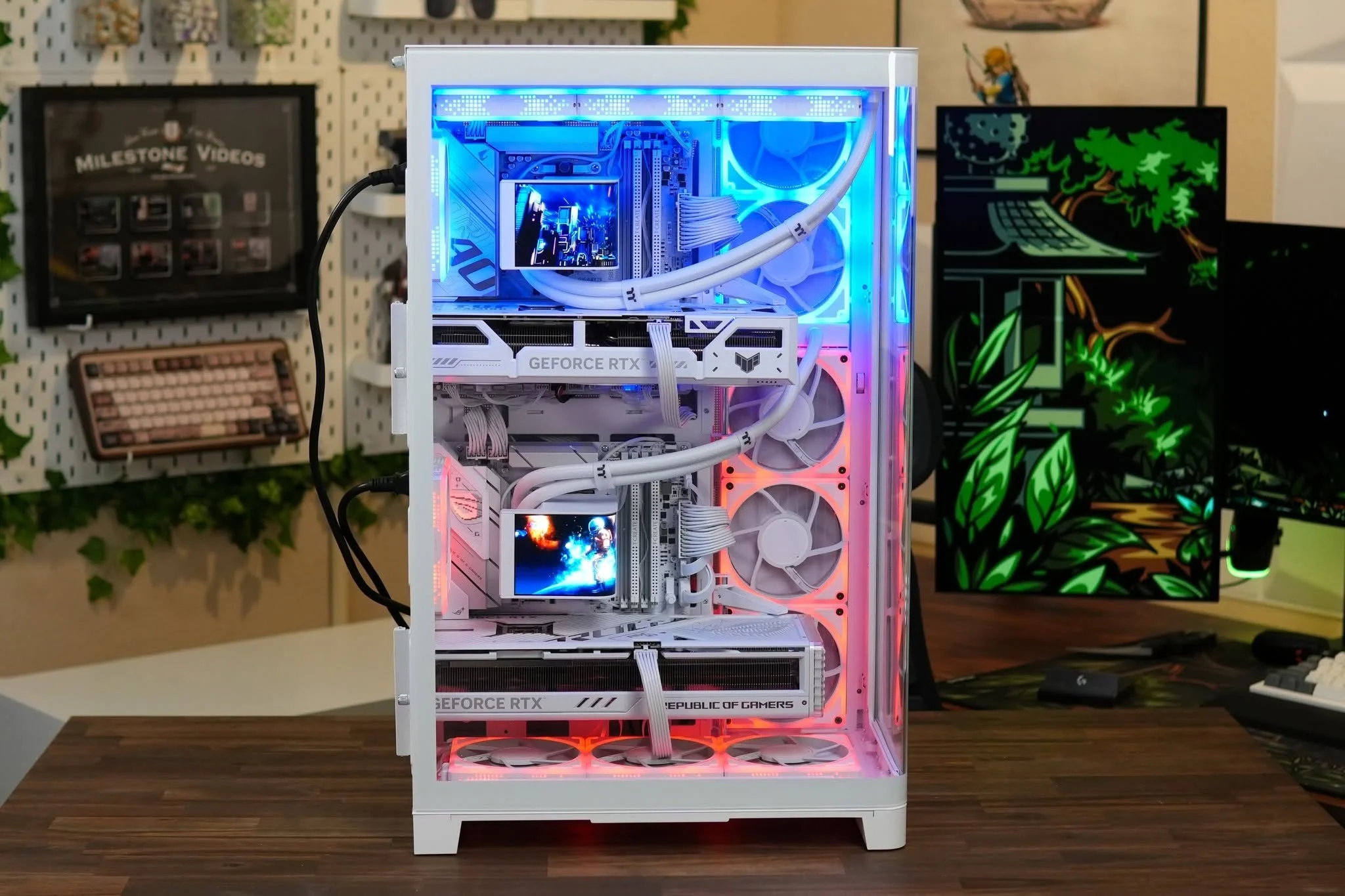
Thermaltake LCGS gaming desktops range from accessible configurations to high-end systems with more capable graphics cards, larger memory capacities, and liquid cooling. These systems include Intel and AMD processors alongside NVIDIA and AMD graphics cards, so the name on the case is only part of the decision. Compare the complete component list against your monitor resolution, preferred settings, storage needs, and other workloads. Our gaming PC budget guide provides useful spending context.
Hardware can vary considerably between Thermaltake models and even between listings with similar names. Some systems use current DDR5 platforms, while the older Shadow configuration uses DDR4 and Windows 10 Home. Cooling also ranges from a tower air cooler to closed-loop liquid coolers with different radiator sizes. Read the warranty, return policy, and support terms shown on the exact retailer listing before ordering. Those details are not interchangeable across sellers, configurations, or purchase dates, and they should not be assumed from the Thermaltake name alone.
Heads up: The same Thermaltake model name can appear with different processors and graphics cards, so compare the full specification before buying.
Matching Hardware to Your Needs
For Balanced Mainstream Gaming
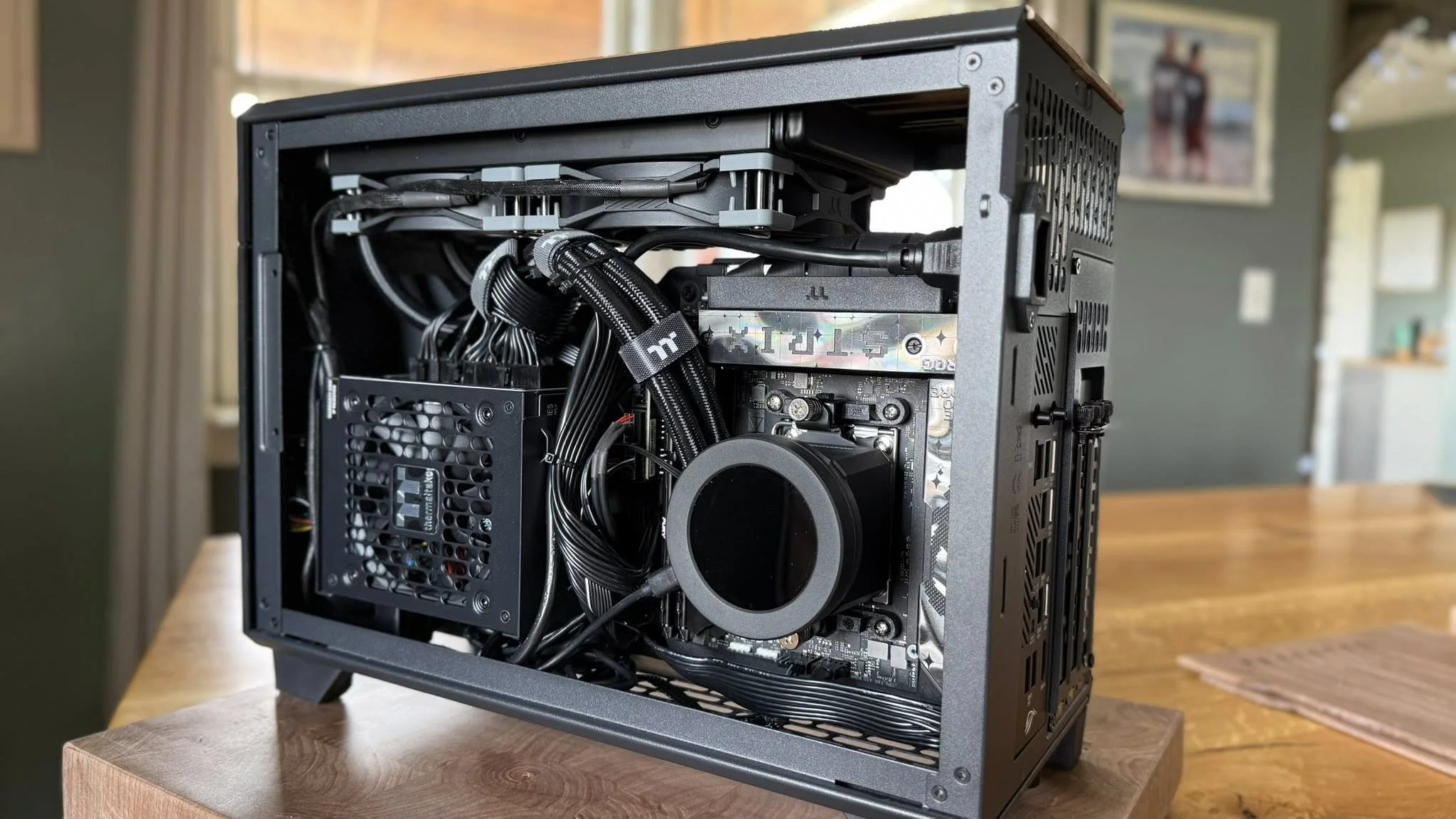

A buyer who wants strong everyday gaming without moving directly to the highest GPU tier should prioritize a current platform, adequate memory, and sensible storage. The Thermaltake LCGS Versa u2660TS combines an Intel Core Ultra 7 265KF, NVIDIA GeForce RTX 5060 Ti 8G, 32GB DDR5 6000MT/s RGB Memory, and a 2TB NVMe M.2 drive. Its 240mm closed-loop liquid cooler and WiFi are also listed, making it a well-rounded configuration rather than one focused solely on graphics performance.
The LCGS line still varies by price and hardware, so compare the graphics card before assuming two similarly styled systems will perform alike. Warranty and support terms should also be checked on the exact listing. Our prebuilt PC value overview explains the broader convenience tradeoffs.
For Stronger Graphics Performance
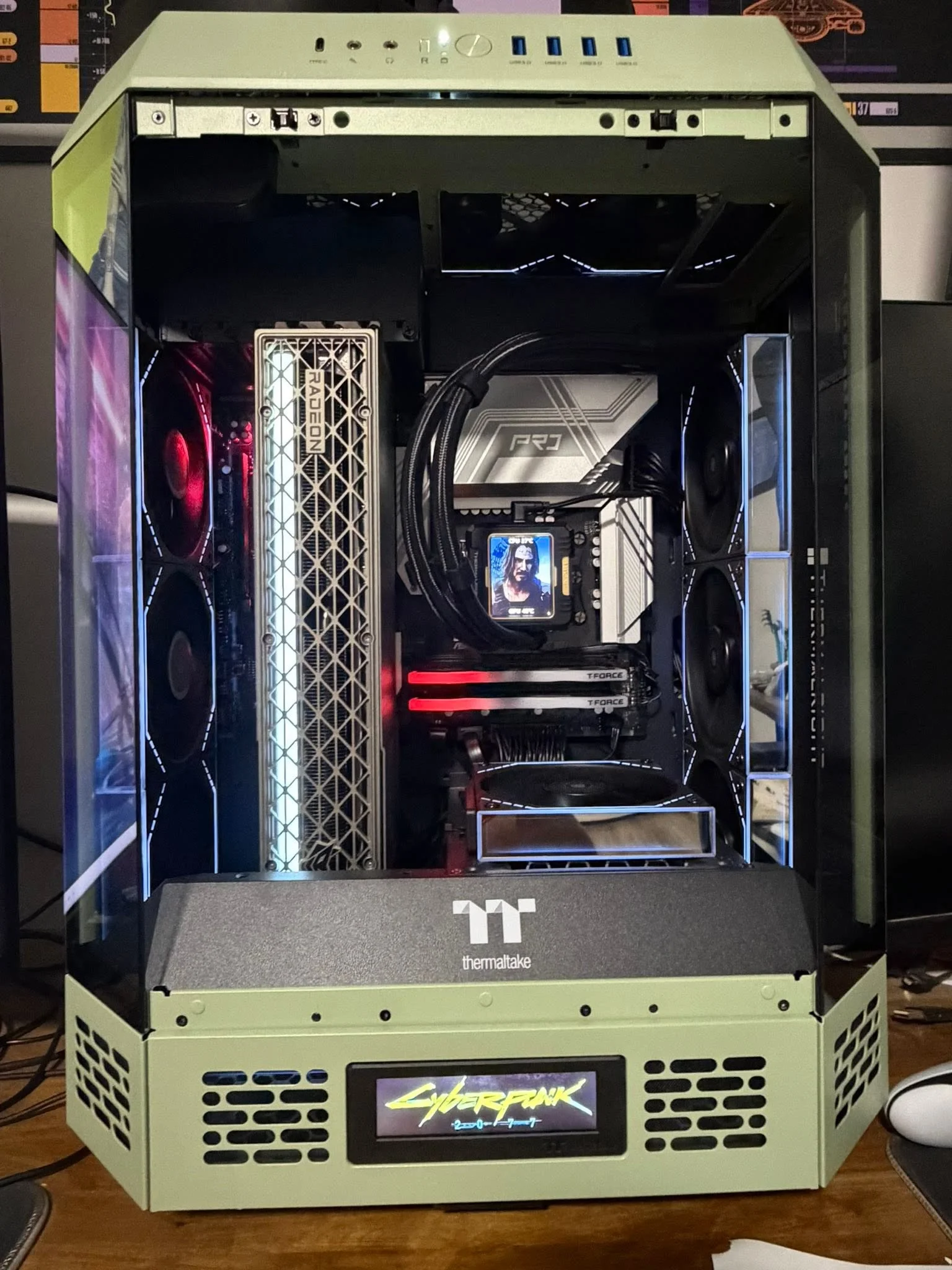
Buyers targeting a higher graphics tier should concentrate on the GPU first, then confirm that the processor, memory, and storage fit their other uses. The Thermaltake LCGS Reactor u2670T pairs an NVIDIA GeForce RTX 5070 Ti with an Intel Core Ultra 7 265KF, 32GB DDR5 6400MT/s RGB Memory, and 2TB NVMe M.2 storage. The listing also specifies a 240mm closed-loop liquid cooler, WiFi, and panoramic tempered-glass front panels with perforated side panels for airflow.
The Reactor i1470TS is another RTX 5070 Ti configuration, but it uses an Intel Core i7-14700KF and a 360mm radiator. Compare the entire platform rather than choosing from the GPU label alone. Retailer-specific warranty and support information remains part of that comparison.
For AMD-Focused Gaming Builds
An AMD-focused buyer can choose a Thermaltake configuration using both an AMD processor and graphics card. The LCGS Reactor 7897XS combines an AMD Ryzen 7 7800X3D CPU with an AMD Radeon RX 9070 XT, 32GB DDR5 5600MT/s RGB Memory, and 2TB NVMe M.2 storage. Its B650 motherboard, WiFi, 240mm closed-loop liquid cooler, and front USB Type-C port are specified in the listing.
This is a performance-oriented configuration, but not every LCGS desktop has the same storage, cooling, or external connections. Check the listing carefully, then read its current warranty and support terms before purchase.
Listing Warning Signs to Check

- A shortened model title can hide major component differences, so confirm the complete processor and graphics card names.
- An unspecified graphics card manufacturer reduces certainty about the exact cooler design, dimensions, and included display connections.
- Limited storage may require an earlier upgrade because modern game libraries and media files can consume space quickly.
- Older operating-system listings deserve closer attention because software support and upgrade eligibility may affect long-term use.
- Missing power-supply details make upgrade planning harder because wattage, connectors, and physical size determine graphics-card compatibility.
- Vague warranty or support language should prompt a closer look at seller terms before the return window begins.
Our brand warning signs cover additional listing problems that deserve scrutiny.
Common Thermaltake Listing Terms
- LCGS: Thermaltake uses this label for the gaming desktop systems compared on this page.
- NVMe M.2: This describes compact solid-state storage that connects through the motherboard and provides fast general system responsiveness.
- DDR5 RGB memory: This is current-generation system memory with integrated lighting, although listed speed and capacity vary by configuration.
- Closed-loop liquid cooling: A sealed pump, radiator, and fan assembly moves CPU heat to the radiator for dissipation.
- Chipset: Labels such as B650, B760, and B860 identify the motherboard platform and influence processor compatibility and connectivity.
- DisplayPort and HDMI: These are graphics-card display outputs used to connect compatible monitors, televisions, and other displays.
Our prebuilt PC warranty guide explains the terms worth checking before committing to a system.
Practical Thermaltake Selection Rules
- Choose the graphics card around your monitor and visual settings before comparing cosmetic features or RGB lighting.
- Prefer enough included storage for your current library while leaving room for applications, updates, and recordings.
- Check the exact front-panel ports when you regularly connect headsets, controllers, external drives, or other accessories.
- Confirm motherboard, power-supply, and case compatibility before planning a substantial graphics card or processor upgrade.
- Read the seller’s current warranty and return details instead of assuming every Thermaltake listing has identical coverage.
Other Thermaltake Systems Worth Considering
| Product | What Is Different | Suits Whom |
|---|---|---|
| Thermaltake RX 9070 XT | It combines an AMD Ryzen 7 7800X3D with an AMD Radeon RX 9070 XT, 32GB DDR5 5600MT/s RGB Memory, and a 1TB NVMe M.2 drive. Cooling comes from a 240mm closed-loop liquid cooler. | It suits buyers who want the AMD CPU and GPU pairing but do not require the Reactor 7897XS model’s larger listed storage capacity. |
| Thermaltake LCGS RX 9060 XT | This configuration uses an AMD Ryzen5 7600X CPU and AMD Radeon RX 9060 XT 16GB, supported by 32GB DDR5 6000MT/s RGB and 2TB NVMe M.2 storage. | It suits AMD-oriented buyers who value substantial graphics memory and storage without stepping up to an RX 9070 XT configuration. |
| Thermaltake RTX 3060 TI | It is an older platform with an AMD Ryzen 5 3600, NVIDIA GeForce RTX 3060 Ti 8GB, 16GB DDR4 memory, and Windows 10 Home. Its open-frame design has a tempered-glass panel and 360mm radiator. | It suits shoppers considering an older configuration who are comfortable checking operating-system support, upgrade options, and listing details carefully. |
Thermaltake Purchase Questions Answered
1. Are Thermaltake gaming PCs worth the extra cost?
Value depends on the complete hardware configuration rather than the Thermaltake name by itself. Compare the processor, graphics card, memory, storage, cooling, connectivity, and seller support with similarly equipped systems. Features such as panoramic glass, RGB memory, and liquid cooling may matter to some buyers, but they should not outweigh the components that determine gaming performance.
2. Which Thermaltake configuration offers better value?
The LCGS View 8760S-170 is the lower-cost option among the main systems, pairing an AMD Ryzen 7 8700F with an NVIDIA GeForce RTX 5060, 16GB DDR5 6000MT/s RGB, and 1TB NVMe M.2 storage. The LCGS Versa u2660TS costs more but increases listed memory and storage while moving to an NVIDIA GeForce RTX 5060 Ti 8G. Choose according to the hardware you will actually use.
3. Can a Thermaltake prebuilt gaming PC be upgraded?
Many desktop components are potentially replaceable, but compatibility must be checked for the exact configuration. The motherboard platform, case clearance, power-supply capacity, available connectors, cooling support, and warranty conditions can all affect an upgrade. Our prebuilt PC upgrades article explains what to verify before purchasing new parts.
4. Does Thermaltake use proprietary components?
The supplied data identifies standard platform details such as B650, B760, B860, and B450 chipsets, along with DDR4 or DDR5 memory and NVMe M.2 storage. However, it does not establish that every component in every configuration follows a particular retail standard. Check the exact motherboard, power supply, case dimensions, connectors, and seller documentation before assuming unrestricted compatibility.
Choosing Your Thermaltake Desktop
The Thermaltake LCGS RTX 5060 TI is the strongest all-around choice for buyers seeking capable hardware, generous listed memory and storage, and liquid CPU cooling. Choose the Thermaltake LCGS when the higher graphics tier matters more. In either case, verify the full configuration, retailer terms, and upgrade requirements before ordering.









