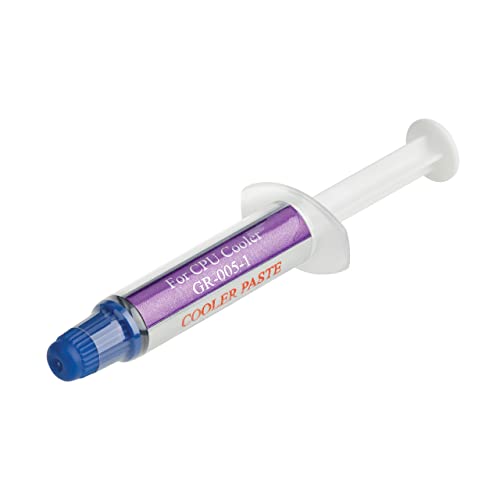
Yes, every discrete graphics card ships with thermal paste already applied between the GPU chip and its heatsink, so you never add any to a new card. The paste typically lasts three to five years. Only consider replacing it if the card is older, second-hand, or running hotter than it used to.
- Graphics cards ship with thermal paste already applied.
- It usually lasts 3 to 5 years under normal use.
- Higher temps and louder fans can signal it has degraded.
- Replacing it can void your warranty.
Why a GPU Needs Thermal Paste
Thermal paste fills the microscopic gaps between the GPU chip and the cooler, so heat moves across instead of getting trapped by air. It’s one small layer, but the cooler can’t work properly without it. The factory line that builds the card handles this step, as covered in how graphics cards are made.
How Long Does GPU Thermal Paste Last?
Usually 3 to 5 years under normal use. Repeated heating and cooling can dry it out over time, which makes it less effective. If your card is inside that window and temperatures look normal, there’s nothing to do. SlashGear’s guide gives the same range.
Signs the Paste Needs Replacing
- Higher GPU temperatures than the card used to reach in the same games
- Louder fan noise as the fans work harder to compensate
- Reduced performance from the card throttling itself
Before blaming the paste, rule out the easy causes. Compare your numbers against what GPU temperature counts as too high, and check dust and whether the fans are behaving normally.
Should You Repaste Your GPU?
For most people, not during the warranty. Taking a card apart can void it, and cards are not designed to be opened by owners. It’s worth considering for a card that’s around three years old or more and running hot, or a used one.
Warning: some high-end cards, such as the RTX 5090 Founders Edition, use liquid metal instead of paste. Replacing it with regular paste can make temperatures worse. Check your model first, and if you’re not sure which card you own, see how to check what GPU you have.
How to Replace GPU Thermal Paste
- Take the cooler off the card and clean the old paste from the chip and cooler with isopropyl alcohol and a microfiber cloth.
- Apply a small pea-sized dot of new paste in the center of the chip.
- Reassemble the card. The pressure from the heatsink spreads the paste evenly.
- Run a stress test, for example with FurMark, to confirm temperatures have improved.
The amount depends on the chip size. Wikipedia’s overview of thermal grease explains how it works, and Nvidia’s GeForce pages are the place to confirm your exact model before you open anything.
Frequently Asked Questions
Do I need to buy thermal paste for a new graphics card?
No. A new card already has paste applied at the factory. You only need to buy paste if you plan to replace it later.
How often should I replace GPU thermal paste?
Most cards do fine for 3 to 5 years. Replace it only if temperatures rise noticeably, or if you bought the card used.
Does replacing GPU thermal paste void the warranty?
It can, since the card has to be taken apart. Check your manufacturer’s warranty terms before opening it.
Can I use regular thermal paste on any GPU?
Not on every card. Some high-end models use liquid metal, and swapping it for standard paste can make cooling worse.