


A prebuilt PC saves time, comes fully assembled, and includes a single warranty covering the whole system, while a custom build usually offers better value per dollar and easier future upgrades, at the cost of your own time and effort. Neither is universally better; the right choice depends on your budget, timeline, and interest in building it yourself.
- Prebuilts save time and offer single-warranty convenience.
- Custom builds usually offer better value and easier upgrades.
- Boutique prebuilts use standard parts; big-brand OEMs often don’t.
- Your comfort with troubleshooting matters as much as price.
The Core Tradeoff
Building your own PC generally gets you more performance per dollar, since you’re not paying for assembly labor or retail markup on a finished system. A prebuilt trades some of that value for convenience: it arrives ready to use, and if something goes wrong, one company handles the whole system rather than you diagnosing which of several parts is at fault.
Cost Comparison
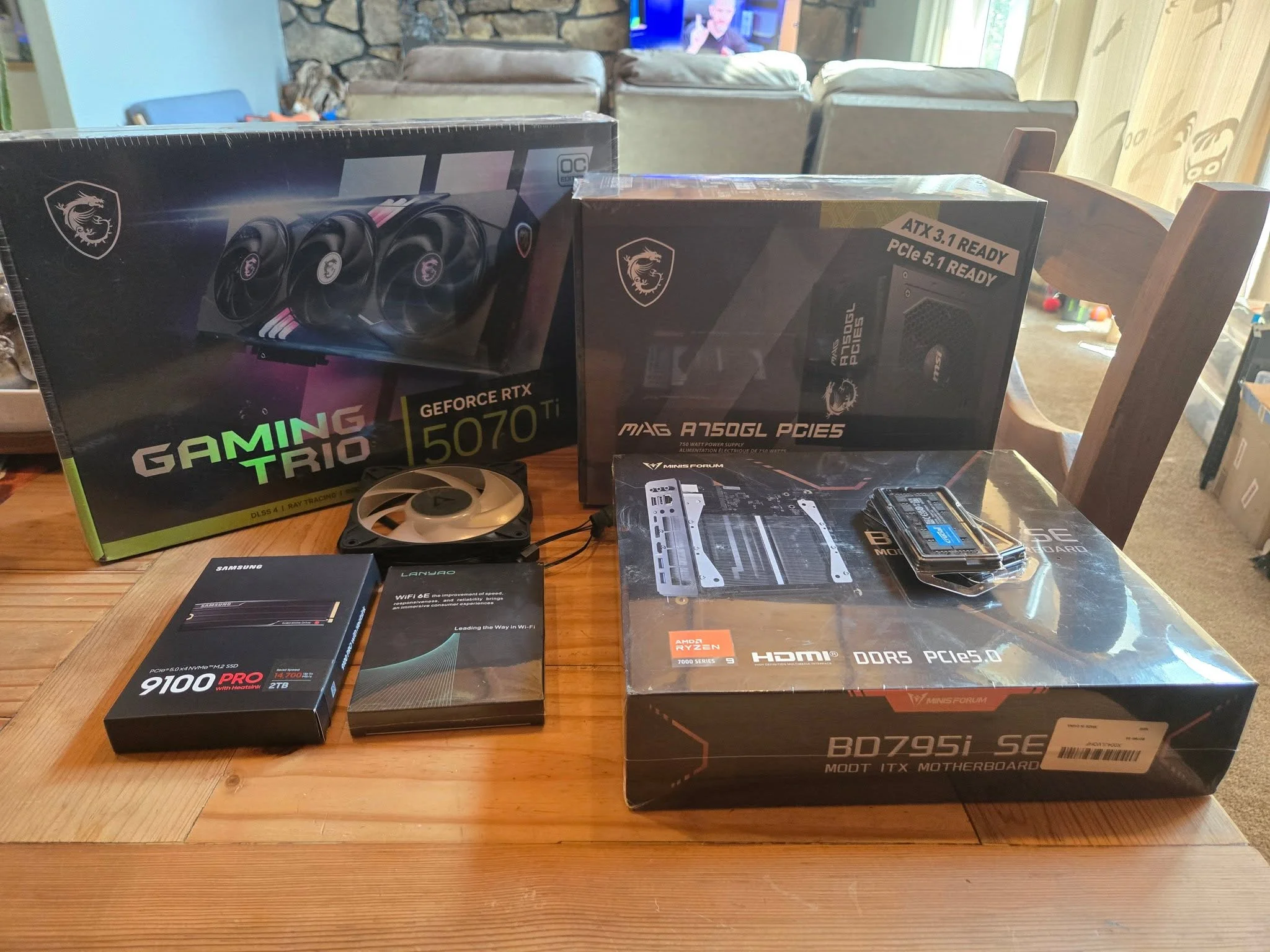
Historically, building has usually been cheaper for the same specs. That gap has narrowed at times when component prices, especially RAM, spike sharply, since large manufacturers can sometimes secure better bulk pricing than an individual buyer. Always compare actual current prices for your specific target specs rather than assuming one option is always cheaper.
Upgradability
This is where prebuilts vary the most. Boutique builders like iBuyPower, Skytech, and NZXT generally use standard, off-the-shelf parts that upgrade just like a custom build. Larger OEM brands such as HP, Dell, and some Alienware models sometimes use proprietary motherboards or power supplies, which can limit or block future upgrades. See can you upgrade a prebuilt PC for the full breakdown.
Warranty and Support

A prebuilt’s single-system warranty means one phone call covers everything, which matters if troubleshooting isn’t something you enjoy. A custom build means dealing with each component’s manufacturer separately if something fails, though you also get to choose parts with warranties you trust. See prebuilt PC warranty explained for more detail.
Which Should You Choose
| Choose prebuilt if | Choose custom if |
|---|---|
| You want it ready to use immediately | You want the best value for your budget |
| You’d rather not troubleshoot hardware | You want full control over every component |
| You’re buying from a reputable boutique builder | You’re comfortable following a build guide |
Tip: if you choose prebuilt, research the specific builder’s reputation and part choices first, since quality varies significantly between boutique builders and larger OEM brands.
Performance Per Dollar in Practice
When component prices are behaving normally, a custom build typically delivers noticeably more performance for the same money than an equivalent prebuilt, since retail assembly, packaging, shipping, and a support team all add cost the manufacturer has to recover somewhere. Reviewers who regularly disassemble prebuilts for testing, including outlets like Gamers Nexus, have repeatedly found real-world examples where a prebuilt’s total price could have bought a noticeably faster GPU or CPU if purchased separately and self-assembled. The gap isn’t universal or constant, and it narrows during promotional sales or when a manufacturer is clearing older inventory, but as a general rule, expect to pay a premium of somewhere between 10 and 30 percent for the convenience of a prebuilt at a similar spec level.
Support Experience: One Call vs Several
This is the most underrated part of the decision for many first-time buyers. With a prebuilt, if the system won’t boot, you call one support line, and the company is responsible for figuring out whether it’s the PSU, the RAM, or a loose cable, then sending a replacement or repair. With a custom build, you are the support line first, and if you can’t resolve it yourself, you may need to contact the specific component manufacturer, whether that’s the motherboard maker, the RAM brand, or the GPU vendor, each with its own RMA process and turnaround time. For someone who has never opened a PC case before, this single difference is often what tips the decision toward prebuilt, regardless of the price gap.
Aesthetics and Cable Management

Prebuilt PCs from reputable boutique brands are frequently better cable-managed out of the box than a first-time builder’s own effort, simply because the person assembling it does this daily. If a clean-looking interior matters to you and it’s your first build, expect your first attempt to look noticeably messier than a professional’s, though this improves quickly with a second or third build.
Ready to Build Instead?
If you’re leaning toward building, start with how to build a PC for beginners and how to choose PC parts that work together to plan your first build.
For more perspective, see build cost comparisons from PCPartPicker, benchmark data from Tom’s Hardware, and teardown reviews from Gamers Nexus.
Frequently Asked Questions
Is a prebuilt PC ever a better deal than building?
Occasionally, especially during component price spikes or when a builder runs a sale, but building generally offers better long-term value and upgrade flexibility.
Are all prebuilt PCs hard to upgrade?
No. Boutique builders using standard parts upgrade easily, while some larger OEM brands use proprietary components that limit upgrades.
Do prebuilts void the warranty if I upgrade them?
It depends on the builder’s specific policy. Some allow component upgrades without voiding coverage, while others restrict this. Check before making changes.
Is building a PC hard for a first-timer?
It’s more approachable than many people expect, especially with a clear guide. Most steps involve careful, methodical assembly rather than complex technical skill.


