

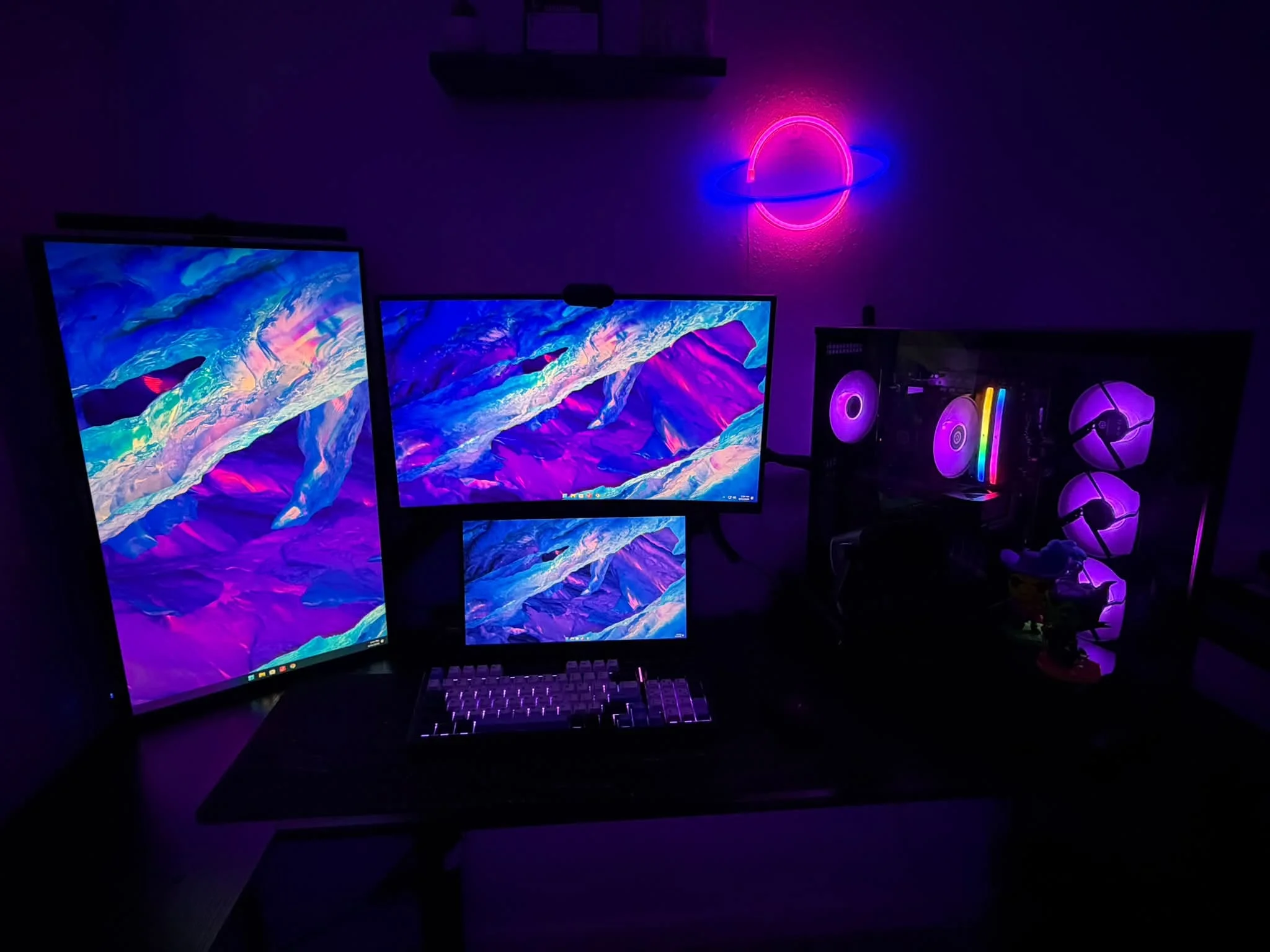
A prebuilt PC is worth it if your time is limited, troubleshooting hardware doesn’t appeal to you, or you’re buying from a reputable boutique builder at a fair price. It’s less worth it if squeezing maximum value from your budget matters most, or if you’re buying from a brand known for proprietary, hard-to-upgrade parts.
- Time saved and reduced troubleshooting are the real value of a prebuilt.
- Reputable boutique builders offer this convenience with standard parts.
- Value-focused buyers usually get more from building themselves.
- Research the specific builder, not just the price tag, before deciding.
What You’re Actually Paying For
The premium on a prebuilt covers assembly labor, testing, packaging, and a single point of support if something fails. For many buyers, that convenience is worth a real amount of money, especially if a failed part in a custom build would mean days of troubleshooting you’d rather avoid.
When It’s Genuinely Worth It
- You need a working PC quickly and don’t have time to source and assemble parts
- You’re buying from a boutique builder with a solid reputation and standard, upgradable parts
- You value having one company to call if anything goes wrong, rather than diagnosing which component failed yourself
- The current price genuinely matches or beats building the same specs yourself, which happens more often during component price spikes
When It’s Usually Not Worth It
- You’re buying from a brand known for proprietary parts that limit future upgrades
- Getting the most performance for your exact budget is the priority
- You’re at all interested in learning to build, since it’s a genuinely approachable skill with the right guide
A Middle Ground Worth Considering
Some buyers start with a prebuilt for convenience, then learn to upgrade individual parts over time as budget allows, effectively easing into building without the upfront time investment. This works well specifically with boutique-brand prebuilts using standard components, and less well with restrictive OEM systems.
Honest take: there’s no universally correct answer here. A satisfied prebuilt owner and a satisfied builder often made equally reasonable decisions for their own priorities and available time.
What Reviewers and Long-Time Builders Actually Say
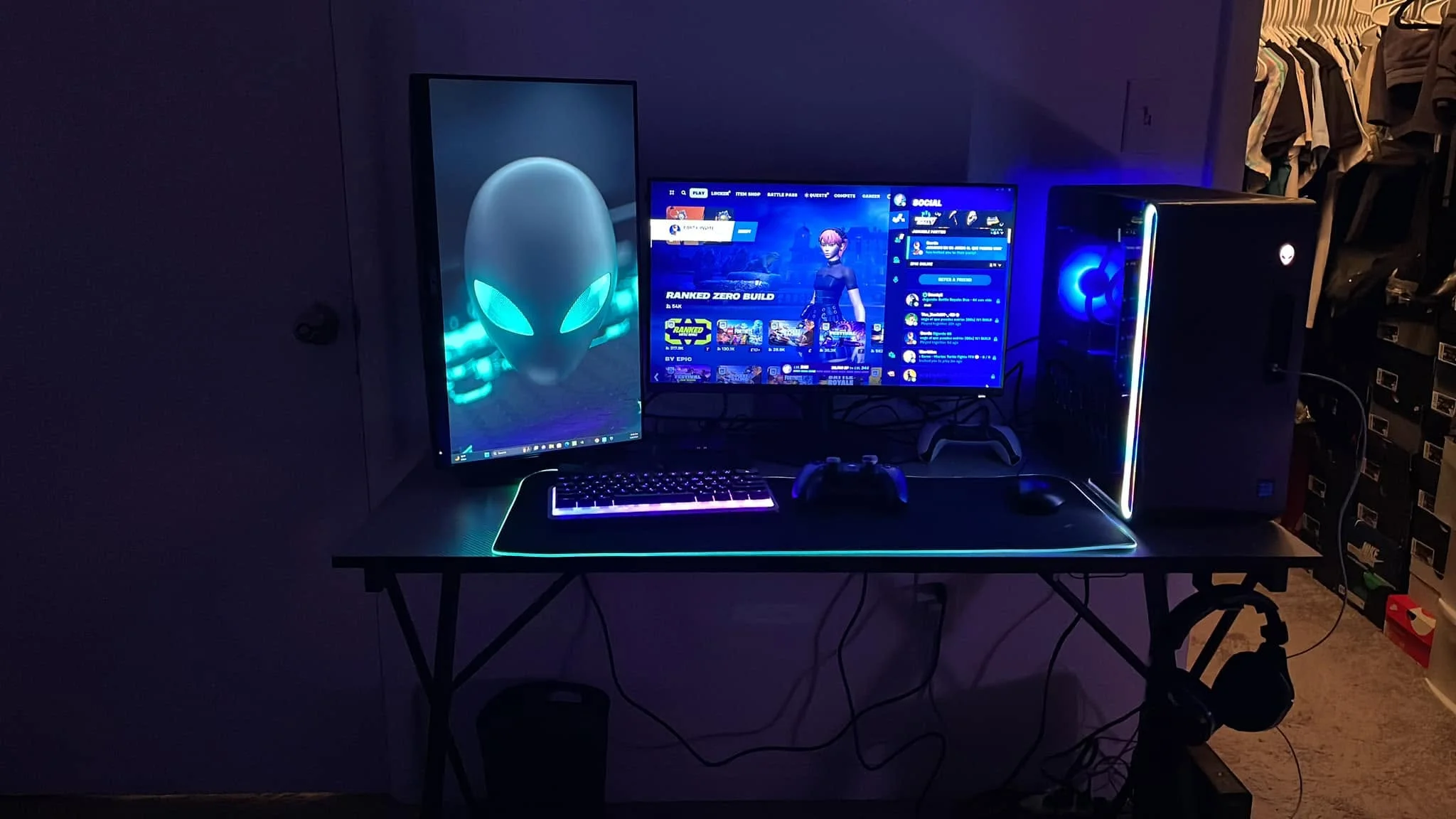
A recurring theme among veteran PC builders who eventually buy a prebuilt, sometimes after decades of building their own systems, is that the calculation changes with life circumstances rather than technical knowledge. A widely discussed piece from HowToGeek captured this shift: after twenty years of building every PC personally, the author bought a prebuilt specifically because free time had become scarcer, not because building had become harder or less worthwhile. This is a useful reframe: worth is not a fixed technical answer, it’s a personal tradeoff between money, time, and how much satisfaction you get from the process itself.
The Boutique vs Big-Box Distinction Matters More Than the Word “Prebuilt”
Lumping every prebuilt PC into one category misses an important split. Boutique builders such as iBuyPower, Skytech, CyberPowerPC, and NZXT generally assemble standard, off-the-shelf components you could buy individually, so the “worth it” question really comes down to price and assembly quality. Larger OEM brands, particularly some Dell, HP, and certain Alienware configurations, sometimes use proprietary motherboards, non-standard power supply form factors, or soldered components specifically to control the upgrade path and repair ecosystem. The worth-it calculation for these two categories is genuinely different, and conflating them leads to bad advice in either direction.
A Realistic Cost Breakdown
To make this concrete: if a custom build using retail parts would cost $1,200 for a given performance target, a comparable boutique prebuilt might run $1,300 to $1,450, and a big-box OEM system at the same advertised specs might be priced similarly but include a weaker power supply, less airflow, or a smaller SSD than the equivalent custom build would use. The premium buys assembly and support, but the exact components inside deserve the same scrutiny you’d apply to a custom parts list, not just the headline CPU and GPU names on the box.
How to Decide for Yourself
Compare the actual price of a specific prebuilt against building the same specs yourself using a tool like PCPartPicker, and honestly assess how much you value your own time versus the money saved by building.
For further reading, compare current pricing on PCPartPicker and check owner discussions on hardware forums like r/buildapc. If you decide to build instead, see how to build a PC for beginners and tools needed to build a PC.
Frequently Asked Questions
Do people regret buying a prebuilt PC?
Some do, usually after discovering restrictive proprietary parts or realizing they overpaid compared to building, while many others are perfectly satisfied with the convenience.
Is it cheaper to build or buy a prebuilt?
Building is usually cheaper for the same specs, though the gap can narrow during component price spikes or builder sales.
Can I start with a prebuilt and upgrade it later?
Yes, especially with a boutique-brand prebuilt using standard parts, which lets you upgrade individual components over time as budget allows.
What’s the biggest risk of buying a prebuilt?
Ending up with proprietary parts that limit future upgrades, which is more common with some larger OEM brands than with boutique builders.


