


Most RAM operates safely without a heatsink, since typical memory modules don’t generate enough heat during normal use to need extra cooling. Heatsinks mainly benefit very high-speed kits under sustained heavy workloads, and otherwise serve a largely aesthetic role on most gaming-oriented sticks.
- Most RAM runs safely without any heatsink at all.
- Heatsinks help most with very high-speed kits under sustained load.
- Many RGB or heatsink-equipped sticks are partly aesthetic.
- Case airflow matters more for RAM temperature than the heatsink alone.
Why RAM Usually Doesn’t Need Active Cooling
RAM draws relatively little power compared to a CPU or GPU, as Crucial’s memory guides note, and typical operating temperatures stay well within safe limits even without a dedicated heatsink. This is why plenty of RAM, especially budget and older kits, ships with just a small printed label instead of a metal cover.
When a Heatsink Actually Helps
- Very high-speed kits, especially at the top end of what XMP profiles support, which run hotter than standard-speed RAM
- Sustained heavy workloads over long periods, such as extended rendering or server-style tasks
- Systems with genuinely poor case airflow, where every component runs warmer than ideal
Is a RAM Heatsink Mostly Cosmetic?
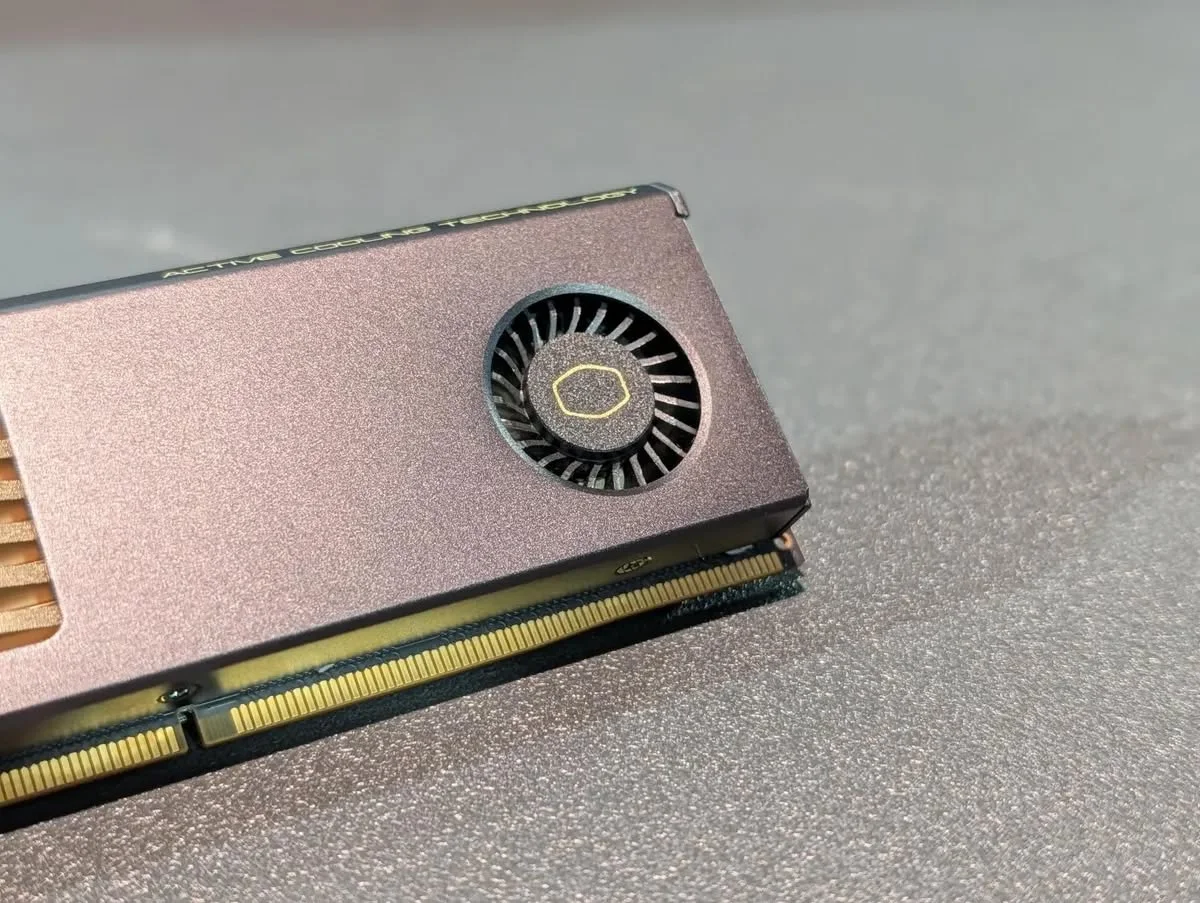
For most gaming and everyday use, largely yes. Many RGB or heatsink-equipped kits from brands like Corsair are marketed partly for appearance, and the actual cooling benefit for typical speeds and workloads is modest. That doesn’t make them pointless, since a small margin of extra cooling headroom rarely hurts, but it’s not a strict requirement for reliable operation.
Does It Affect Performance?
Not directly for most users, since RAM rarely throttles from heat the way a CPU or GPU does. The benefit is more about long-term thermal headroom under sustained edge-case loads than everyday frame rates or responsiveness.
Tip: if you’re choosing between two similar kits, one with and one without a heatsink at a similar price, the one with a heatsink adds a small safety margin at effectively no downside, aside from slightly reduced compatibility with very large CPU coolers in tight cases.
Does a Heatsink Interfere With Anything?
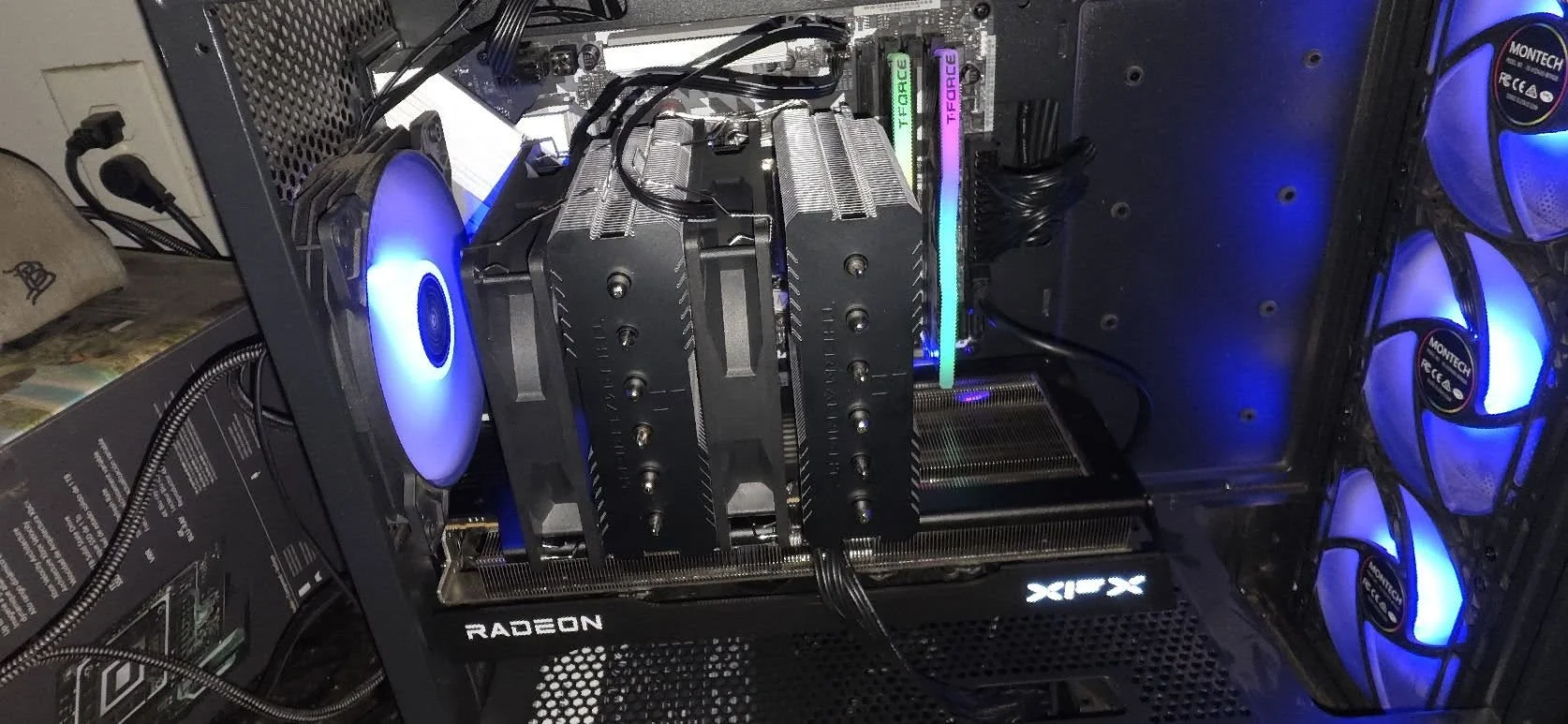
Occasionally, tall RAM heatsinks can conflict with large air coolers, as noted in Noctua’s compatibility lists, that overhang the first RAM slot. Check clearance specifications if you’re using a particularly large cooler, following general guidance in how to install a CPU cooler.
Frequently Asked Questions
Will my RAM overheat without a heatsink?
Very unlikely under normal use, since standard RAM operates safely within its temperature range without additional cooling in the vast majority of setups.
Does a RAM heatsink improve performance?
Not directly for most users. It mainly adds thermal headroom for high-speed kits under sustained heavy workloads, rather than boosting everyday performance.
Is RAM with a heatsink worth paying more for?
If the price difference is small, it adds a modest safety margin with little downside, though it’s not a strict requirement for reliable operation.
Can a RAM heatsink cause clearance issues?
Occasionally, with very large CPU air coolers that overhang the first RAM slot. Check clearance specifications if using an oversized cooler.


