

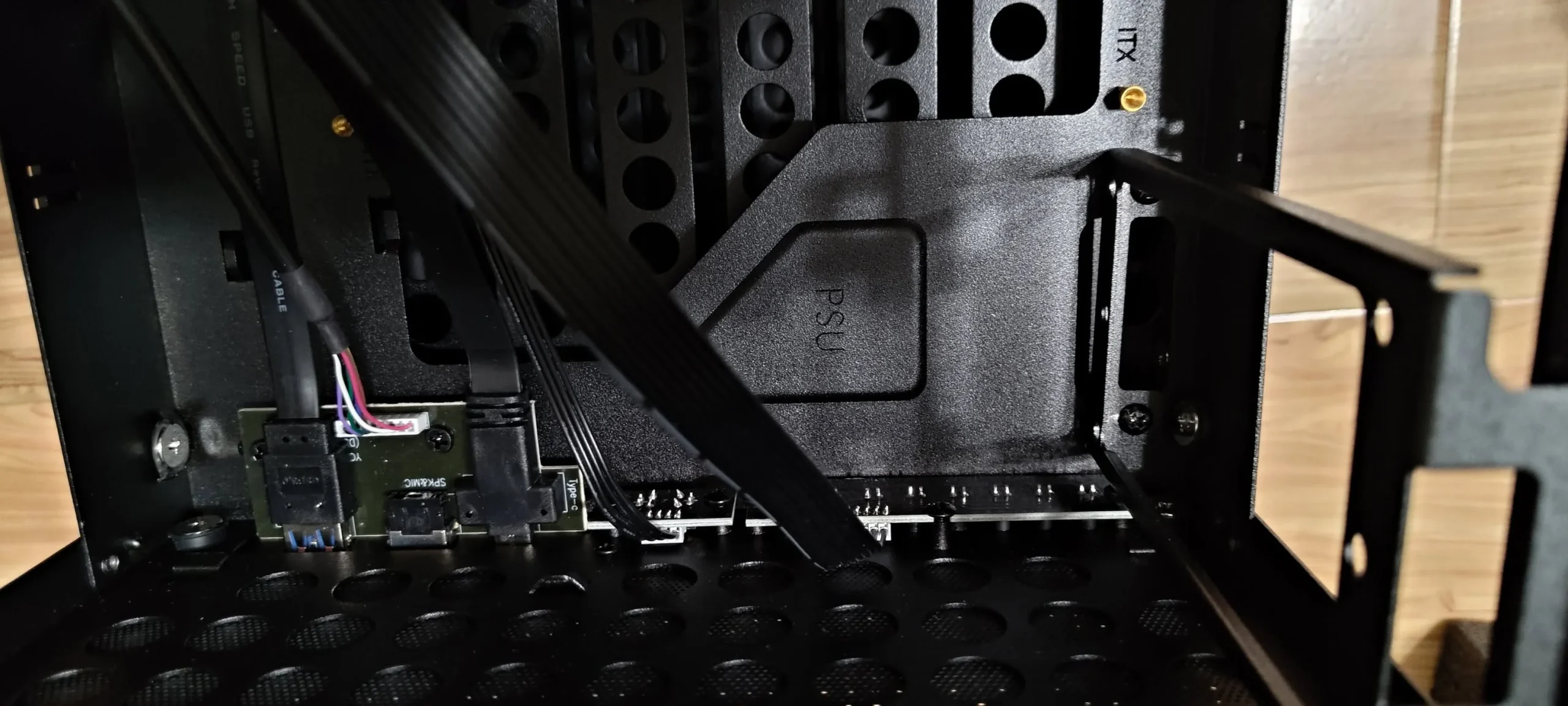
Most builders need 2 to 4 SATA ports for additional storage, such as a secondary drive or a couple of hard drives for bulk storage, while the primary boot drive commonly uses an M.2 slot instead. Check your specific motherboard’s total SATA port count before planning a multi-drive setup, since it varies by board tier.
- Most builds need 2 to 4 SATA ports beyond the main M.2 boot drive.
- M.2 is faster and preferred for the primary drive when available.
- Budget and compact boards sometimes have fewer SATA ports.
- Populating some M.2 slots can reduce available SATA ports.
SATA vs M.2: Which to Use for What
M.2 NVMe drives, as Crucial’s SSD guide explains, are significantly faster and are the better choice for your operating system and frequently used programs. SATA remains a practical, affordable option for additional storage where top speed matters less, such as game libraries, media, or backups.
How Many SATA Ports Do Most People Need
| Use case | Typical SATA needs |
|---|---|
| Basic build, M.2 boot drive only | 0 to 1, for a possible secondary drive |
| Gaming PC with extra storage | 1 to 2, for a large secondary drive or two |
| Media server or large storage build | 4 or more, for multiple drives |
How to Check Your Motherboard’s SATA Count
Check what motherboard do I have to confirm your exact model, then look up its specification sheet. Budget and compact motherboards, as noted in reviews from TechPowerUp, sometimes include fewer SATA ports than full-size boards, so this is worth confirming before buying multiple drives.
Does Using M.2 Reduce Available SATA Ports?
On some motherboards, yes. Certain PCIe lanes and SATA ports are shared with specific M.2 slots, so populating one can disable another. Check your motherboard’s manual for a lane-sharing diagram if you’re planning to use several M.2 drives alongside SATA drives.
Tip: if you’re planning a storage-heavy build from the start, check total SATA and M.2 slot count together, and any lane-sharing limitations, before finalizing your motherboard choice.
What If You Need More Than Your Board Offers
A SATA expansion card, such as those sold on Newegg, installed in a spare PCIe slot, adds additional ports beyond what the motherboard includes natively, which is a practical option for storage-heavy builds like home media servers.
Frequently Asked Questions
Should my boot drive be SATA or M.2?
M.2, when available, since it’s significantly faster and improves boot and load times noticeably over a SATA drive.
How many SATA ports does a typical motherboard have?
Commonly 4 to 6 on mainstream boards, though budget and compact boards can have fewer. Always check your specific model’s specifications.
Can I add more SATA ports if my motherboard runs out?
Yes, a SATA expansion card installed in a spare PCIe slot adds additional ports beyond what the board includes by default.
Does adding an M.2 drive ever disable SATA ports?
On some motherboards, yes, since certain M.2 slots share lanes with specific SATA ports. Check your board’s manual for lane-sharing details.


