

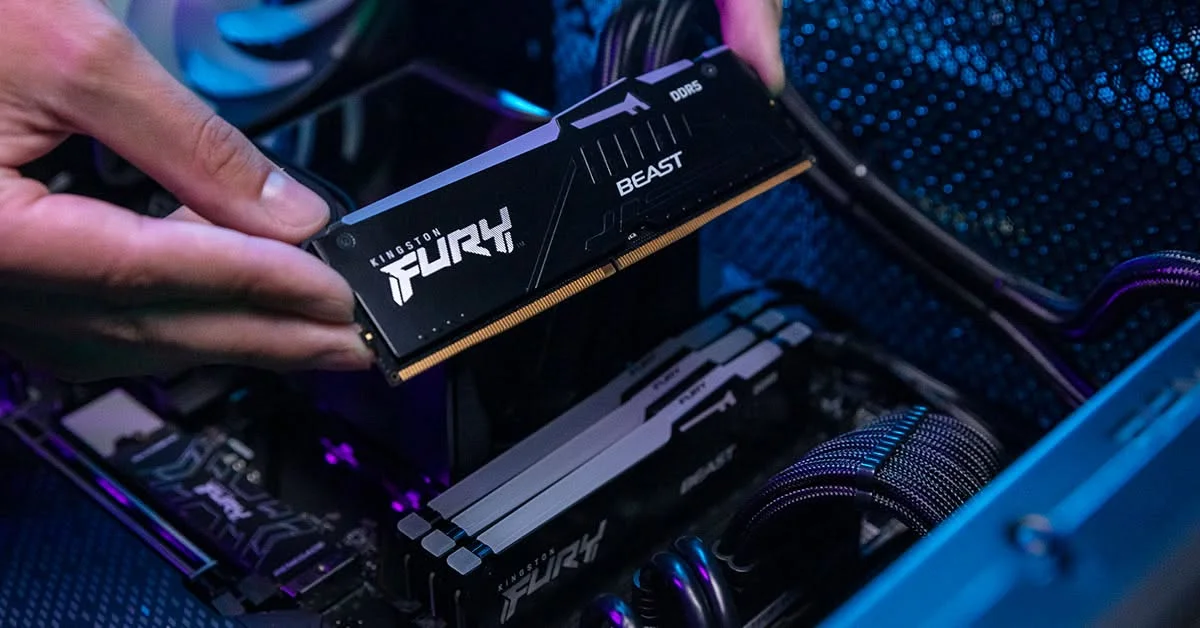
16GB of RAM is the sweet spot for most people today, covering gaming, browsing with many tabs, and everyday multitasking comfortably. 8GB is workable for basic tasks but feels tight on modern Windows and games. 32GB or more suits streaming, video editing, and heavy multitasking with several demanding apps open at once.
- 16GB is the practical minimum for gaming and modern multitasking.
- 8GB struggles with current games and heavy browser use.
- 32GB suits streaming, editing, and running several apps together.
- More RAM only helps up to what your workload actually uses.
RAM by Use Case
| Use case | Recommended RAM |
|---|---|
| Basic browsing, office work | 8GB, though 16GB is more comfortable |
| Gaming | 16GB, see how much RAM for gaming |
| Streaming while gaming | 32GB |
| Photo and video editing | 32GB or more |
| Heavy multitasking, many apps at once | 32GB or more |
Why 8GB Feels Tight Today
Windows itself, background apps, and a modern browser with a dozen tabs, as Microsoft’s own system requirements suggest, can use several gigabytes before you open anything else. Once a game or editing app is added on top, an 8GB system often has to lean on slower storage as overflow memory, which shows up as stutters and slowdowns.
Why 16GB Works for Most People
16GB gives enough headroom for a game, a browser, a chat app, and background processes to run together without constant strain. It’s the level most current games are actually built around, and where most people stop noticing memory as a bottleneck at all.
When You Need 32GB or More
- Streaming or recording while gaming, since capture software adds real memory overhead
- Photo editing in large files, or video editing at high resolution
- Running virtual machines or several heavy apps side by side
- Working with large datasets, 3D modeling, or similar professional software
How to Check What You’re Actually Using
Open Task Manager, click the Performance tab, and select Memory to see how much you’re using during normal activity. If it consistently sits near your total installed amount, more RAM will likely help. Confirm your exact installed amount first with what RAM do I have.
Note: beyond what your workload actually uses, extra RAM sitting idle provides no benefit. Buying more than you need doesn’t speed anything up, a point Crucial’s memory guide also makes clearly.
Getting the Most From What You Have
Whatever amount you choose, run it in dual channel and enable XMP if your RAM supports it, since both affect real-world performance more than most people expect. See Crucial’s memory guide for manufacturer-specific recommendations by task.
Frequently Asked Questions
Is 8GB of RAM enough in 2026?
It’s usable for very light tasks, but many current games and a modern browser will feel constrained. 16GB is a safer baseline today.
Is 32GB overkill for gaming?
For most single-player and competitive games, 16GB is enough, and 32GB provides little extra benefit unless you’re also streaming or running heavy background apps.
Does more RAM increase FPS?
Only up to the point where your current amount is limiting you. Beyond that, extra RAM sitting unused adds nothing to frame rate.
How do I know if I need more RAM?
Check Task Manager’s Memory tab during normal use. If usage sits consistently near your total installed amount, upgrading is likely to help.


