

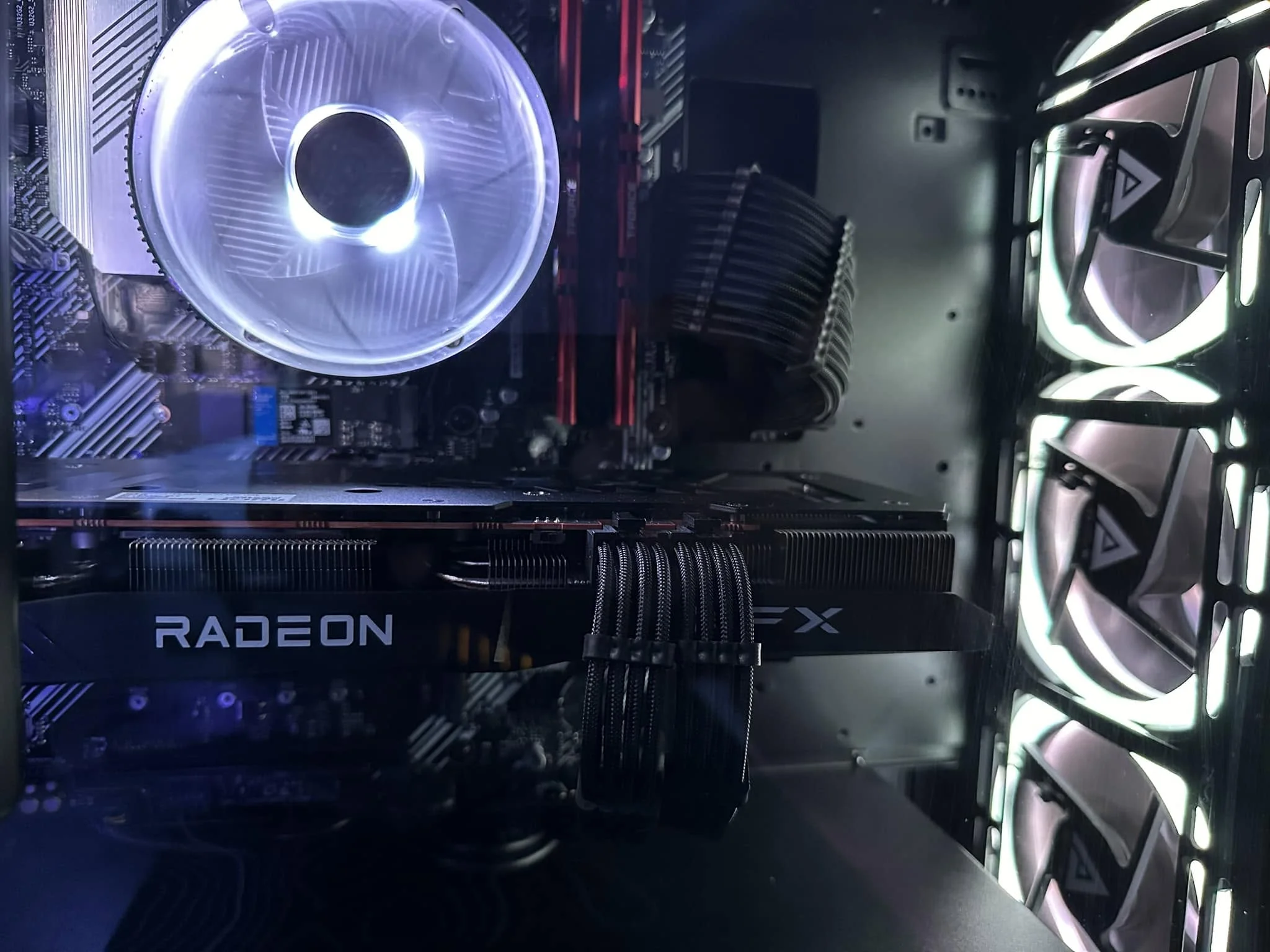
The power supply you need depends directly on your specific GPU model, since manufacturers publish a recommended minimum system wattage for each card based on its actual power draw plus a safety margin. Check your exact card against the chart below rather than assuming based on a general rule of thumb.
- Each GPU model has a manufacturer-recommended minimum PSU wattage.
- Higher-end cards in the RTX 50-series often require 12VHPWR/ATX 3.0 support.
- Total wattage matters less than whether the connector type is present.
- When in doubt, size up rather than buying exactly at the minimum.
Recommended PSU Wattage by GPU
| GPU | Recommended PSU wattage |
|---|---|
| RTX 5090 | 1000W |
| RTX 5080 | 850W |
| RTX 5070 Ti | 750W |
| RTX 5070 | 650W |
| RTX 5060 Ti | 550-600W |
| RTX 5060 | 550W |
| RX 9070 XT | 750-800W |
These figures reflect manufacturer recommendations from Nvidia and AMD’s own specifications, cross-checked against benchmark testing from TechPowerUp and Tom’s Hardware, and assume a typical mid-range CPU paired alongside the GPU. Cross-check with PCPartPicker for your exact configuration.
Why Connector Type Matters as Much as Wattage
Higher-end RTX 50-series cards use the 12VHPWR connector, which requires either a PSU with a native 12VHPWR or 12V-2×6 cable, or an adapter bundled with the card. A PSU with enough total wattage but no compatible connector still requires an adapter, which is worth checking before assuming your existing PSU works as-is.
Do You Need an ATX 3.0 PSU?
Not strictly for every card, but ATX 3.0 PSUs are specifically designed to handle the power delivery spikes that high-end GPUs can produce more gracefully than older ATX 2.0 units. See ATX 3.0 explained for whether your specific GPU benefits from it.
Accounting for Your Full System
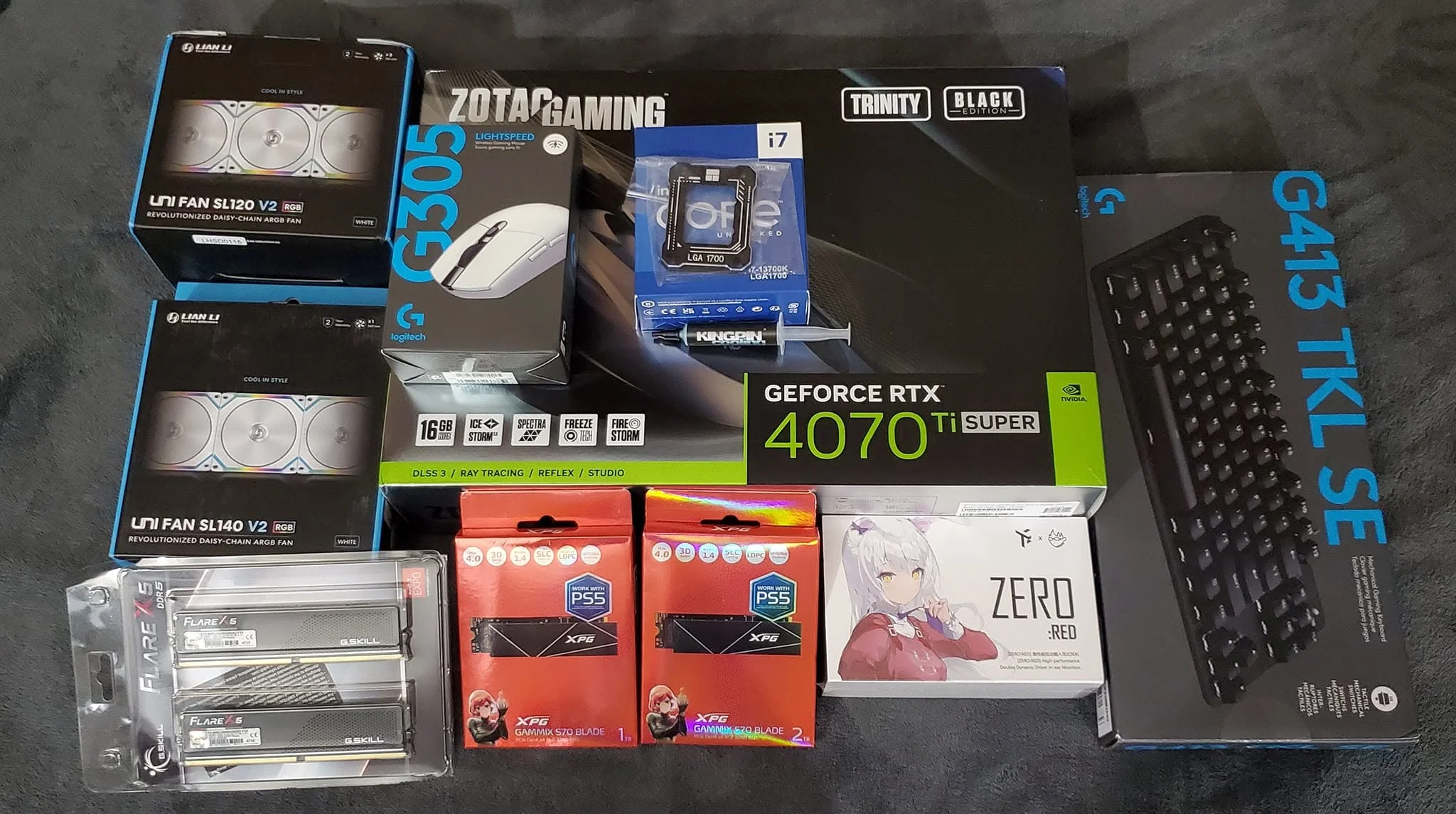
The GPU-specific recommendation above assumes a typical rest-of-system power draw. If you’re running an enthusiast-tier CPU alongside your GPU, or multiple storage drives and extensive RGB lighting, add extra headroom beyond the GPU manufacturer’s baseline figure, following the fuller calculation method in what power supply do I need.
What If You’re Upgrading From an Older GPU?
Check your current PSU’s wattage and connector types against your new GPU’s requirements before assuming it carries over. See how to transfer PC parts to a new build for the broader checklist when upgrading components.
Rule of thumb: when your GPU sits right at the edge of two wattage tiers, size up to the higher tier rather than the exact minimum, since headroom protects against instability and leaves room for a future upgrade.
Frequently Asked Questions
What PSU wattage do I need for an RTX 5080?
Nvidia recommends 850W for the RTX 5080, assuming a typical CPU and rest-of-system power draw alongside it.
Does my PSU need a 12VHPWR connector for a new GPU?
Higher-end RTX 50-series cards need either a native 12VHPWR/12V-2×6 cable or an adapter bundled with the card if your PSU lacks one.
Is total wattage the only thing that matters when choosing a PSU for a GPU?
No, connector type matters too. A PSU with enough wattage but the wrong connector still requires an adapter to work with certain GPUs.
Should I buy a PSU at the exact minimum recommended wattage?
It’s safer to size up slightly above the minimum for stability margin and to leave room for future component upgrades.
