

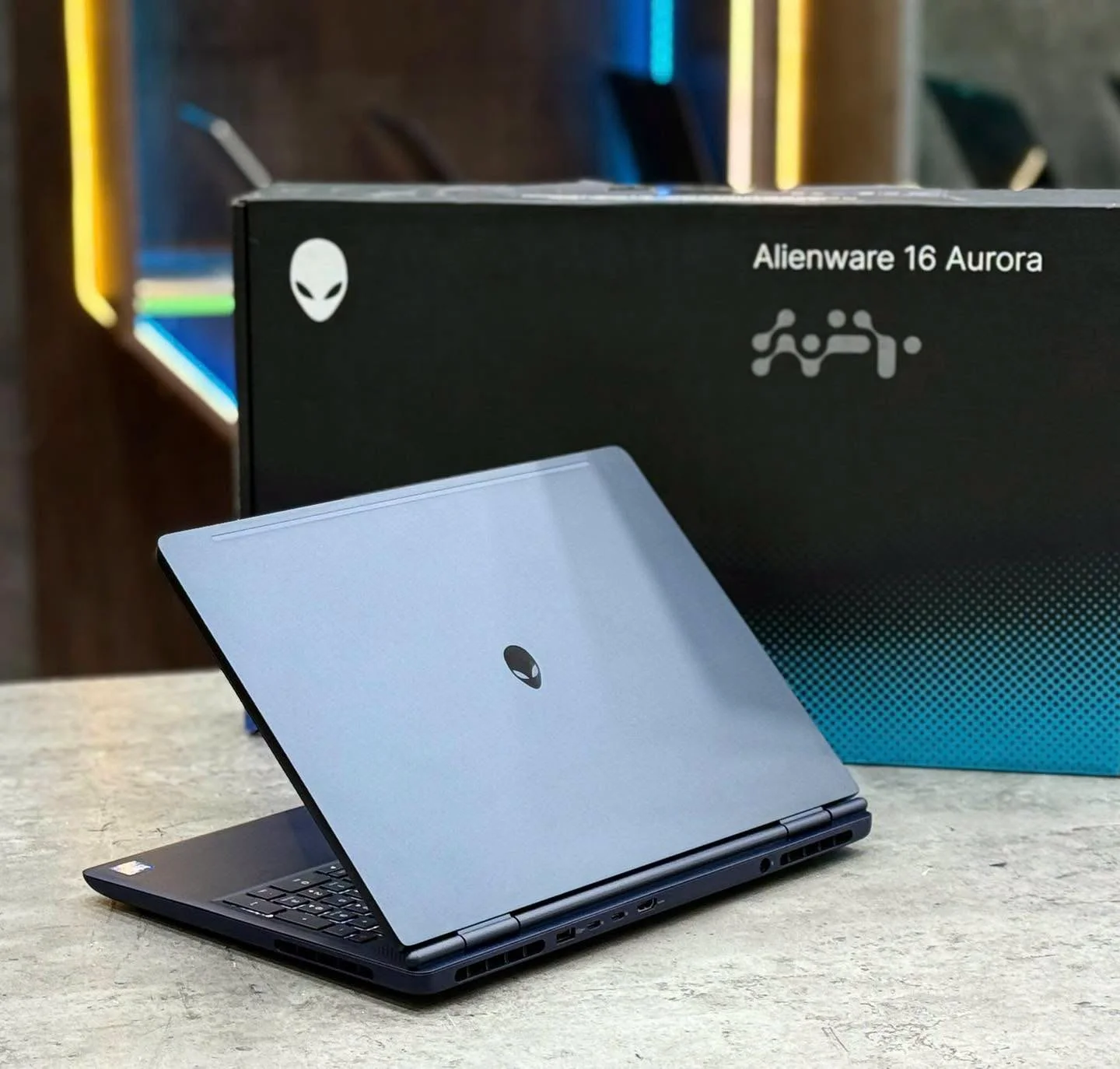
The Best alienware gaming laptops range from relatively approachable models to huge desktop replacements. For most buyers, the Alienware RTX 5080 offers the strongest balance, while the Dell RTX 5090 targets players who want the most powerful listed GPU.
Recommended by Us

Dell Alienware 18 Area-51 RTX 5090
- Top-tier RTX 5090 graphics with DLSS 4 and full ray-tracing support
- Generous 64GB DDR5 memory and 2TB PCIe SSD
- Large, high-resolution anti-glare display
- Modern Wi-Fi 7 and Bluetooth 5.4 connectivity
- NVIDIA Broadcast features for streaming, voice chat and content creation
- The 9.56-pound weight limits everyday portability
- The listing does not state the display refresh rate
- Battery capacity, runtime and port selection are not provided

Dell Alienware 18 RTX 5080 Gaming Laptop
- Premium RTX 5080 GPU with 16GB of GDDR7 memory
- Large WQXGA display with a competitive 300Hz refresh rate
- High-capacity 64GB DDR5 memory and 4TB internal SSD
- Extensive port selection plus Wi-Fi 7 and Ethernet
- Included 1TB docking station expands the overall storage package
- At a listed laptop weight of 9.56 pounds, it is considerably less portable than smaller gaming laptops.
- The additional 1TB is located in the included dock rather than inside the laptop.
- Battery capacity and expected runtime are not specified in the listing.
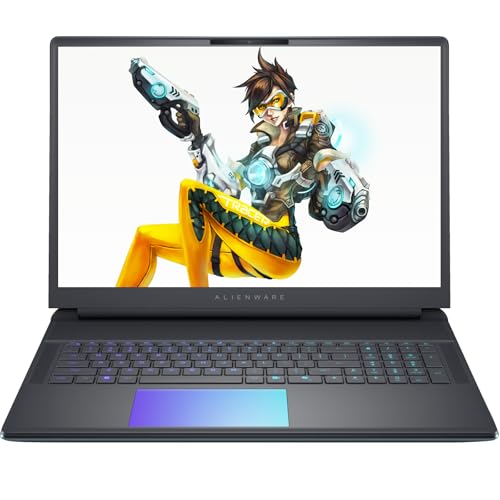
Alienware 16 Area-51 RTX 5080 Laptop
- High-end RTX 5080 graphics with 16GB GDDR7
- Fast 240Hz WQXGA display with G-SYNC and 100% DCI-P3 coverage
- Powerful 24-core Intel Ultra 9 275HX processor
- Generous 32GB DDR5 memory and 2TB SSD
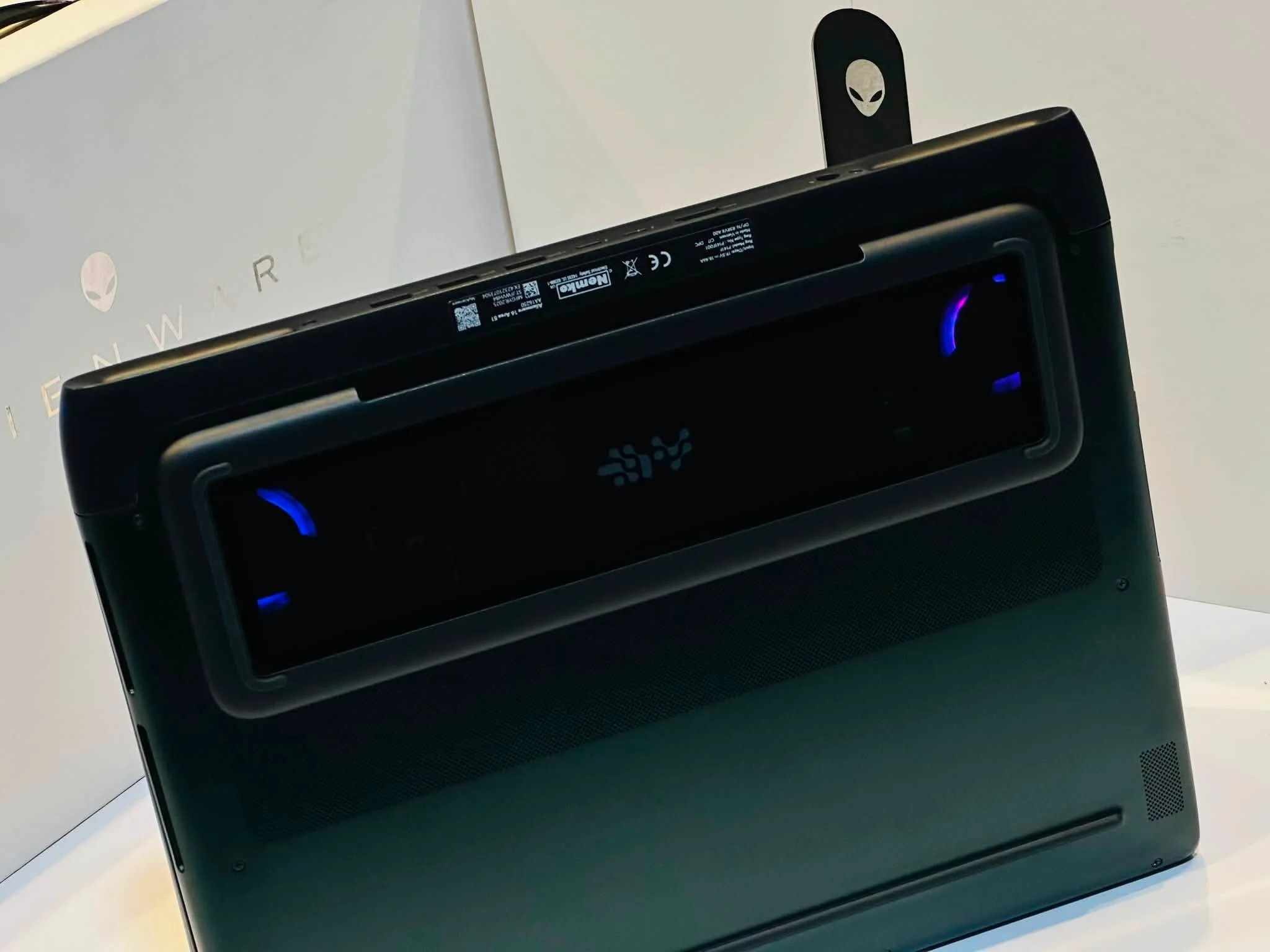
- Advanced quad-fan Cryo-Chamber cooling system
- At 7.49 pounds, it is notably heavy for frequent travel
- Battery capacity and expected runtime are not listed
- The provided product data does not identify the available ports

Alienware 16X 240Hz Gaming Laptop
- Fast 240Hz WQXGA display with 500-nit rated brightness
- High-end Intel Ultra 9 290HX processor
- Alienware Cryo-tech cooling for extended gaming sessions
- Convenient Stealth Mode for subtler lighting and reduced fan noise when possible
- 1TB storage capacity
- GPU information conflicts between the RTX 5070 product title and RTX 5060 feature description
- RAM capacity and type are not listed
- At 5.86 pounds, it is relatively heavy for frequent travel

iCarp Alienware 15 RTX 4050 Gaming Laptop
- Dedicated RTX 4050 graphics with 6GB of video memory
- Fast 165Hz WUXGA display
- Wide selection of DDR5 RAM and SSD configurations
- Strong port selection with USB-C, HDMI 2.1, and Ethernet
- Wi-Fi 6 and backlit keyboard included
- The 720p webcam is modest compared with higher-resolution options.
- At 4.96 pounds, it is less portable than many general-purpose laptops.
- RAM and storage vary by configuration, so buyers need to verify the selected capacity.
What Alienware Buyers Should Expect
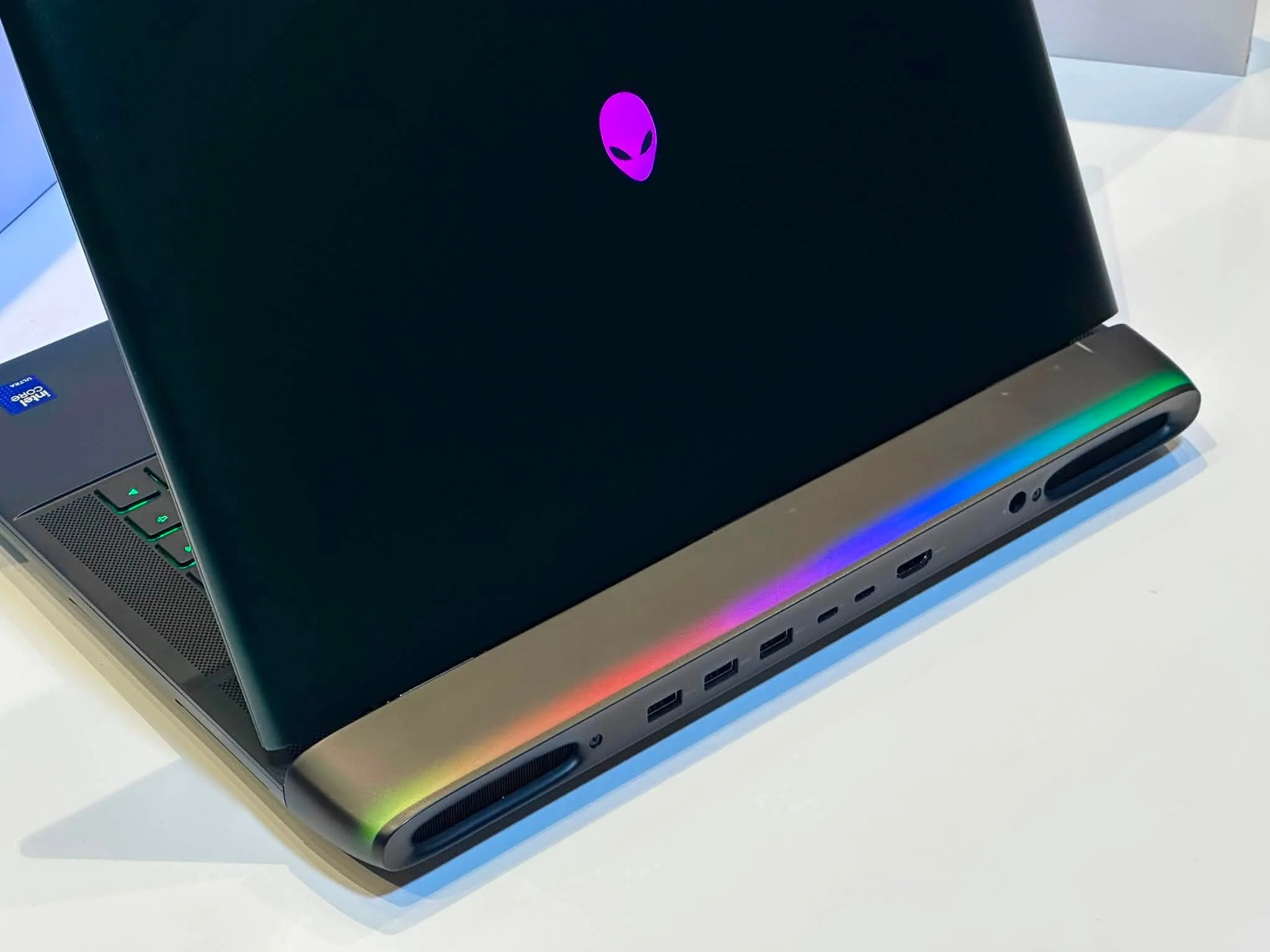
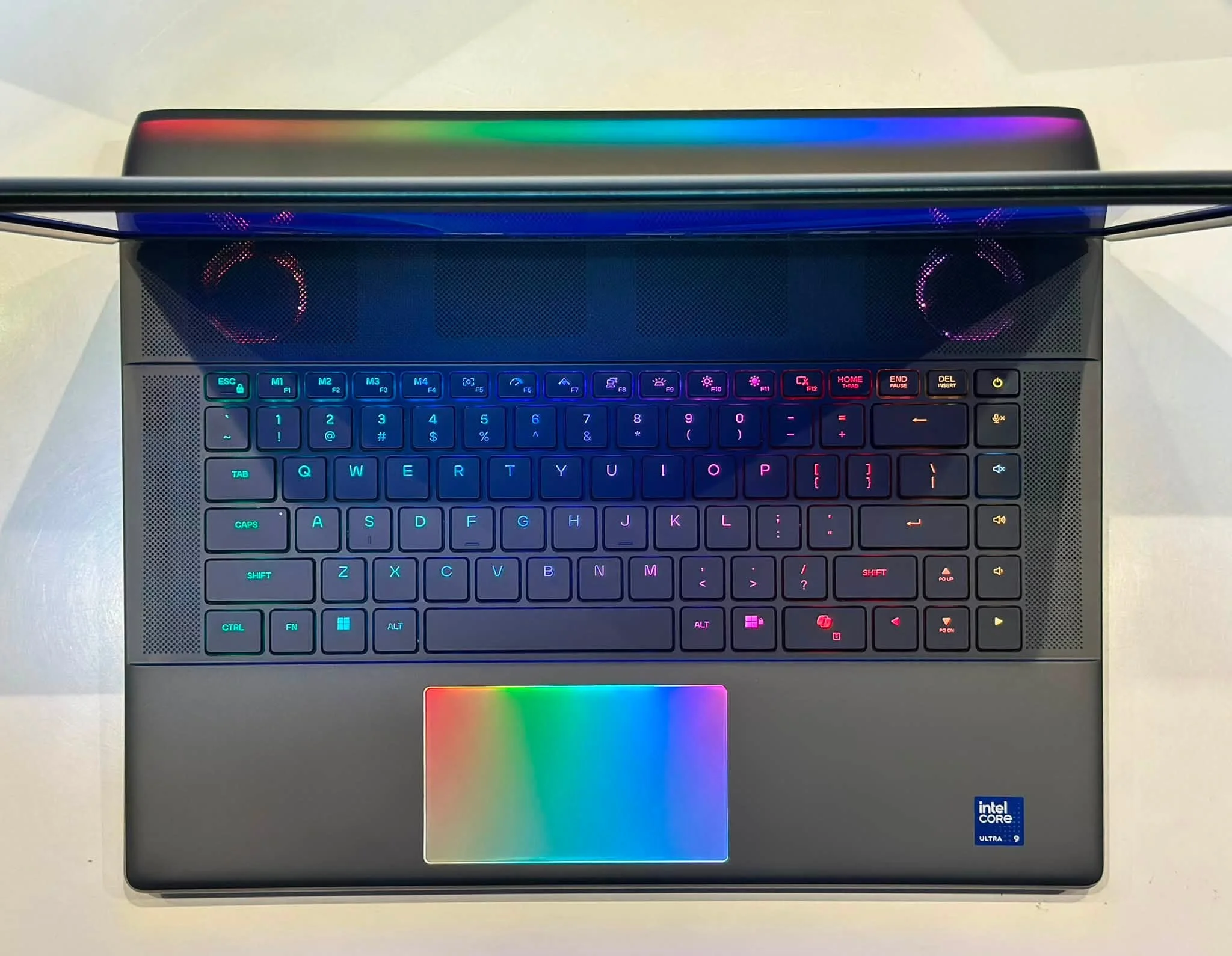
Buyers researching the best Alienware gaming laptops should expect powerful components, high-refresh displays, substantial cooling systems, and less portability than an ordinary notebook. The main decision is not simply whether a model is fast. It is whether its GPU, screen, memory, storage, and physical size suit the way it will actually be used. A large RTX 5080 or RTX 5090 machine makes sense as a mostly stationary gaming system, but it may be excessive for lighter gaming or frequent travel. An RTX 4050 configuration offers a more accessible entry point, though it sits in a clearly lower graphics tier. Battery life should also be treated realistically because high-performance hardware draws considerable power. Our guide to gaming laptop battery life explains the broader tradeoffs.
Three Hardware Priorities
Graphics Power Comes First
The GPU usually has the largest effect on how well a gaming laptop handles demanding visuals, ray tracing, higher resolutions, and elevated detail settings. An RTX 5090 is the performance-first option here, while RTX 5080 systems remain firmly high end. RTX 4050 hardware belongs to a more modest class. Buyers should compare the exact GPU rather than assuming every machine carrying the Alienware name performs similarly.
Cooling Controls Sustained Performance
Fast components need enough airflow and thermal capacity to maintain performance during long sessions. Large chassis generally provide designers with more room for fans, heat pipes, and air intakes, although they also add weight. Alienware’s listed Cryo-Chamber and Cryo-tech designs are therefore relevant, not decorative footnotes. Our overview of long-term laptop performance covers why heat management and routine care matter.
The Display Must Fit the GPU
A sharp, high-refresh screen is useful only when it matches the buyer’s priorities. Competitive players may favor refresh rate and responsiveness, while creators and visually focused gamers may care more about resolution, brightness, and color coverage. These laptops range from a 15.3-inch WUXGA 165Hz panel to 16-inch and 18-inch WQXGA displays reaching 240Hz or 300Hz. Bigger is more immersive, but certainly not easier to carry.
Worth knowing: Match the laptop to what makes Alienware appealing to you, such as its display, cooling design, or high-power hardware. Chasing the largest specification number can leave you paying for performance or capacity you will rarely use.
Spec Priorities at a Glance
These four areas provide a practical framework for separating sensible configurations from impressive but unnecessary specification sheets.
| Part | Priority | Why |
|---|---|---|
| CPU tier | High-end modern processor | Supports demanding games, streaming, and heavy multitasking |
| GPU tier | Match it to resolution | Has the biggest influence on gaming graphics capability |
| Display | High refresh with suitable resolution | Determines clarity, motion presentation, and usable screen space |
| RAM and Storage | Enough for current needs | Reduces multitasking limits and provides room for large libraries |
A premium processor is useful, but overspending on CPU performance while accepting a weaker GPU is usually a poor trade for a gaming-first machine. Memory and storage are easier to quantify, yet unusually large capacities do not automatically improve play. Focus on the GPU and display pairing first, then confirm that the RAM and SSD capacity suit your workload. Creative users may reasonably prioritize additional memory and storage because large projects consume both quickly. Our guide to gaming laptop editing discusses that use case in more detail.
Five Models Compared Clearly
The Dell RTX 5090 has the strongest listed graphics configuration among the table products: a GeForce RTX 5090 paired with an Intel Ultra 9 275HX. It also includes 64GB DDR5 and a 2TB PCIe SSD. The feature list emphasizes ray tracing, DLSS 4, NVIDIA Reflex 2, and AI-assisted video and broadcast tools. Its 18-inch 2.5K anti-glare display reinforces its role as an uncompromising desktop replacement rather than the obvious choice for regular commuting.
The Alienware RTX 5080 steps down to an NVIDIA RTX 5080 but combines it with the same Intel Ultra 9 275HX class of processor, 32GB DDR5, and a 2TB SSD. Its 16-inch WQXGA 240Hz display includes 100% DCI-P3 coverage, NVIDIA G-SYNC, and Advanced Optimus. The listed Cryo-Chamber uses enlarged copper heat pipes and quad fans, while total performance power reaches 240W. That combination makes it the most balanced high-end configuration rather than merely the biggest one.
The Dell RTX 5080 uses an Intel Ultra 9 275HX, GeForce RTX 5080 16GB GDDR7, 64GB DDR5, and a 4TB internal SSD, plus a 1TB dock. Its 18-inch WQXGA 300Hz display is faster than the 240Hz panels listed for the 16-inch models, but the machine weighs 9.56 pounds. It is also an upgraded configuration with separate warranty coverage for the upgraded RAM and SSD. Buyers should understand that distinction before ordering.
The Alienware RTX 5070 lists an Intel Ultra 9 290HX and a 16-inch WQXGA 240Hz display with 500-nit brightness. It also specifies Alienware Cryo-tech cooling and an F7 Stealth Mode that changes the keyboard lighting to white and selects Quiet Mode. However, the supplied title identifies RTX5070 graphics while the feature details mention an NVIDIA GeForce RTX 5060 Laptop GPU. That inconsistency makes confirming the exact configuration with the seller especially important.
Finally, the iCarp RTX 4050 is the lower-tier option. Its AMD 6-core Ryzen 5 220, GeForce RTX 4050 6GB, and 15.3-inch WUXGA 165Hz display place it well below the RTX 5080 and RTX 5090 machines in graphics class. It offers configurable memory and storage, Wi-Fi 6, and useful USB-C, HDMI 2.1, and Ethernet connectivity. The most important difference across all five is still GPU tier, followed closely by screen size and the cooling needed to support sustained power.
Alienware Performance Tiers
| Tier | What You Get | Best For |
|---|---|---|
| Value tier | RTX 4050 graphics, WUXGA high-refresh display, and practical connectivity | Mainstream gaming, schoolwork, and buyers controlling overall cost |
| Balanced tier | RTX 5070 or RTX 5080 class graphics with a WQXGA 240Hz display | Enthusiast gaming without choosing the largest flagship configuration |
| Performance tier | RTX 5080 or RTX 5090 graphics in an expansive 18-inch chassis | Desktop-replacement use, demanding visuals, and heavy creative workloads |
The balanced tier makes the most sense for many buyers because it combines high-end graphics with a more manageable 16-inch format. Performance-tier systems suit users who accept substantial size and weight in return for stronger hardware or a larger display. Value-tier buyers should expect to adjust visual settings sooner, but they avoid paying for capabilities they may not need. Our article on gaming laptop value examines the wider desktop-versus-laptop decision.
Match a Laptop to You
Alienware RTX 5080 is the best overall choice, combining RTX 5080 graphics, a 240Hz WQXGA display, and Cryo-Chamber cooling.
Dell RTX 5090 suits buyers prioritizing the strongest listed GPU, with GeForce RTX 5090 graphics and 64GB DDR5.
iCarp RTX 4050 is the value option, pairing RTX 4050 graphics with a 165Hz WUXGA display.
Dell RTX 5080 offers RTX 5080 graphics, 64GB DDR5, and extensive internal and dock storage.
Alienware RTX 5070 is the runner-up with a 240Hz WQXGA display, Cryo-tech cooling, and selectable Stealth Mode.
The Shortlist That Makes Sense
The Alienware RTX 5080 is the sensible overall choice because its RTX 5080, 240Hz WQXGA panel, and detailed cooling design form a well-rounded high-end package. Buyers determined to get the strongest listed GPU should instead consider the Dell RTX 5090. Its RTX 5090 and 18-inch display are compelling, but only if the larger format and flagship hardware genuinely fit the intended use.
Other Area-51 Configurations
Dell RTX 5080 2 combines an Intel Ultra 9 275HX, GeForce RTX 5080 16GB GDDR7, 64GB DDR5, and a 2TB internal SSD. A bundled dock adds another 1TB of storage, making this configuration relevant to users who want substantial memory without moving to the larger 4TB internal drive option.
The laptop has an 18-inch WQXGA 300Hz screen, Wi-Fi 7, an FHD camera, and a listed weight of 9.56 pounds. Its seal is opened for upgrades, and the upgraded RAM and SSD carry separate one-year coverage from the original components, so warranty terms deserve careful reading.
Dell RTX 5080 3 retains the Intel Ultra 9 275HX, GeForce RTX 5080 16GB GDDR7, and 300Hz WQXGA display but reduces memory to 32GB and the internal SSD to 1TB. Its included dock provides another 1TB, making it the more restrained of the upgraded 18-inch configurations.
This version still weighs 9.56 pounds and provides USB-C, USB-A, HDMI, Ethernet, an SD card reader, Wi-Fi 7, and Bluetooth. It suits buyers who want the same core CPU and GPU combination without prioritizing maximum RAM or internal storage.
Alienware Core Ultra 9 RTX 5080 is the standard-looking alternative to the customized Dell listings. It combines an Intel Core Ultra 9 275HX, NVIDIA GeForce RTX 5080, 32GB DDR5, and a 2TB SSD with an 18-inch WQXGA 300Hz display.
Its Cryo-Chamber raises the chassis and uses a larger air intake, with a clear Gorilla Glass panel showing the AlienFX fans. This configuration also includes an FHD IR camera, Windows 11 Home, dynamic AlienFX lighting, and one year of onsite service.


