

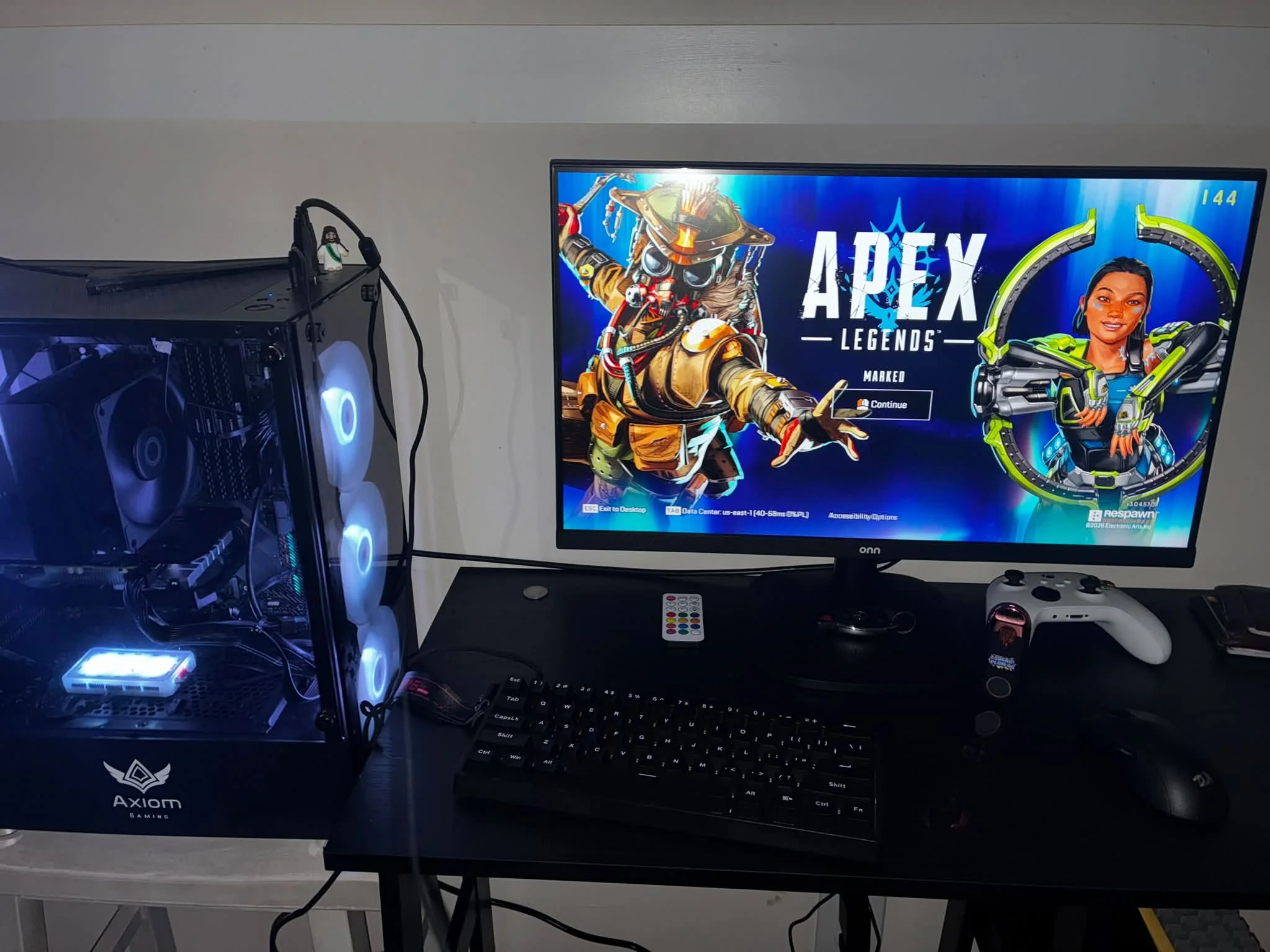
Apex Legends is about smooth frame rates in big fights, so aim for a fast CPU and a mid range GPU. Among the best prebuilt gaming PCs for Apex Legends, the Qehi RTX 5060 pairs a Ryzen 7 with a 1TB NVMe drive, and the WIWB RTX 3050 is the lower-cost pick.
Recommended by Us

KOTIN Gaming PC with RTX 5060 Ti
- RTX 5060 Ti graphics target both high-FPS 1080p and 1440p gaming.
- Fast 1TB Gen4 NVMe storage offers a useful combination of speed and capacity.
- Four DIMM slots and two M.2 slots provide clear memory and storage expansion paths.
- Wi-Fi, Bluetooth, HDMI, and DisplayPort support are included.
- Windows 11 Home comes pre-installed for a straightforward initial setup.
- The system uses DDR4 rather than newer DDR5 memory.
- 16GB of RAM may eventually need an upgrade for heavier multitasking or demanding creative workloads.
- The graphics card has 8GB of VRAM, which can require adjusted texture settings in more demanding 1440p workloads.

Qehi Ryzen 7 RTX 5060 Gaming PC
- RTX 5060 8GB graphics support 1080p and 1440p gaming, ray tracing, and creative acceleration.
- Eight-core, 16-thread Ryzen 7 processor supports demanding multitasking and content creation.
- Fast 1TB NVMe storage provides practical capacity for games and everyday files.
- Six RGB fans, Wi-Fi 6, Gigabit LAN, and varied display connections are included.
- The 16GB DDR4 configuration may be restrictive for especially heavy creative workflows or extensive multitasking.
- DDR4 memory is used instead of newer DDR5 memory.
- The operating system, motherboard model, and component manufacturers are not specified in the listing.

WIWB RTX 3050 Ryzen 7 Gaming PC
- RTX 3050 includes 8GB of dedicated GDDR6 VRAM
- Eight-core, 16-thread processor supports demanding multitasking
- Dual-channel 16GB DDR4 3200MHz memory
- Fast NVMe M.2 storage
- WiFi 6 connectivity is included
- 512GB of storage may fill quickly with a large game or media library
- The AM4 platform and DDR4 memory are from an older hardware generation
- Power supply, cooling configuration, port selection, and operating system are not specified

WIWB RTX 3050 Ryzen 7 Gaming PC
- RTX 3050 includes 8GB of dedicated GDDR6 video memory.
- Ryzen 7 processor offers eight cores and 16 threads.
- RAM is installed in a dual-channel 16GB configuration.
- NVMe M.2 storage is faster and more responsive than a traditional hard drive.
- Built-in Wi-Fi 6 supports modern wireless networking.
- The 512GB SSD may be restrictive for users with a large collection of modern games or media files.
- The listing does not specify the operating system, power supply, cooling hardware, or available ports.
- The AM4 processor and DDR4 memory use an older platform than current-generation desktop hardware.

Periphio Reaper Ryzen 5 5500 Gaming PC
- Capable entry-level configuration for 1080p gaming
- Useful combination of 16GB DDR4 RAM and a 1TB SSD
- Six-core Ryzen 5 processor supports gaming and everyday tasks
- Upgrade-friendly design with a 650W power supply and full-size GPU support
- Wi-Fi and Windows 11 Home are included
- The RX 6500 XT has 4GB of VRAM, which can limit demanding games or higher graphics settings
- DDR4 memory is an older generation than DDR5
- Motherboard model, port selection, and Wi-Fi standard are not specified
What Apex Legends Needs From a Gaming PC
Apex Legends rewards quick processor performance and consistent frame delivery more than an oversized graphics card. During competitive matches, the CPU must prepare frames rapidly while managing player movement, physics, and background tasks. A fast modern six-core processor is generally a sensible starting point, although additional cores can help when streaming or running several applications. A mid-range GPU is usually enough for smooth 1080p and 1440p play when settings are matched to the display. Our guide to gaming PC specs explains the broader hardware priorities.
Display and network choices matter almost as much as the tower. A high refresh rate monitor can show more of the frames produced by a capable PC, making movement feel more immediate. A standard office display may hide much of that benefit. Wired Ethernet is also preferable when practical because it usually delivers more consistent latency than a wireless connection affected by distance, walls, or local interference. Wi-Fi remains convenient, but competitive players should use a cable when their router and room layout allow it.
Worth knowing: A fast PC cannot make a basic monitor refresh more quickly. Check your screen’s supported resolution and refresh rate before paying for graphics performance it cannot display.
Key Parts for Apex Legends
A balanced component list is more useful than one impressive specification surrounded by weak supporting hardware.
| Part | What to Look For |
|---|---|
| CPU | A fast modern six-core processor or better helps keep frame delivery steady during competitive play. |
| GPU | A mid-range graphics card is generally enough for 1080p and 1440p when settings suit the monitor. |
| RAM | 16GB is the practical floor, while 32GB gives streaming and background applications more breathing room. |
| Monitor and network | A high refresh rate screen and wired connection help reduce display and network delays. |
The same graphics card can appear in systems with very different processors, memory configurations, storage capacities, cooling, and power supplies. Compare the complete specification rather than shopping by GPU name alone. Upgrade access and standardized components can also affect long-term ownership. Our article on proprietary PC parts explains why internal compatibility deserves attention.
How to Choose a Prebuilt for Apex Legends
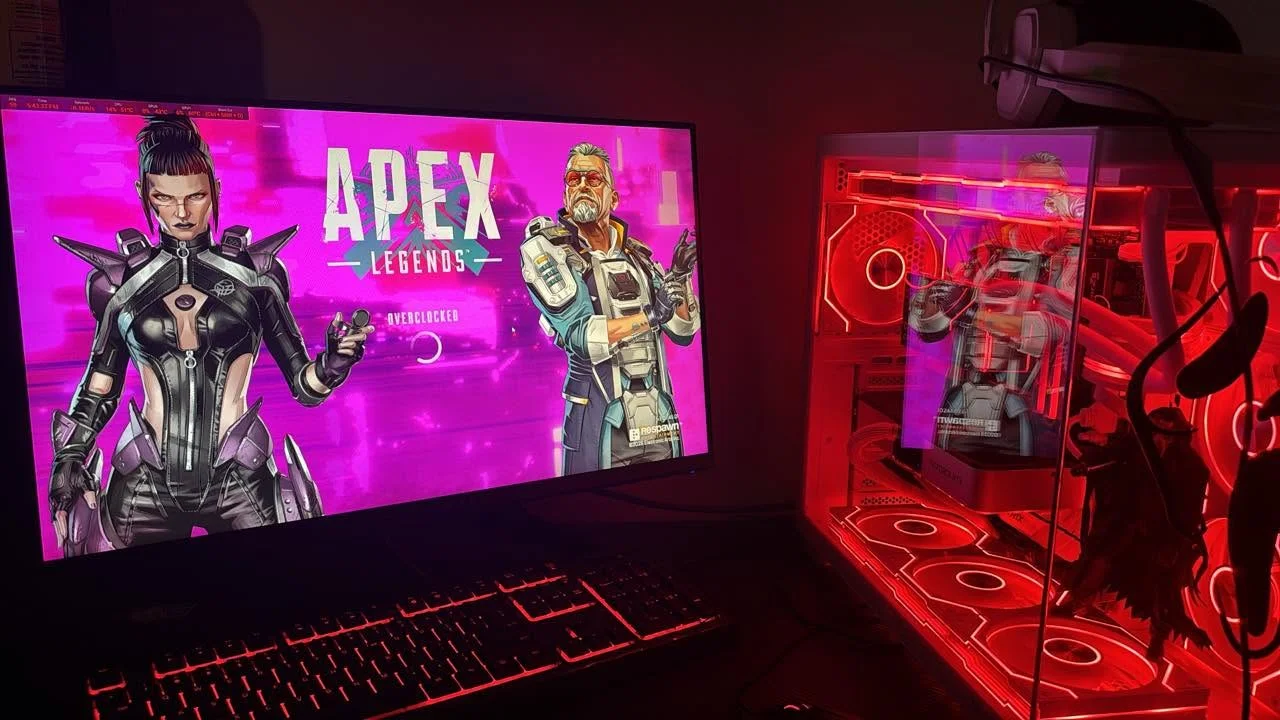
Start with the monitor you intend to use, then choose a balanced system that can support its resolution and refresh rate.
CPU Speed Matters
Competitive play places meaningful pressure on the processor, particularly when the objective is stable frame delivery rather than maximum visual detail. A fast modern six-core chip is a sensible target for a dedicated gaming system. Eight-core models can provide extra room for streaming, voice chat, browser windows, recording software, and other background work, but core count is not the only consideration. Processor generation, architecture, and clock behavior also influence how responsive a system feels.
Do not assume that a Ryzen 7 label automatically makes one computer faster for every workload than a newer Ryzen 5 or Core i5. Look at the complete processor name and consider the age of its platform. For Apex Legends, a balanced pairing is preferable to combining a powerful graphics card with a processor that struggles to feed it consistently. This becomes more relevant when playing at lower resolutions, where the GPU may finish its work quickly and expose CPU limitations.
Pick the Right GPU Tier
A mid-range graphics card normally makes sense for 1080p or 1440p Apex Legends. Entry-level hardware can still suit a basic 1080p setup, particularly when visual settings are adjusted, but it leaves less headroom for a faster monitor. More capable cards are useful when you want higher detail, a higher display resolution, or additional performance for streaming and recording. The goal is to match graphics power to the screen rather than buying the largest GPU available.
Pay attention to the exact graphics card and its video memory, but avoid judging a desktop from those details alone. Cooling, processor choice, RAM configuration, and power supply capacity all shape the overall package. The KOTIN and Qehi systems in the table pair newer GPU tiers with different processors and supporting components, while the WIWB models take a more value-oriented route. Compare those tradeoffs against the monitor and applications you already use.
RAM and Storage
For a modern gaming desktop, 16GB of RAM is the practical baseline. It provides enough capacity for Apex Legends, Windows, voice chat, and ordinary background applications without immediately requiring an upgrade. Buyers who stream, record, edit video, or keep many browser tabs open may benefit from 32GB. Capacity matters, but dual-channel configuration and available memory slots are also worth checking because they can affect performance and determine how easily the machine can be expanded later.
An SSD should also be treated as essential rather than optional. It shortens startup and loading times and makes routine desktop use feel more responsive. A 1TB drive provides more room than a 512GB model, though either can work if you manage your library carefully. Check whether the case and motherboard offer expansion space before purchase. Our overview of prebuilt PC upgrades covers the common limitations and practical options.
Monitor and Connection
A capable computer is only one part of a responsive Apex Legends setup. Your monitor must support a sufficiently high refresh rate to display the extra frames produced by the hardware. Resolution also changes GPU demand, so a card that feels generous at 1080p may have less spare capacity at 1440p. Confirm the monitor’s native resolution, maximum refresh rate, and available inputs, then check that the graphics card provides a compatible HDMI or DisplayPort connection.
For online play, wired Ethernet is the preferred option when your setup allows it. It avoids many of the signal strength and interference issues that can affect Wi-Fi, although the quality of the internet service and router still matter. If a cable is impractical, position the desktop and router carefully and use the system’s stated wireless standard. Features such as Wi-Fi 6 can be convenient, but they do not compensate for a weak or congested connection.
Who Should Buy Which System
- Best overall: WIWB RTX 3050 combines GeForce RTX 3050 8GB graphics, 16GB DDR4, and a 512GB NVMe SSD.
- Strongest GPU: KOTIN RTX 5060 TI pairs the Core i5-14400F with GeForce RTX 5060 Ti 8GB graphics.
- Best value: WIWB Ryzen 7 4700LE RTX 3050 provides Ryzen 7 4700LE processing, GeForce RTX 3050 8GB graphics, and WiFi 6.
- Alternative brand: Qehi RTX 5060 includes 16GB DDR4, a 1TB NVMe SSD, and WiFi 6.
- Runner-up: Periphio RX 6500 XT suits 1080p buyers with its Ryzen 5 5500, Radeon RX 6500 XT 4GB, and 1TB SSD.
Final Thoughts
The WIWB RTX 3050 is the balanced overall choice for a value-conscious 1080p Apex Legends setup. Its listed processor, graphics card, and memory cover the practical fundamentals without emphasizing unnecessary extras.
Choose the KOTIN RTX 5060 TI if graphics performance and support for a more demanding 1080p or 1440p monitor matter more. Whichever system you choose, match it with an appropriate high refresh rate display and a stable connection.
More Options to Consider
- The Skytech Ryzen 7 5700 RTX 5060 offers an RTX 5060 8GB, 16GB DDR4, a 1TB NVMe SSD, and an included keyboard and mouse. It suits buyers wanting a recognized prebuilt brand and a complete starter package.
- The Skytech Chronos 3 steps up to an RTX 5060 Ti 8GB while retaining the Ryzen 7 5700, 16GB DDR4, and 1TB NVMe SSD. Its mesh-front case makes it an alternative for buyers prioritizing airflow and stronger graphics.
- The HELLOLAND Ocean of Stars combines a Ryzen 5 7600X with Radeon RX 9060 XT 16GB graphics, 32GB DDR5, and a 240mm AIO. It suits 1440p players who also stream or handle demanding workloads.
FAQs
1. What PC specs do I need for Apex Legends?
A fast modern six-core processor, a mid-range graphics card, 16GB of RAM, and an SSD form a practical starting point. Choose the GPU according to your monitor’s resolution and refresh rate rather than selecting it in isolation. A stronger processor can improve consistency during competitive play, while 32GB of memory is useful for streaming and heavy multitasking. A wired network connection is also preferable when the room layout permits one.
2. Is a prebuilt gaming PC good for Apex Legends?
Yes, a well-balanced prebuilt can be a good option for Apex Legends, especially if you prefer a ready-to-use computer instead of selecting and assembling parts. Check the exact processor, graphics card, RAM, storage, cooling, and power supply information before ordering. Warranty coverage and component standardization also deserve attention. Our prebuilt versus custom comparison explains the main convenience, cost, and upgrade tradeoffs.
3. Is the CPU or GPU more important for Apex Legends?
Both matter, but processor speed becomes particularly important when targeting responsive, consistent competitive play. The GPU determines which resolution and visual settings are practical, while the CPU helps prepare frames and manage the game alongside background software. At 1080p with reduced settings, processor limitations may become more noticeable. At higher resolutions or detail settings, more of the workload shifts toward the graphics card, so balanced hardware remains the safest approach.
4. How much RAM does a gaming PC need for Apex Legends?
For most players, 16GB is the practical minimum for Apex Legends and everyday background applications. It leaves room for Windows, voice chat, launchers, and a few browser tabs without making memory capacity the obvious bottleneck. Moving to 32GB is worthwhile if you plan to stream, record, edit content, or run many programs simultaneously. Also check whether the RAM uses a dual-channel configuration and whether free slots are available for later expansion.
5. How much should I spend on a PC for Apex Legends?
A value-focused system is enough for a standard 1080p monitor, while a mid-range desktop is more appropriate for a high refresh rate screen or 1440p resolution. Spending more makes sense when the upgrade includes a meaningfully faster graphics card, stronger processor, more memory, or better supporting components. Avoid paying mainly for lighting or an elaborate case. Start with your monitor and performance priorities, then compare complete specifications within the price bracket you can comfortably afford.









