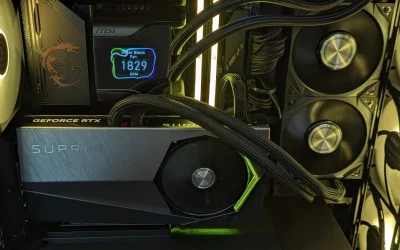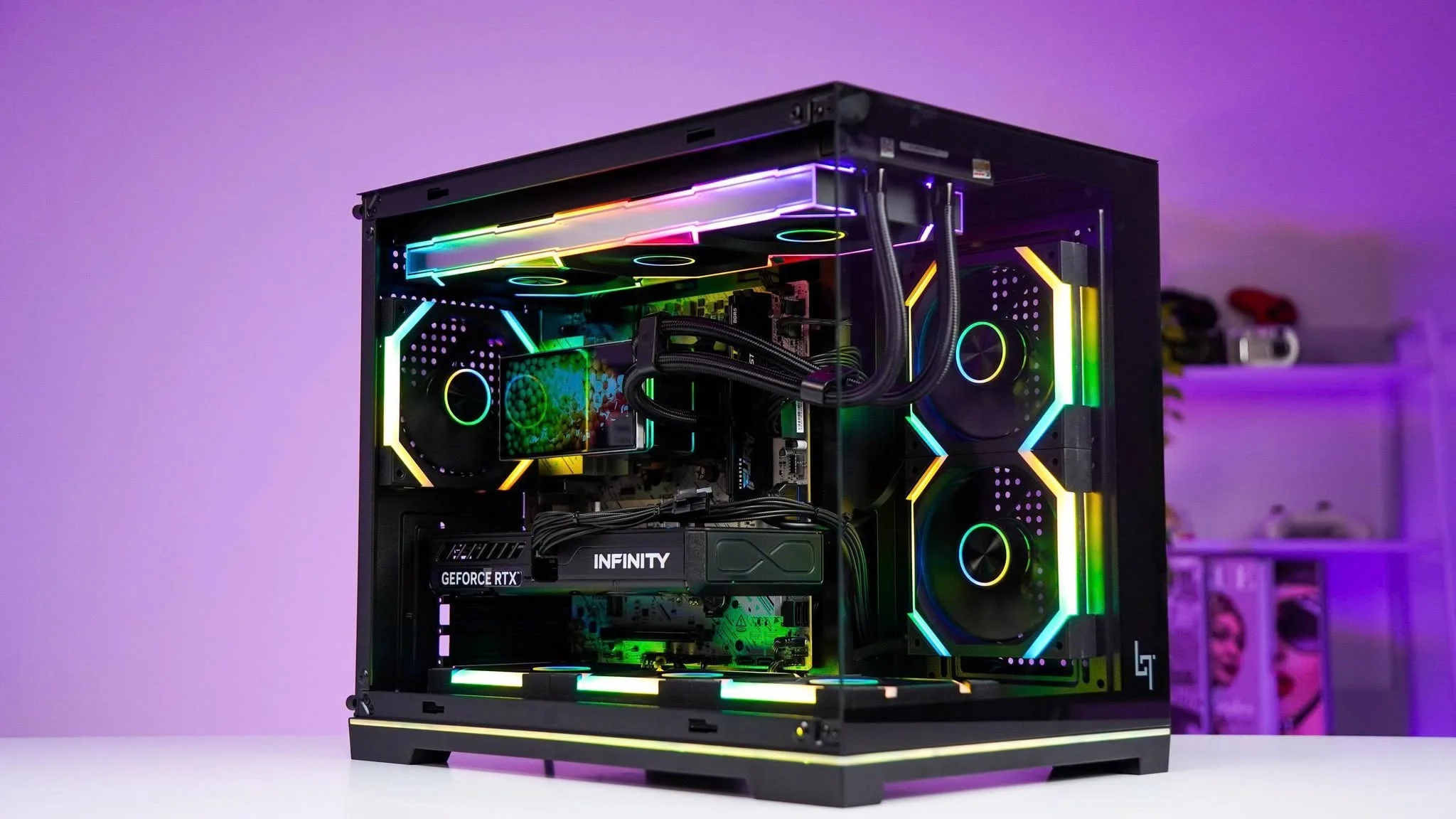
A big brand name does not guarantee more graphics power at this price. The ASUS ROG Strix here costs more than the RTX 2060 Super build yet uses an older GTX 1650. Among the best prebuilt gaming PCs under $850, the STGAubron RTX 2060 SUPER is the strongest value and the MXZ RTX 3060 is the newer-generation alternative.
Recommended by Us

MXZ RTX 3060 Gaming PC
- RTX 3060 graphics are a capable choice for mainstream gaming
- 16GB of DDR4 3200MHz RAM is practical for gaming and multitasking
- NVMe storage is faster than a traditional mechanical hard drive
- Six RGB fans and a windowed panel create a distinctive gaming appearance
- Windows 11 Pro is already installed
- The 500G drive may fill quickly with a large gaming library
- The Ryzen 5 3500X has six cores but only six threads
- The listing does not specify wireless connectivity, ports, or included peripherals

suevery Ryzen 5 RX 560 Gaming PC
- Includes 16GB DDR4 RAM and NVMe storage
- Built-in Wi-Fi 6 connectivity
- Six listed USB ports for accessories
- RGB air-cooling system
- Suitable for gaming, home and office use
- The title lists a Ryzen 7 5700X and RTX 3050, but the features and selected size describe a Ryzen 5 and Radeon RX 560 4GB
- The exact Ryzen 5 processor model is not identified in the feature details
- A 512GB drive may require storage management as a game library grows

SKYESEV Gaming Desktop - Ryzen 5 5600, RTX 3050
- Solid CPU-GPU pairing for 1080p gaming at medium to high settings
- Generous 32GB RAM for multitasking and future-proofing
- Plug-and-play setup saves time and eliminates assembly hassle
- Weighs under 24 pounds, easy to reposition
- Storage capacity not specified in the product listing
- RTX 3050 is entry-level and may struggle with demanding AAA titles at high settings
- No details provided on cooling solution, PSU wattage, or expandability

STGAubron R5 5500 RTX 2060 Super PC
- Capable RTX 2060 Super graphics with 8G of listed graphics memory
- Six-core, 12-thread Ryzen 5 processor
- Useful 16GB DDR4 and 1TB SSD configuration
- Wi-Fi 6 and Bluetooth 5.2 included
- RGB keyboard and mouse are supplied
- RTX 2060 Super is an older-generation graphics card
- RAM speed, motherboard model, and power supply details are not listed
- The listing does not identify the SSD interface or model

ASUS ROG Strix GL10DH Ryzen 5 Gaming PC
- Dedicated NVIDIA GeForce GTX 1650 4GB graphics
- Fast 512GB PCIe NVMe M.2 SSD
- Three listed display connection types
- Built-in Gigabit Wi-Fi 5
- Customizable Aura Sync RGB chassis lighting
- 8GB of RAM may be restrictive for heavier multitasking and demanding modern software.
- The GTX 1650 belongs to the entry-level gaming class rather than the high-performance tier.
- Windows 10 Home and Wi-Fi 5 are older standards.
What a Gaming PC Around $850 Can Do


A gaming desktop in this bracket can provide a dedicated graphics card such as the RTX 3060, RTX 3050, or RTX 2060 SUPER alongside a multi-core processor. That combination is mainly suited to 1080p gaming at medium to high settings, depending on the title and graphics card. Some systems can also make 1440p practical when settings are adjusted. You should expect responsive everyday performance for browsing, voice chat, schoolwork, light editing, and streaming alongside gaming. Our guide to gaming PC specs explains the main hardware requirements.
This class of PC is not designed for uncompromised 4K gaming, maximum ray-tracing settings, or consistently driving a high-refresh 1440p monitor in demanding releases. It is better viewed as a mainstream gaming platform with room for sensible compromises. Six-core processors, at least 16GB of memory, and an NVMe SSD create a balanced starting point. The graphics card remains the biggest influence on gaming performance, but storage capacity, cooling, connectivity, and component quality determine how convenient the complete system is to own.
Worth knowing: A stronger graphics card only pays off when your monitor’s resolution and refresh rate can use its performance. Choose the GPU for the screen you own or plan to buy.
What to Expect at This Price
These systems generally combine mainstream gaming hardware with practical everyday components.
| Component | What You Get |
|---|---|
| CPU | A multi-core AMD Ryzen 5, AMD Ryzen 7, or Intel Core i7 processor, although the exact generation and core configuration vary between listings. |
| GPU | Dedicated graphics such as the RTX 3060, RTX 3050, or RTX 2060 SUPER, with older entry-level options also appearing in some systems. |
| RAM | Usually 16GB or 32GB of DDR4 memory, providing enough capacity for gaming, everyday multitasking, and common background applications. |
| Storage | An SSD with roughly 500GB or 1TB of capacity, often using an NVMe connection for quick startup and application loading. |
The same graphics card can appear in desktops with different processors, memory capacities, storage drives, and power supplies. Compare the complete specification rather than choosing from the GPU name alone. A slightly weaker graphics card may come in a more balanced machine with more storage or RAM. Our overview of prebuilt PC costs provides additional context for comparing hardware tiers.
How to Choose a Prebuilt at This Budget
Start with the parts that affect your games, then check the supporting hardware and upgrade options.
Start With the Graphics Card
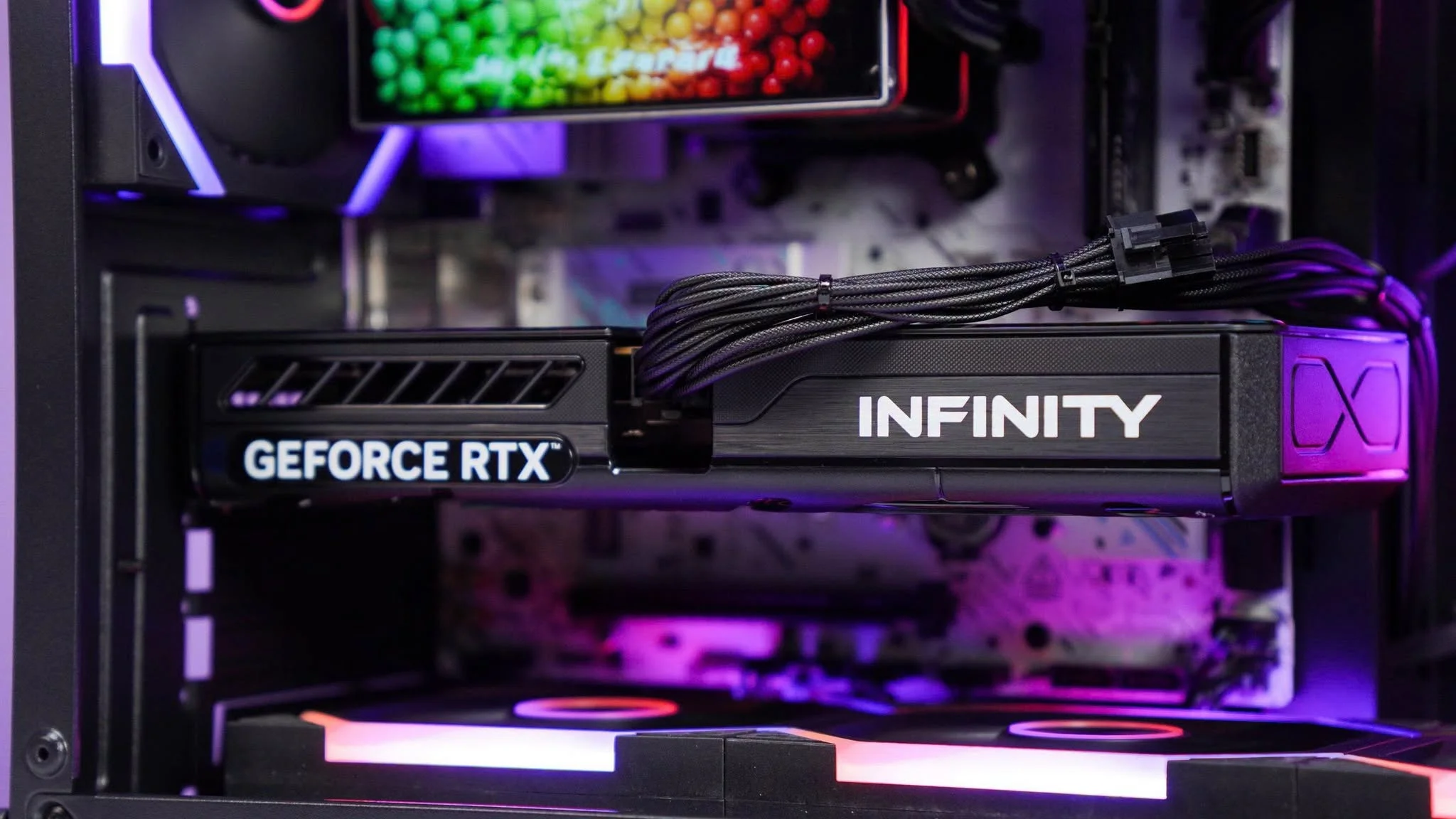
The graphics card should be the first specification you compare because it handles most of the visual workload in games. An RTX 3060 generally offers more graphics capability than an RTX 3050, while the RTX 2060 SUPER remains a relevant alternative in this group. However, GPU names do not tell you everything about the complete desktop. Check the dedicated video memory, display connections, processor pairing, and whether the listing clearly identifies the exact card included.
Match the graphics card to your monitor and preferred settings. A standard 1080p display does not require the same graphics resources as a high-refresh 1440p screen. If you mainly play at 1080p, an RTX 3050-class system may leave room in the specification for extra RAM or storage. If you want to use higher settings at 1440p, prioritizing an RTX 3060 or RTX 2060 SUPER can make more sense than paying for memory you will not immediately use.
Balance the CPU and RAM
A prebuilt should not combine one impressive component with several obvious weak points. A modern six-core processor is a useful target for gaming, background applications, and routine productivity. Older processors may still work, but their architecture, thread count, and upgrade path deserve closer attention. Compare the complete CPU name rather than relying only on labels such as Ryzen 5, Ryzen 7, or Core i7, because different generations can have substantially different capabilities.
For a current gaming desktop, 16GB of RAM is a practical floor. It provides enough room for a game, voice chat, a browser, launchers, and common background services without creating unnecessary memory pressure. A 32GB configuration offers extra headroom for heavier multitasking, content creation, and keeping many applications open. Capacity is not the only consideration, so check whether the listing states the memory type, speed, and module arrangement. Our gaming PC memory article covers this topic further.
Storage, Power and Cooling
An NVMe SSD improves startup, application loading, file transfers, and general responsiveness compared with an old mechanical drive. Capacity matters just as much because modern game libraries can fill a smaller drive quickly. The systems here commonly list approximately 500GB or 1TB of solid-state storage. Consider whether the case and motherboard provide room for another drive, especially if you prefer keeping several large games installed rather than repeatedly removing and downloading them.
The power supply and cooling system affect stability, noise, and long-term reliability. Look for a clearly stated power rating, efficiency certification, fan arrangement, and ventilation details rather than assuming that visible RGB fans guarantee good airflow. For example, the MXZ listing specifies a 450W 80+ power supply, while other listings may provide less detail. When information is missing, ask the seller before ordering. Also confirm that the power supply has the connections needed for any graphics upgrade you might consider.
Condition and Upgrades
Check whether a desktop is listed as new, renewed, refurbished, or used, particularly when unusually powerful hardware appears in this bracket. The product title alone may not explain the age or condition of every internal component. Review the seller information, included warranty, return window, and support terms before buying. Keep a copy of the specification page and order details, since those records can help if the delivered configuration differs from what the listing described.
Upgrade potential depends on the case, motherboard, power supply, and use of standard components. Check for free memory slots, extra storage connections, physical graphics-card clearance, and sufficient power capacity. Compact or proprietary designs can make replacements more difficult, even when the processor and graphics card look attractive. A roomy standard case is usually easier to work with. Our guide to prebuilt PC upgrades explains which components are commonly replaceable.
Who Should Buy Which System
- Best overall: SKYESEV RTX 3050 pairs an AMD Ryzen 5 5600, RTX 3050, and 32GB DDR4.
- Best for the strongest GPU: MXZ RTX 3060 suits buyers prioritizing an RTX 3060 over extra processor threads.
- Best value: STGAubron RTX 2060 SUPER combines an RTX 2060 SUPER, 16GB DDR4, and a 1TB SSD.
- Best alternative brand: suevery RTX 3050 is another option for shoppers considering a listing identified with RTX 3050 graphics.
- Best runner-up: ASUS GTX 1650 offers GTX 1650 graphics, a 512GB SSD, and ASUS Aura Sync lighting.
Final Thoughts
The SKYESEV RTX 3050 offers the most balanced specification here, combining its graphics card with 32GB of memory and an AMD Ryzen 5 5600. It is a sensible choice for mainstream 1080p gaming and multitasking.
Choose the MXZ RTX 3060 instead if graphics performance matters more than memory capacity. Before ordering either system, confirm the current listing, seller terms, condition, ports, and power-supply details.
More Options to Consider
- Qehi RX 9060 XT combines an AMD Ryzen 7 4700LE with Radeon RX 9060 XT graphics, 16GB DDR4, a 512GB NVMe SSD, Wi-Fi 6, and seven RGB fans. It suits buyers seeking a Radeon-based alternative with eight processor cores.
- Olialia RTX 3060 TI pairs RTX 3060 Ti graphics with an AMD Ryzen 5 5500, 16GB RAM, and a 512GB SSD. Its dual tempered-glass design and six adjustable RGB fans suit shoppers prioritizing stronger graphics and visible lighting.
- STGAubron RTX 3070 lists RTX 3070 graphics, 32GB memory, a 1TB SSD, Wi-Fi 6, and Bluetooth 5.0. It is worth considering when graphics capability, memory, and storage are the main priorities.
FAQs
1. Can you get a good gaming PC for under $850?
Yes, provided you set realistic expectations and compare the entire specification. This bracket can include dedicated graphics such as the RTX 3060, RTX 3050, or RTX 2060 SUPER, paired with a multi-core processor and enough memory for current games. It is primarily suited to 1080p gaming at sensible settings, with selected 1440p use possible after adjusting visual options. Uncompromised 4K gaming is outside the intended scope.
2. Is a prebuilt gaming PC around $850 worth it?
A prebuilt can be worthwhile if you want a ready-to-use system and do not want to source compatible parts separately. The main advantages are convenience, one complete order, and seller or manufacturer support when clearly included. Value varies considerably, so inspect the processor generation, exact graphics card, RAM, storage, power supply, warranty, and listed condition. A balanced configuration is generally a better purchase than one headline component surrounded by weak supporting hardware.
3. Which graphics card is best around $850?
Among the table systems, the RTX 3060 is the strongest graphics option listed, while the RTX 3050 and RTX 2060 SUPER are practical alternatives. The right choice depends on your monitor, preferred resolution, and the rest of the computer. An RTX 3060 paired with limited storage or an older processor may not be ideal for every buyer. Compare memory, CPU capability, power-supply information, connectivity, and upgrade room before making the final decision.
4. How much RAM does a gaming PC at this budget need?
For a current gaming PC, 16GB is a sensible minimum and should support gaming alongside ordinary background applications. A system with 32GB provides more breathing room for content creation, extensive browser use, streaming tools, and heavier multitasking. More memory does not automatically compensate for a weaker graphics card or processor, however. Check the full configuration and, where stated, whether the installed modules leave an easy path for adding or replacing memory later.
5. Can I upgrade a prebuilt gaming PC later?
Many prebuilts can be upgraded, but compatibility depends on the motherboard, case dimensions, power supply, and whether the manufacturer uses standard parts. Storage and memory are often the simplest places to start, while a graphics-card upgrade may require more physical space and power capacity. Review the listing and warranty terms before opening the case. Our guide to proprietary PC parts explains potential restrictions.