

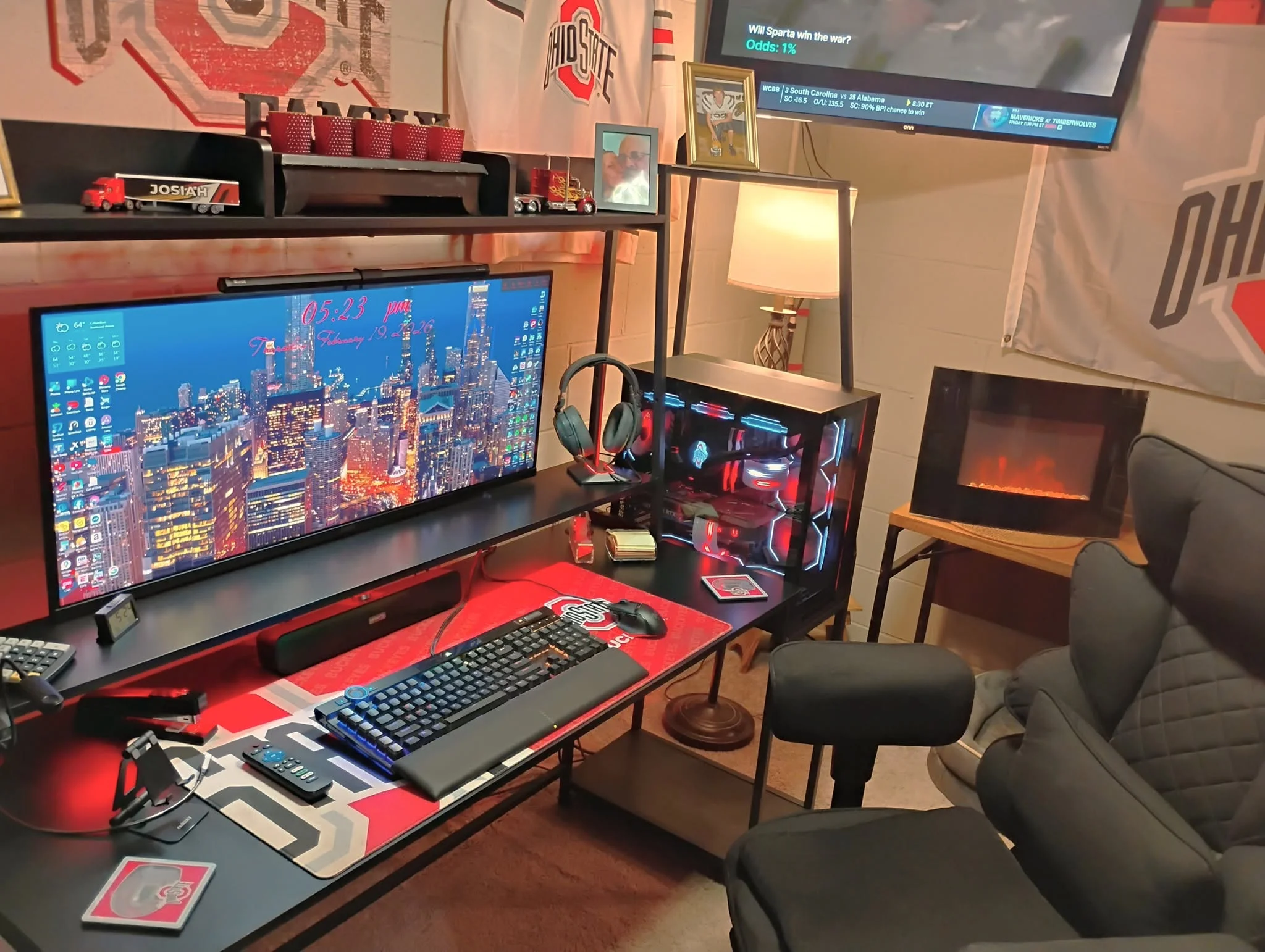
Price does not tell you the hardware generation: the HP OMEN GT13 here pairs a 10th-gen Core i9 with an RTX 3090, next to systems built on the newer RTX 5080. Among the best prebuilt gaming PCs under $3500, the Skytech RTX 5080 is the newer-generation pick, and the Corsair Vengeance a7500 is the Radeon alternative.
Recommended by Us

Skytech Gaming RTX 5080 Ryzen 7 Desktop
- High-end RTX 5080 graphics with 16GB GDDR7
- Gaming-focused Ryzen 7 9800X3D processor
- Generous 32GB DDR5-6000 memory and 2TB Gen4 NVMe storage
- 360mm AIO liquid CPU cooling with ARGB fans
- Keyboard and mouse are included
- Wi-Fi 5 is older than the Wi-Fi 6 and Wi-Fi 7 standards available on some current desktops
- The graphics card brand may vary between units
- The listing guarantees only one HDMI and one DisplayPort connection, while additional graphics outputs may vary

Alienware Aurora R16 RTX 5080 Desktop
- High-end RTX 5080 GPU with 16GB GDDR7
- 24-core unlocked Intel Ultra 9 285K processor
- Generous 32GB DDR5 memory configuration
- 240mm liquid cooling and 1000W Platinum-rated power supply
- Modern Wi-Fi 7 connectivity
- Storage capacity is inconsistent between the title and configuration details
- The listing does not provide detailed port information
- Optional clear side panel may not be included with this configuration

MSI Aegis R2 Gaming Desktop with RTX 5070
- Strong RTX 5070 graphics configuration
- High-end Core Ultra 9 processor with AI accelerators
- Generous 32GB DDR5 memory and 2TB NVMe storage
- Four-fan cooling layout with a dedicated CPU air cooler
- USB Type-C, VR-ready support, and customizable RGB lighting
- At 26.9 pounds, the desktop may be cumbersome to move
- The 19.4 x 9.1 x 19-inch chassis requires a fair amount of desk or floor space
- Wireless networking specifications are not listed

Corsair Vengeance a7500 RX 9070XT Gaming PC
- High-end Ryzen 7 9800X3D and Radeon RX 9070XT configuration
- Generous 32GB DDR5 memory capacity
- Liquid-cooled processor
- Fast M.2 SSD storage
- Tempered-glass ARGB case designed to showcase internal components
- The 1TB SSD may require expansion for users with large game or media libraries.
- Operating system and wireless connectivity details are not listed.
- At 30.78 pounds, the tower may be cumbersome to move frequently.

HP OMEN 30L RTX 3090 Gaming Desktop
- High-end GeForce RTX 3090 graphics
- 10-core Intel Core i9 processor with liquid cooling
- Large 64GB DDR4 memory capacity
- Fast SSD and high-capacity HDD storage combination
- Extensive wired and wireless connectivity
- The 10th-generation Intel processor and DDR4 platform are older than current desktop hardware.
- Power supply wattage is not specified in the listing.
- The system uses Windows 11 Home rather than a professional edition.
What a Gaming PC Around $3500 Can Do
A gaming PC in this budget range can include mainstream dedicated graphics such as the NVIDIA GeForce RTX 5080, NVIDIA GeForce RTX 5070, or AMD Radeon RX 9070XT. These GPUs are aimed primarily at high-detail 1440p gaming and capable 4K play when settings are chosen sensibly. Ray tracing and upscaling options can improve image quality or smoothness in supported software. A modern multi-core processor should also provide enough performance for gaming, streaming, everyday productivity, and light or moderately demanding creative work.
You should also expect enough memory and solid-state storage for a large modern game library, although capacity varies considerably between listings. This class of computer is not an unlimited workstation, and maximum settings at 4K can remain demanding when heavy ray tracing is enabled. Specialized professional rendering, extensive local AI workloads, and unusually large projects may benefit from workstation hardware instead. Our overview of gaming PC specs explains how the main components affect common uses.
Worth knowing: A stronger graphics card only pays off when your monitor’s resolution and refresh rate can use the extra performance. Choose the GPU for the screen you own or plan to buy.
What to Expect at This Price
These systems show the range of hardware available in this upper-tier prebuilt category.
| Component | What You Get |
|---|---|
| CPU | A recent multi-core Intel Core Ultra or AMD Ryzen processor, with gaming-focused options such as the AMD Ryzen 7 9800X3D appearing in several listings. |
| GPU | Dedicated graphics such as the NVIDIA GeForce RTX 5080, NVIDIA GeForce RTX 5070, or AMD Radeon RX 9070XT, generally aimed at high-detail 1440p and 4K gaming. |
| RAM | Usually 32GB or 64GB of DDR5 memory in newer configurations, although older systems may use DDR4. |
| Storage | NVMe solid-state storage for Windows, applications, and games, sometimes supplemented by a larger hard drive. |
The same graphics card can appear beside different processors, memory capacities, storage configurations, cooling systems, and power supplies. Compare the complete specification rather than judging a desktop by its GPU alone. Poorly matched parts may reduce the value of an otherwise attractive configuration. Our explanation of a prebuilt PC bottleneck covers why component balance matters.
How to Choose a Prebuilt at This Budget
Start with your display and games, then compare every supporting component listed by the seller.
Start With the Graphics Card
The graphics card usually has the largest effect on gaming performance at 1440p and 4K. An NVIDIA GeForce RTX 5080 is the strongest current GPU represented in these systems, while the NVIDIA GeForce RTX 5070 and AMD Radeon RX 9070XT provide alternatives for buyers who do not need the highest graphics tier. Consider the visual settings you prefer, whether you use ray tracing, and how long you expect to keep the computer before replacing its GPU.
Match that choice to your monitor rather than automatically selecting the most powerful option. A high-resolution or high-refresh display can make better use of additional GPU capability, while a more modest screen may not reveal as much difference. Also consider software features, display outputs, and video memory when comparing graphics platforms. Our CPU and GPU comparison provides more context on which component should receive priority for different workloads.
Balance the CPU and RAM
A fast graphics card should be paired with a processor that can keep game logic, background tasks, and frame preparation moving smoothly. The listings here range from older Intel Core hardware to recent Intel Core Ultra and AMD Ryzen processors. Buyers focused mainly on gaming may favor a gaming-oriented CPU such as the AMD Ryzen 7 9800X3D, while people who create content or multitask heavily should consider core count, application requirements, and memory capacity alongside gaming needs.
For a premium gaming computer, 16GB should be treated as the practical floor rather than the ideal target. A 32GB configuration gives more headroom for current games, voice chat, browser tabs, launchers, and background utilities. Moving to 64GB can make sense for large creative projects or especially demanding multitasking, but it does not automatically improve gaming. Check whether the memory is DDR4 or DDR5, and verify how many slots remain available if later expansion matters.
Storage, Power and Cooling
An NVMe SSD keeps startup, application loading, and file transfers responsive. Capacity matters because modern game libraries can fill a drive quickly, so compare the included storage with the number of titles and large files you intend to keep locally. Some listings provide one large SSD, while others pair an SSD with a mechanical hard drive. The latter adds capacity, but the SSD remains the better location for Windows and frequently used games or applications.
Power delivery and cooling affect stability, noise, and long-term operation. Look for the power supply’s wattage and efficiency rating when those details are provided, but do not assume an unlisted unit meets a particular standard. Cooling descriptions also vary between large liquid coolers and conventional air cooling. Check what the seller explicitly states about radiator size, fan layout, and warranty coverage. Powerful parts still need a case with sensible airflow, especially during long gaming or rendering sessions.
Condition and Upgrades
Read the condition and warranty details carefully, particularly when a seller has opened the original computer to install upgraded memory or storage. In that situation, the seller’s warranty may replace some or all of the original manufacturer coverage. Confirm the return window on the current product page before ordering. Also check which company handles service, whether shipping is covered, and whether separate components have different warranty periods. These details can matter as much as a small specification difference.
Upgrade potential depends on case space, motherboard connections, power capacity, and whether the manufacturer uses proprietary components. Do not assume every desktop accepts a longer graphics card or a larger cooler simply because it is a tower. Check available memory slots, storage mounts, expansion slots, and internal clearance when the seller provides those details. If the listing is unclear, ask the seller or manufacturer before buying rather than relying on photographs. A clear upgrade path can extend the computer’s useful life.
Who Should Buy Which System
- Best overall: msi Aegis R2 pairs an Intel Core Ultra 9 285 with NVIDIA GeForce RTX 5070 graphics.
- Best for the strongest GPU: Skytech RTX 5080 combines an NVIDIA GeForce RTX 5080 with 32GB DDR5 and a 2TB SSD.
- Best value: Corsair Vengeance a7500 offers AMD Radeon RX 9070XT graphics and a liquid-cooled AMD Ryzen 7 9800X3D.
- Best alternative brand: Alienware Aurora R16 includes NVIDIA GeForce RTX 5080 graphics, liquid cooling, and a 1000W Platinum power supply.
- Best runner-up: HP OMEN GT13 suits buyers wanting NVIDIA GeForce RTX 3090 graphics, 64GB DDR4, and mixed SSD and HDD storage.
Final Thoughts
The msi Aegis R2 is the most balanced overall option for shoppers who want a modern processor, capable graphics, and useful storage. Its NVIDIA GeForce RTX 5070 is a sensible match for high-quality gaming without making the GPU the only priority.
Choose the Skytech RTX 5080 if NVIDIA GeForce RTX 5080 performance matters more. Whichever system you prefer, verify the current configuration, warranty, cooling, connectivity, and seller terms before ordering.
More Options to Consider
- ZOTAC RTX 5080 combines an NVIDIA GeForce RTX 5080, 32GB DDR5, a 2TB SSD, and a 360mm liquid cooler. It suits buyers who want a gaming-focused AMD processor and ZOTAC warranty support.
- Alienware Aurora ACT1250 uses NVIDIA GeForce RTX 5070 graphics but increases memory to 64GB and storage to 4TB. It fits heavy multitaskers, although the seller-installed upgrades have separate warranty terms.
- Skytech King 95 adds 64GB DDR5 and a 4TB SSD to an NVIDIA GeForce RTX 5080 configuration. It is suited to buyers who need more memory and local storage from the start.
FAQs
1. Can you get a good gaming PC for under $3500?
Yes. This budget can cover a modern multi-core processor, dedicated graphics, ample memory, and fast NVMe storage. The available systems include NVIDIA GeForce RTX 5080, NVIDIA GeForce RTX 5070, and AMD Radeon RX 9070XT configurations. Those parts are generally suited to high-quality 1440p gaming and capable 4K use, although demanding visual features may still require sensible settings. Compare the complete specification because memory, storage, cooling, and warranty terms differ.
2. Is a prebuilt gaming PC around $3500 worth it?
It can be worthwhile for someone who wants a complete Windows computer without sourcing and assembling every component. Prebuilt pricing also includes the case, cooling, power supply, assembly, operating system, and some form of system support. Value depends on component balance and warranty coverage, not just the headline graphics card. Shoppers comfortable building and troubleshooting a computer may prefer choosing every part, while others may value the convenience of a ready-to-use system.
3. Which graphics card is best around $3500?
Among the current systems listed here, the NVIDIA GeForce RTX 5080 is the strongest graphics tier. It makes the most sense for a high-resolution or high-refresh monitor and for buyers who place graphics performance first. The NVIDIA GeForce RTX 5070 and AMD Radeon RX 9070XT can be better-balanced choices when the rest of the computer provides more useful memory, storage, or CPU capability. The right answer depends on your monitor and preferred visual settings.
4. How much RAM does a gaming PC at this budget need?
For a premium gaming computer, 32GB is a comfortable target and provides room for games, launchers, chat applications, browser tabs, and background software. A 16GB configuration remains a practical floor, but it leaves less headroom for heavier multitasking. Systems with 64GB are more relevant to content creation and memory-intensive work than ordinary gaming. Our gaming PC memory guide explains capacity choices in more detail.
5. Can I upgrade a prebuilt gaming PC later?
Many prebuilt computers allow memory and storage upgrades, but support for larger graphics cards, coolers, or power supplies varies. Case clearance, motherboard connections, available slots, power capacity, and proprietary components can all limit expansion. Check the manufacturer’s documentation and the exact seller listing before ordering. Opening or modifying a system may also affect warranty service, so review the applicable terms before replacing parts or moving components into another case.









