

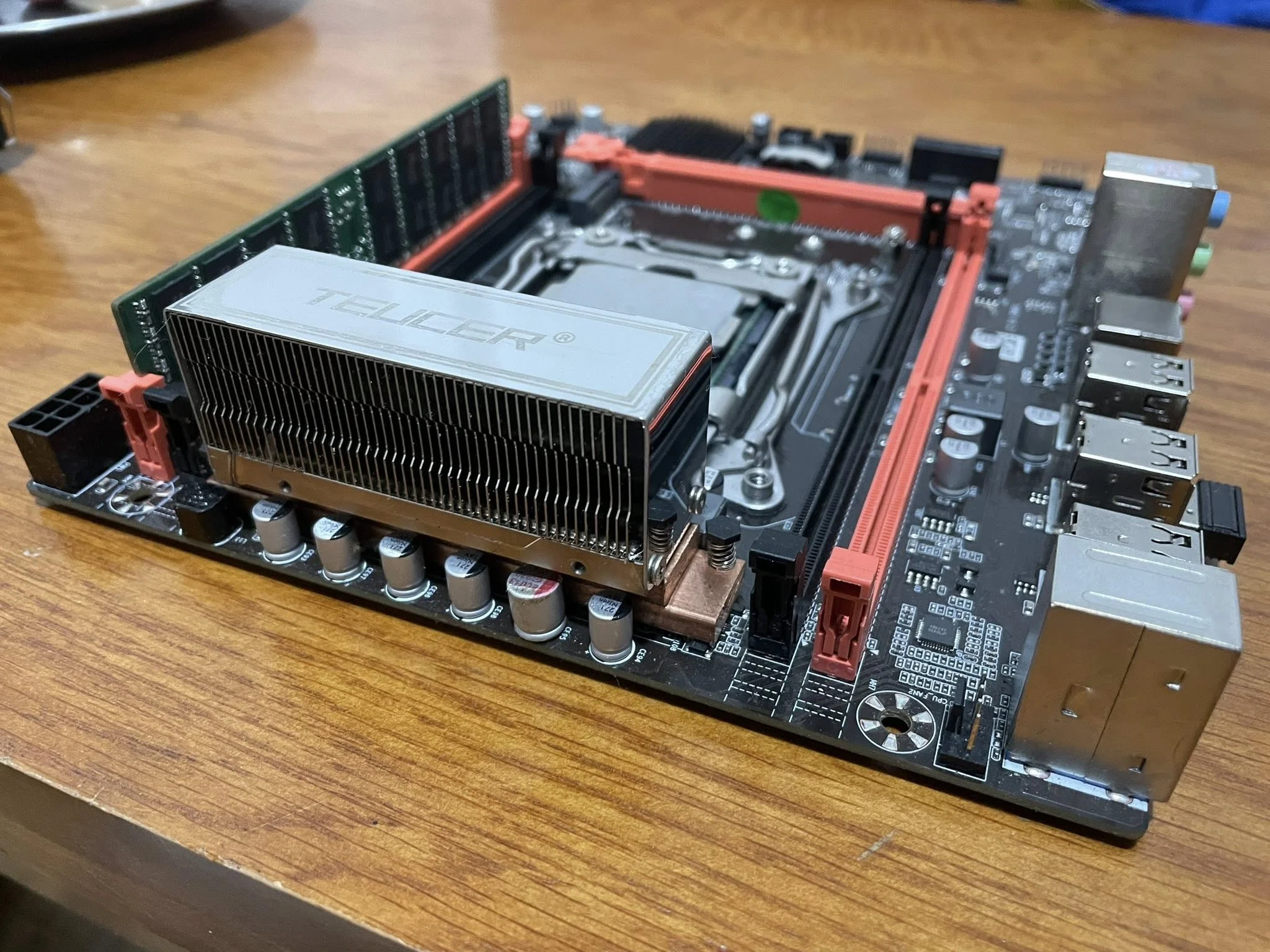
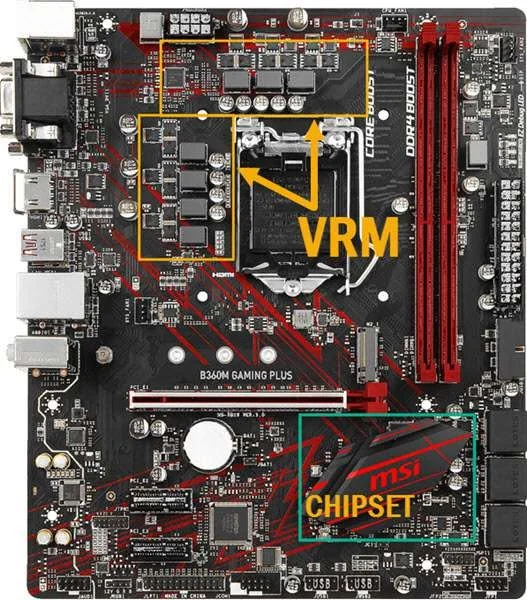
A VRM, or voltage regulator module, is the section of a motherboard, usually a cluster of small components near the CPU socket, that converts the power supply’s output into the precise, stable voltage the CPU actually needs. VRM quality matters most for high-end or overclocked CPUs, which draw more power and are more sensitive to unstable voltage delivery.
- The VRM converts power supply voltage into what the CPU actually needs.
- Better VRMs matter most for high-end and overclocked CPUs.
- A weak VRM can cause throttling under sustained heavy load.
- VRM heatsinks help manage the heat this power conversion generates.
Why CPUs Need a VRM
A power supply, as Corsair’s PSU guides explain, outputs power at fixed voltages, such as 12V, but a modern CPU needs a much lower, extremely precise, and constantly adjusting voltage, often close to 1 volt, that changes rapidly based on workload. The VRM’s job is converting and regulating that power in real time to keep the CPU stable.
What a VRM Is Made Of
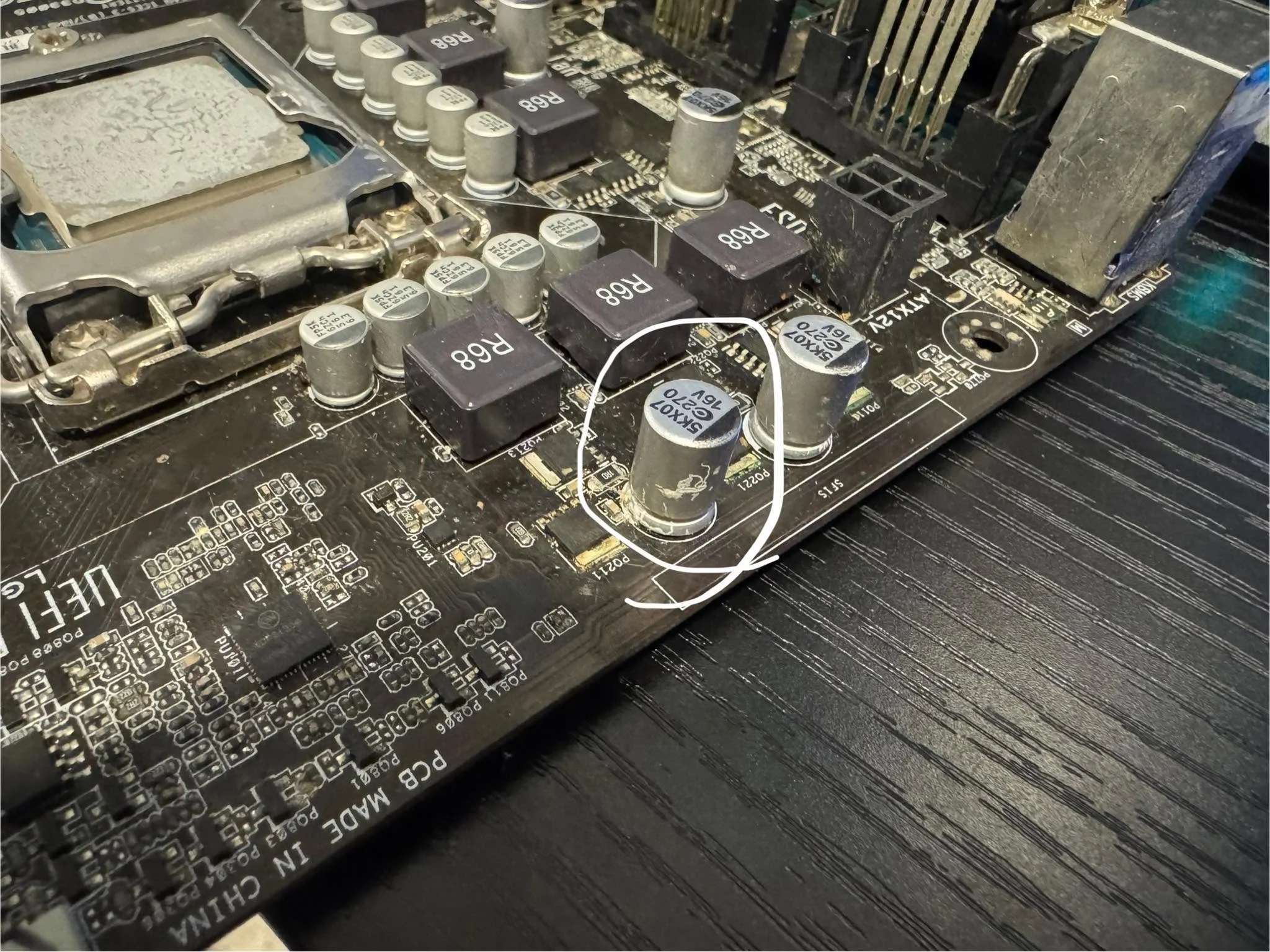
A VRM, as described by Gigabyte’s motherboard documentation, consists of several power stages, each combining components like MOSFETs, inductors, and capacitors, arranged in phases near the CPU socket. More phases and higher-quality components generally mean cleaner, more stable power delivery, especially under heavy sustained load.
Why VRM Quality Matters
- Higher-end CPUs draw significantly more power, especially under sustained heavy multi-core workloads, demanding more from the VRM
- Overclocking increases both voltage and current demand, stressing the VRM further
- A weak VRM can overheat under sustained load, forcing it to throttle power delivery, which indirectly throttles the CPU even if the CPU’s own cooler is performing fine
This ties directly into does motherboard affect gaming performance, where VRM quality is identified as one of the few ways a motherboard can genuinely affect a high-end build’s stability.
Signs of VRM Issues
- Instability specifically under sustained heavy load, not light use
- Unexplained CPU throttling that doesn’t match the CPU cooler’s own performance
- A VRM heatsink area that runs unusually hot to the touch during heavy tasks
See motherboard overheating for more on diagnosing and cooling this specific area of the board.
Check Your Own Board
Confirm your motherboard model with what motherboard do I have, then look up independent VRM testing for that specific board before pairing it with a high-end CPU.
Do You Need to Worry About VRM Quality?
For mainstream CPUs at stock settings, most current motherboards have adequate VRM capability. It becomes a more meaningful consideration specifically when pairing a high-end, power-hungry CPU with a budget motherboard, or when planning a serious overclock.
Tip: motherboard reviews from outlets like TechPowerUp often include dedicated VRM thermal testing, which is a more reliable way to judge VRM quality than specifications alone.
Frequently Asked Questions
Does every motherboard have a VRM?
Yes, every motherboard needs some form of voltage regulation to power the CPU, though quality and capacity vary significantly between models and price tiers.
Can a bad VRM damage my CPU?
It’s uncommon, since VRMs typically throttle or shut down protectively before causing damage, but a genuinely failing VRM can cause instability and, in rare cases, component stress.
Do I need a good VRM for a budget CPU?
Less critically, since budget CPUs draw less power and stress the VRM far less than high-end, power-hungry chips.
How do I check my motherboard’s VRM quality?
Independent motherboard reviews that include VRM thermal testing under sustained load are more reliable than marketing specifications alone.


