

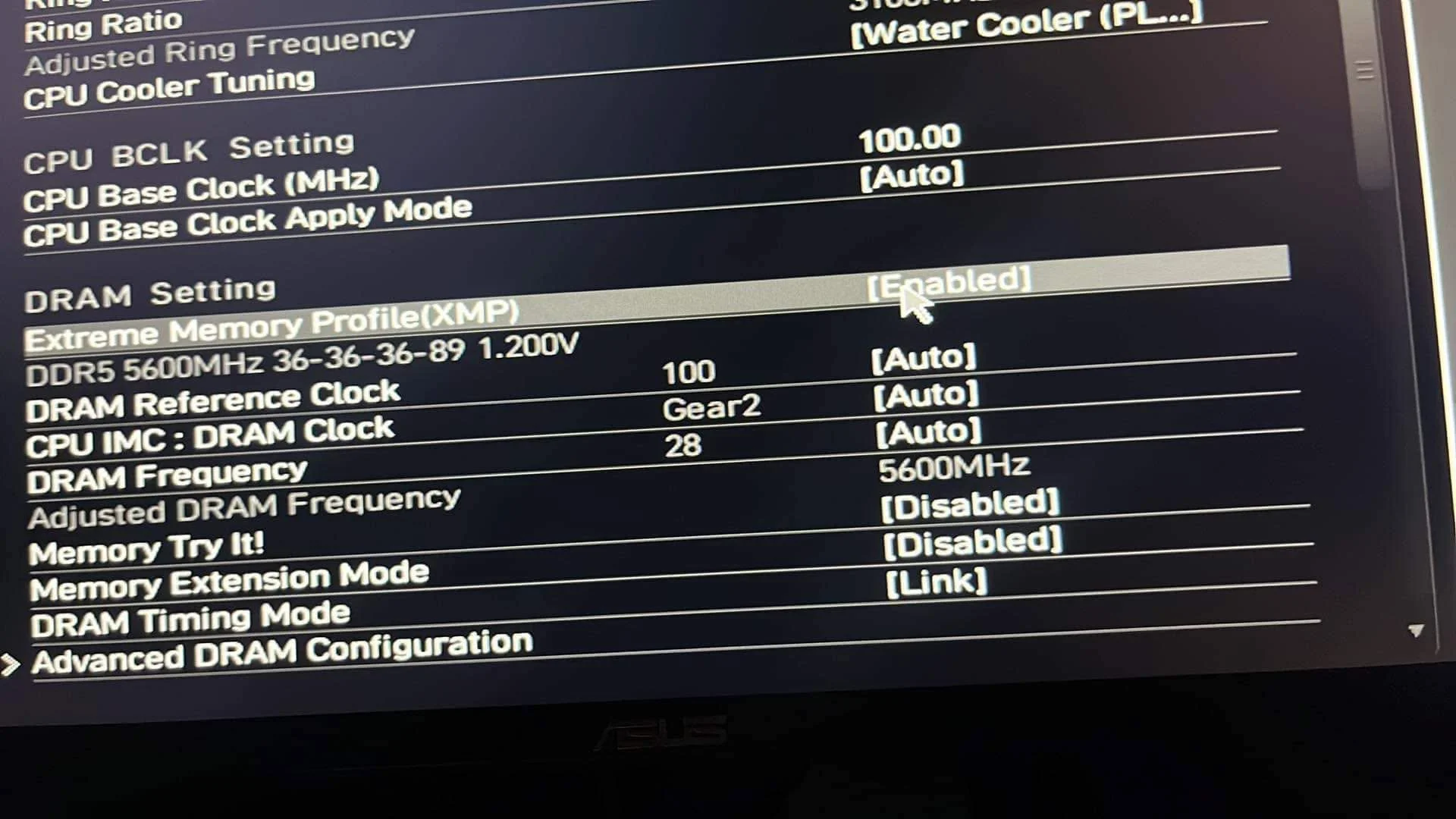
A noticeably longer boot, sometimes several minutes, after enabling XMP is caused by memory training, where the motherboard tests and calibrates stable timings for your RAM at its higher rated speed. This is normal and expected behavior, not a sign of failure, and typically only happens once or after certain hardware or setting changes.
- Memory training tests stable timings at your RAM’s new speed.
- A long first boot after enabling XMP is normal, not a fault.
- It typically recurs only after hardware or major setting changes.
- Give it several minutes before assuming the system is stuck.
What Memory Training Actually Does
When you enable XMP, the motherboard needs to find stable, working timings for your RAM at its new, higher speed, since these aren’t automatically guaranteed the way the slower default speed is. Memory training is this calibration process, run by the motherboard’s firmware before Windows even starts loading.
Why It Can Take Several Minutes
Testing timings thoroughly enough to guarantee stability, a process ASUS ROG explains in detail, takes real time, and the exact duration varies by motherboard, RAM kit, and how aggressive the target speed is. Some higher-speed kits or larger capacities, similar to those benchmarked by TechPowerUp, take noticeably longer to train than basic ones.
When Memory Training Happens
- The first boot after enabling XMP or changing the memory profile
- After adding, removing, or rearranging RAM sticks
- After certain BIOS updates that reset memory settings
- Occasionally after a CMOS reset or clearing the BIOS
Once training succeeds, most motherboards save the result and boot normally afterward, without repeating the process every time.
What to Do if It Seems Stuck
- Give it several minutes, since a long training process can look identical to a genuinely stuck boot at a glance.
- If it genuinely fails to complete after a long wait, power off, and check that your RAM is on your motherboard’s supported list, per RAM compatible with motherboard.
- Try a lower XMP profile if your kit offers more than one, or update the motherboard BIOS, following how to update motherboard BIOS.
- As a last resort, reset the BIOS using the CMOS battery or Clear CMOS button and try again with default settings before re-enabling XMP.
Reassurance: a one-time long boot after enabling XMP, a behavior Crucial’s memory guides also confirm as normal, especially on a fresh build or after adding RAM, is one of the most normal and expected behaviors in PC building, not a sign your components are faulty.
Frequently Asked Questions
How long should memory training take?
It varies, from under a minute to several minutes, depending on the motherboard, RAM kit, and target speed. It’s usually a one-time occurrence.
Does memory training happen every boot?
No, typically only after enabling XMP for the first time, changing RAM, or certain BIOS resets. Normal boots afterward use the saved, trained settings.
Is a long boot after enabling XMP dangerous?
No, it’s a normal calibration process. It only becomes a concern if it fails to complete entirely after a genuinely long wait.
Can I skip memory training?
Not directly, since it’s how the motherboard ensures your RAM runs reliably at its higher speed. Using a lower, well-supported XMP profile can reduce how long it takes.
