


Fortnite cares more about your CPU than most big games do, so the best prebuilt gaming PCs for Fortnite are balanced builds, not the ones with the most expensive GPU. The Skytech RTX 5060 fits most players, and the Skytech O11 Vision makes sense if you play at 1440p.
Recommended by Us

STGAubron Ryzen 5 5500 RTX 3050 Gaming PC
- Six-core AMD Ryzen 5 processor
- Dedicated GeForce RTX 3050 6G graphics
- 16GB DDR4 memory
- Wi-Fi 6 and Bluetooth 5.2 included
- RGB keyboard and mouse are bundled
- Storage capacity conflicts between the 512GB title and 1TB feature list
- Power supply wattage and motherboard model are not specified
- The RTX 3050 6G is aimed at entry-level rather than high-end gaming

Skytech Shadow Ryzen 5 RTX 3050 Gaming PC
- Entry-level gaming PC ready out of the box with peripherals included
- Fast NVMe storage and 16GB RAM handle modern games and multitasking
- One-year warranty on parts and labor with free technical support
- Assembled in the USA with tempered glass case design
- RTX 3050 limits performance at higher resolutions or maximum settings on demanding games
- No upgrade path details provided in listing; internal expandability not specified
- Brand of GPU may vary, so exact model not guaranteed

Skytech Ryzen 7 RTX 5060 Gaming PC
- Strong CPU and GPU combo for 1080p gaming at high settings
- Ample 32GB RAM for streaming, content creation, or heavy multitasking
- Fast NVMe storage speeds up game loads and system responsiveness
- Attractive case design with RGB lighting and visibility
- Includes peripherals and OS, ready to use out of box
- No dedicated specifications for PSU wattage or total system power draw
- RTX 5060 performance at higher resolutions or settings not detailed in listing
- Brand variation noted for graphics card may affect warranty or support
Skytech Ryzen 7 RTX 5060 Gaming PC
- Strong CPU and GPU pairing for 1080p Ultra gaming on modern AAA titles
- 32GB DDR5 RAM leaves headroom for content creation and streaming
- Fast NVMe storage significantly reduces game load times
- Includes peripherals and no bloatware out of the box
- Domestic assembly and warranty support included
- Brand of GPU may vary, so exact performance characteristics not guaranteed
- RTX 5060 Ti targets 1080p gameplay; higher resolutions may require lower settings
- Warranty covers parts and labor only; accidental damage not specified

Skytech Gaming O11 Vision Ryzen 7 RTX 5070
- Generous 32GB DDR5 RAM and 1TB NVMe SSD reduce the need for immediate upgrades
- High-end GPU and CPU pairing supports demanding games at 1440p and professional applications
- Liquid cooling eliminates the risk of thermal throttling under load
- Includes peripherals and Wi-Fi out of the box, plus 1-year warranty and US assembly
- Attractive case design with multiple display output options and extensive connectivity
- 0 reviews listed, so real-world reliability and customer experience are unverified
- No upgrade path details provided; internal layout flexibility with the O11 Vision case is not documented
- GPU brand may vary, which could affect cooling design and included software bundles
Why Fortnite Rewards a CPU-Balanced Build
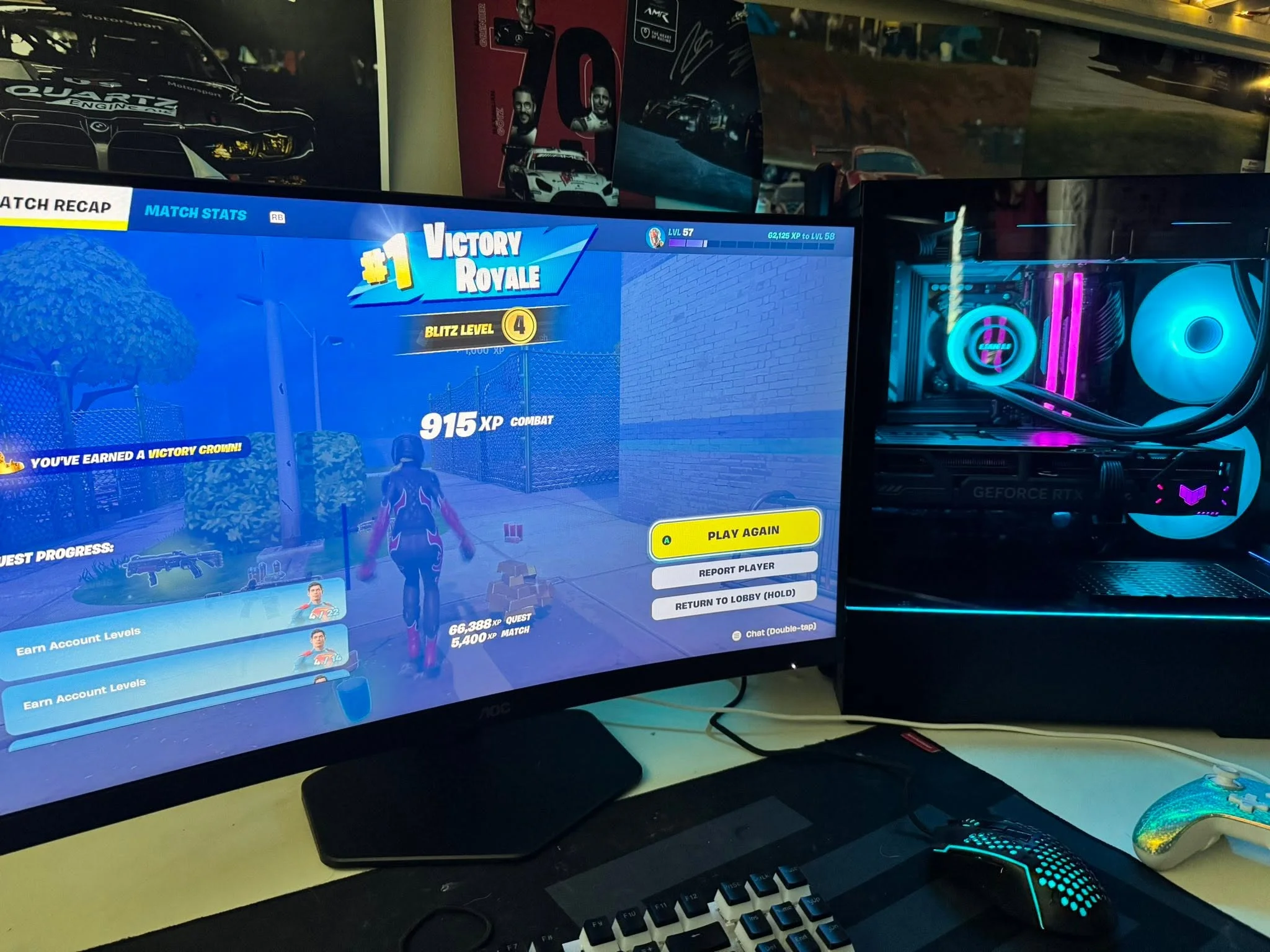
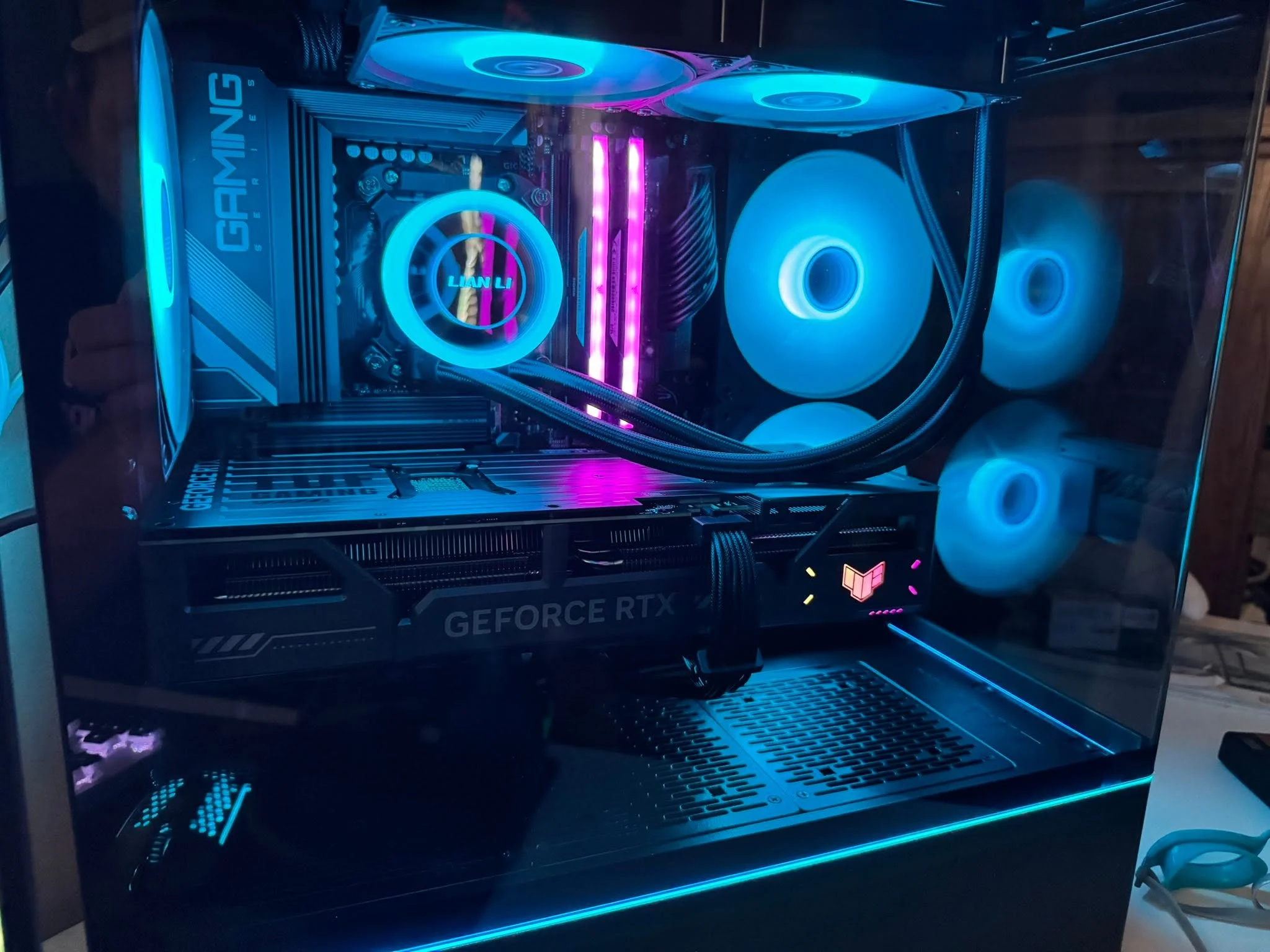
Fortnite’s engine scales well with CPU performance but doesn’t demand the GPU muscle required by single-player AAA games. A fast six-core or eight-core processor paired with a mid-range GPU often delivers better 1080p frame rates than an overpowered graphics card paired with a slower CPU. This is because Fortnite’s render load spreads across both, and the CPU handles physics, networking, and game logic at high refresh rates. A balanced approach means you’re not overspending on GPU power you won’t fully use.
Competitive players typically prioritize frame rate stability over maximum visual fidelity, which shifts the value equation further toward CPU performance and away from ultra-high-end graphics. Most pros run Fortnite at medium or high settings rather than epic, accepting lower visual detail in exchange for the frame rate consistency that matters in close gunfights. This philosophy shapes the these systems: each pairs a capable CPU with a GPU tier matched to your chosen refresh rate, rather than chasing the highest graphics settings on a tight budget.
Picking Your Target Refresh Rate
Your monitor’s refresh rate and resolution should drive your GPU choice more than any other factor.
| Target | What It Takes |
|---|---|
| 1080p 144Hz | An entry to mid GPU such as RTX 3050 or better, paired with a recent six-core CPU |
| 1080p or 1440p 240Hz | A stronger GPU such as RTX 5060 or better, since higher refresh rates lean harder on both CPU and GPU |
| 1440p competitive | An RTX 5070-class GPU or better with fast RAM |
Owning a monitor capable of your target refresh rate matters just as much as the PC itself. A system that can push 240 frames per second paired with a 60Hz monitor wastes that performance. Check the monitor’s specs before buying the PC, and prioritize getting the monitor and the system in the same ballpark. A matching monitor capable of 1440p or higher refresh rates is a long-term investment that will outlast multiple PC upgrades.
How to Choose a Fortnite Prebuilt
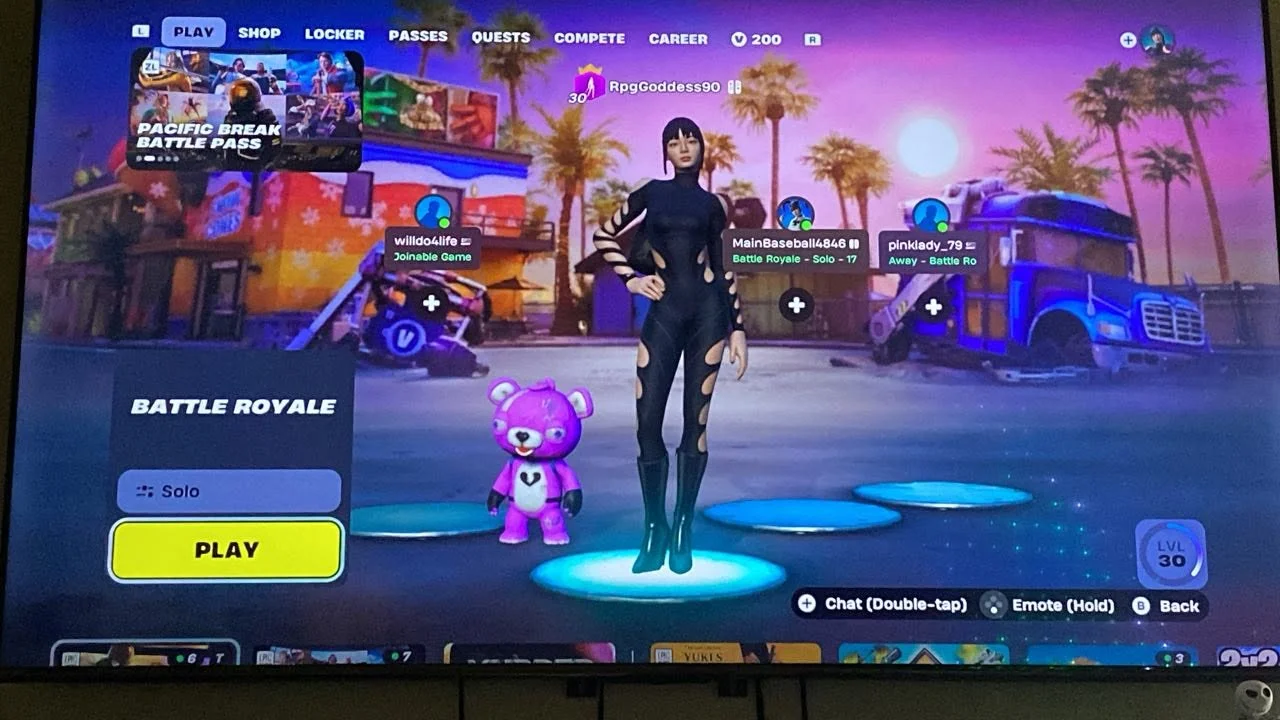
With so many systems available, these four factors narrow down the right choice for your setup and skill level.
CPU Matters More Than You’d Think
Fortnite can become CPU-bound at high refresh rates, which means a slow processor will leave frame rate on the table no matter how good the GPU is. A Ryzen 5 5500 or newer (or Intel Core i7 equivalent) is a working minimum. Newer chips like the Ryzen 7 5700, Ryzen 7 7700, or Ryzen 7 7700X offer even more headroom and reduce the odds of stuttering during intense fights. When comparing two systems at the same price, the one with the faster CPU is usually the better Fortnite machine.
The CPU also handles background tasks like Discord, streaming overlays, or OBS if you plan to stream while playing. A six-core chip handles gaming alone; an eight-core chip gives breathing room for multitasking. Fortnite benefits more from clock speed and core count than from sheer GPU memory, so don’t overlook the processor specs when choosing between systems.
GPU Tier for Your Target
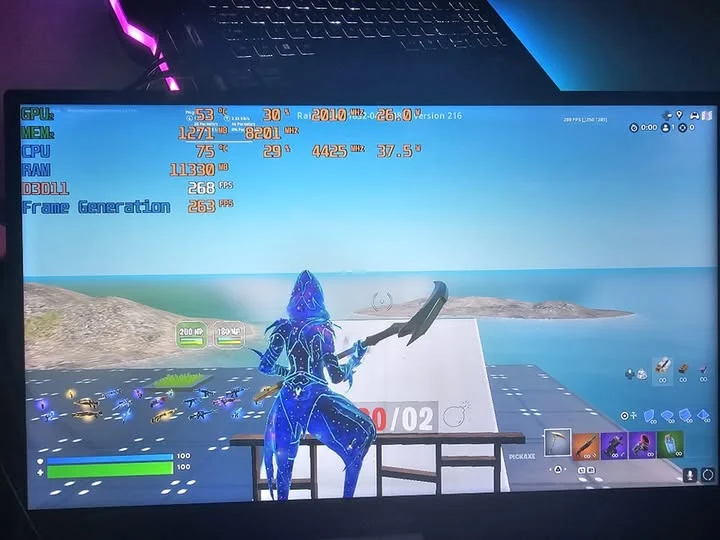
Match the GPU to your refresh rate goal using the table above as a guide. An RTX 3050 or RTX 5060 handles 1080p 144Hz comfortably. An RTX 5060 Ti bridges the gap to 1440p, while an RTX 5070 is the tier you want for consistent 1440p play. Upgrading to a beefier GPU than your target only makes sense if you plan to eventually upgrade your monitor to a higher refresh rate, or if you’re building once and want two to three years of headroom before considering an upgrade.
Check the RTX 5060 review and RTX 5070 review if you’re torn between GPU tiers. VRAM (6GB vs 8GB vs 12GB) matters less in Fortnite than it does in demanding single-player games, so don’t let VRAM be the deciding factor.
RAM and Storage
Fortnite runs on 16GB of RAM, which is a working minimum. Going to 32GB gives you headroom if you’re streaming, recording, or keeping multiple browser tabs open while gaming. DDR4 3200 or DDR5 5600 both work fine; DDR5 is slightly faster but also slightly more costly. All systems here pair the RAM with an SSD for fast load times, which keeps you in-game faster and gives you a small edge in dropping hot zones early.
Storage space matters too. A 1TB SSD handles Fortnite plus a dozen other games. If you’re a heavy player or a content creator who records a lot of footage, a 2TB SSD keeps you from juggling uninstalls. Most of these systems ship with 1TB; the ones with 2TB cost more but save you the hassle later.
Networking and Stability
A wired Ethernet connection reduces input lag and stutter more reliably than Wi-Fi, especially during peak network hours. Check the product listing to confirm the system includes an Ethernet port and preferably Wi-Fi as a fallback. Most prebuilts include both; some budget models skip Wi-Fi entirely. If you’re in a room where Wi-Fi is the only option, look for a system with Wi-Fi 6 listed in the specs.
Stability also depends on the power supply. All systems here ship with a 650W or larger power supply rated 80+ Gold or higher, which means they won’t throttle or shut down under load. A solid PSU also means the system stays cool and quiet. One-year parts-and-labor warranties are standard across these systems, and most throw in free lifetime technical support, so you’re covered if something goes wrong.
Worth knowing: Fortnite’s Performance Mode trades visual fidelity for a much lighter render load, so a mid-range GPU can hit a noticeably higher frame rate in Performance Mode than in the default renderer. If you’re chasing 240 Hz on a tighter budget, dropping to Performance Mode can make a system one tier lower feel plenty capable.
Who Should Buy Which System
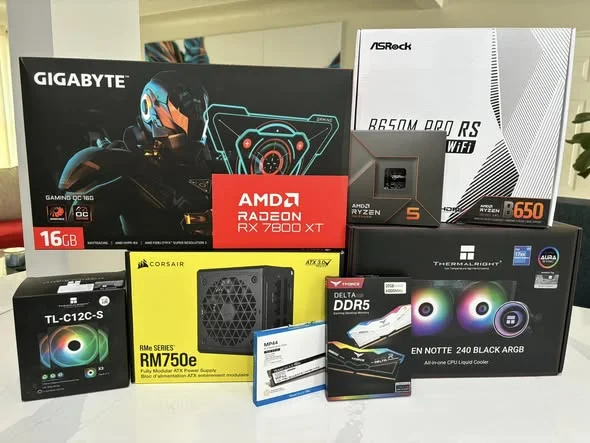
- Best overall for Fortnite: The Skytech RTX 5060 pairs a Ryzen 7 5700 with an RTX 5060, hitting 1080p 144Hz without overspending.
- Best budget entry for 144Hz: The STGAubron RTX 3050 delivers playable frame rates at 1080p on a slim budget for new PC gamers.
- Best for chasing 240Hz: The Skytech RTX 5060 Ti steps up to RTX 5060 Ti performance, enabling 1080p 240Hz on high settings.
- Best for 1440p competitive: The Skytech O11 Vision combines a Ryzen 7 7700X with RTX 5070 power and a premium case for serious 1440p play.
Final Thoughts
Fortnite rewards balanced systems over GPU-heavy ones, and the prebuilts above are designed with that in mind. Pick your refresh rate target first, then choose the system that matches it without overkill. For most players, the Skytech RTX 5060 is the best all-around choice, delivering smooth 1080p 144Hz play with a strong CPU that keeps up at high refresh rates. If you’re ready to invest in 1440p or chase competitive 240Hz play, the Skytech O11 Vision is worth the step up.
More Options to Consider
- The Tisukisu Prebuilt Gaming PC Desktop pairs an older RX590 8GB card with 16GB of RAM and a 512GB SSD, a leaner option for a first PC or a spare Fortnite rig on a tighter budget.
- The STGAubron Gaming PC Desktop,Core I7,RX 580 8G,16G offers an even leaner entry point for casual play, good for players exploring Fortnite for the first time or stepping up from console.
- The Skytech Gaming PC Desktop, Ryzen 7 9850X3D is for content creators or streamers who want to run Fortnite at max settings in 4K while recording simultaneously, or for players who want the fastest CPU on the market today.
FAQs
Q: Is Fortnite more CPU or GPU heavy?
A: Fortnite leans more on the CPU than most AAA games, especially at high refresh rates. The GPU still matters, but a balanced system with a solid six-core CPU paired with a mid-range GPU outperforms an underpowered CPU paired with a high-end GPU. At high refresh rates, you’ll notice CPU bottlenecks faster than GPU ones.
Q: Is 16GB of RAM enough for Fortnite?
A: Yes, 16GB is plenty for Fortnite solo play. If you’re streaming, recording, or keeping multiple apps open at the same time, 32GB removes the risk of slowdowns from memory pressure. Most prebuilts here start at 16GB, with 32GB options available at higher price tiers.
Q: Do I need a 240Hz monitor to notice the difference?
A: You need a 240Hz monitor to actually see 240 frames per second. If your monitor only goes up to 144Hz, a system built for 240Hz is wasted headroom. Conversely, there’s no point buying a 240Hz monitor if your system can’t sustain that refresh rate. The monitor and PC should be matched to your target refresh rate.
Q: Can I stream while playing Fortnite on these systems?
A: Yes, but it depends on the system and bitrate. The higher-end systems with eight-core CPUs and 32GB RAM handle streaming smoothly. Lower-spec systems can stream at reduced bitrate or lower output resolution, though streaming while chasing high frame rates is demanding. A prebuilt with a strong multi-core CPU makes streaming more practical, as our CPU vs GPU guide explains.
Q: What is Performance Mode in Fortnite?
A: Performance Mode is a graphics setting in Fortnite that reduces visual detail and render complexity to prioritize frame rate over picture quality. The game still looks good, but shadows are less detailed and some effects are simplified. Competitive players often use it to hit higher frame rates on the same hardware, or to squeeze more frames out of a lower-tier GPU.









