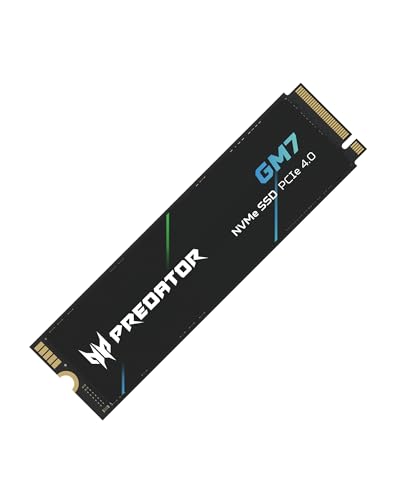
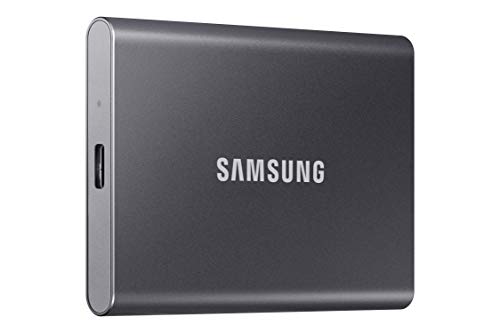
While traditional media libraries do well on the best hard drives to store photos and videos, modern PC gaming setups demand immediate asset streaming and ultra-low load times. Upgrading your motherboard with the best Gen 5 SSDs for gaming gives high-end rigs the bandwidth needed to handle massive textures without stutters.
Recommended by Us

fanxiang 1TB NVMe SSD PCIe Gen 4 Gaming SSD

Crucial T705 PCIe Gen5 NVMe 2TB SSD

SIX NVME M.2 SSD 4TB - PCIe gen 5.0x4 X15000 SSD
SIX NVME M.2 SSD 1TB - PCIe gen 5.0x4 X15000 M.2

Fanxiang S690Q 1TB NVMe Gen4 SSD
- PCIe Gen4 x4 performance reaching transfer speeds up to 4800 MB/s
- Compatible with PlayStation 5 consoles, desktop PCs, and laptops
- Includes a thermal heat dissipation sticker to aid temperature management
- Combines 3D NAND flash with an SLC cache for efficient handling
- Rated speed of 4800 MB/s is below Sony's 5500 MB/s recommended tier for PS5
- Relies on a cooling sticker rather than a rigid metal heatsink enclosure
- No proprietary drive management software is specified in the package

Lexar NM1090 PRO 2TB NVMe SSD
- Exceptional PCIe Gen 5 speeds up to 14,000/13,000 MB/s
- Equipped with both DRAM and SLC caching for optimized data handling
- DirectStorage support for faster gaming performance
- 2TB capacity easily accommodates large modern games and hefty media files
- Requires a compatible PCIe Gen 5 M.2 slot to reach maximum performance
- PCIe Gen 5 technology produces substantial heat and requires strong PC airflow
SIX NVME M.2 SSD 2TB - PCIe gen 5.0x4 X15000 SSD
Choosing the Right Drive for Your Rig
While long-term cold archives belong on the best hard drives for long term storage, primary installs need top-tier sequential speeds. If you run an Intel 14th Gen or AMD Ryzen 7000 system and want pure performance from a recognized memory brand, the Crucial T705 2TB is the one I would go for. Its Micron TLC NAND pushes sequential reads up to 14,500MB/s, making it ideal for DirectStorage titles, though you must pair it with a solid motherboard heatsink to prevent throttling.
For enthusiasts who prefer built-in efficiency alongside dedicated memory caching, I would point toward the Lexar NM1090 PRO 2TB. It utilizes a 6nm controller to manage thermal output while offering DRAM and SLC dynamic caching for steady responsiveness during extended gaming marathons. Publications like PC Gamer frequently highlight how thermal management defines the new generation of NVMe drives. If your priority is packing dozens of massive game installations into one slot without extra drives, the SIX X15000 4TB offers enormous capacity paired with an included heatsink.
FAQs
1. Do Gen 5 SSDs run hotter than Gen 4 drives?
Yes, the increased bandwidth requires more power, so Gen 5 drives generate significant heat. Most models, like the Lexar NM1090 PRO, rely on active motherboard shields or specialized heat spreaders with 6nm controllers to keep operating temperatures around safe ranges during intense read sessions.
2. Does PC gaming currently take full advantage of Gen 5 speeds?
Titles supporting Microsoft DirectStorage gain noticeable load speed improvements from sequential rates above 14,000MB/s. However, everyday boot times and older game engines may feel similar to high-end Gen 4 storage, meaning the real advantage lies in texture asset streaming and quick game installation.
3. Can I install a Gen 5 SSD into an older motherboard?
Gen 5 M.2 drives are backwards compatible with Gen 4 and Gen 3 slots, but they will operate at the maximum bandwidth allowed by that specific slot. To reach full sequential transfer potential, you need a compatible motherboard from Intel 13th/14th Gen or AMD Ryzen 7000 platforms.
4. Should I store my entire media library on a Gen 5 drive?
High-speed NVMe storage is best reserved for your operating system and active game libraries. For game recordings or raw capture archives, moving files to the best external hard drives for photos and videos keeps your solid-state drive clear for new game installations.
Editor’s Verdict
For enthusiasts demanding top-tier transfer rates, the Crucial T705 2TB stands out among the best Gen 5 SSDs for gaming thanks to its blistering 14,500MB/s sequential speed and proven Micron NAND. If thermal control is your primary concern, the Lexar NM1090 PRO 2TB delivers exceptional responsiveness with its efficient 6nm controller.