

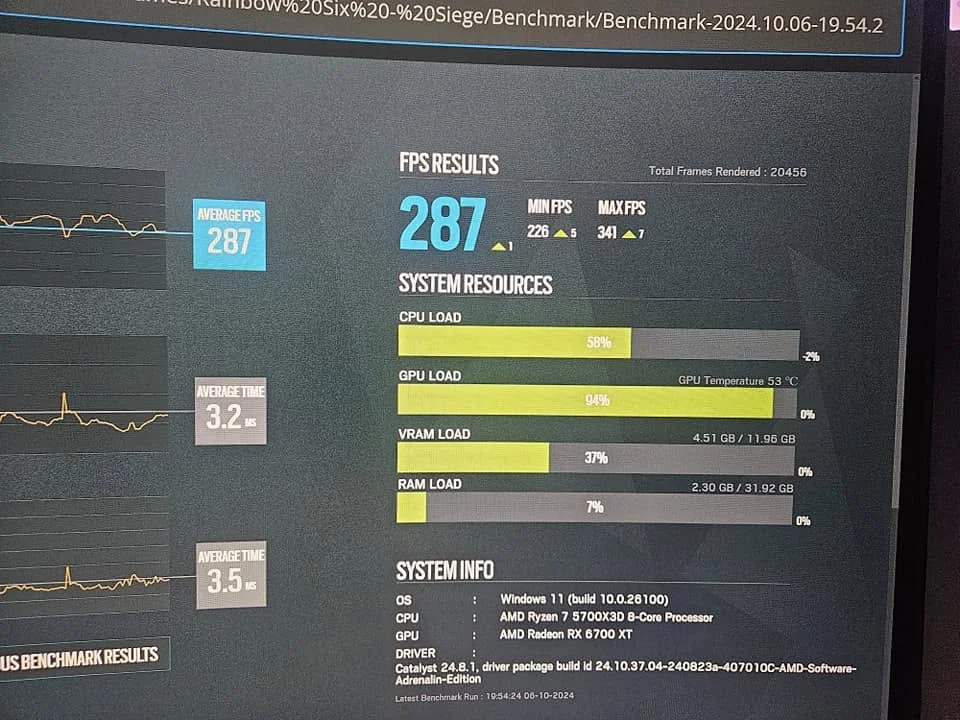
A GPU overheats when heat builds up faster than the cooler removes it. The usual causes are dust, poor case airflow, dried thermal paste, a failing fan, or an overclock. Clean the card, check airflow and fans, and reset clocks first. If temperatures stay above 85°C under load, repaste the card.
- Dust, weak airflow, old paste, and overclocks cause most overheating.
- Around 85°C the card starts slowing itself down to protect itself.
- Clean the card and fix airflow before touching thermal paste.
- Constant crashes or shutdowns under load mean act now.
Signs Your GPU Is Overheating
- Frame rates that start fine and drop after a few minutes of play
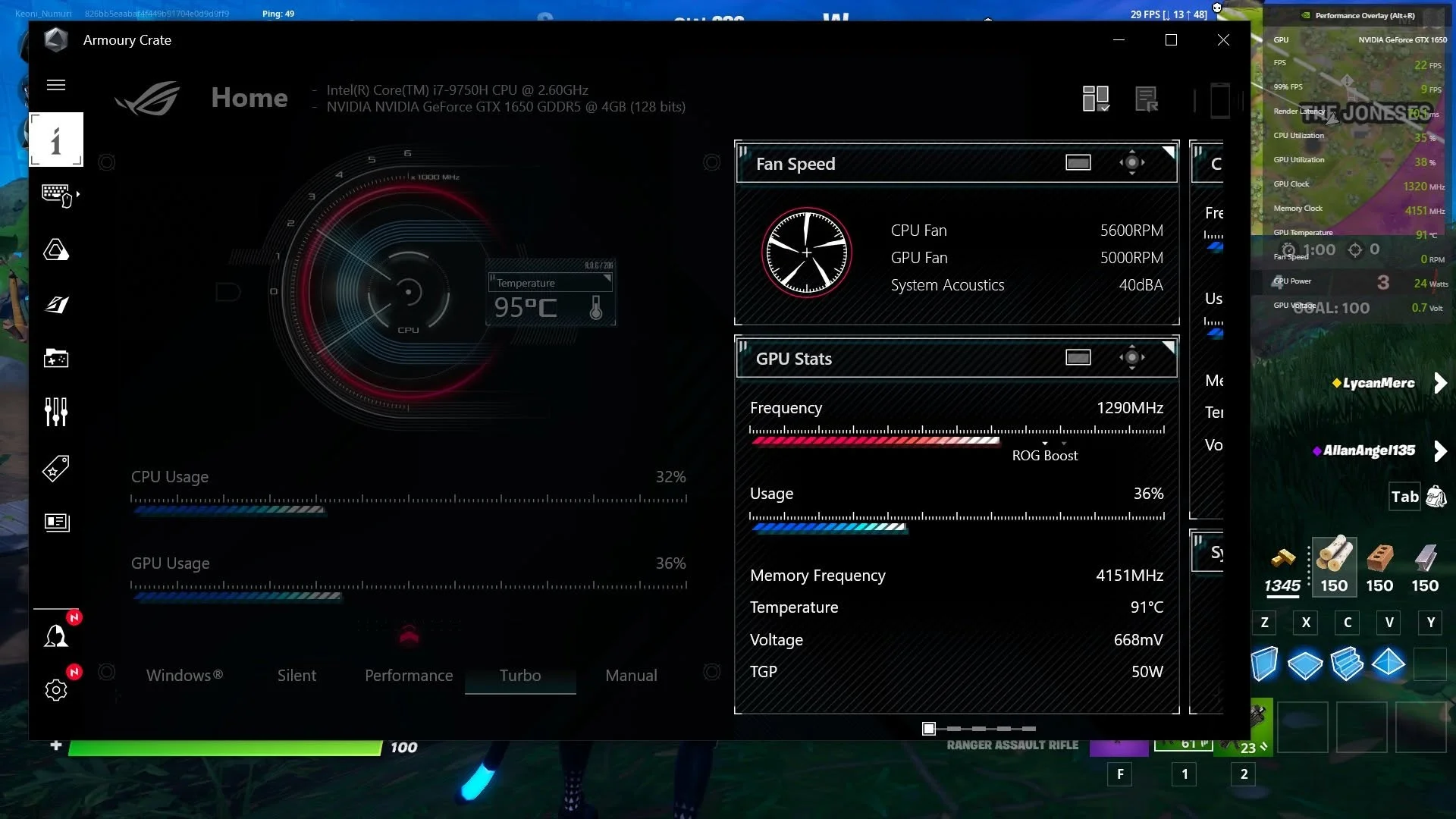
- Fans running at full speed and very loud
- Games or the whole PC crashing, freezing, or shutting down under load
- Visual glitches such as flashing lines or shapes, covered in GPU artifacting
- A very hot case or exhaust air
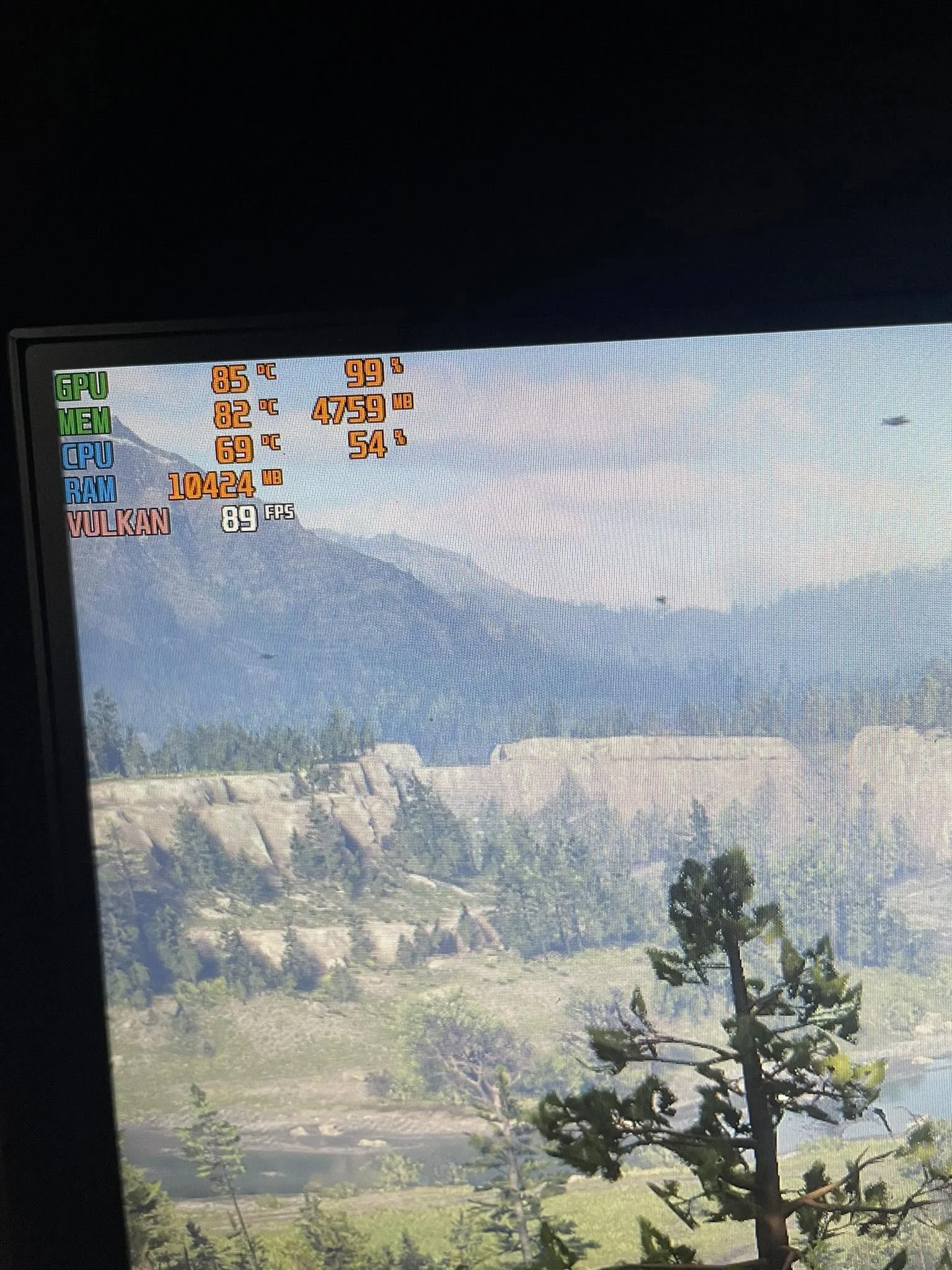
When temperatures reach about 85°C, according to MakeUseOf, the GPU automatically slows down to prevent damage. That safety feature is called thermal throttling, and it is why an overheating card feels like it is losing performance.
How to Check Your GPU Temperature
Use a monitoring tool such as HWiNFO or MSI Afterburner to read the GPU temperature while gaming. Note the idle temperature first, then the temperature after 15 to 20 minutes in a demanding game. For a controlled test, run a GPU stress test and watch whether the temperature levels off or keeps climbing. To see how your numbers compare, read what GPU temperature is too high.
What Causes GPU Overheating
Dust on the heatsink and fans
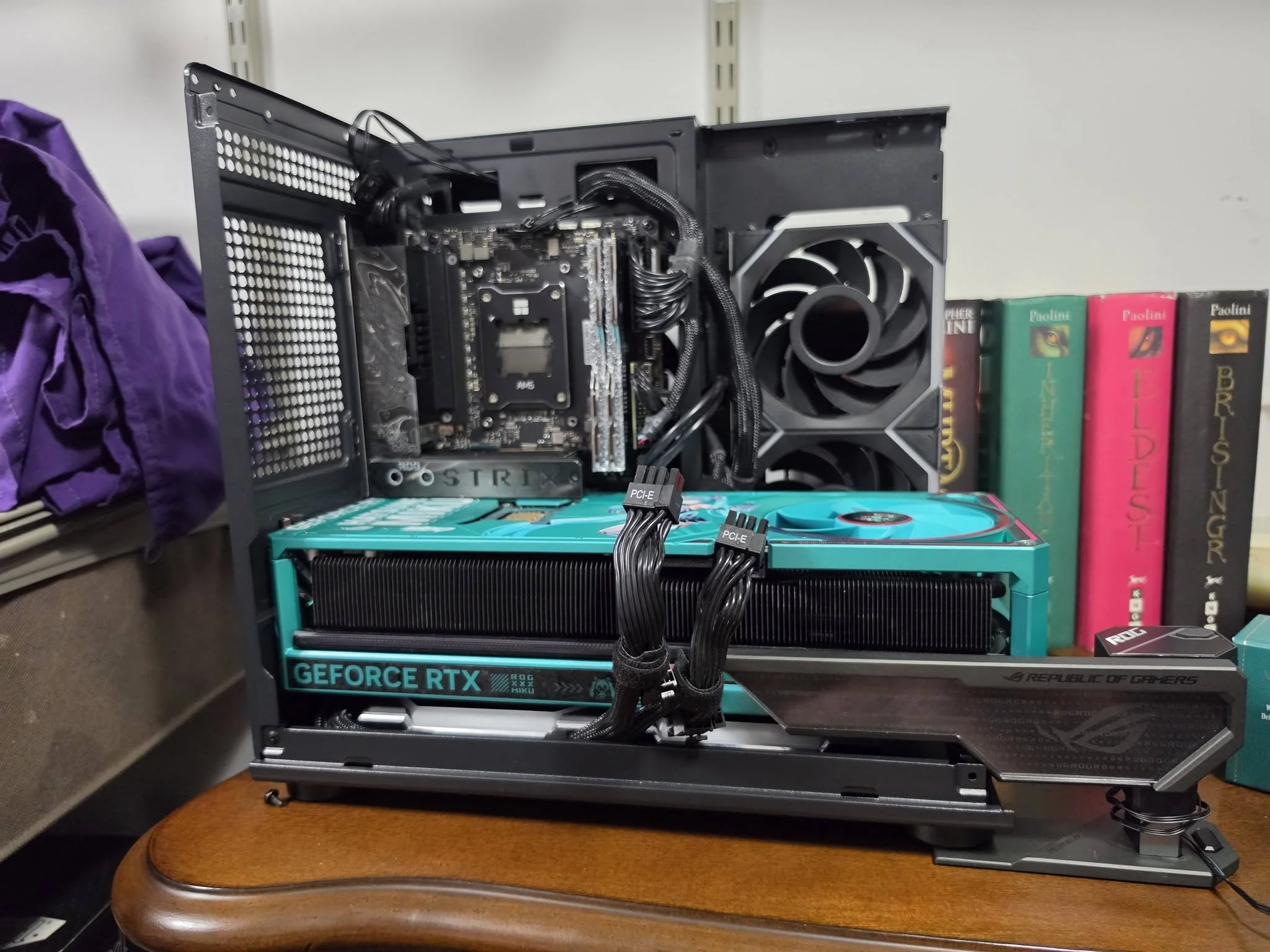
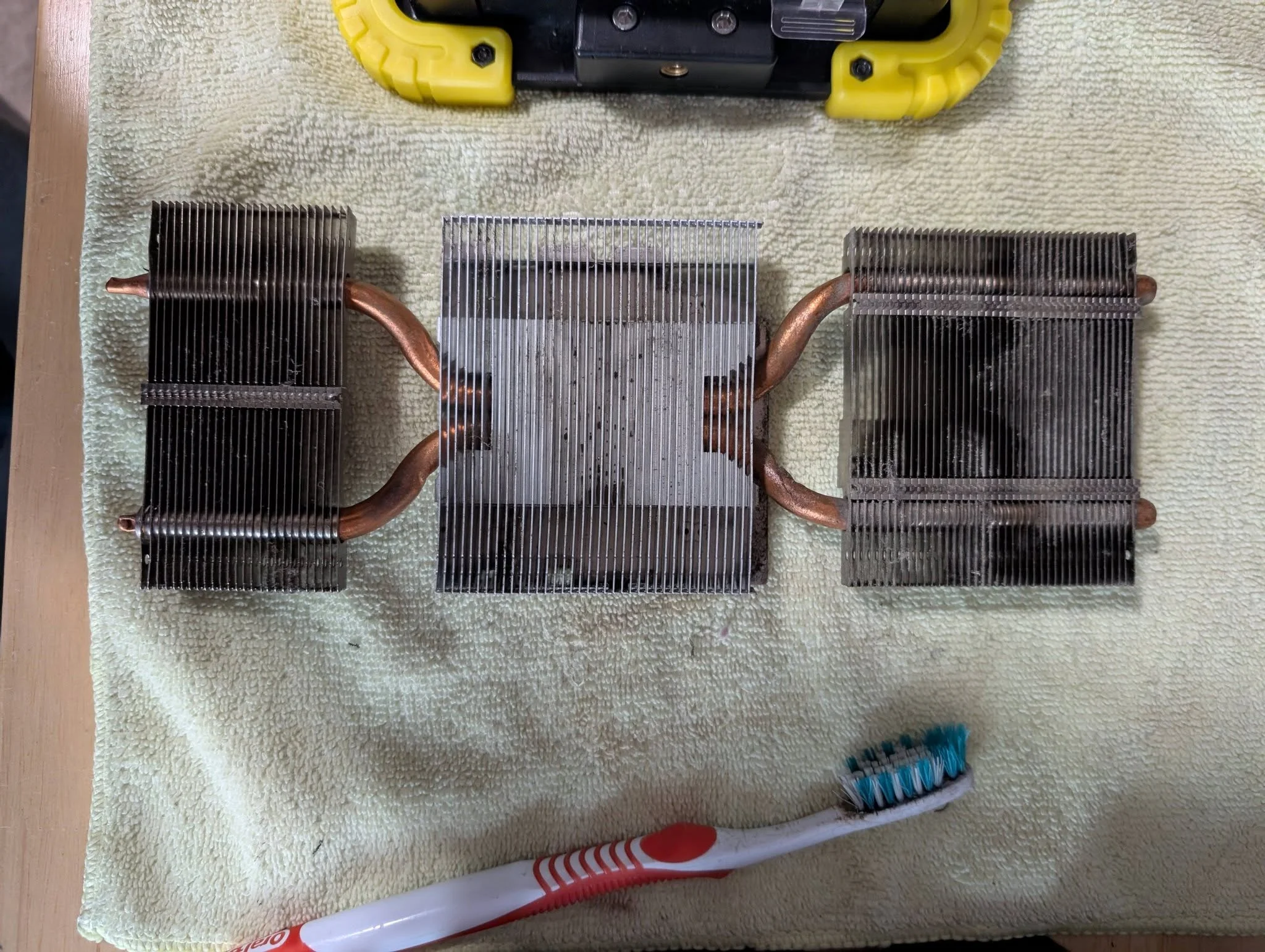
Dust clogs the fins of the heatsink and coats the fan blades, which insulates the metal and cuts airflow. It is the most common cause, and one guide estimates a heavily dusted card can run 15°C to 20°C hotter than a clean one.
Poor case airflow
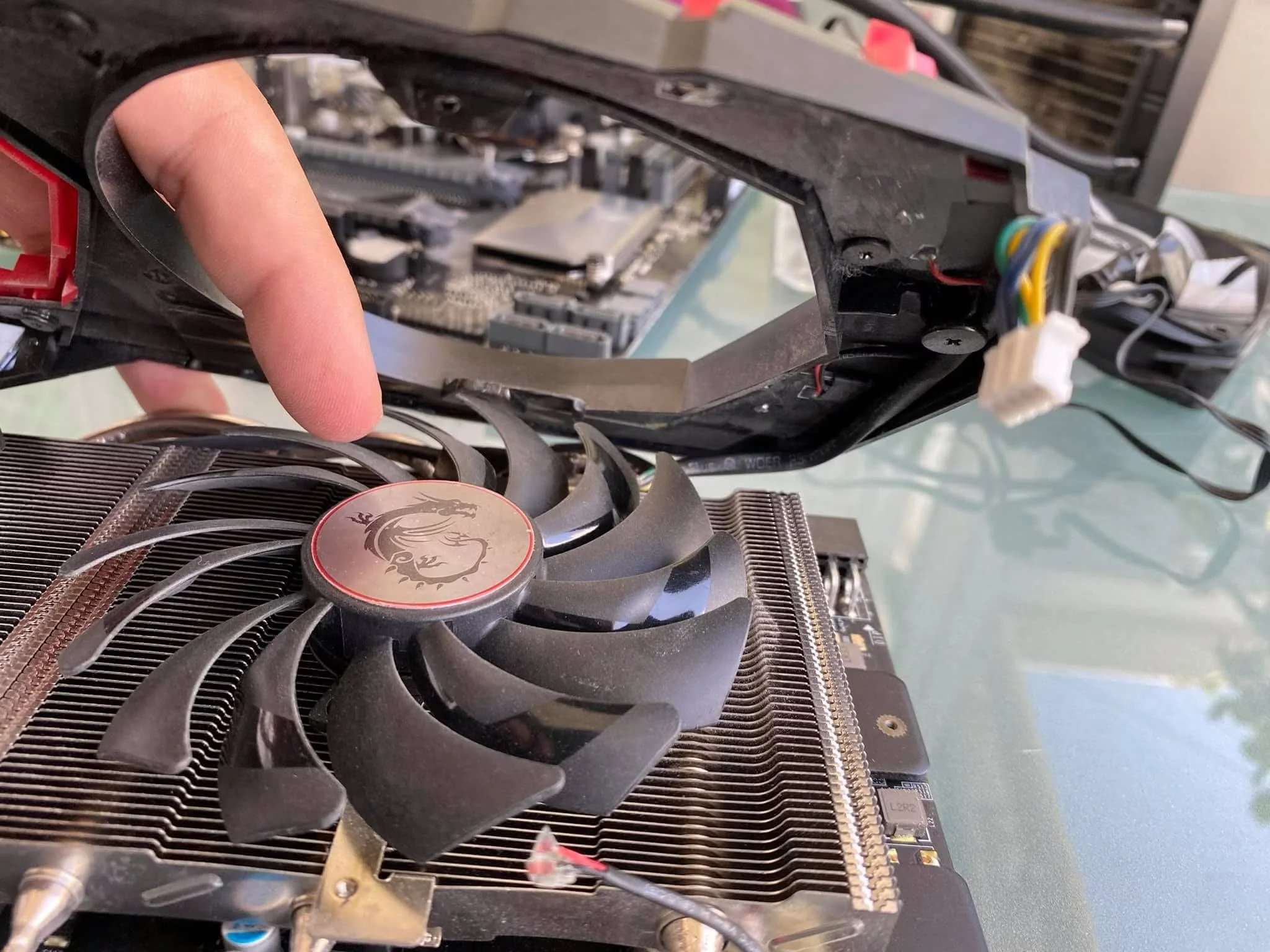
A GPU exhausts hot air into the case. If the case has too few fans, blocked intakes, or a cable tangle in front of the card, that hot air recirculates and the card breathes its own exhaust.
Dried thermal paste or worn pads
Thermal paste carries heat from the GPU chip to the cooler. Over years it can dry out and lose contact. Pads on the memory chips can also degrade. This is the cause when a clean card in a well-ventilated case still runs too hot.
Failing or stuck fans
A fan that spins slowly, wobbles, or does not spin cannot cool the card. If yours stays still under load, see why a GPU fan is not spinning. Some fans stop at idle by design, which is normal, as explained in whether GPU fans always spin.
Overclocking and high ambient temperature
Higher clocks and voltage produce more heat. A hot room, or a PC packed into a closed cabinet, raises every temperature in the system.
How to Fix GPU Overheating
1. Reset any overclock
Return the core and memory clocks to stock and retest. If temperatures drop back to normal, the overclock was the cause.
2. Clean the card and the case
Power off, unplug, and blow dust out of the heatsink and fans with compressed air while holding the fan blades still. Clean the case filters too. The full method is in our guide to how to clean a GPU.
3. Improve airflow
Make sure front fans bring cool air in and rear or top fans push hot air out. Tidy cables away from the card’s path, and leave space around the case vents.
4. Set a better fan curve
In MSI Afterburner, set the fans to ramp up earlier as temperature rises. It is louder but cooler, and it is a quick way to see whether the cooler has spare capacity.
5. Undervolt or lower the power limit
Lowering voltage or the power limit reduces heat with little performance loss on most cards. This is often the best fix when the cooler is fine but the card runs hot by design.
6. Repaste the card if temperatures stay high
If temperatures stay above 85°C under load after cleaning and airflow fixes, replace the thermal paste and check the pads. Opening the cooler may void the warranty, so check the terms first, and see whether a GPU can be repaired if you would rather have a professional do it.
Warning: if the PC keeps shutting down or crashing under load even after these fixes, stop heavy use. Sustained overheating shortens the life of the card, so contact the maker if it is under warranty.
On the CPU side: CPU overheating.
Frequently Asked Questions
What temperature is too hot for a GPU?
Around 85°C is where many cards begin slowing themselves to protect the hardware. Sustained temperatures at or above 90°C under load are a sign to act.
Can overheating damage a graphics card?
Yes. Running hot for long periods can shorten the life of the card, and severe heat can cause crashes, shutdowns, and glitches.
Does thermal paste fix an overheating GPU?
Only if dried paste is the cause. Clean the card and fix airflow first, and repaste if temperatures stay above 85°C under load.
Why does my GPU overheat only in one game?
Some games load the GPU much harder than others, especially at high settings or uncapped frame rates. Capping the frame rate or lowering settings reduces the heat.


