

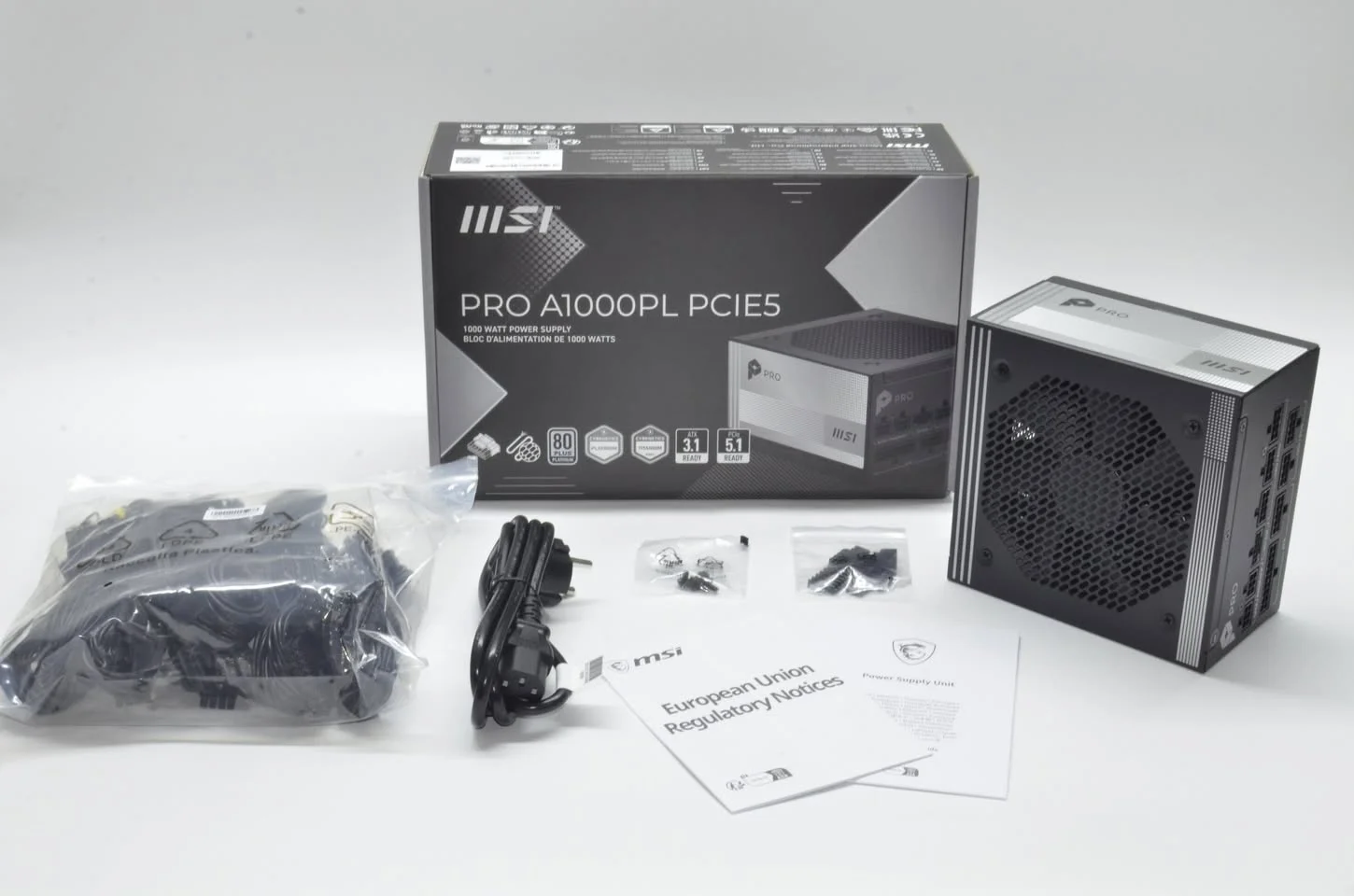
To figure out what power supply you need, add up your GPU and CPU’s rated power draw, add smaller amounts for RAM, storage, and fans, then add 20 to 30 percent headroom for stability and future upgrades. Most current gaming builds land somewhere between 550W and 850W depending primarily on the graphics card.
- Your GPU’s rated draw is the single biggest factor in sizing a PSU.
- Add 20-30% headroom above your calculated total for stability.
- Most gaming builds need 550-850W depending on the GPU tier.
- Use an online calculator to avoid manual estimation errors.
The Simple Estimation Method
- Look up your GPU’s recommended PSU wattage or typical power draw from the manufacturer’s specifications.
- Add your CPU’s TDP, typically 65-125W for mainstream chips, or higher for enthusiast models.
- Add roughly 50-100W for RAM, storage, fans, and motherboard combined.
- Add 20 to 30 percent headroom on top of that total for stability margin and future upgrades.
Wattage by GPU Tier
| GPU tier | Typical recommended PSU wattage |
|---|---|
| Entry-level (RTX 4060-class) | 550W |
| Mid-range (RTX 4070/5070-class) | 650-750W |
| High-end (RTX 4080/5080-class) | 750-850W |
| Flagship (RTX 4090/5090-class) | 850-1000W+ |
For a full breakdown by specific GPU model, see what PSU do I need for my GPU.
Using an Online Calculator
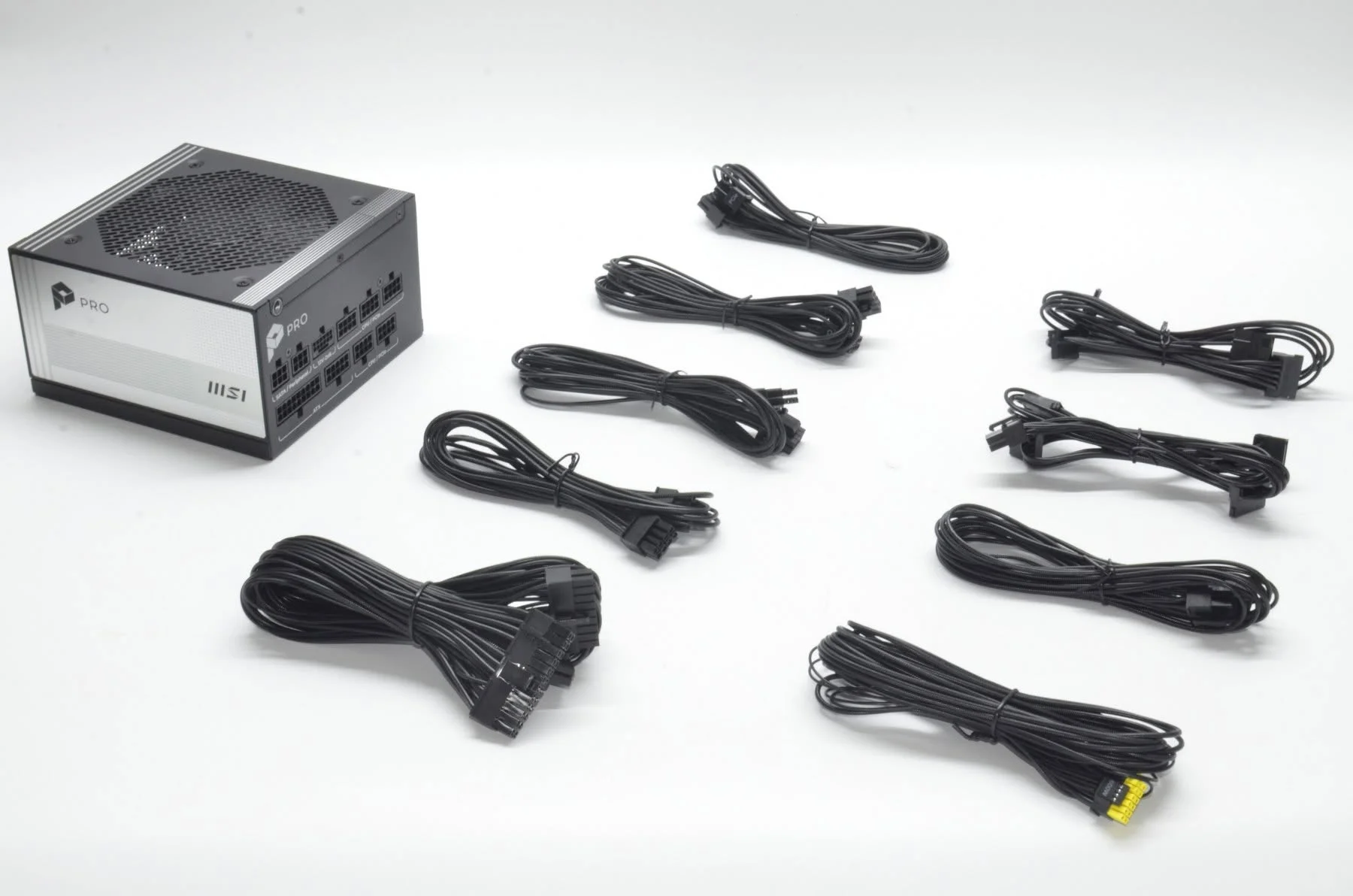
Rather than estimating manually, tools like OuterVision’s Power Supply Calculator or the one built into PCPartPicker account for your exact component list and give a more precise recommendation than rough manual math.
Why Headroom Matters
Running a PSU consistently near its maximum rated output reduces efficiency and increases heat and long-term wear, according to guidance from Tom’s Hardware. Headroom also leaves room for a future GPU upgrade without requiring a PSU replacement at the same time.
Don’t Forget the 12V Rail
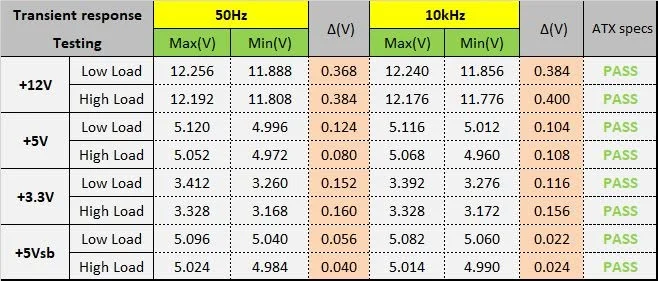
Total wattage isn’t the only number that matters. Check that the 12V rail specifically has enough amperage for your GPU and CPU, since this rail carries the bulk of the load for both, a detail covered further in how to check power supply wattage.
Common mistake: buying a PSU sized exactly for your current components with no headroom, then finding it’s insufficient after even a modest GPU upgrade a year or two later.
See also PSU cable types explained and how to install a power supply once you’ve picked your wattage.
Frequently Asked Questions
What wattage PSU do most gaming PCs need?
Typically 550-850W, depending mainly on the graphics card, with higher-end GPUs needing more.
How much headroom should I add above my calculated wattage?
Around 20 to 30 percent above your estimated total, for stability and to leave room for future upgrades.
Is an online PSU calculator accurate?
Reasonably accurate when you enter your exact components, generally more reliable than manual estimation.
Does total wattage matter more than the 12V rail?
Both matter. The 12V rail specifically needs enough amperage for your GPU and CPU, which draw the bulk of system power.
