

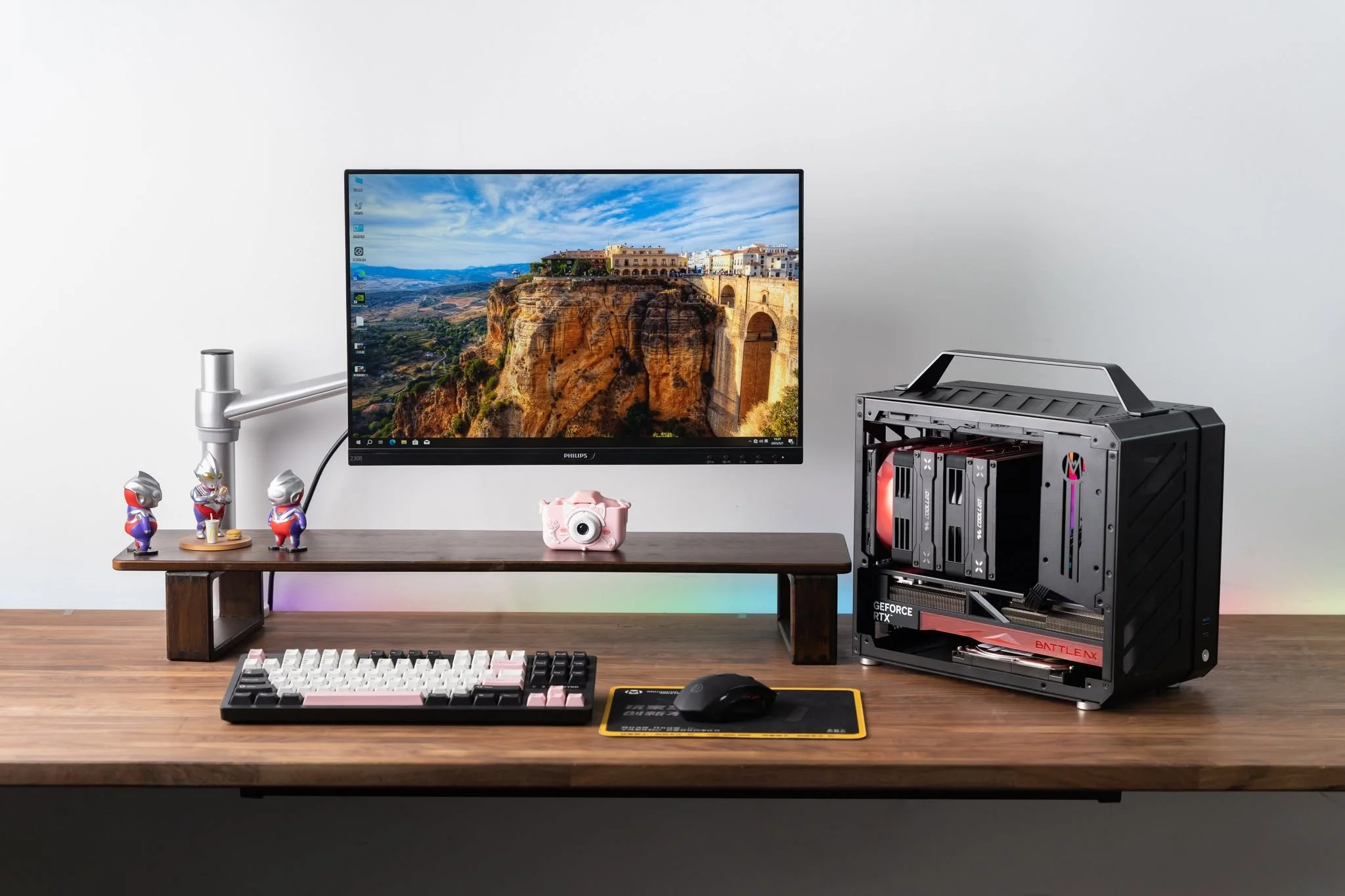
Small cases used to mean weak hardware, but the best prebuilt Mini-ITX gaming PCs now fit serious graphics cards into a chassis about the size of a shoebox. The Cooler Master NR2 Pro is the easiest recommendation here, with the LAN Gamer Portable close behind.
Recommended by Us

LAN Gamer RTX 5060 Ti Gaming PC
- Compact portable case design without sacrificing component quality
- Strong CPU-GPU pairing for 1080p gaming and creator workloads
- Generous 32GB RAM and fast NVMe storage included
- USA assembly, lifetime technical support, and 3-year hardware warranty
- Windows 11 Pro and peripherals included, no bloatware
- RTX 5060 Ti is entry-level; demanding AAA titles may need lower settings at 1440p or higher
- No mention of power supply specifications or cooling details in the listing
- Zero customer reviews available to verify real-world performance claims

Cooler Master NR2 Pro Intel Ultra 7 RTX 5070
- RTX 5070 GPU provides strong 1440p gaming performance at high settings with 120+ FPS
- Intel Ultra 7 265F's 20-core architecture handles gaming and creative workloads efficiently
- Compact ITX form factor offers desktop gaming power in a small footprint
- 32GB DDR5 RAM with RGB lighting for smooth multitasking and future-proofing
- Comes with Wi-Fi, Bluetooth, USB 3.2 Gen 2, and dual display ports out of the box
- No reviews currently available to validate long-term reliability and user experience
- Mini ITX design may limit future GPU upgrades if larger cards are needed
- Pre-built systems typically have limited customization options after purchase
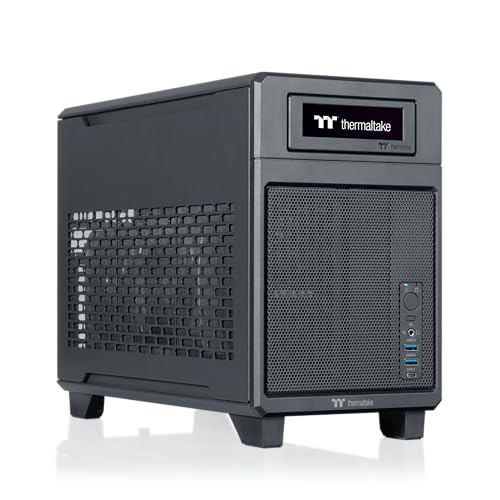
Thermaltake LCGS Traveler u2670 Mini-ITX
- Small form factor makes it genuinely portable for travel or LAN events
- Liquid cooling and dual-chamber design keep temperatures stable in a compact case
- RTX 5070 GPU delivers strong 1440p gaming performance with modern ray tracing support
- High-speed DDR5 RAM and 2TB NVMe storage eliminate common bottlenecks
- All essential features included: WiFi, Windows 11, and quality ToughRam memory
- No user reviews available yet, so real-world reliability and thermal performance under load are unverified
- Small form factor limits future upgrade options and component compatibility
- PSU wattage, exact cooling capacity, and noise levels are not specified in the listing
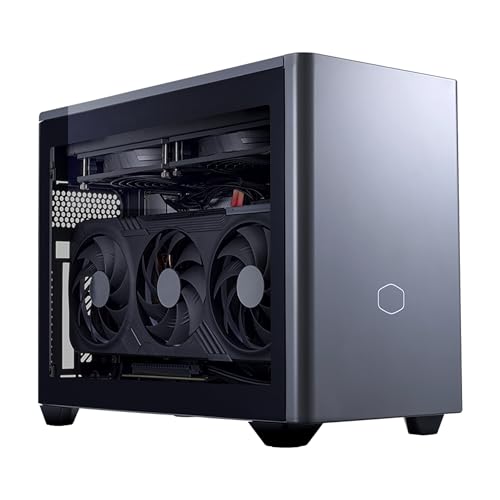
Cooler Master NR2 Pro 9800X3D RTX 5070 Ti
- Powerful CPU-GPU combo in a genuinely compact chassis, ideal for space-constrained setups
- Generous 32GB RAM and 2TB storage eliminate upgrade needs for years
- Includes both glass and mesh panels for customizable thermals and looks
- High-speed DDR5 RAM and Gen4 NVMe storage support demanding creative workflows
- Modern connectivity suite with USB 3.2 Gen 2 Type-C and wireless options
- Mini ITX form factor limits future upgrade options compared to standard ATX builds
- No reviews available yet, so real-world reliability and customer experience are unverified
- Premium pricing typical of pre-built systems with high-end components
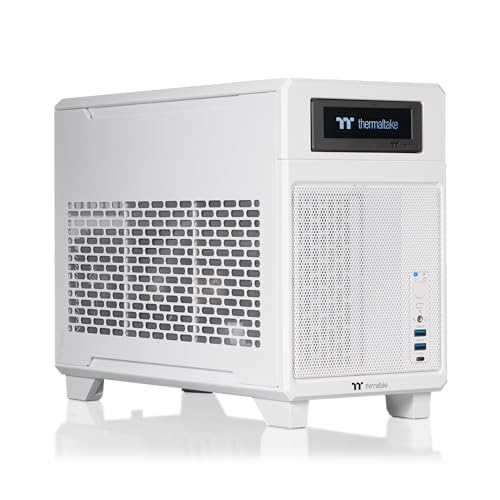
Thermaltake LCGS Traveler 9880S Mini-ITX
- High-performance CPU and GPU combination for demanding games and creative workloads
- Intelligent dual-chamber design separates heat sources for better thermal efficiency
- Generous 32GB DDR5 memory and 2TB storage for content creators and gamers
- Liquid cooling system helps maintain performance under load
- Compact form factor without sacrificing core gaming capability
- Premium pricing reflects flagship component choices and compact engineering
- Limited upgrade path typical of Mini-ITX and SFF systems
- No details provided on warranty coverage or after-sales support
Why Go Mini-ITX
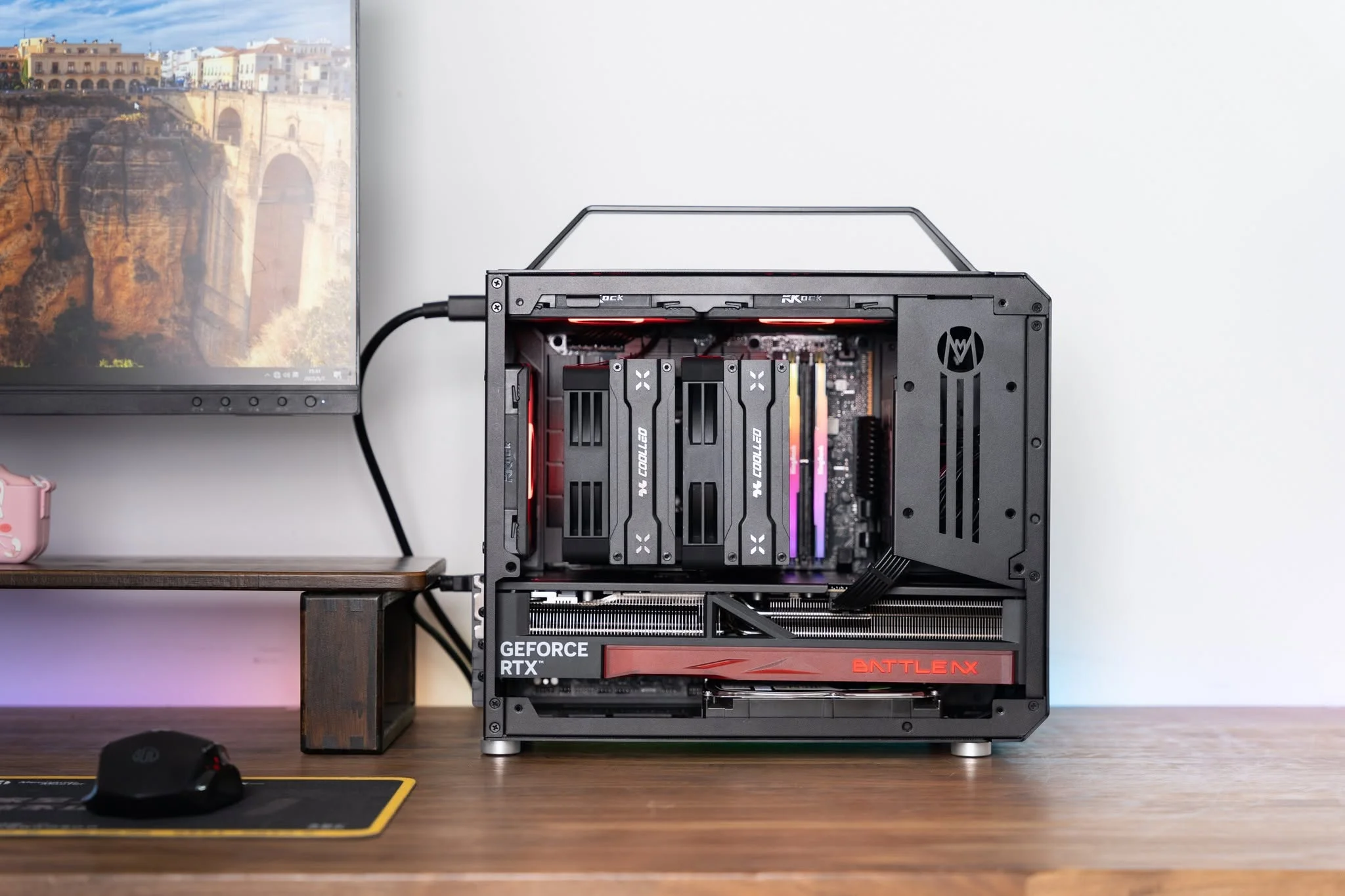
Mini-ITX refers to a smaller motherboard form factor and the compact cases that house them, typically 8 to 20 liters compared to 40 liters or more for a standard tower. The appeal is straightforward: you save desk space, make your setup cleaner, and gain portability if you attend LAN parties or move frequently. A smaller footprint also means less visual clutter in a living room or bedroom, which matters if your gaming PC sits in a shared space.
The trade-off is real, though. Cooling becomes trickier because there is less internal volume to dissipate heat, fans sit closer to your ears so noise can be more noticeable, and upgrade options shrink since most Mini-ITX boards have fewer expansion slots. You may also pay a slight premium for the compact engineering. Still, modern Mini-ITX prebuilts use the same powerful CPUs and GPUs as full towers, so raw performance does not suffer, only the case gets smaller. Our gaming PC budget guide covers how Mini-ITX options compare to standard builds.
How Small Is Small
Case size matters more than you might think when choosing a compact system.
| Case Size | What It Means |
|---|---|
| Under 10 liters | Most portable, hardest to cool, usually needs an SFX power supply |
| 15 to 20 liters | The common choice for prebuilts, room for a real AIO cooler |
| Over 20 liters | Sometimes still marketed as Mini-ITX but closer to a small tower, easiest to cool |
Most Mini-ITX builds fall into the 8 to 20 liter range, which balances portability with enough internal space for liquid cooling and modern high-end GPUs. The smallest cases demand careful component selection and usually cost more to engineer properly, while the larger Mini-ITX builds offer better thermals with less fuss. Understanding this range helps you pick a system that matches your priorities, whether that is maximum portability or maximum cooling headroom. For more on what to check beyond the case size, see our proprietary parts guide.
How to Choose a Mini-ITX Prebuilt
Picking the right compact gaming PC means weighing cooling strategy, component pairing, storage capacity, and real-world noise levels.
Cooling in a Tight Case
Air coolers struggle in Mini-ITX cases because there is limited space for large heatsinks and intake fans. Most prebuilts in this category use all-in-one liquid coolers instead, which mount a radiator and fans outside the main component area. Check the radiator size the listing states. A 280mm or 240mm AIO is common and provides solid cooling even with high-end CPUs. Smaller radiators or passive cooling setups are red flags in a compact case paired with a powerful processor.
Heads up: Always verify the cooling solution in the product specs. A tiny case with a high-end CPU and no real radiator can throttle under sustained load, even if initial gaming feels smooth.
CPU and GPU Pairing
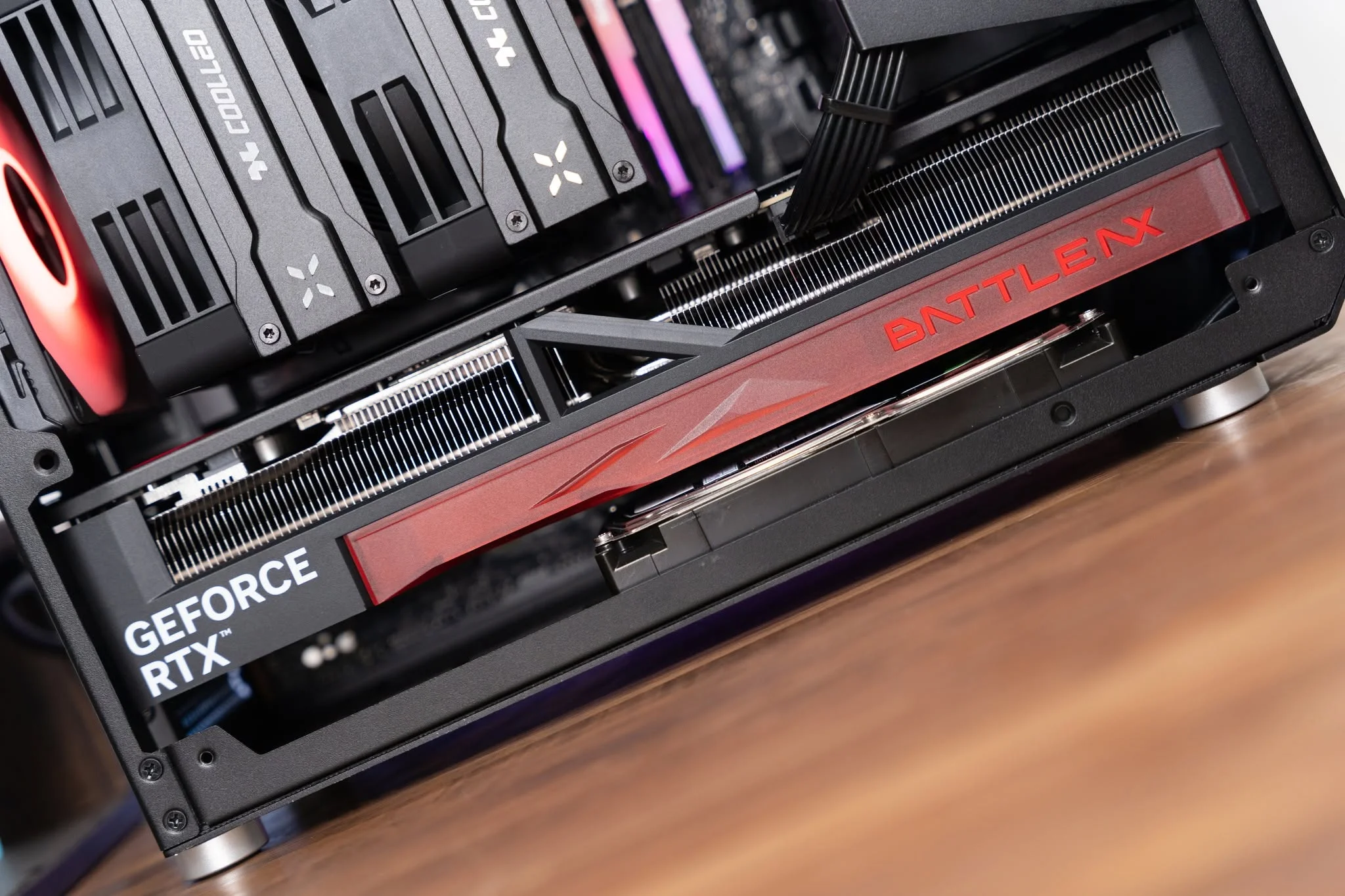
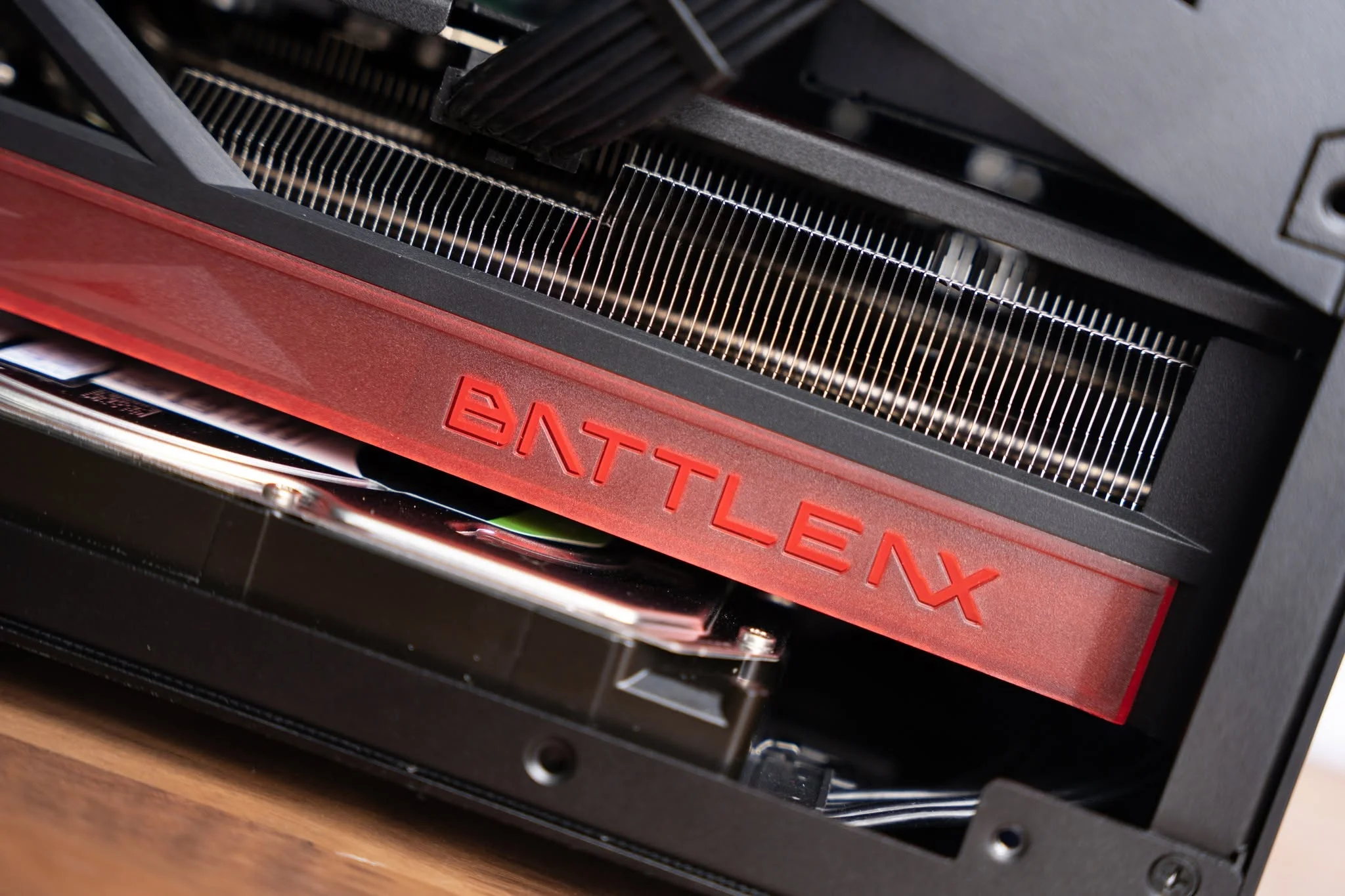
You get the same Ryzen 7, Ryzen 5, and Core Ultra chips in Mini-ITX prebuilts as you do in full towers. The motherboard is smaller, but the processor performance is identical. Likewise, an RTX 5070 or RTX 5080 in a compact case delivers the same frame rates as the same GPU in a larger build. The case size does not limit the power of the parts inside, only the space available to cool and arrange them. This means you can buy a Mini-ITX system without worrying that you are sacrificing gaming performance for portability.
Memory and Storage
Most compact prebuilts ship with 32GB of DDR5 RAM and a 2TB NVMe SSD, which is plenty for gaming and content creation. Mini-ITX boards usually have one or two M.2 slots, so you cannot expand storage as easily as in a full tower, but 2TB covers most gamers’ needs without running out of space. RAM is soldered or uses standard SODIMM slots, so upgrading memory later is sometimes possible but not guaranteed. Check the listing if future RAM upgrades matter to you.
Noise and Upgrade Room
Small cases amplify fan noise because components sit closer together and air has less room to flow smoothly. Under heavy gaming loads, a Mini-ITX system may run louder than a full tower with the same GPU, even if temperatures are similar. Upgrade room is minimal, since swapping the GPU later is usually not possible without removing the entire system, and adding a second SSD requires careful planning. Buy a Mini-ITX prebuilt with the specs you want now, since changing parts later is awkward. For GPU details, check our RTX 5070 review.
Who Should Buy Which System
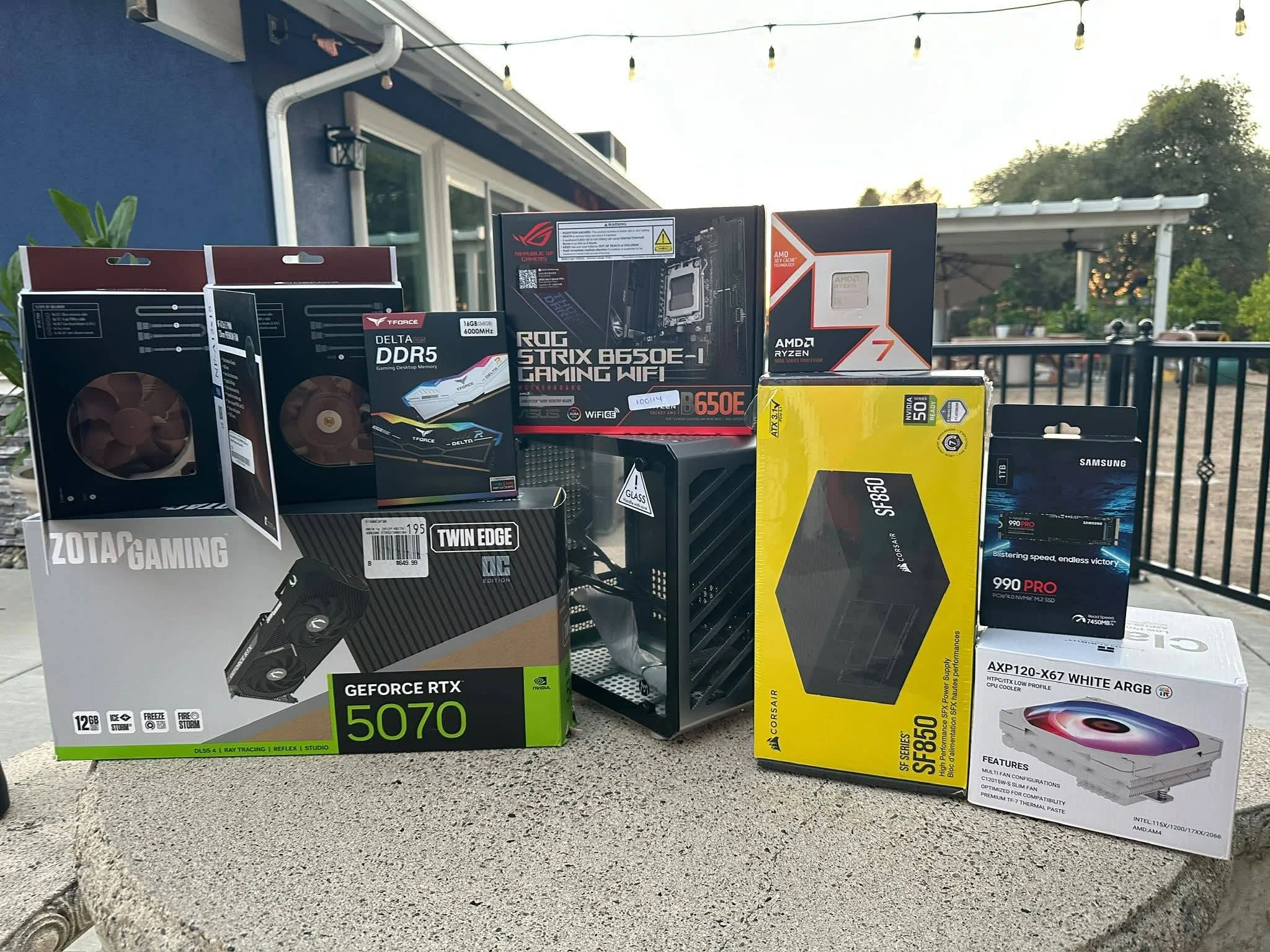
- Best overall: Cooler Master NR2 Pro balances performance, cooling, and value with an Intel Core Ultra 7 and RTX 5070 in an 18.25L case.
- Best value entry into Mini-ITX: LAN Gamer Portable fits an RTX 5060 Ti and Ryzen 7 8700F into an ultra-compact 8.1L case, a good value pick for a small desk.
- Best performance in a small case: Cooler Master NR2 Pro with RTX 5070 Ti and Ryzen 7 9800X3D delivers flagship-tier gaming in the same compact footprint.
- Most travel-friendly: Thermaltake Traveler u2670 uses a smart dual-chamber design and includes handles, making it the easiest to carry between locations.
Final Thoughts
Small form factor gaming does not mean small performance. These builds prove that you can fit a powerful CPU, a high-end GPU, and plenty of RAM into a case that fits on a shelf or under a desk. If you value space and portability, the Cooler Master NR2 Pro offers the best balance of cooling, upgradability, and price, while the LAN Gamer Portable is your entry point if you want to go even smaller and save money.
More Options to Consider
- LAN Gamer RTX 5070 12GB, 20-Core Intel Ultra 7 pairs an Intel processor with an RTX 5070 in the same 8.1L case, offering a different CPU option for Intel-focused builders who want maximum portability.
- Cooler Master NR2 Pro Gaming PC 9800X3D + RTX 5080 steps up to an RTX 5080 if you want the absolute highest gaming performance in a compact 18.25L form factor.
- LAN Gamer 8.1L Mini ITX Desktop RTX 5070 Ti combines the ultra-compact 8.1L case with an RTX 5070 Ti and Ryzen 7 9800X3D, for those willing to accept tighter cooling in exchange for extreme portability and top-tier gaming power.
FAQs
Q: Is a Mini-ITX gaming PC as powerful as a full tower?
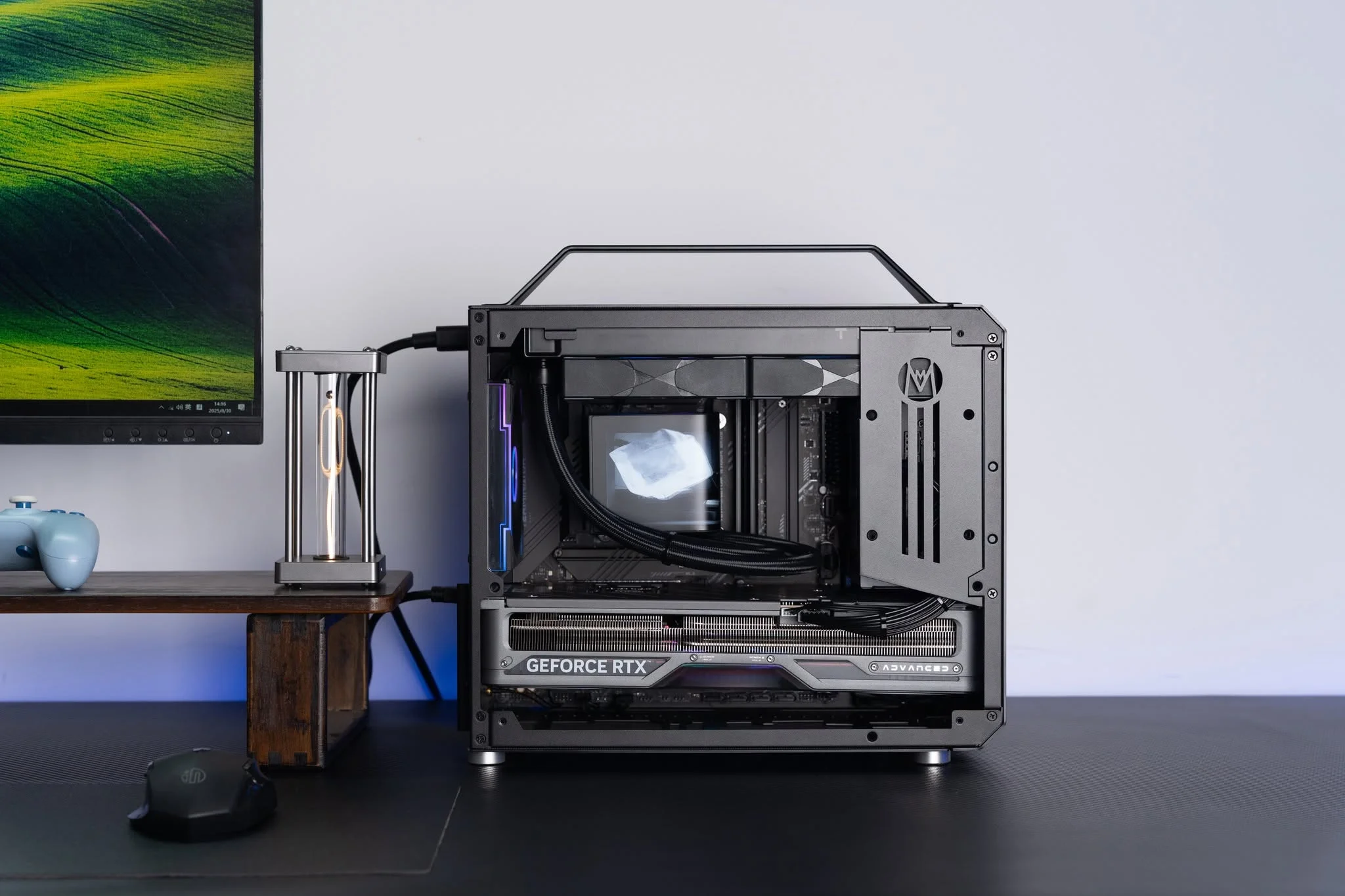
A: Yes. A Mini-ITX prebuilt with an RTX 5070 and Ryzen 7 9800X3D delivers identical gaming performance to the same components in a full tower. The case is smaller, not the parts inside. The only real difference is cooling efficiency and upgrade flexibility, both of which favor the larger case. Performance per dollar is the same.
Q: Do small cases really run hotter?
A: They can, because there is less volume for air to circulate and heat to dissipate. However, modern Mini-ITX prebuilts use 280mm or 240mm liquid coolers specifically to handle this challenge. As long as the system includes a proper AIO cooler and adequate case ventilation, temperatures stay reasonable even under load. The key is verifying the cooling solution before you buy.
Q: Can I upgrade a Mini-ITX prebuilt later?
A: RAM and storage upgrades are sometimes possible, depending on the motherboard and case design. GPU upgrades are rarely practical because the case is too tight and the power supply is usually an SFX unit with limited headroom. CPU upgrades require a new motherboard. Buy a Mini-ITX system with the specs you want now rather than planning major upgrades later. See our prebuilt upgrade guide for more on upgrade paths.
Q: Is Mini-ITX worth the price premium over a standard tower?
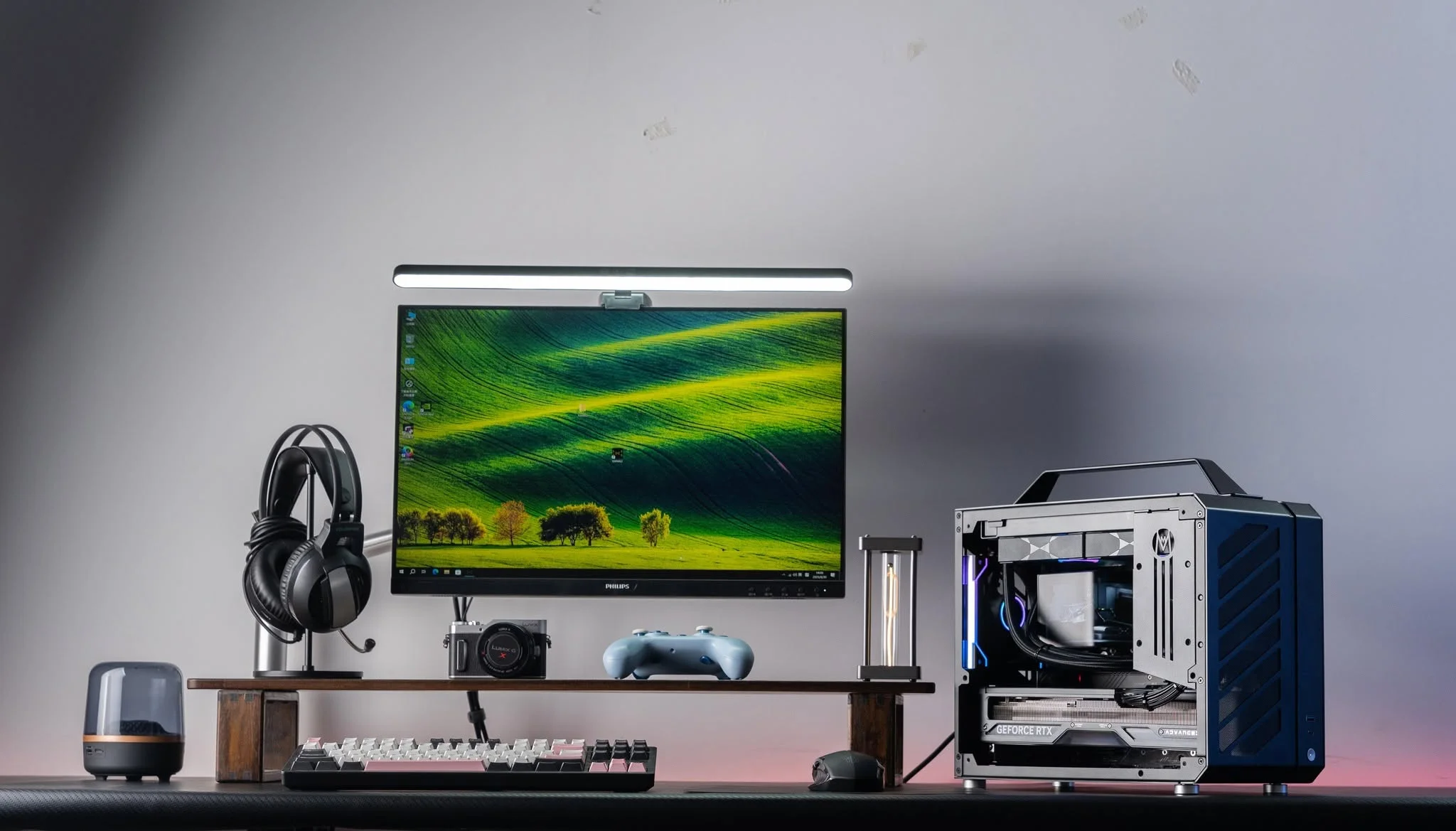
A: If you value desk space, portability, or a cleaner aesthetic, yes. You may pay a bit more for the compact engineering and specialized cooling solutions. If you have unlimited desk space and never move your PC, a standard tower offers better upgrade options and lower costs. The premium is modest enough that many buyers find it worthwhile for the space savings alone.
Q: What size case counts as Mini-ITX?
A: Mini-ITX refers to the motherboard form factor, which is 17cm by 17cm. Cases designed for Mini-ITX boards range from under 10 liters (ultra-compact, very tight) to 20 liters and beyond (more spacious, easier to build and cool). Most prebuilts sit in the 15 to 20 liter range, which balances portability with practical cooling and component access. Check the listed case volume to understand exactly how compact a system is.









