

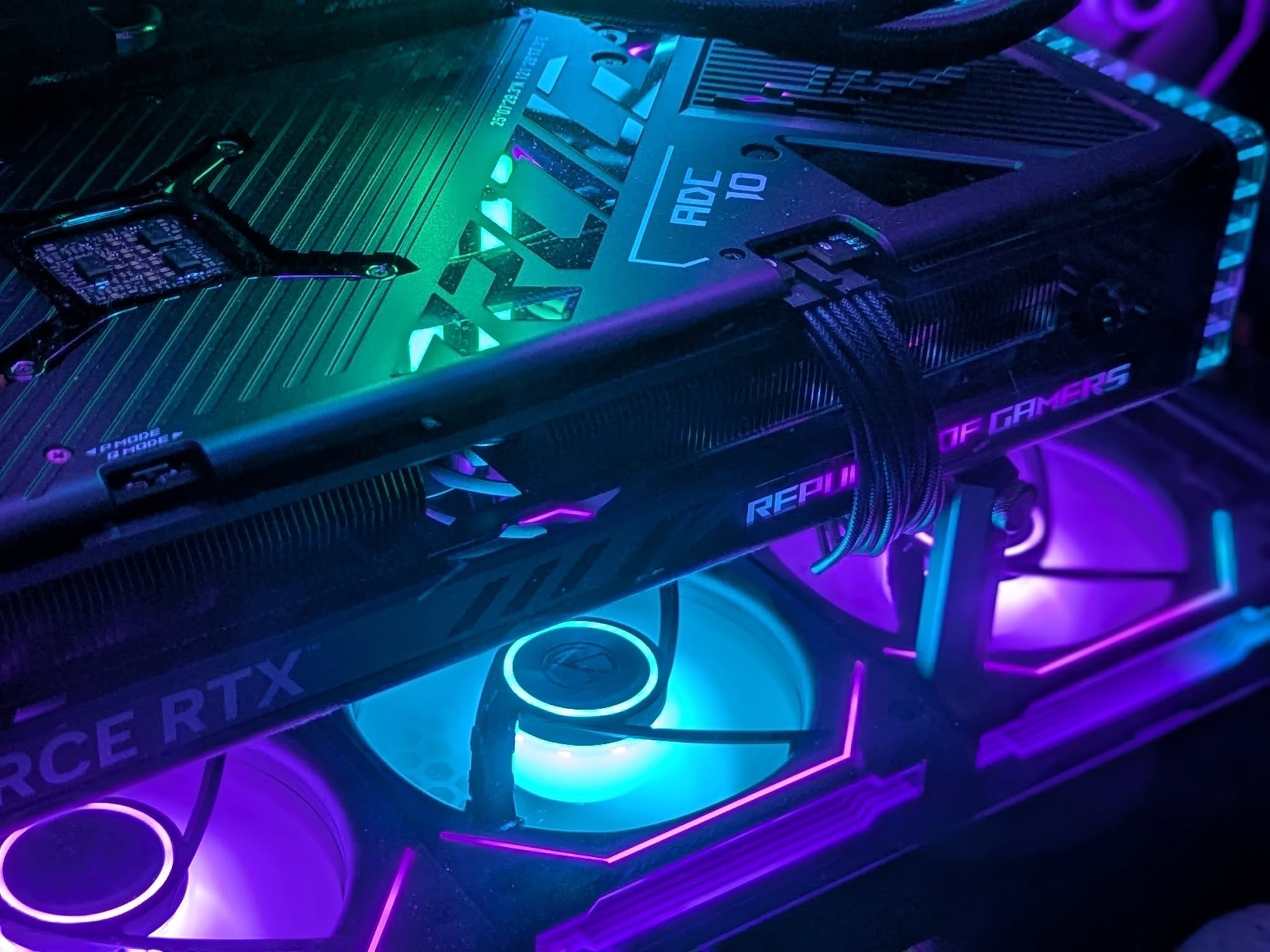
No, most modern GPU fans don’t spin constantly. Graphics cards with Zero RPM mode keep their fans completely off during idle use and light tasks, only spinning up once the GPU hits a temperature threshold, usually somewhere around 50-60°C. If your fans stay silent while you’re browsing or watching a video, that’s the card working as intended, not a malfunction.
- Zero RPM mode keeps fans off until roughly 50-60°C.
- Fans that never stop usually mean high load or a bad fan curve.
- Fans that never spin under load are worth investigating.
When Should GPU Fans Turn On?
Fans typically activate once the GPU crosses a set temperature, not at a fixed time or workload. That threshold sits around 50-60°C on most cards, though the exact number varies by manufacturer and model.
Below that point, the GPU relies on passive cooling, heat spreading through the heatsink without any airflow, since a chip that isn’t under load doesn’t generate enough heat to need it. Once you launch a game or run something GPU-intensive, temperatures climb past the threshold and the fans spin up automatically. If you’re not sure what’s normal for your card, check what GPU temperature actually counts as too high.
Why Do Some GPU Fans Never Stop Spinning?
If your fans run constantly, something is usually keeping the GPU warmer than it should be at idle. Common causes include:
- Background processes using the GPU (browser hardware acceleration, a second monitor, a crypto miner you forgot about)
- An aggressive custom fan curve set in software like MSI Afterburner
- An overclock that raises baseline temperatures even at idle
- Outdated or corrupted GPU drivers misreporting temperature
- A genuinely high ambient room temperature
Cards used for sustained workloads, like mining or long render jobs, are the one case where fans spinning nonstop is expected rather than a sign of a problem. Constant load also tends to push usage to 100%, which isn’t automatically a bad thing.
Why Might GPU Fans Not Spin At All?
The flip side matters too. If your fans stay off even while gaming and your GPU is running hot, that’s not Zero RPM mode working, that’s a real problem. Check these first:
- Dust buildup blocking the fan blades or the heatsink fins
- A fan cable that’s come loose from its header
- Outdated drivers preventing the fan curve from reading temperature correctly (here’s how to update them)
- A physically failed fan motor
If your card is also drooping under its own weight, it’s worth ruling out whether GPU sag is putting stress on the fan assembly too. You can confirm fan behavior directly through GeForce Experience on Nvidia cards or AMD Adrenalin on AMD cards, both of which show live fan speed alongside temperature. If they still won’t move, follow our step-by-step guide to fixing a GPU fan that’s not spinning.
Should You Force Your Fans to Always Spin?
For most people, no. Zero RPM mode exists specifically to cut fan noise and reduce wear during the majority of everyday use, when the GPU barely needs to work at all.
The exception is sustained heavy workloads: overclocking, mining, or rendering for hours at a stretch. In those cases, a small constant baseline of airflow can actually keep temperatures more stable than waiting for the fan curve to react each time. Manufacturer software like EVGA Precision X1 lets you set a manual minimum fan speed if you want that.
Related reading: a GPU not being detected GPU coil whine.
Frequently Asked Questions
Is it normal for GPU fans to not spin at all?
Yes, at idle or light load. Most modern GPUs use Zero RPM mode and only start their fans once the chip passes a temperature threshold, usually around 50-60°C.
Why are my GPU fans always spinning even when idle?
This usually means something is keeping the GPU warmer than expected: background processes, an aggressive fan curve, an overclock, or outdated drivers misreporting temperature.
Do GPU fans spin at startup?
Some cards briefly spin their fans at full speed for a second or two right after powering on, as a self-test. This is normal and unrelated to Zero RPM mode kicking in later.
Can I make my GPU fans always spin manually?
Yes, through manufacturer software or third-party tools like MSI Afterburner, which let you set a custom minimum fan speed instead of relying on the automatic curve.


